Repository navigation
TBPlay (v250802)

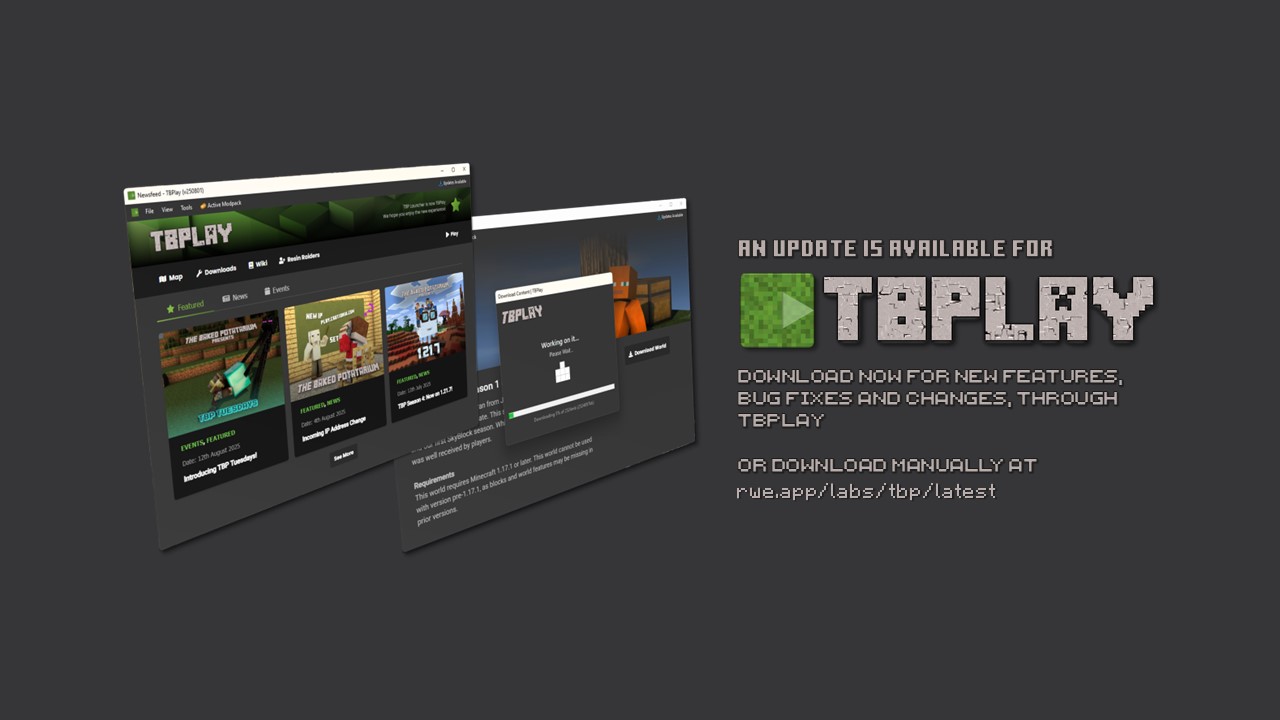
About TBPlay
TBPlay (formerly TBP Launcher) is a customised Minecraft launcher by Crutionix Media Group and RWE Labs, that is designed to act as a hub for information and content downloads, for players of The Baked Potatarium, a Minecraft server operated by Crutionix Media Group. It was designed initially to serve as a way of distributing the TBP: Origins modpack to players with a simplified install. It slowly morphed into a full blown launcher project, which includes news and events for server members, in addition to game launching, a dynamic web-map, world downloads, modpack, resourcepack and software downloads.
This Update
This update adds the following quality of life improvements, new features and bug fixes.
Control Bar
- When visiting a resource outside of the TBPlay namespace (such as the Minecraft Wiki), a new control bar has been added.
- The control bar allows you to quickly navigate forward, back, refresh the page, pin the page or head back to the newsfeed.
- The control bar can be dragged anywhere within the application, and can be collapsed and expanded by right clicking.
Pins
- A new menu dropdown called "Pins" has been added.
- Pins are essentially bookmarks, to resources. By default, users will have pins to the newsfeed and the world map.
- Pins can be added from the control bar, on any website outside of the TBP namespace.
- Clicking on a pin from the menu will navigate to the resource quickly. Right clicking the pin will allow you to delete them.
Misc Updates
- When clicking "Play" the launcher will now ensure that you have the correct Minecraft version installed, as required by the server. If you do not, you will receive a popup. This is designed so that when the server is updated, users will realise if they need to swap instances upon clicking play.
Bug Fixes
- The "Back" and "Forward" buttons in the View menu are now working correctly.
- The "Back" and "Forward" buttons in the View menu now have icons.
- The "Refresh" button in the "Tools" menu now has an icon.
- The application's titlebar will now more reliably display information pertaining to update availability.
Download and Install
You may be required to click "Keep File" when downloading and click "More Info" and "Run Anyway" in Microsoft SmartScreen when downloading the TBP Launcher.
The installation setup will automatically install TBP Launcher to your desired location. When you first run the application, it may take a few minutes to download any dependencies not found on your system.