

wallbash_720p.mp4



Hydenix is a Nix & home-manager configuration for HyDE. The nix ecosystem brings a reproducable environment to the HyDE experience; allowing for build-time configuration options, easy updates, and more.
Features:
- Includes HyDE-cli by default
- NixOS VM that can be run with any supported distro
- Themes are fetched at build-time, for faster setup
- Includes beta cross-distro support using home-manager, more on that here.
Why Nix?:
- Reproducible environment
- Easy to manage packages, dependencies, and configurations
- changes in configuration can be rolled back easily
- home-manager for managing dotfiles
Note
If you are new to Nix, please refer to the Nix Resources.
- Some Hyde-cli commands are not supported yet
Hyde theme importI've had this fail off and on, working on a fixHyde restore/backup/controlwhile these commands will work, hydenix makes edits to hyde files by default. currently not recommendedHyde overridechanging the user dir conflics with home-manager, rebuilds won't run as expectedHyde sddmsddm is not supported yetHyde injectnot supported
- Any other issues that don't match base HyDE config, see Troubleshooting & Issues
- nix pkg manager: i recommend using the nix-installer from DeterminateSystems
- git (
nix-shell -p git)
If your system supports it, the NixOS VM is the quickest way to get up and running. If you have issues running the VM, see the virtio faq
# run the flake remotely
nix run github:richen604/hydenix

# or clone the repo
git clone https://github.com/richen604/hydenix.git && cd hydenix
nix run .
note: any changes require the vm to be rebuilt. run
rm hydenix.qcow2to remove the old one.
Caution
Installation options below are designed for a minimal install of NixOS.
-
clone this repository:
git clone https://github.com/richen604/hydenix.git && cd hydenix
-
edit
config.nixandhosts/nixos/home.nixwith your preferences
customizations outside of config.nix & hydenix in home.nix will have limited support
-
generate hardware configuration:
sudo nixos-generate-config --show-hardware-config > ./hosts/nixos/hardware-configuration.nix -
run the flake:
sudo nixos-rebuild switch --flake .#hydenix
Currently Arch & Fedora VMs are supported Same VM requirements as VM virtio guide
nix run github:richen604/hydenix/#build-fedora-vm # or #build-arch-vm

# after the vm is built, run the flake from the vm
nix run github:richen604/hydenix/#run-fedora-vm # or #run-arch-vmAll our official themes are stored in a separate repository, allowing users to install them using themepatcher. For more information, visit prasanthrangan/hyde-themes.
|
|
Tip
Everyone, including you can create, maintain, and share additional themes, all of which can be installed using themepatcher! To create your own custom theme, please refer to the theming wiki. If you wish to have your hyde theme showcased, or you want to find some non-official themes, visit kRHYME7/hyde-gallery!
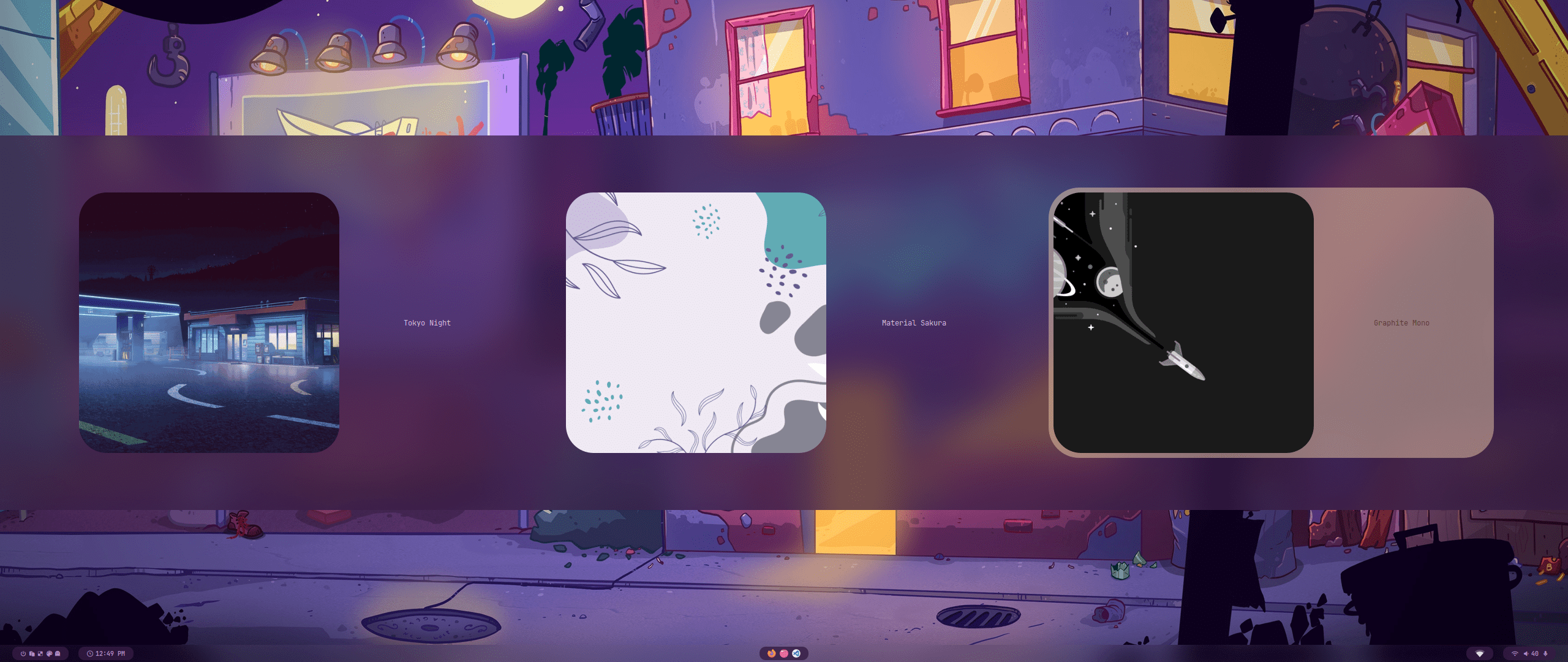 |
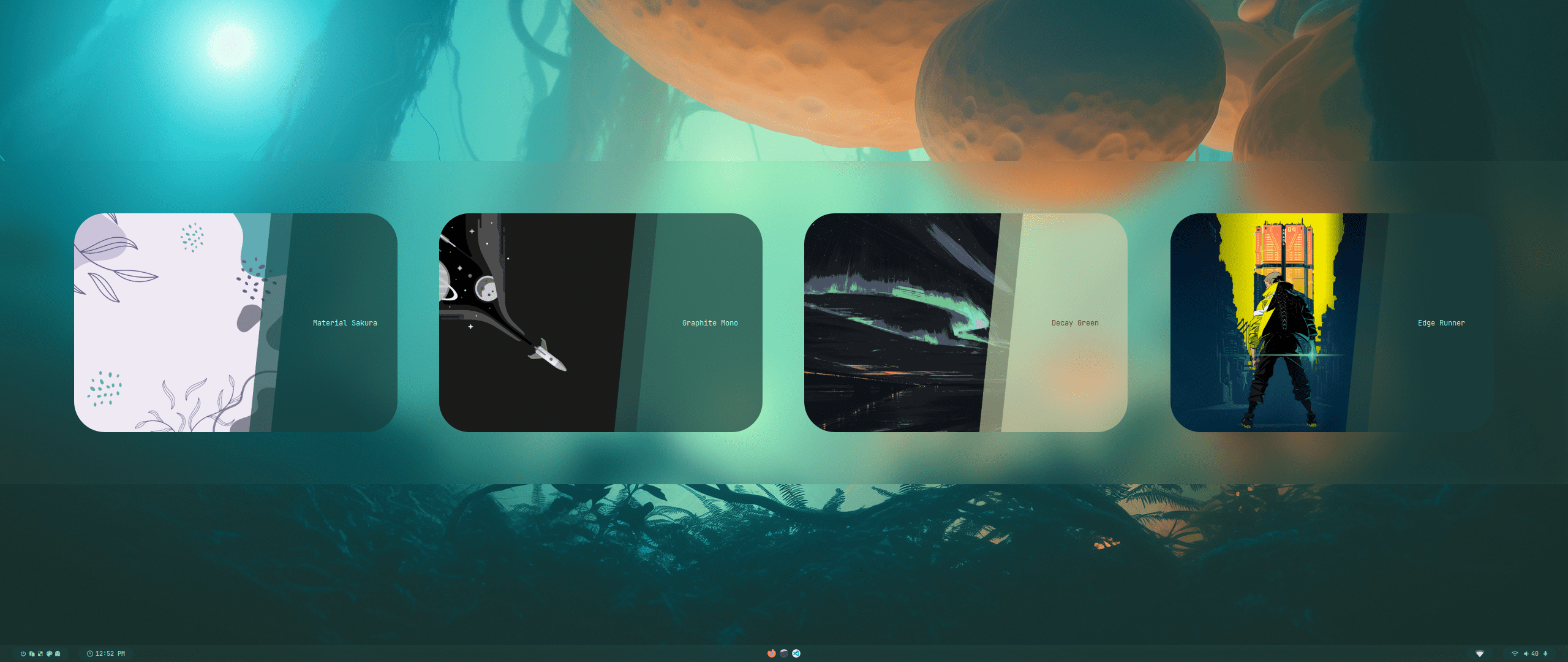 |
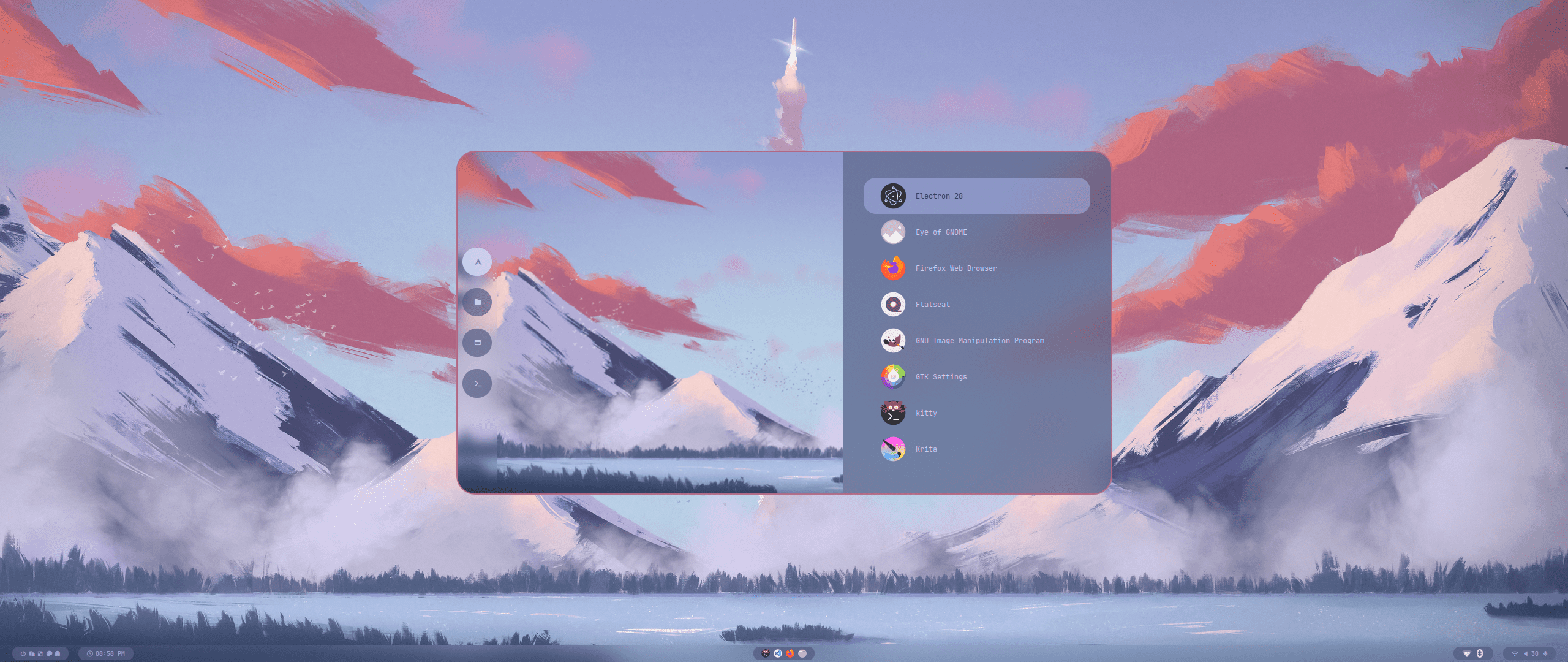
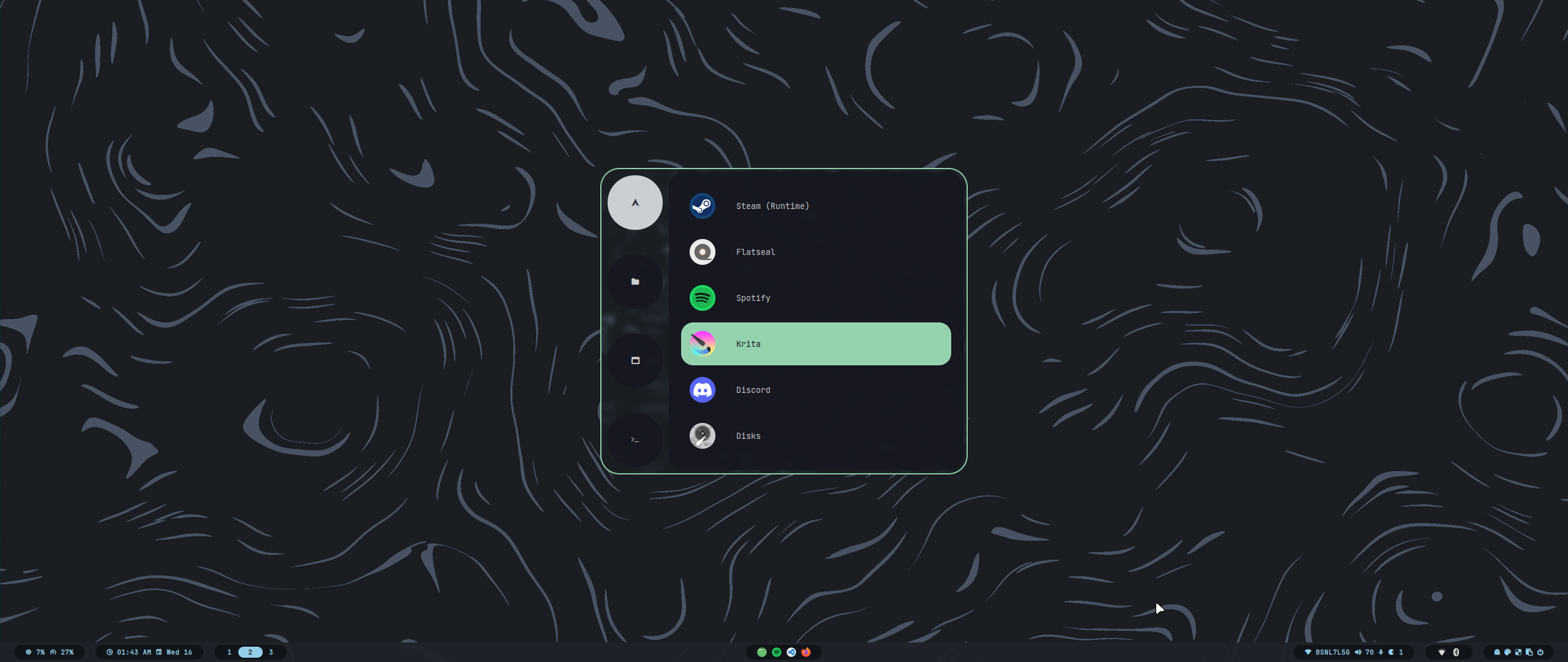
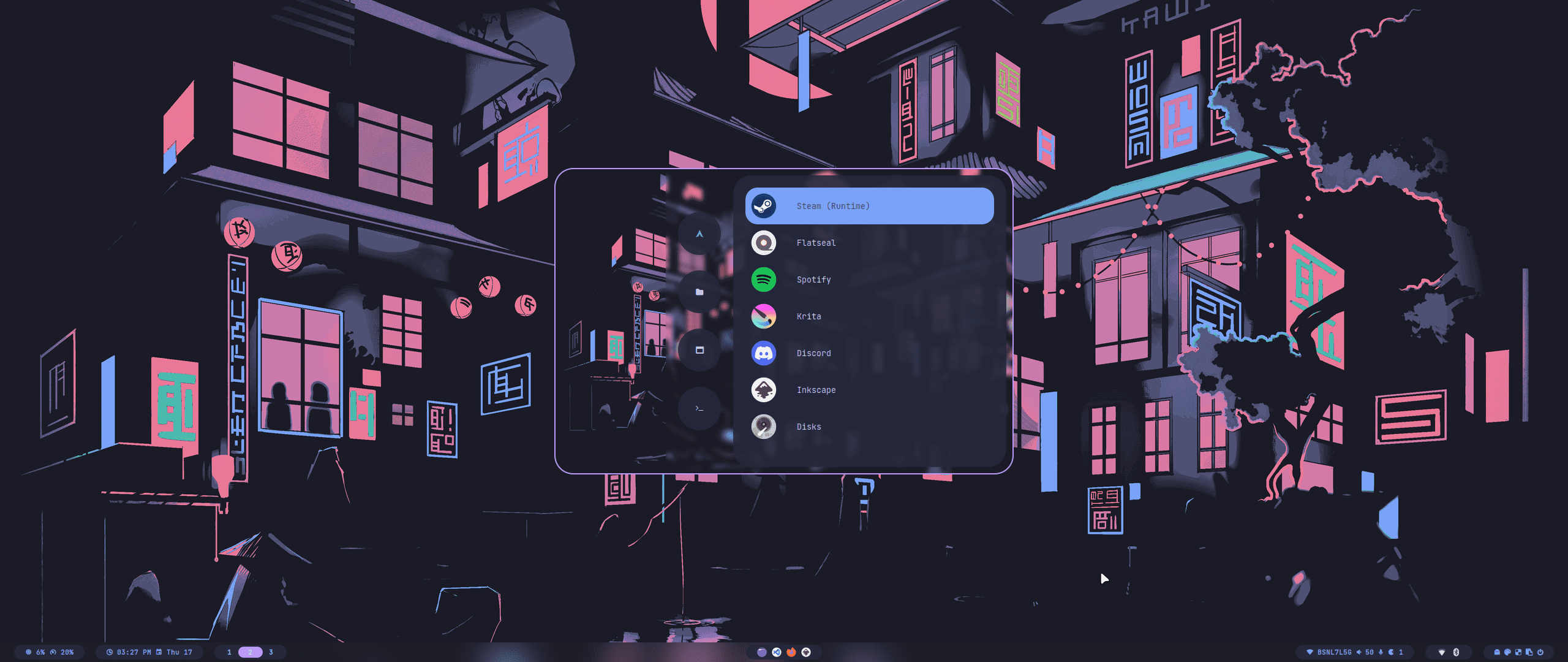
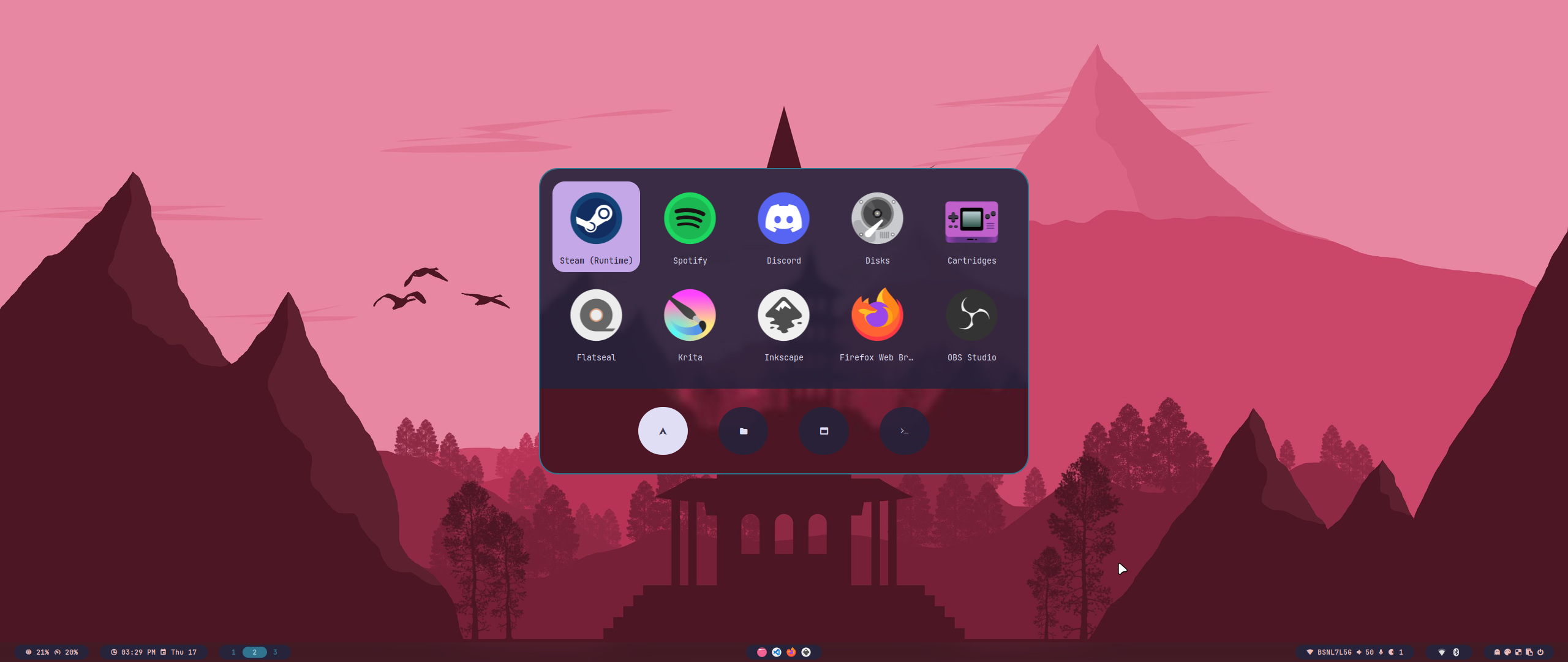
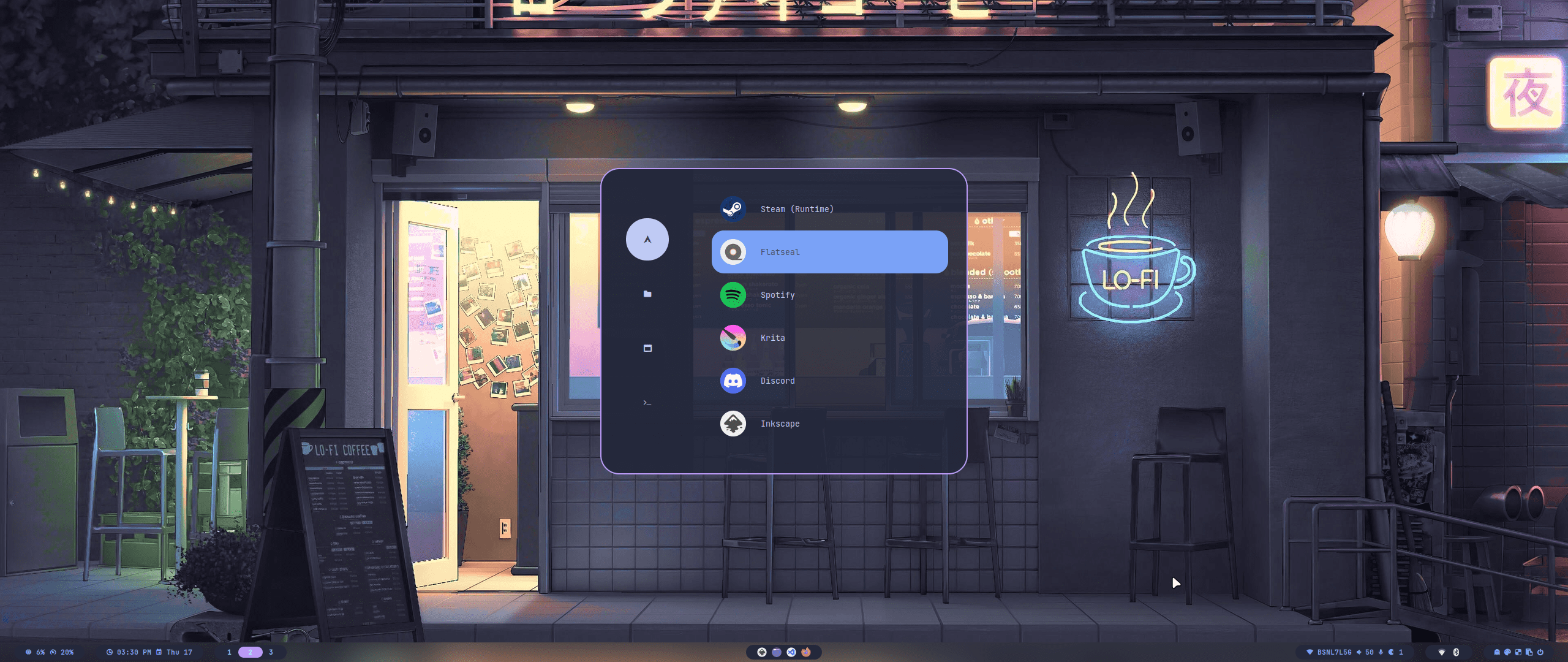
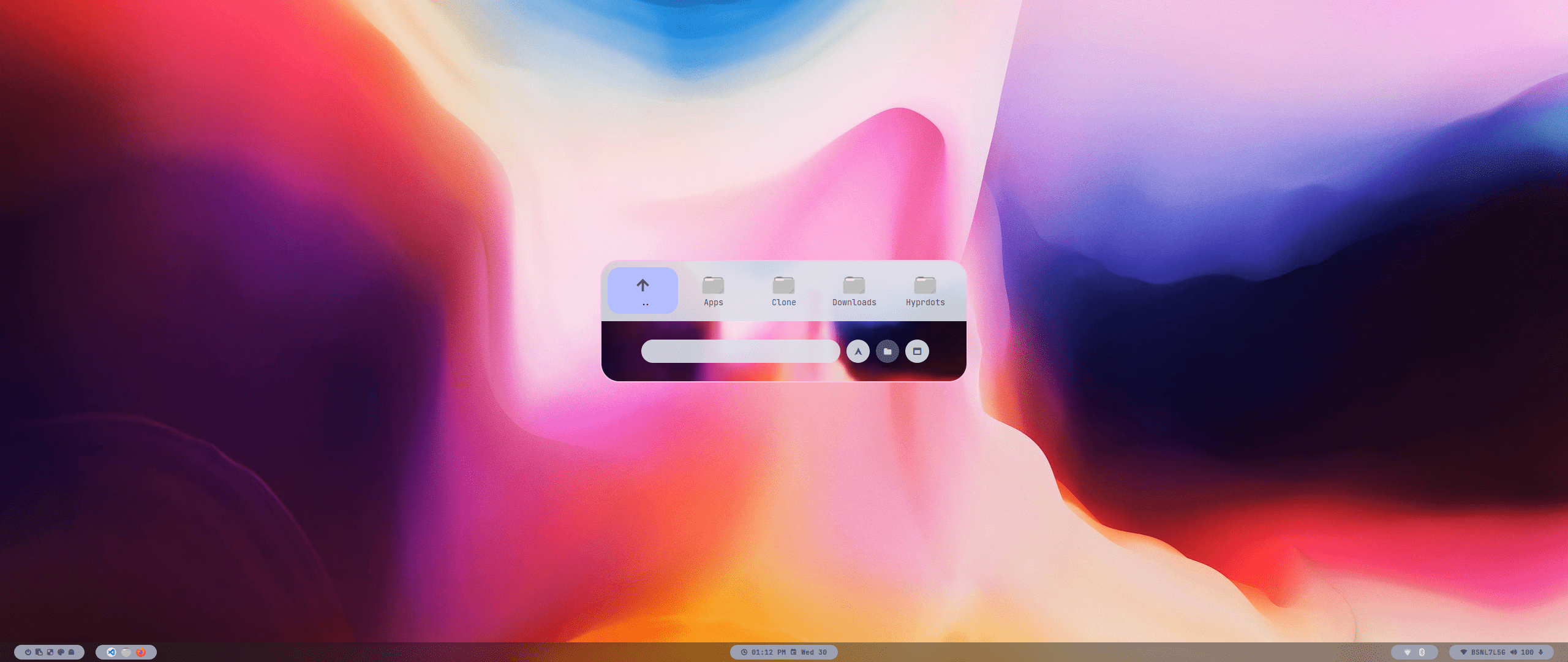
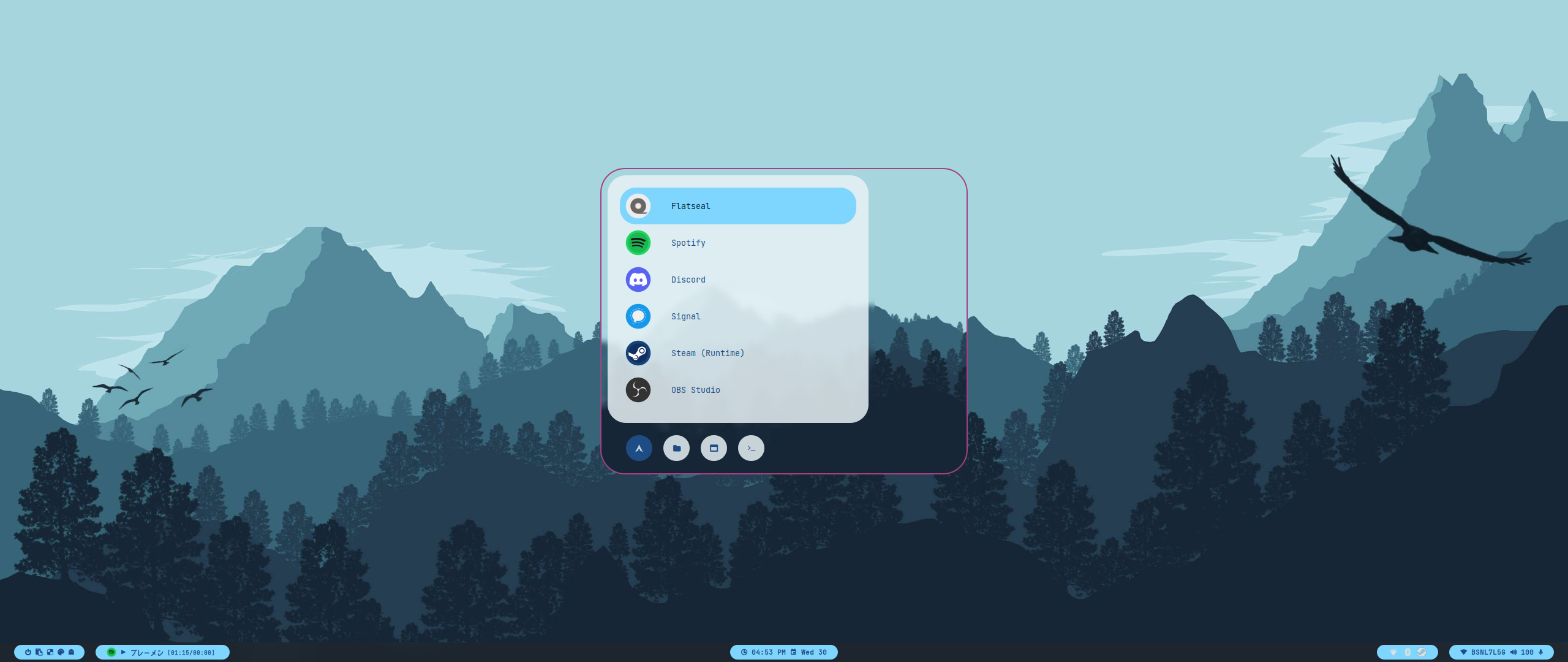
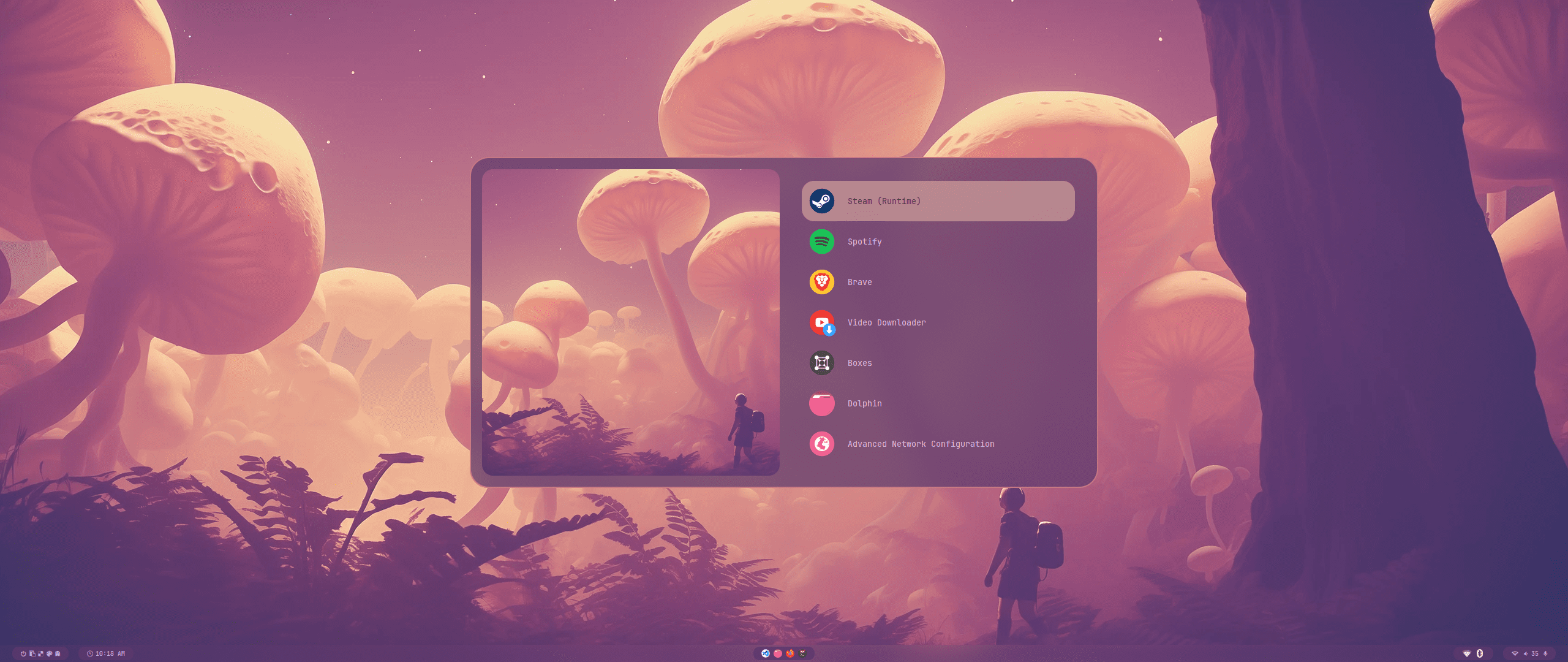
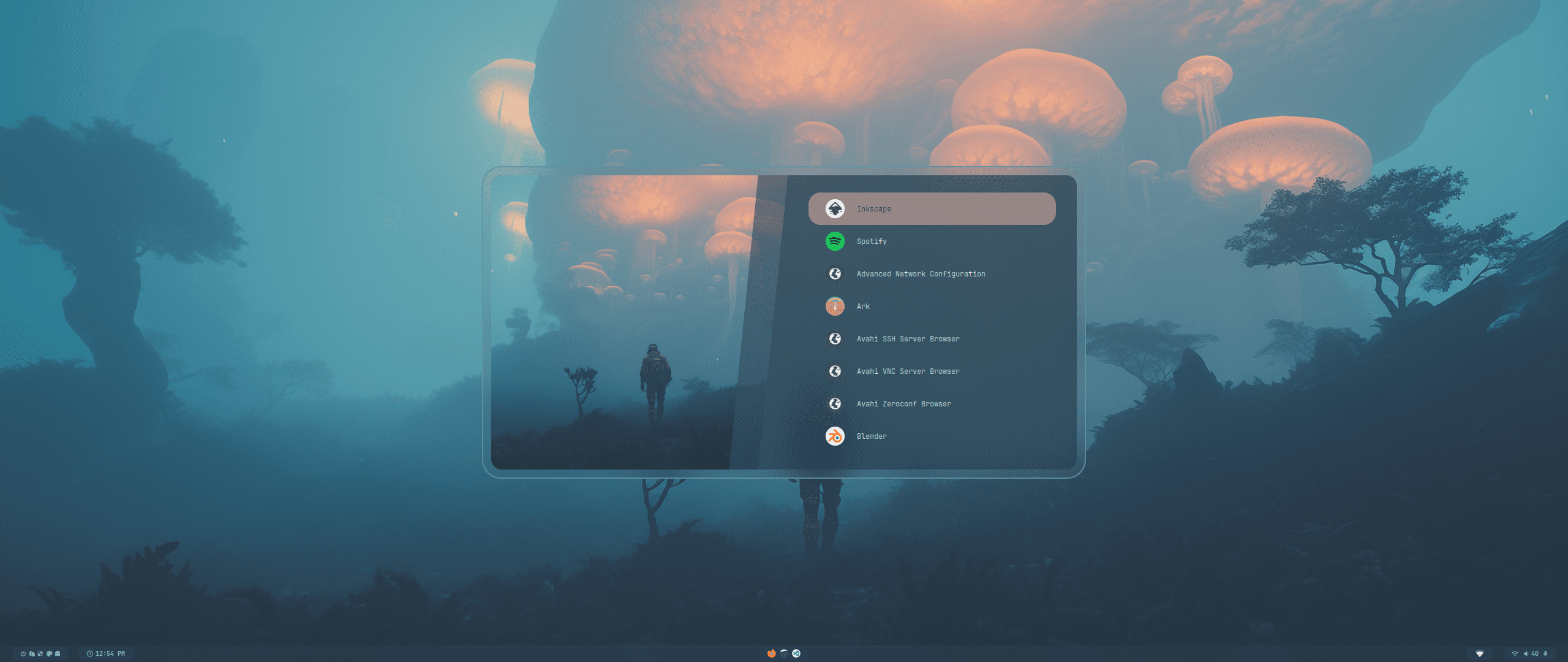
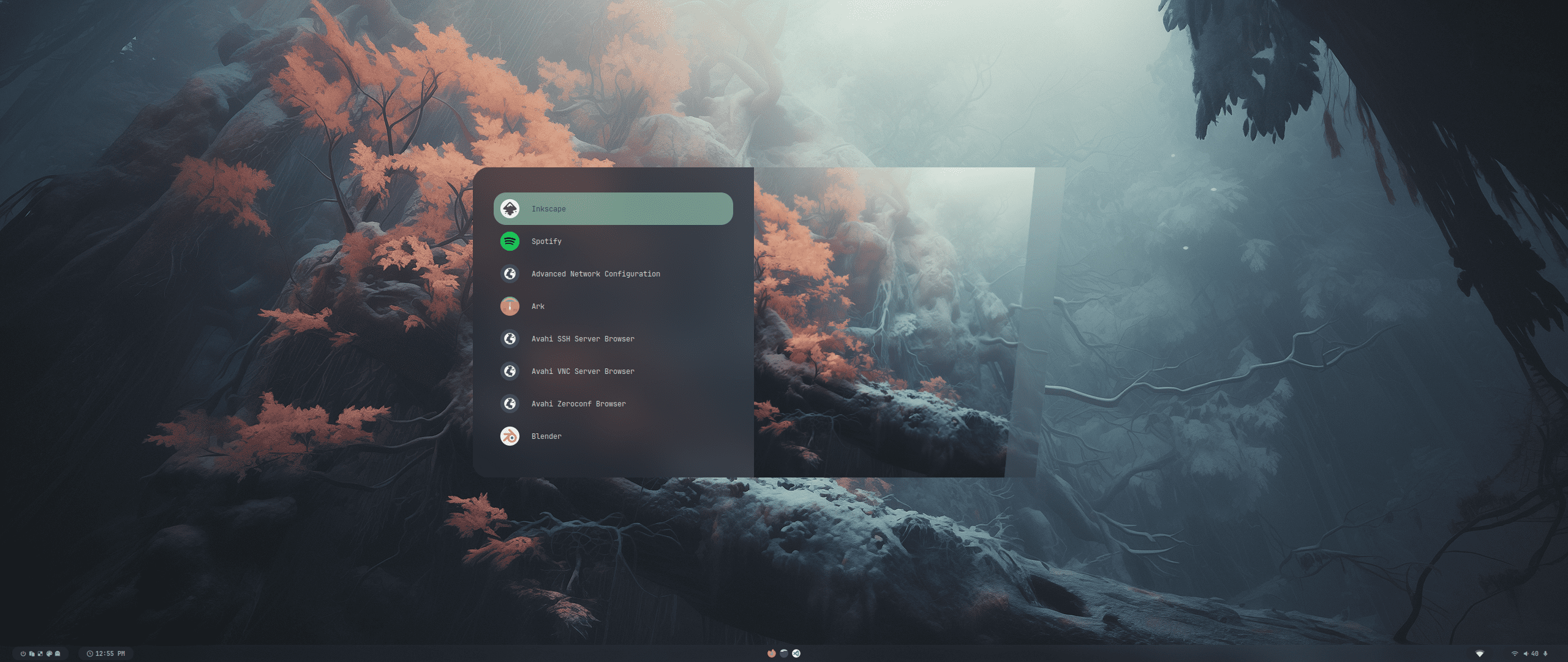
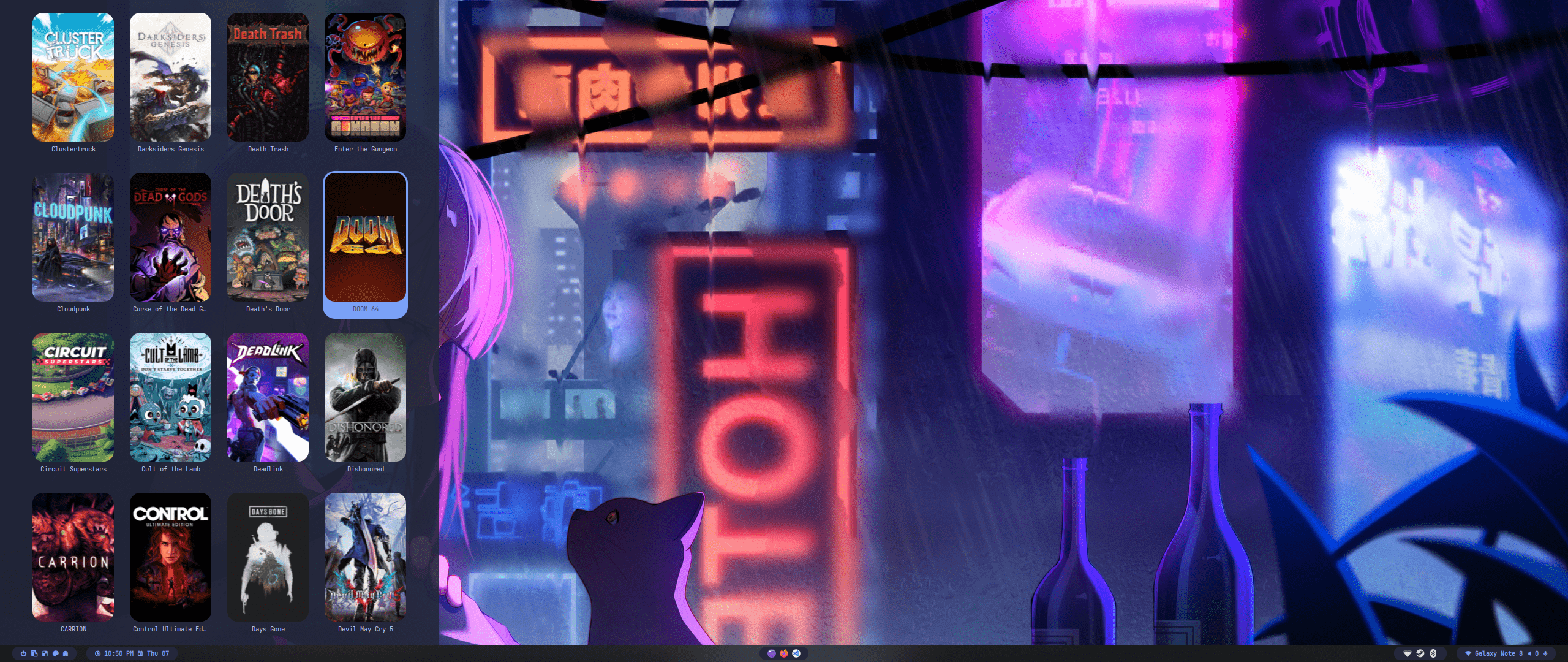
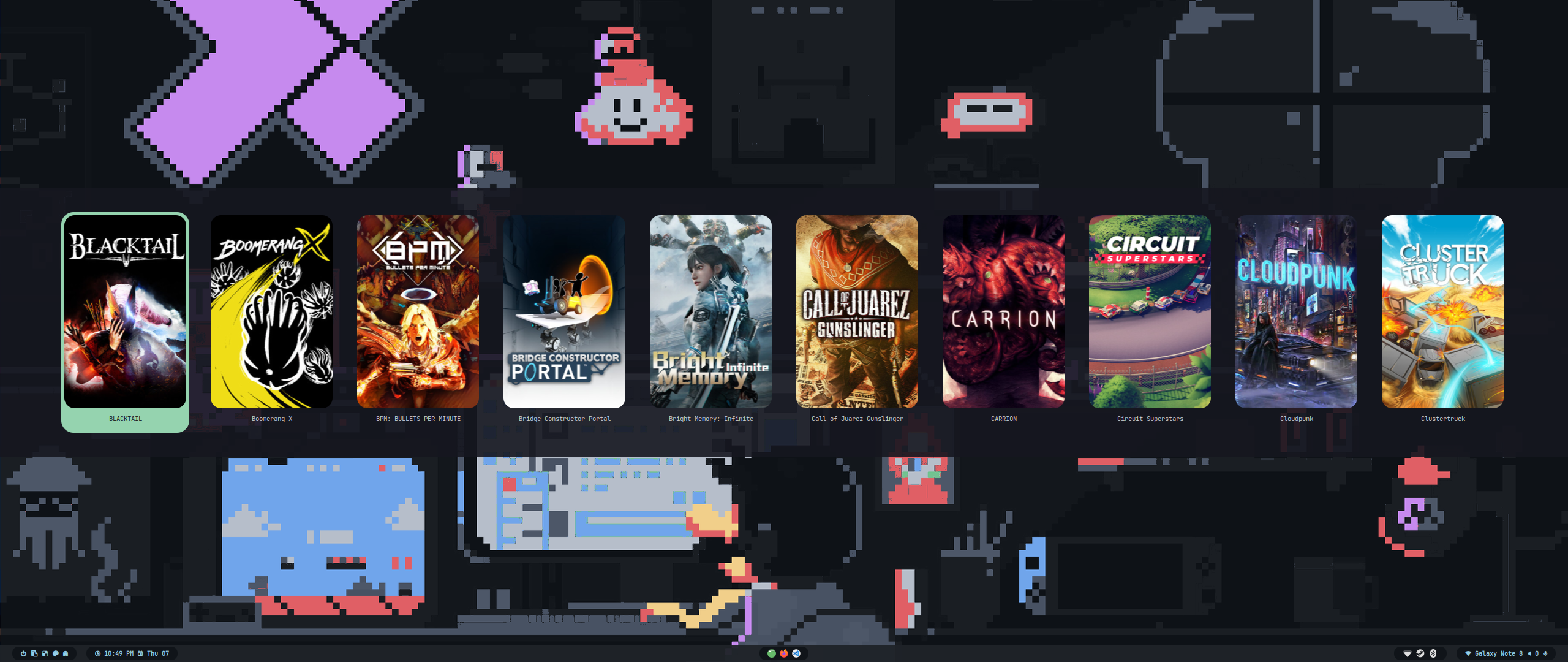
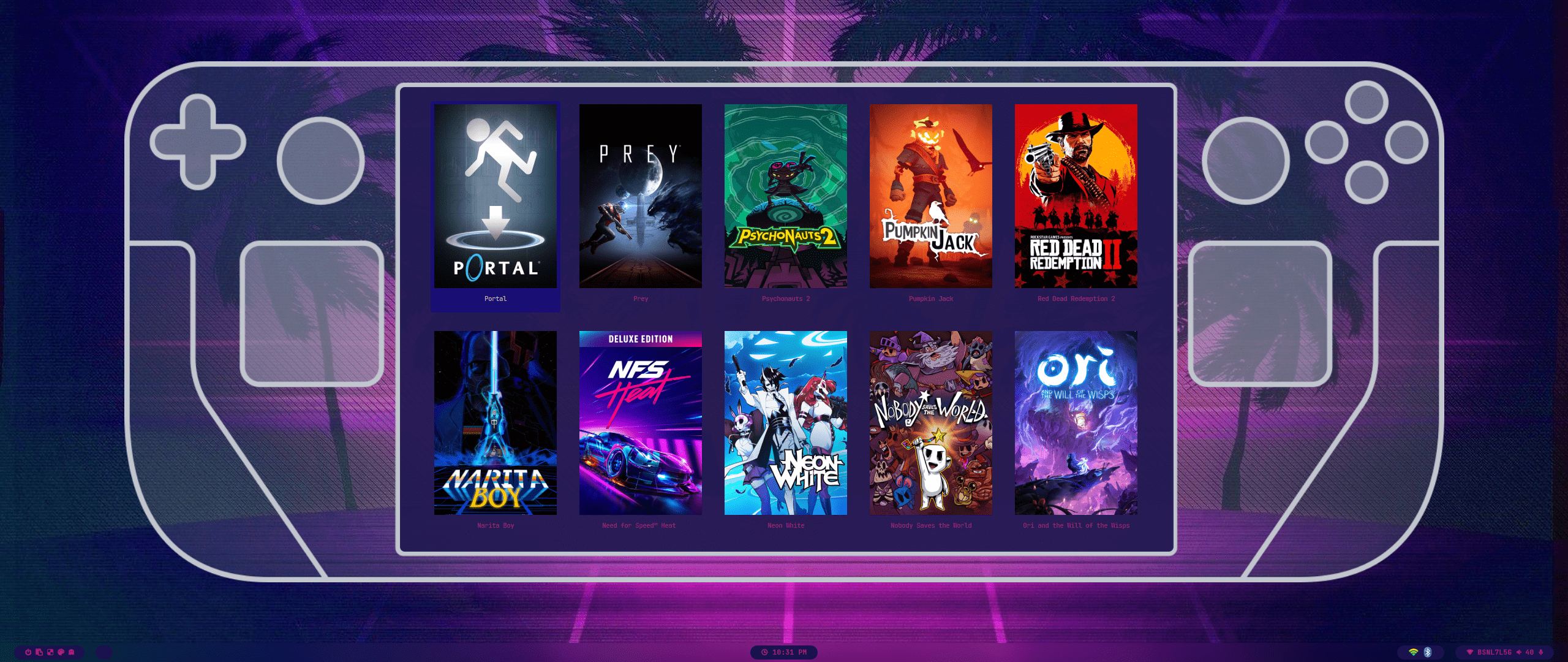
| Wallpaper Select | Launcher Select |
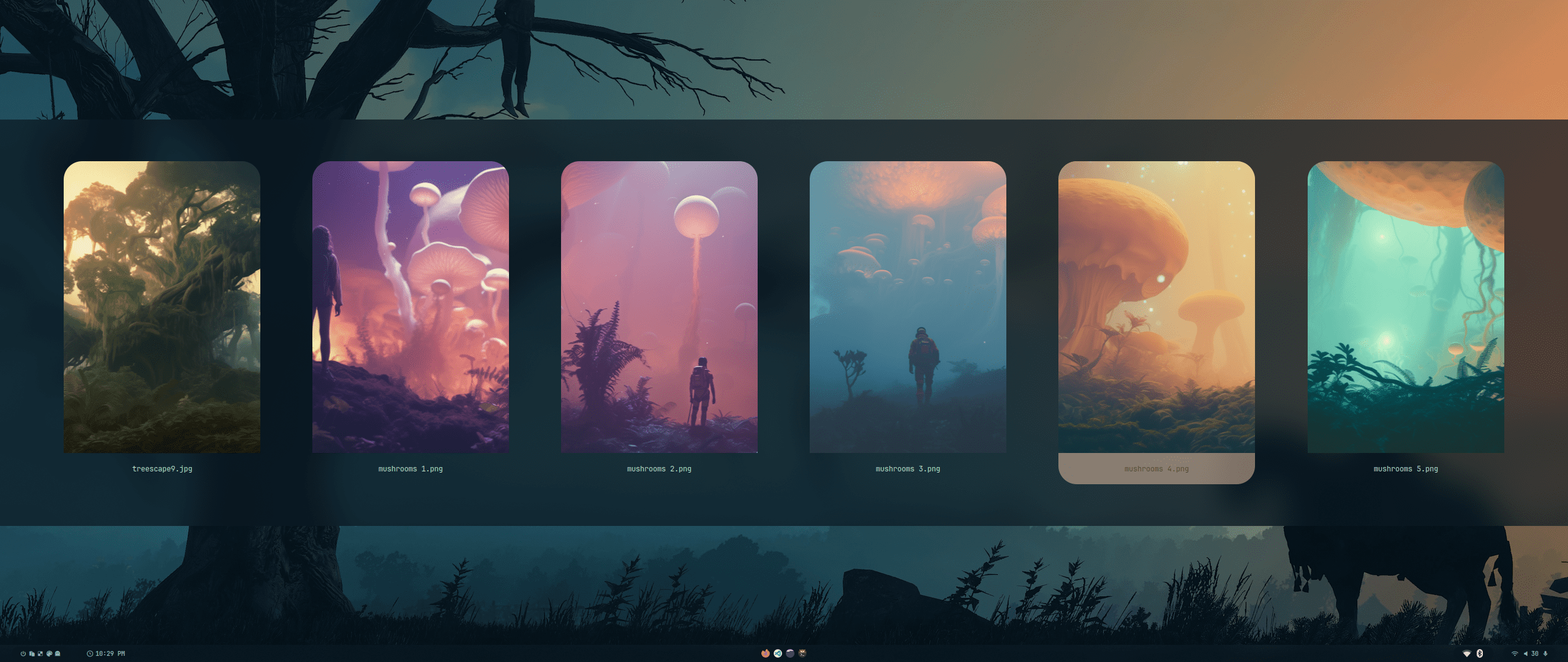 |
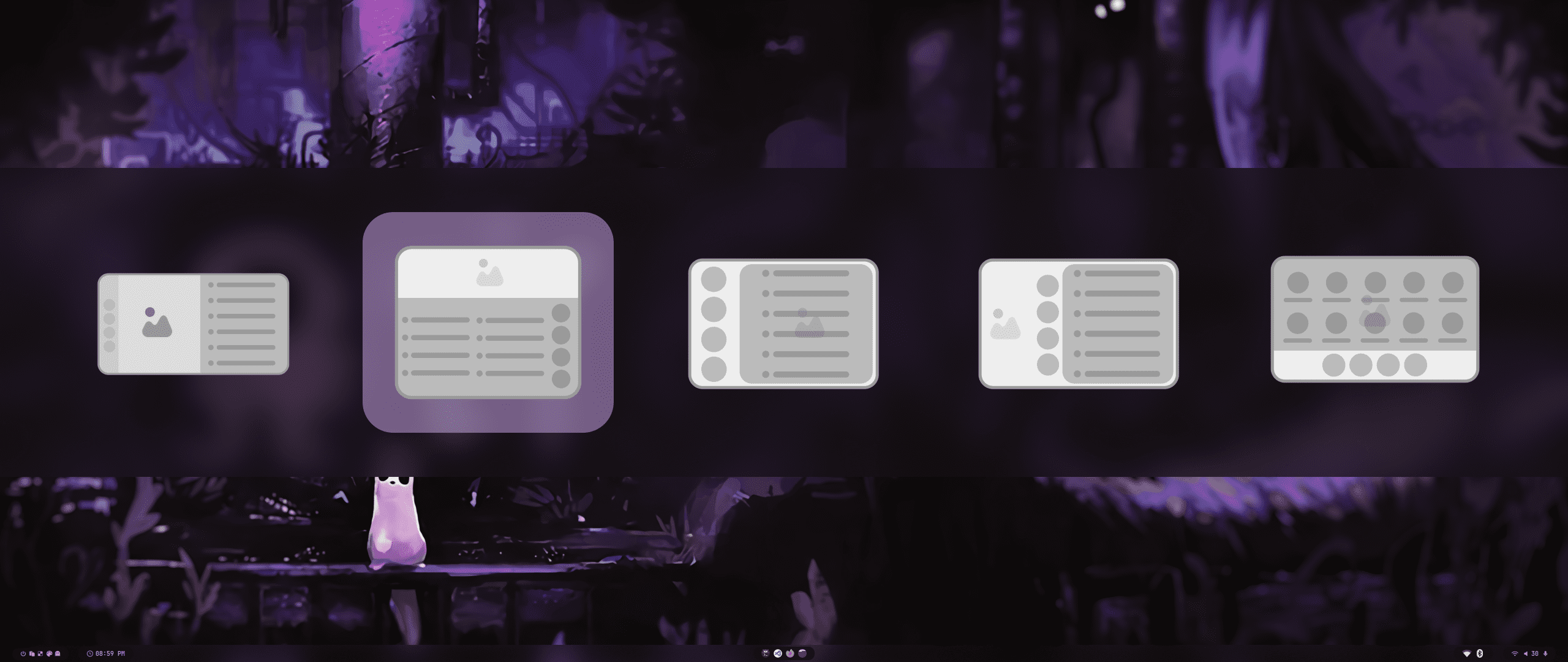 |
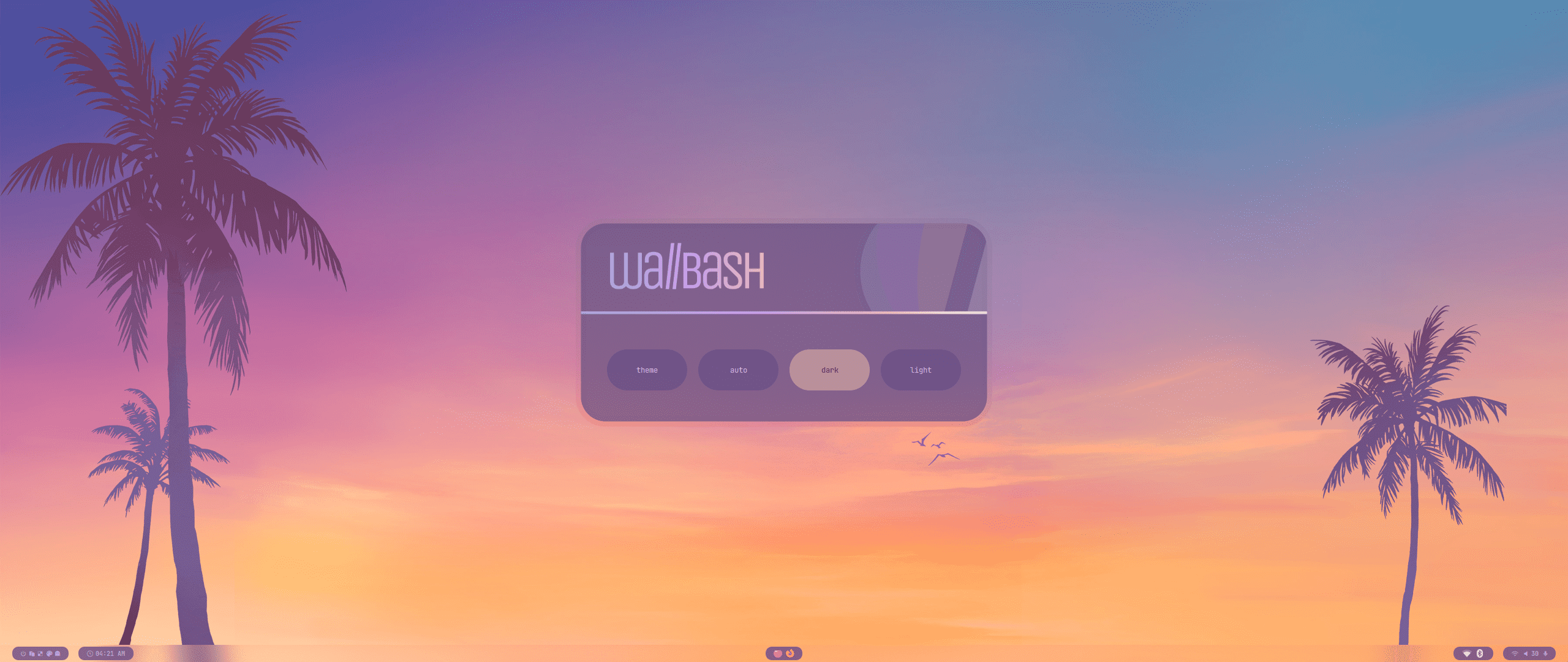
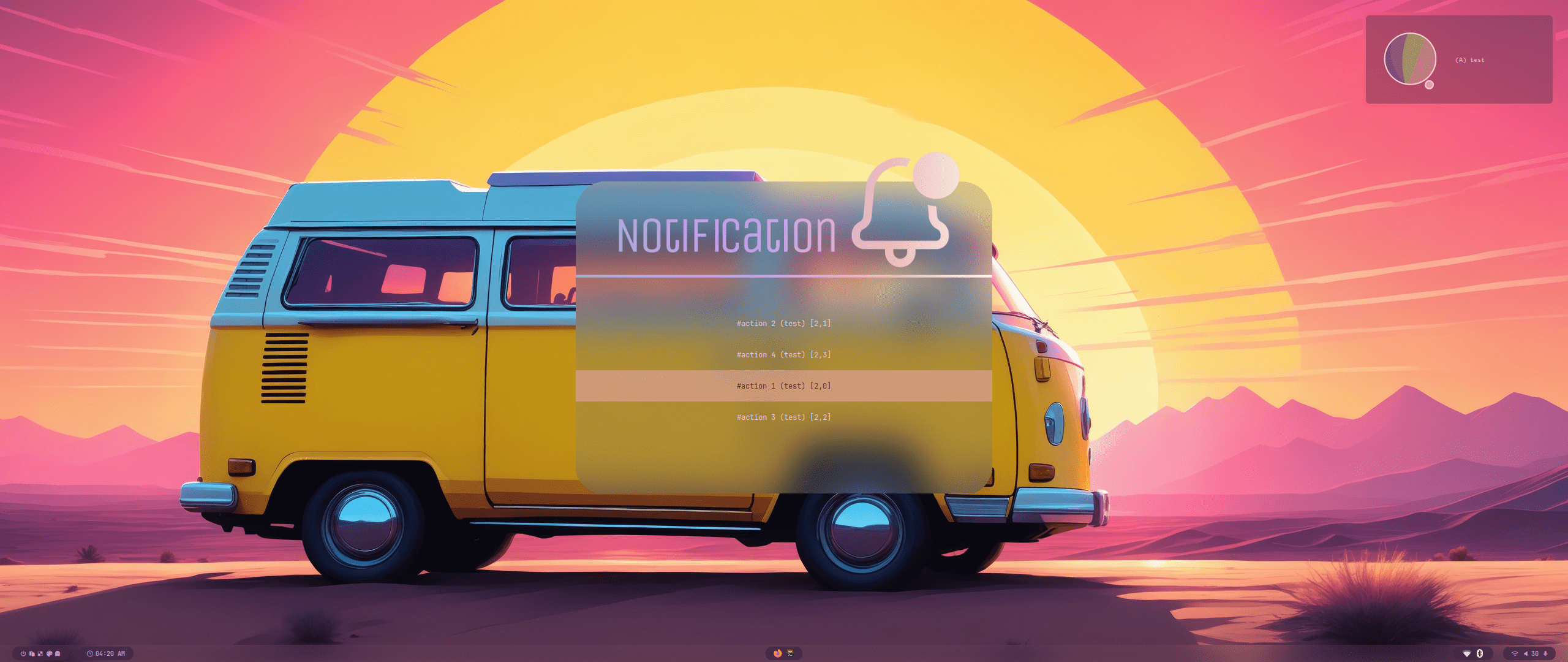
| Wallbash Modes | Notification Action |
 |
 |
 |
 |
 |
 |
 |
 |
 |
 |
 |
 |
 |
 |
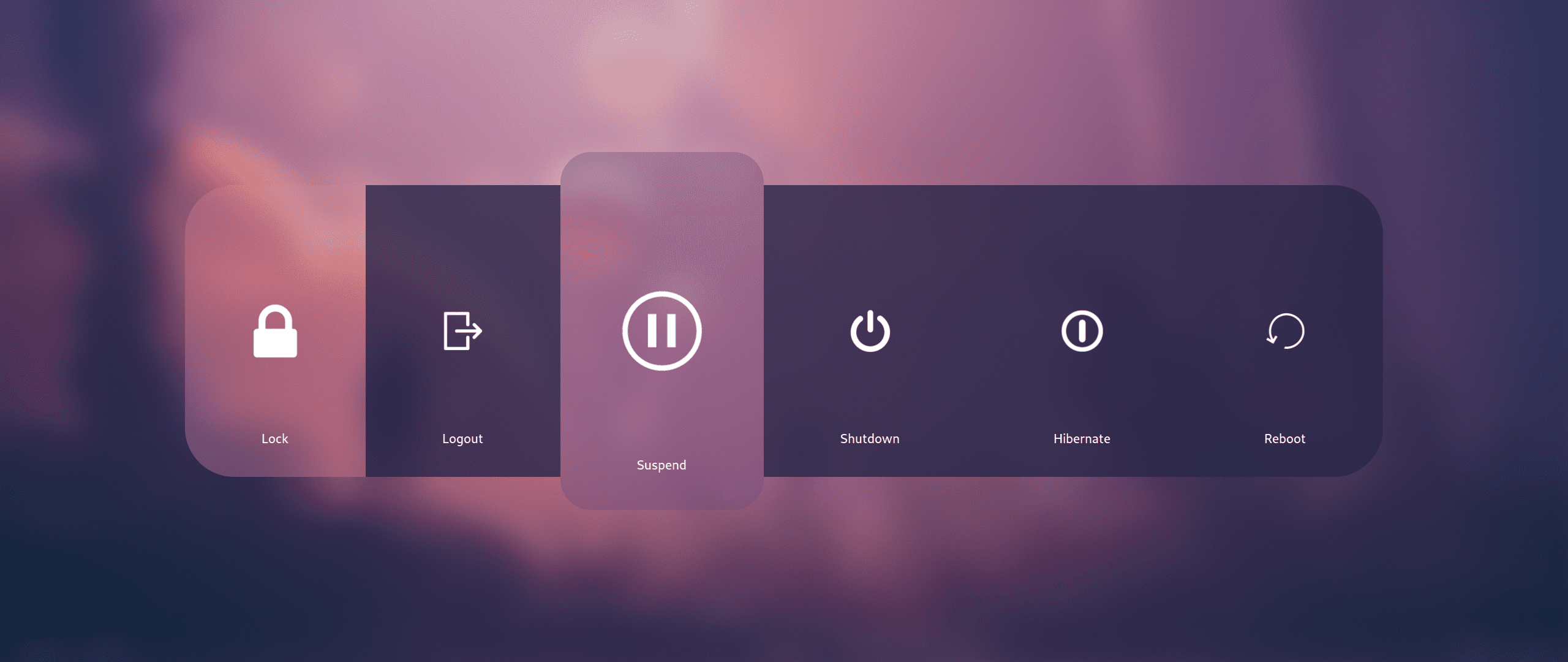 |
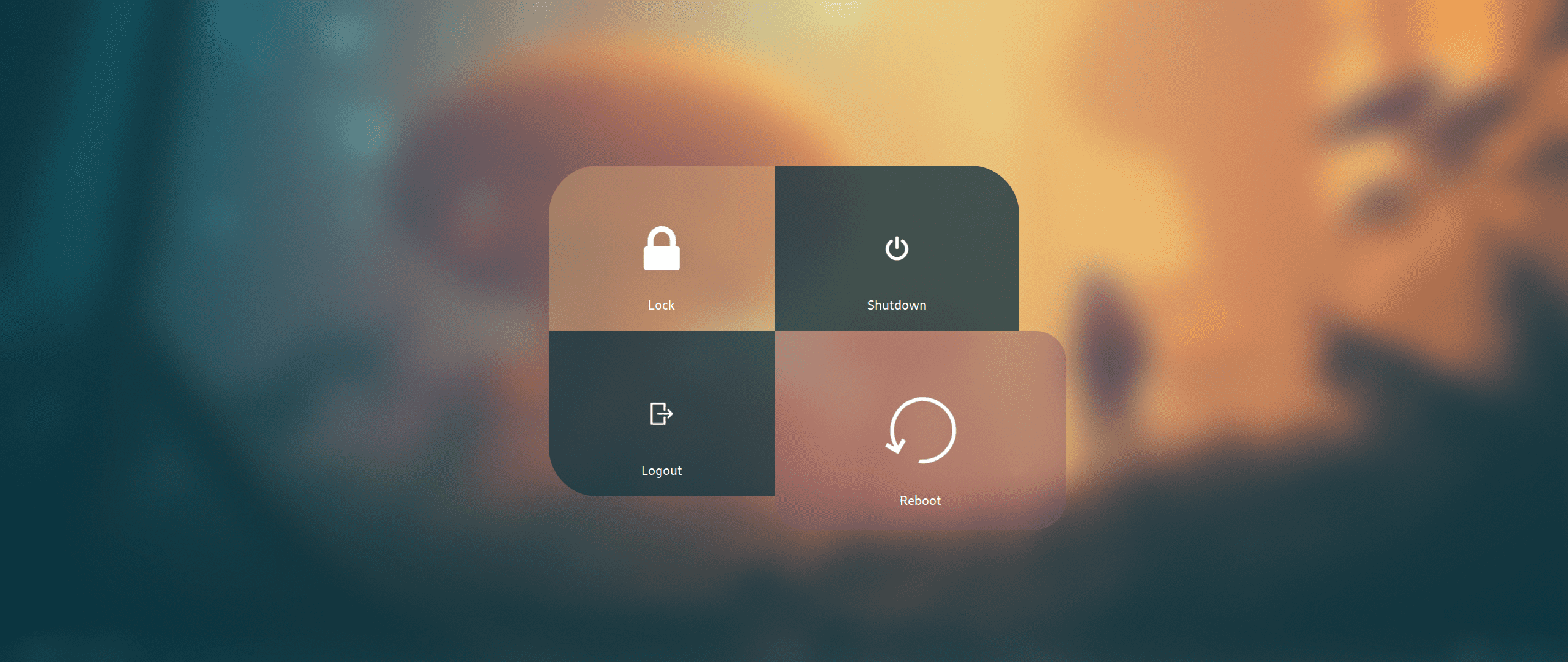 |
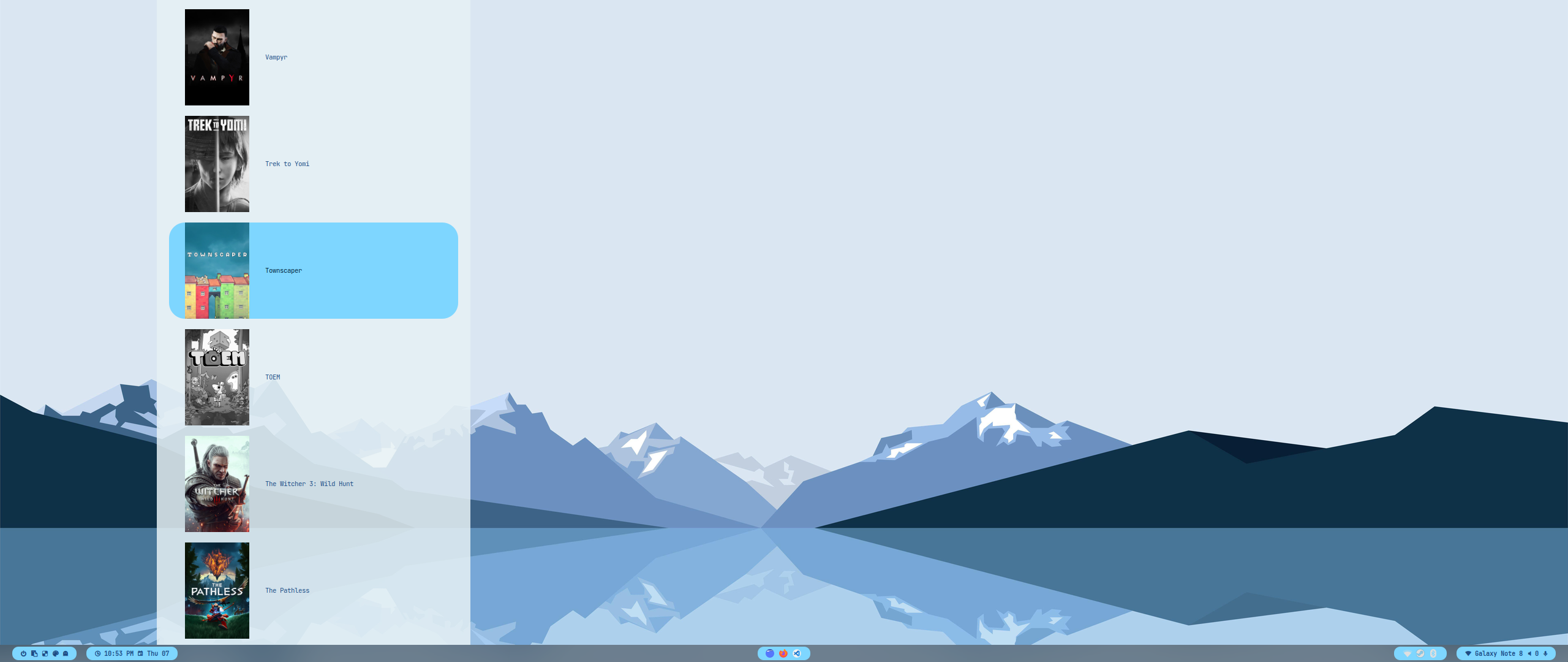 |
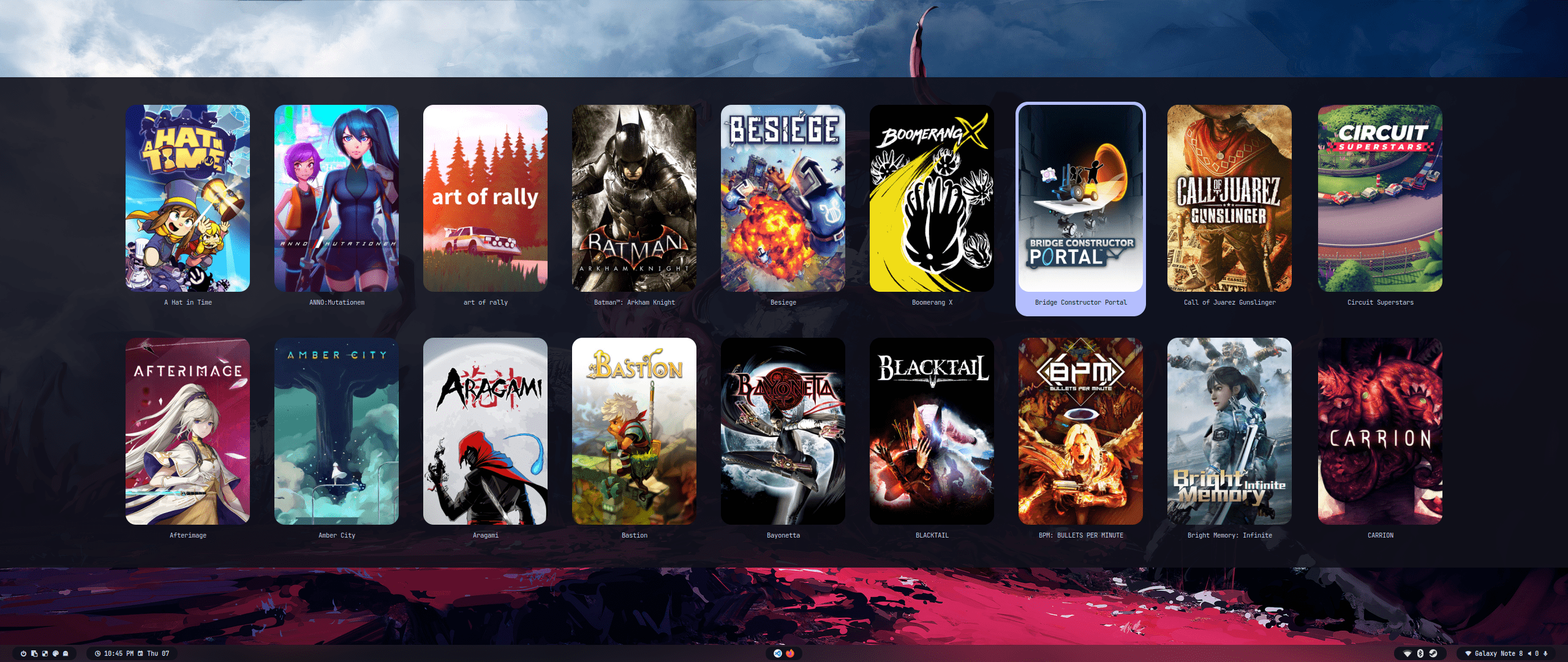 |
 |
 |
 |
| Keys | Action |
|---|---|
| Super + Q Alt + F4 |
Close focused window |
| Super + Del | Kill Hyprland session |
| Super + W | Toggle the window between focus and float |
| Super + G | Toggle the window between focus and group |
| Super + slash | Launch keybinds hint |
| Alt + Enter | Toggle the window between focus and fullscreen |
| Super + L | Launch lock screen |
| Super + Shift + F | Toggle pin on focused window |
| Super + Backspace | Launch logout menu |
| Ctrl + Esc | Toggle waybar |
| Super + T | Launch terminal emulator (kitty) |
| Super + E | Launch file manager (dolphin) |
| Super + C | Launch text editor (vscode) |
| Super + F | Launch web browser (firefox) |
| Ctrl + Shift + Esc | Launch system monitor (htop/btop or fallback to top) |
| Super + A | Launch application launcher (rofi) |
| Super + Tab | Launch window switcher (rofi) |
| Super + Shift + E | Launch file explorer (rofi) |
| F10 | Toggle audio mute |
| F11 | Decrease volume |
| F12 | Increase volume |
| Super + P | Partial screenshot capture |
| Super + Ctrl + P | Partial screenshot capture (frozen screen) |
| Super + Alt + P | Monitor screenshot capture |
| PrtScn | All monitors screenshot capture |
| Super + Alt + G | Disable hypr effects for gamemode |
| Super + Alt + →← | Cycle wallpaper |
| Super + Alt + ↑↓ | Cycle waybar mode |
| Super + Shift + R | Launch wallbash mode select menu (rofi) |
| Super + Shift + T | Launch theme select menu (rofi) |
| Super + Shift + A | Launch style select menu (rofi) |
| Super + Shift + W | Launch wallpaper select menu (rofi) |
| Super + V | Launch clipboard (rofi) |
| Super + K | Switch keyboard layout |
| Super + ←→↑↓ | Move window focus |
| Alt + Tab | Change window focus |
| Super + [0-9] | Switch workspaces |
| Super + Ctrl + ←→ | Switch workspaces to a relative workspace |
| Super + Ctrl + ↓ | Move to the first empty workspace |
| Super + Shift + ←→↑↓ | Resize windows |
| Super + Shift + [0-9] | Move focused window to a relative workspace |
| Super + Shift + Ctrl + ←→↑↓ | Move focused window (tiled/floating) around the current workspace |
| Super + MouseScroll | Scroll through existing workspaces |
| Super + LeftClick Super + Z |
Move focused window |
| Super + RightClick Super + X |
Resize focused window |
| Super + Alt + S | Move/Switch to special workspace (scratchpad) |
| Super + S | Toggle to special workspace |
| Super + J | Toggle focused window split |
| Super + Alt + [0-9] | Move focused window to a workspace silently |
| Super + Ctrl + H | Move between grouped windows backward |
| Super + Ctrl + L | Move between grouped windows forward |
- sddm themes
- revamp global config.nix to support home-manager options
- add hyde.conf params to home-manager config
- better home-manager module + install options
- wallbash
- spotify - via flatpak and spicetify
- vesktop/webcord etc
- cava
- minimize all home.file calls for performance
- Cross-distro support
- Arch & Base HyDE VM for testing
- Fedora
- MacOS via nix-darwin and OSX-KVM
Future:
- remove nixGL in support for system-manager and nix-system-graphics
- if you encounter any issues, please check the nixos and home manager logs:
journalctl -b
journalctl --user -b
sudo systemctl status home-manager-<hostname>.service
- if running nixos on host, please run
nix-shell -p nix-info --run "nix-info -m"and paste the result.
Hyprland vm is not well supported. check out Hyprland - Running in a VM
Best bet is to have virtio, opengl, and VT-x support
Non-NixOS hosts should run with nixGL eg nixGL nix run .
CPU
- Intel CPU with VT-x or AMD CPU with AMD-V
- Virtualization enabled in BIOS/UEFI
GPU
- NVIDIA: GTX 600+ series (proprietary drivers)
- AMD: HD 7000+ series
- Intel: HD 4000+ (Ivy Bridge)
- OpenGL 3.3+ support required
Install Drivers
# Nvidia
sudo apt install nvidia-driver nvidia-utils     # Debian/Ubuntu
sudo pacman -S nvidia nvidia-utils              # Arch

# AMD
sudo apt install mesa-utils vulkan-tools        # Debian/Ubuntu
sudo pacman -S mesa lib32-mesa vulkan-radeon    # Arch

# Intel
sudo apt install mesa-utils intel-media-va-driver  # Debian/Ubuntu
sudo pacman -S mesa lib32-mesa intel-media-driver  # Arch

# KVM modprobe
modprobe kvm
modprobe kvm_intel # or kvm_amd
Add user to groups
sudo usermod -a -G render,video,kvm,libvirt $USER
Verify Setup
# Verify KVM support
egrep -c '(vmx|svm)' /proc/cpuinfo    # Should return > 0
lsmod | grep kvm                       # Check KVM modules

# Host: Check OpenGL
glxinfo | grep "OpenGL"Tip
Nix is a powerful package manager and configuration system that can be overwhelming at first. Here are some resources to help you get started:
General Resources
- Nix Packages
- Nix Options
- Home Manager Options hint: use control + f to search
- NixOS Wiki
- Nixpkgs Discussions
- Nixpkgs Issues
This project enforces Conventional Commits format for all commit messages. Each commit message must follow this structure:
type(optional-scope): subject

[optional body]

[optional footer(s)]
Where:
-
type must be one of:
feat: A new featurefix: A bug fixdocs: Documentation changesstyle: Code style changes (formatting, etc)refactor: Code changes that neither fix bugs nor add featuresperf: Performance improvementstest: Adding or modifying testschore: Maintenance tasks
-
scope is optional but if used:
- must be lowercase
- should be descriptive of the area of change
- examples: vm, themes, home, cli, docs, etc.
-
subject must:
- be lowercase
- not end with a period
- be descriptive
Examples:
feat(vm): add support for fedora vm configurationfix: correct wallpaper path in material themedocs: update installation instructionschore: update dependencies
- Fork the repository
- Create your feature branch (
git checkout -b feature/amazing-feature) - Commit your changes using conventional commits
- Push to the branch (
git push origin feature/amazing-feature) - Open a Pull Request
The changelog is automatically generated from commit messages. Clear, well-formatted commit messages ensure your changes are properly documented.
For more details, see the Conventional Commits specification.