 |
 |
 |
|---|
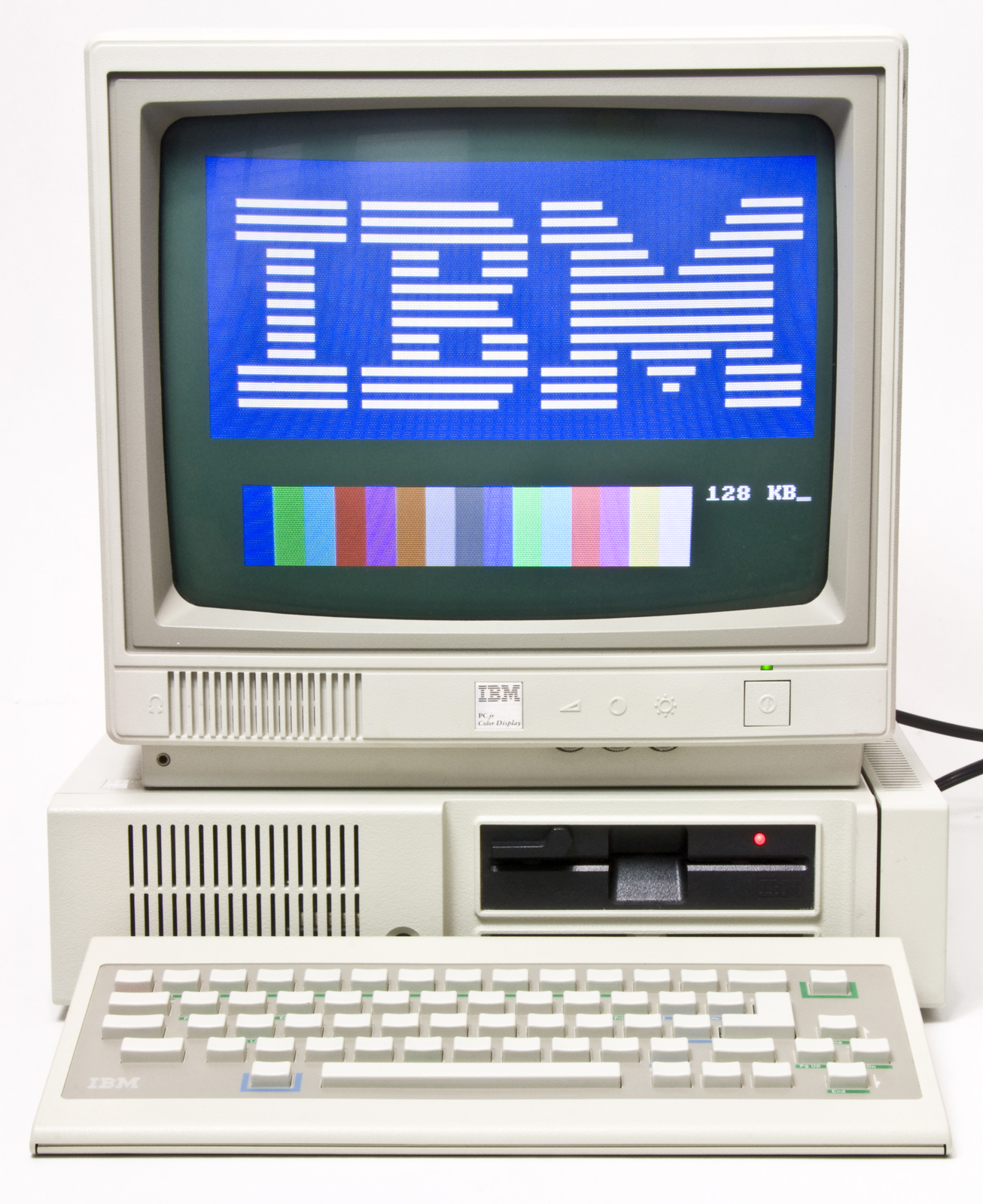
This repository contains all you need to patch MS-DOS 5.0 to run on an IBM PCJr. Why this is necessary is very widely documented, but if you would like a brief, 2:35m explanation, check out my YouTube video:
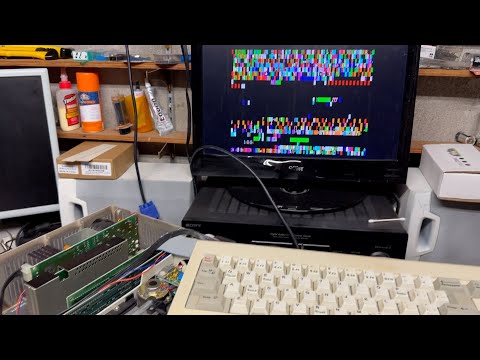
This will work best with an SDCard using Raphnet's SDJr cartridge, available at: https://www.raphnet-tech.com/products/sdcartJR/
You will find the following here:
In the root directory, you find most of the things you need to create your own media:
- LICENSE -- The license of this repository (MIT Standard)
- msdos500-patched.img -- same as dos5-patched.img listed below.
- Patching_DOS_5_for_the_PCJr.pdf -- detailed explanation of how to conduct the patch, originally written by Michal B. Brutman and oroginally posted at https://www.brutman.com/PCjr/docs/Patching_DOS_5_for_the_PCjr.pdf. Stored here for redundancy.
- pcjr-sdcard-bootrom.bin -- Bootrom for Raphnet's SDJr cartridge. You can upgrade the romless cartridge with an EPROM flashed with this file. Consider buying the catridge from Raphnet.
- README.md -- This file.
MS-DOS installation floppy disk images:
- dos330/ -- MS-DOS 3.30, which will run without modification on a PCjr or any other PC compatible.
- dos500/ -- MS-DOS 5.00 with patched install disk #1.
Preparaed MS-DOS images to be flashed to an SDCard. Tested wo work with 128MB Elite Pro SDCards. Drive geometry is 952,8,32 (cylinders, heads, sectors).
- dos3.img -- unmodified MS-DOS 3.30
- dos5.img -- unmodified MS-DOS 5.00
- dos5-beforepatch.img -- MS-DOS 5.00 installed from patched installation disks
- dos5-patched.img -- MS-DOS 5.00 from -beforepatch.img after patch procedure was applied and software memory managers were installed.
- dos5-recovered.img -- MS-DOS 5.00 from -patched.img with some experimental features most users probably don't need.
Tools for the PCJr:
- jrcfg310.zip -- Memory manager for PCJr to help DOS deal with the non-PC memory map. Install this in your config.sys.
- sdcjr05.zip -- Source code, boot rom, and device driver for Raphnet's SDJr cartridge, originally posted here, and stored here for redundancy. Install sdcart.sys in your config.sys unless you use the bootrom version of the cartridge, in which case you won't need it.
The patchig procedure is described in detail in Patching_DOS_5_for_the_PCJr.pdf, originally posted at https://www.brutman.com/PCjr/docs/Patching_DOS_5_for_the_PCjr.pdf. The critical part of the procedure is available in a forum post at https://www.brutman.com/forums/viewtopic.php?t=224, which until recently was visible without login. Stored here for posterity. Credit goes to the forum contributors:
The standard PCjr BIOS locates the video memory starting at 112KB and it takes 16KB. That means that DOS and all of your code and TSRs have to live within the first 112KB of memory. On an expanded machine BIOS will count up to 640KB, but will still tell DOS that only 112KB is available. That is because it always puts the video memory in the same place regardless of how much memory you have. Device drivers like JrConfig move the video buffer lower and force DOS to load above it, giving DOS access to a large chunk of contiguous memory.
Here is what you need to do to get IBM DOS 5 to run:
- Patch the DOS 5 boot sector to put the full memory amount in the correct location early in the boot process
- Put stacks=0,0 in CONFIG.SYS to get around incompatible keyboard interrupt handlers that DOS 5 tries to use
- Put JRCONFIG (or some other memory management code) in CONFIG.SYS
-
Start DEBUG.COM and load the boot sector into memory:
L 0 <x> 0 1Where is the drive number to use. Use 0 for A:, 1 for B:, 2 for C:, etc.
-
Next, check the first three bytes:
U 0 L3These bytes should look something like JMP 003E followed by a NOP. Assuming that they do, change the first three bytes to be a jump to 1C0:
Now check the target area that we are going to put our patch code in: ``` D 1BF L27 ``` Look for a string that says "Replace and press any key when ready". If there is no string there, quit now and get help. You haven't done any permanent damage yet so quitting is safe.A 0 JMP 01C0 -
Assuming the string is there, change the first byte to a 0:
E 01BF 0And now the patch code:
Finally, save the sector and quit debug: ``` W 0 0 1 Q ``` Where is the drive letter that you used in the first step.A 01C0 PUSH DS MOV AX,0 MOV DS,AX MOV AX,[415] MOV [413],AX POP DS JMP 003E
At this point the boot sector is patched and written to disk.
-
Next setup CONFIG.SYS. The first line should be:
stacks=0,0That line is a requirement. If you don't have it, DOS 5 will try to install its own interrupt handlers for the NMI or keyboard and those handlers are not compatible with the machine. The standard interrupt handlers in the BIOS will work just fine.
-
Finally, add your memory management device driver to config.sys. I use JRCONFIG which can be found here: http://www.brutman.com/PCjr/downloads/jrcfg310.zip
One thing to keep in mind about DOS 5 is that it likes to count the free space on the hard drive every once in a while, whether it needs to or not. This operation takes a lot of CPU power; on a PCjr at 4.77Mhz a 100MB partition can take 10 to 15 seconds to check. You will think the machine has hung up - just be patient. One way around this is to keep your partitions small and use more than one partition. The basic procedure is the same for all of the newer versions of DOS - find an used area with a few bytes to use for the patch, and make sure that code runs when the boot sector starts.



This software is provided as is without guarantee of function for any particular purpose. Use at your own risk. Retro Byte Meister assumes no liability.