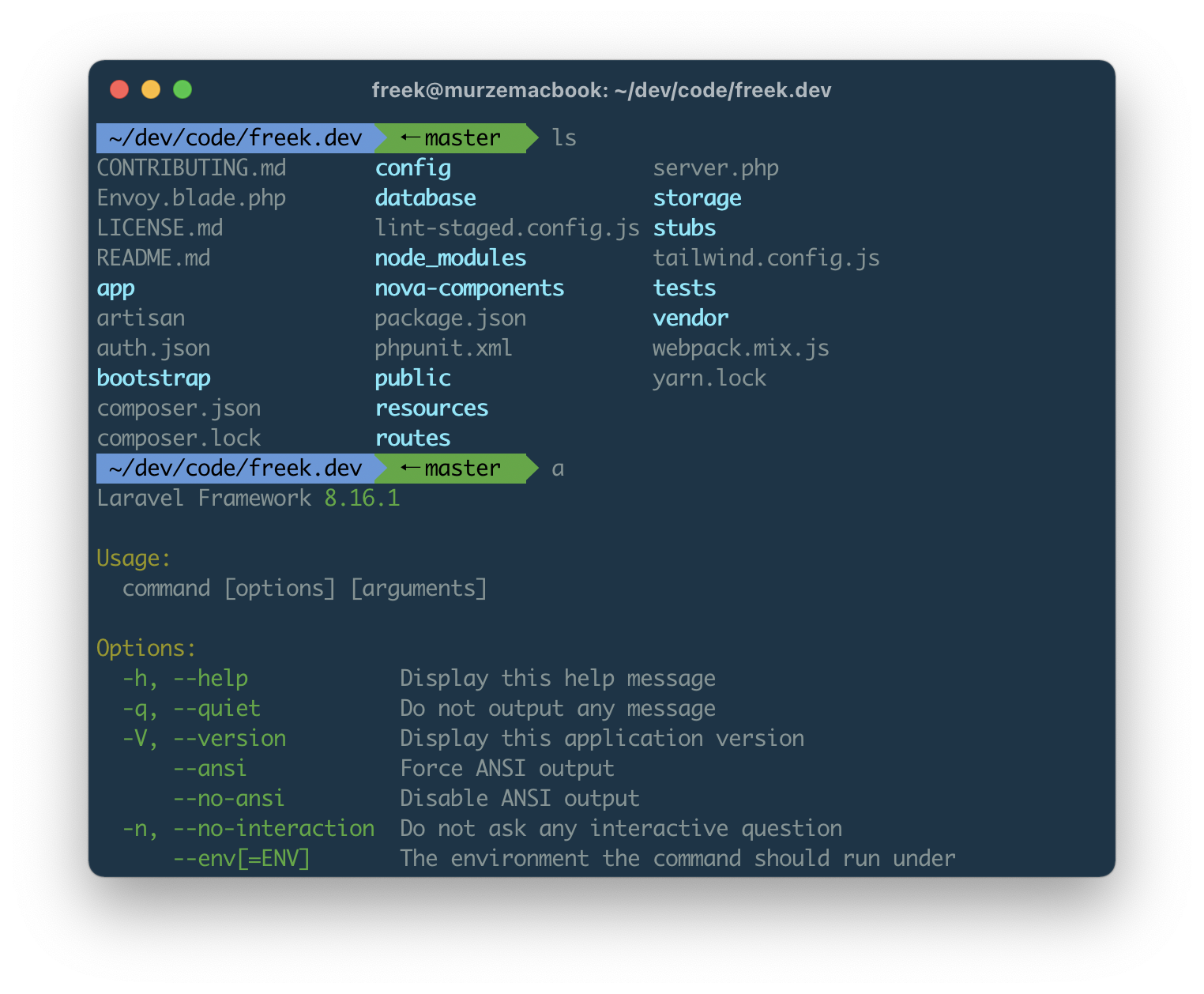
My personal dotfiles. Also used by nearly all other geeks at spatie.be and the amazing Frederick Vanbrabant.
It contains the installation of some basic tools, some handy aliases and functions. Backups of settings are done via Mackup.
- macOS (tested on macOS Sonoma and later)
- Administrator access (for Homebrew installation and system configuration)
- Dropbox (optional, for Mackup backups)
You can install them by cloning the repository as .dotfiles in your home directory and running the bootstrap script.
git clone git@github.com:rhyslees/dotfiles.git .dotfiles
cd .dotfiles
./bootstrap
The bootstrap script will:
- Install oh-my-zsh
- Set up shell configuration (zsh, vim)
- Install Homebrew and all required packages
- Configure npm, PHP, Composer, and other development tools
- Set up symlinks for configuration files
- Node.js - Managed via
fnm(Fast Node Manager) - PHP 8.3 - Via Homebrew tap
- Composer - PHP dependency manager
- MySQL - Database server
- Yarn - JavaScript package manager
- Git - Version control (with GitHub CLI)
- gh - GitHub CLI (replaces deprecated
hub) - rg (ripgrep) - Fast text search
- fd - Modern
findalternative - bat - Modern
catwith syntax highlighting - eza - Modern
lsalternative - fzf - Fuzzy finder
- zoxide - Smart directory jumping (alternative to
z.sh)
- httpie - HTTP client
- ncdu - Disk usage analyzer
- wget - File downloader
- doctl - DigitalOcean CLI
- git-secret - Git encryption
- mackup - Application settings backup
- zsh-autosuggestions - Zsh plugin
- Laravel Valet - Local development environment
- Laravel Envoy - Task runner
- PHPUnit Watcher - Test watcher
- aicommits - AI-powered commit messages
- qlcolorcode, qlstephen, qlmarkdown, quicklook-json, qlprettypatch, quicklook-csv, betterzip, suspicious-package
shell/.zshrc- Zsh configurationshell/.vimrc- Vim configurationshell/.aliases- Shell aliasesshell/.functions- Shell functionsshell/.exports- Environment variablesmacos/set-defaults.sh- macOS system defaultsmacos/.mackup.cfg- Mackup configuration
For easier dependency management, you can use the included Brewfile:
brew bundleThis will install all Homebrew packages and casks listed in the Brewfile.
After running the bootstrap script:
- Install terminal font: Install the Menlo Powerline font from
~/.dotfiles/misc/Menlo-Powerline.otf - Install terminal theme: Install the Solarized Dark theme from
~/.dotfiles/misc - Run Mackup (if using Dropbox):
- First time:
mackup backup - Restore existing:
mackup restore
- First time:
- Set macOS defaults: Run
~/.dotfiles/macos/set-defaults.sh - Create custom aliases (optional): Create
~/.dotfiles-custom/shell/.aliasesfor personal commands
After installation, you may need to install a Node version:
fnm install --lts
fnm use --install-if-missingEnsure PHP is linked:
brew link --overwrite --force php@8.3After installation, authenticate with GitHub:
gh auth loginMake sure you've installed the Menlo Powerline font and set it as your terminal font.
You can add custom configuration files that won't be committed:
~/.dotfiles-custom/shell/.aliases~/.dotfiles-custom/shell/.functions~/.dotfiles-custom/shell/.exports~/.dotfiles-custom/shell/.zshrc
These files are automatically sourced by the main .zshrc.
Feel free to use and modify these dotfiles for your own use.