The purpose of the Whoami tool is to make you as anonymous as possible on linux systems. It is user friendly with its ease of use and simple interface. It is ready to use after downloading, I will explain this in detail in the usage section. Finally, will don't forget that there is never a hundred percent security on the internet!
If you don't know the Tor Network and Tor Project, you can read the information here:
Transparent proxy is an intermediary system that sit between a user and a content provider. When a user makes a request to a web server, the transparent proxy intercepts the request to perform various actions including caching, redirection and authentication.

Transparent proxy via Tor means that every network application will make its TCP connections through Tor; no application will be able to reveal your IP address by connecting directly.
For more information about the Transparent Proxy through Tor please read the Tor project wiki

Enter the following commands in order to download
git clone https://github.com/OmerrDogann/Whoami
cd Whoami/
# To run after downloading
sudo bash whoami
Whoami needs root privilege. If there is no privilege, it will give the output you see above. Incorrect run command:
bash whoami
Here's what you need to write to run. Do not forget to enter the folder where Whoami is located ! If successful, you will see the above output.
sudo bash whoami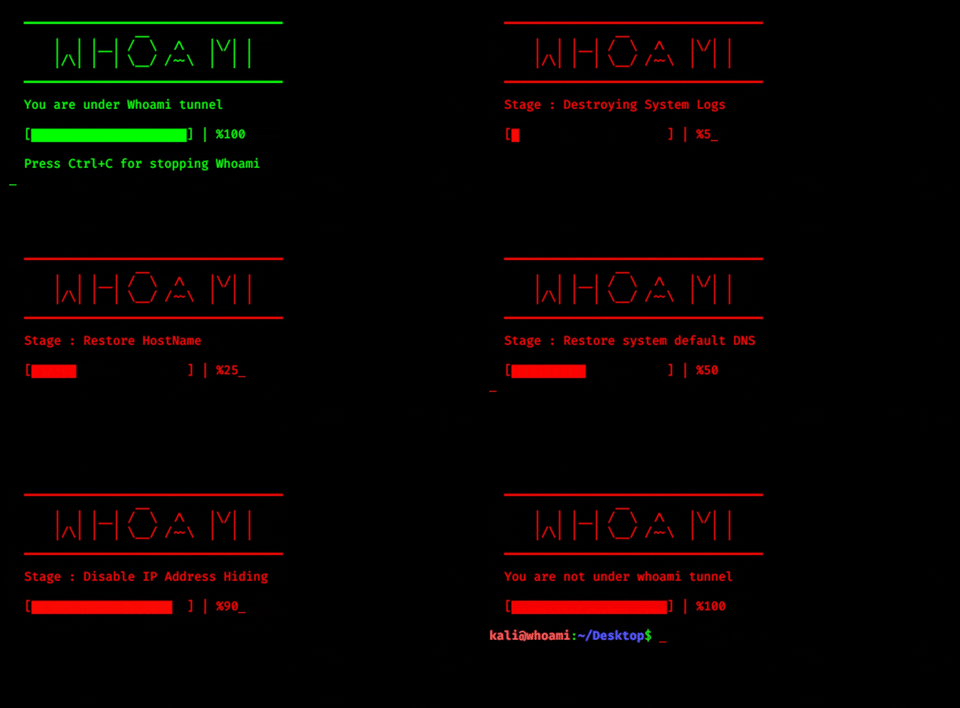
Press ctrl + c when you want to close Whoami. If there are no errors, you will see the above output
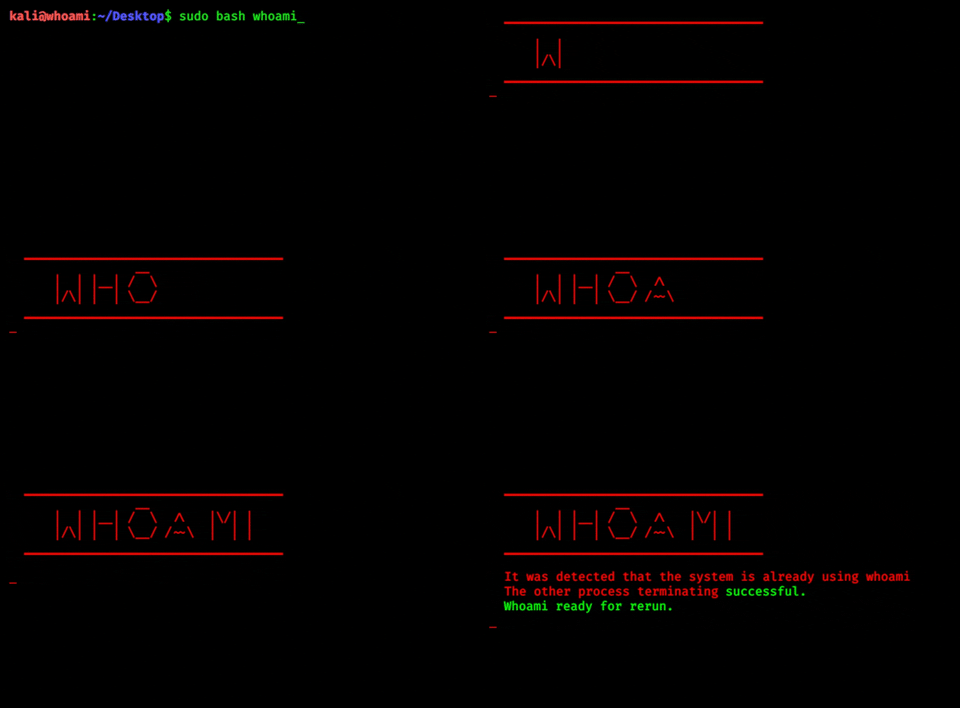
If you run it on another terminal while whoami is running, whoami detects it and kills that whoami session. The new session is started at the second terminal.
If your computer shuts down somehow or you shut down the terminal without stopping, whoami detects it and prepares itself to run again, as you can see above.
I advise you to read to better understand the methods used for high anonymity
- Fake Host name : Applications and network administrators can learn the host name of your computer, names like kali, parrot, blackarch attract attention and put your real identity at risk.
- Dns Change : Website
- Mac Spoof : Wikipedia
- Tor transparent proxy : Tor
- Log killer added
- Timezone channger added
- Process killer added
- Stage indicator and percentage bar added
- Mac channger has been renewed
- Dns channger has been renewed
- HostName channger has been renewed
- Various measures were taken for bugs
- Multi language support
- New modules
- New modes of operation