Repository navigation
Profiles
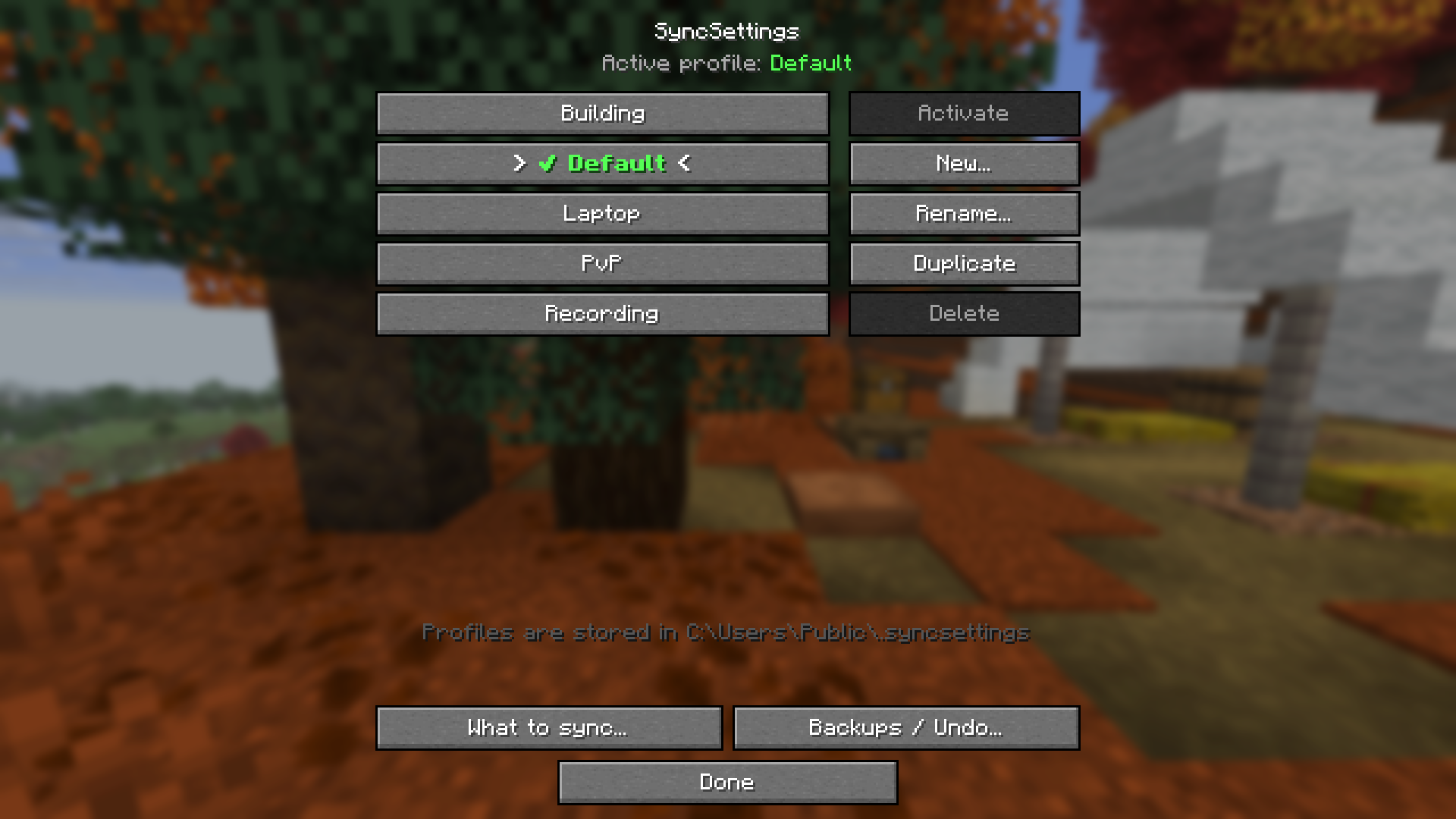
A profile is a named set of settings. You can have as many as you like, for example Default, Building, PvP, Laptop or Recording.
The header shows the active profile. It is also marked with a ✔ in the list.
| Button | What it does |
|---|---|
| Activate | Makes the selected profile the active one and applies it |
| New… | Creates a new profile |
| Rename… | Renames the selected profile |
| Duplicate | Copies the selected profile, useful as a starting point |
| Delete | Deletes the selected profile |
| What to sync… | Opens [[What to sync |
| Backups / Undo… | Opens [[Backups and Undo |
Profiles are kept outside your instances so every instance and launcher can use them:
| OS | Path |
|---|---|
| Windows | C:\Users\Public\.syncsettings |
| Linux / macOS | ~/.syncsettings |
The exact path is shown at the bottom of the SyncSettings screen.