Repository navigation

0.1.9
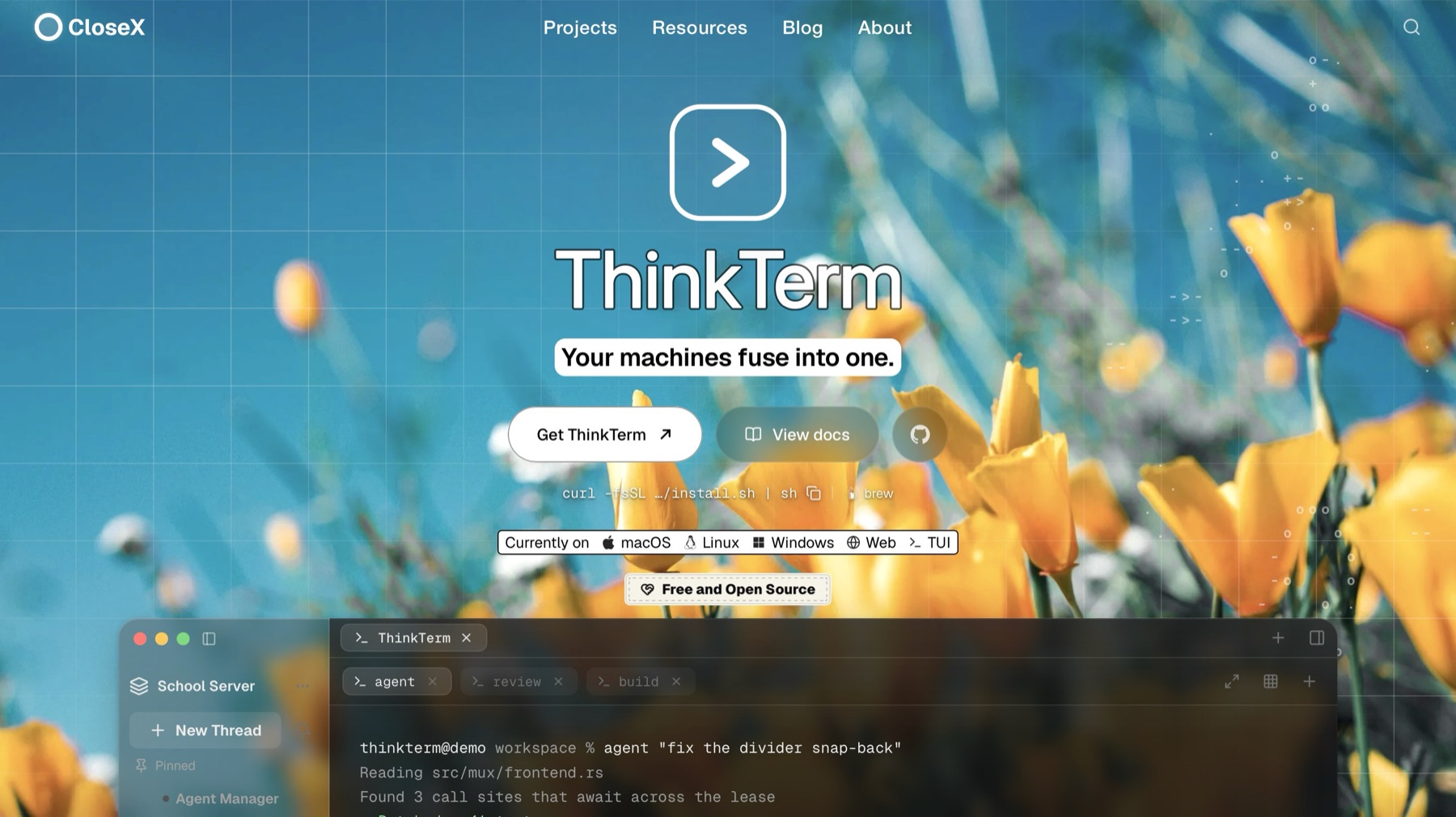
🍺 Homebrew (macOS):
brew install --cask roversx/tap/thinkterm
🌐 Website: closex.org/thinkterm
📚 Documentation: docs.closex.org/thinkterm
New
- You can now edit Markdown right in the file preview.
- Rendered Markdown in Notes is laid out like a document. Undo now goes back one word at a time, and the usual editing keys work.
- Hover tags and agent cards have a new design.
- New ThinkTerm skill for coding agents, plus docs for cli and send-text.
Fixes
- Input method text is now composed in place at the caret in Notes.
- Unsaved preview edits are kept when a file can't be read.
- A deleted file stays deleted when its preview shares a Note's session.
- Switching to Source now refreshes the source view in other windows too.
- Updates are checked on every launch.
- The Agents panel is only re-laid out when it actually changes.
Downloads
macOS
Apple silicon · Intel — or curl -fsSL https://raw.githubusercontent.com/RoversX/thinkterm/main/install.sh | sh, which picks the right one, verifies it and puts the command-line tools on PATH
Windows
Linux
Install script — curl -fsSL https://raw.githubusercontent.com/RoversX/thinkterm/main/install.sh | sh puts ThinkTerm under ~/.local without root and asks which variant you want; --desktop or --server (headless remote host, no GUI) skips the question
Desktop tarball: 64-bit · ARM64
Server tarball: 64-bit · ARM64
AppImage — chmod +x and run it; nothing is installed
DEB (Debian / Ubuntu) — sudo apt install ./<file>.deb
DEB, server only (headless remote host, no GUI and no graphics libraries) — sudo apt install ./<file>.deb; replaces the desktop package if that is installed
RPM (Fedora / RHEL) — sudo dnf install ./<file>.rpm
RPM, server only (headless remote host, no GUI and no graphics libraries) — sudo dnf install ./<file>.rpm; replaces the desktop package if that is installed