Repository navigation
0.2.3

0.2.3
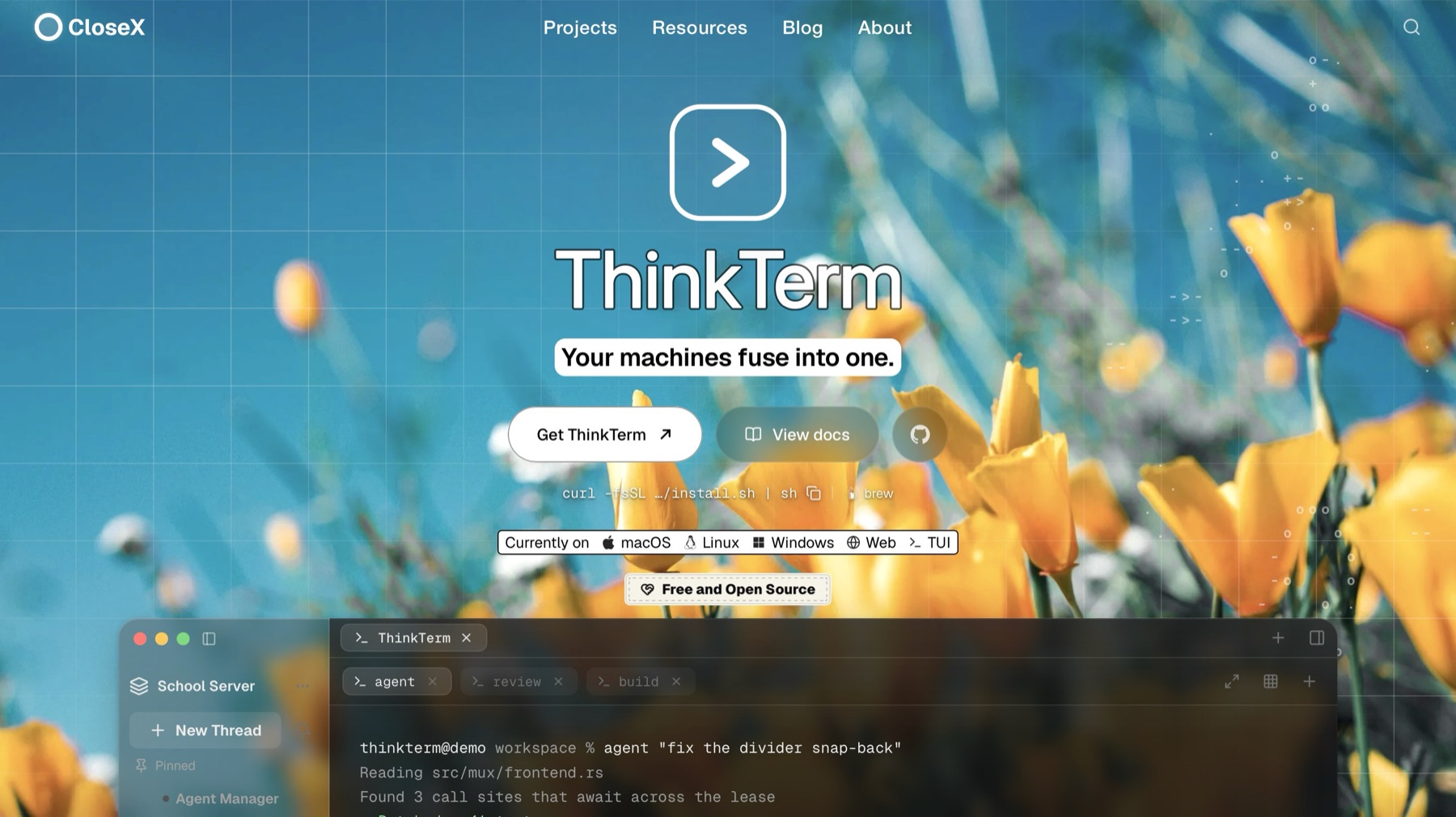
🍺 Homebrew (macOS):
brew install --cask roversx/tap/thinkterm
🌐 Website: closex.org/thinkterm
📚 Documentation: docs.closex.org/thinkterm
New
- Split animation. A new split slides in from the edge it opens on, and a closed pane slides back out the way it came. It is on by default; Settings › Terminal › Display › Split animation turns it off.
- ThinkTerm skill for coding agents.
thinkterm skill setupinstalls ThinkTerm's skill for Claude Code and Codex, together with a session-start hook that tells the agent which pane it runs in and which panes sit beside it.thinkterm skill status,showandremovego with it. Codex asks you once to approve the hook in/hooks; on Windows only the skill is installed.
Improved
- Remote Hosts saves as you click. On a saved host, the network, the connection mode and the on/off switches take effect the moment you click them. Save is only needed for what you type.
- Builtown. Thebuilt-in Tailscale node now runs in
thinktergram thesession server starts while Tailscale is on,so a probs theprocess holding your sessions. If you instalthe binarrm-tailnetalong withthinkterm-mux-server.
Fixed
- Serververvariant now installs and updates on glibc 2.34: RHEy Linux,AlmaLinux, Oracle Linux 9) and Amazon Linux 2023. Onls glibc2.35. (#6)
- Spaces of a server reached under anothname. Cr a newname (after renaming it, moving it to the other net`record) no longer deletes the Spaces it had. They move
- Closing a pane with the mouse. Confirmin selectstext in the pane next to it and copies it to the clipb
- Duplicate hosts in the command palette. Saving a it isreached no longer adds another copy of it to
the comma
Downloads
macOS
Apple silicon · Intel — or curl -fsSL https://raw.githubusercontent.com/RoversX/thinkterm/main/install.sh | sh, which picks the right one, verifies it and puts the command-line tools on PATH
Windows
Linux
Install script — curl -fsSL https://raw.githubusercontent.com/RoversX/thinkterm/main/install.sh | sh puts ThinkTerm under ~/.local without root and asks which variant you want; --desktop or --server (headless remote host, no GUI) skips the question
Desktop tarball: 64-bit · ARM64
Server tarball: 64-bit · ARM64
AppImage — chmod +x and run it; nothing is installed
DEB (Debian / Ubuntu) — sudo apt install ./<file>.deb
DEB, server only (headless remote host, no GUI and no graphics libraries) — sudo apt install ./<file>.deb; replaces the desktop package if that is installed
RPM (Fedora / RHEL) — sudo dnf install ./<file>.rpm
RPM, server only (headless remote host, no GUI and no graphics libraries) — sudo dnf install ./<file>.rpm; replaces the desktop package if that is installed