Repository navigation
0.2.9

0.2.9
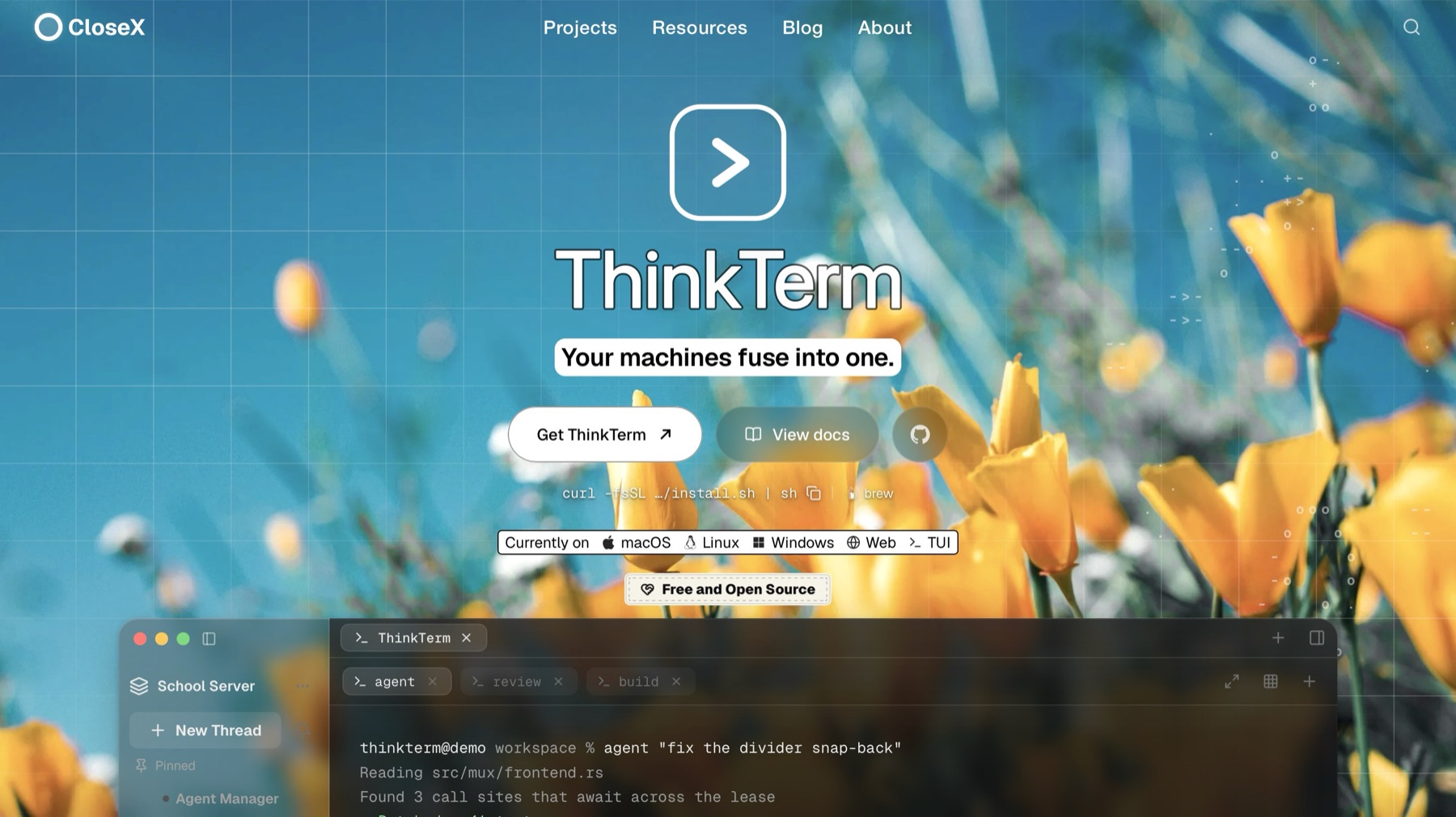
🍺 Homebrew (macOS):
brew install --cask roversx/tap/thinkterm
🌐 Website: closex.org/thinkterm
📚 Documentation: docs.closex.org/thinkterm
What's new
- The server now installs on Ubuntu 20.04 and Debian 11. Hosts with glibc 2.31 to 2.33 used to be turned away. They now get a server build of their own, made on Ubuntu 20.04 with OpenSSL built in, since their system OpenSSL is 1.1.
install.sh,thinkterm updateand the desktop app's one-click remote install pick it on their own. Newer hosts keep the same package as before. The desktop app still needs glibc 2.35. - cmux folders on the Import page. The folders open in cmux's saved windows, each workspace's and its terminals', are offered as projects alongside those from VS Code, Claude Code, Codex and Pi.
- A gentler hint about
loginctl enable-linger. After a server install, the script now says the mux server usually keeps running after you log out of SSH, and that lingering is only worth enabling if it does not. On some hosts only an admin can enable it.
Downloads
macOS
Apple silicon · Intel — or curl -fsSL https://raw.githubusercontent.com/RoversX/thinkterm/main/install.sh | sh, which picks the right one, verifies it and puts the command-line tools on PATH
Windows
Linux
Install script — curl -fsSL https://raw.githubusercontent.com/RoversX/thinkterm/main/install.sh | sh puts ThinkTerm under ~/.local without root and asks which variant you want; --desktop or --server (headless remote host, no GUI) skips the question
Desktop tarball: 64-bit · ARM64
Server tarball: 64-bit · ARM64
Server tarball for older glibc (Ubuntu 20.04, Debian 11; OpenSSL built in): 64-bit · ARM64
AppImage — chmod +x and run it; nothing is installed
DEB (Debian / Ubuntu) — sudo apt install ./<file>.deb
DEB, server only (headless remote host, no GUI and no graphics libraries) — sudo apt install ./<file>.deb; replaces the desktop package if that is installed
RPM (Fedora / RHEL) — sudo dnf install ./<file>.rpm
RPM, server only (headless remote host, no GUI and no graphics libraries) — sudo dnf install ./<file>.rpm; replaces the desktop package if that is installed