Repository navigation
Releases: RusticStack/Vaulter
Release list
Vaulter v2.4.0

Borderlands: The Pre-Sequel is fully supported, and Borderlands GOTY Enhanced gets an HDR and crash-fix option plus a batch of new quality-of-life mods.
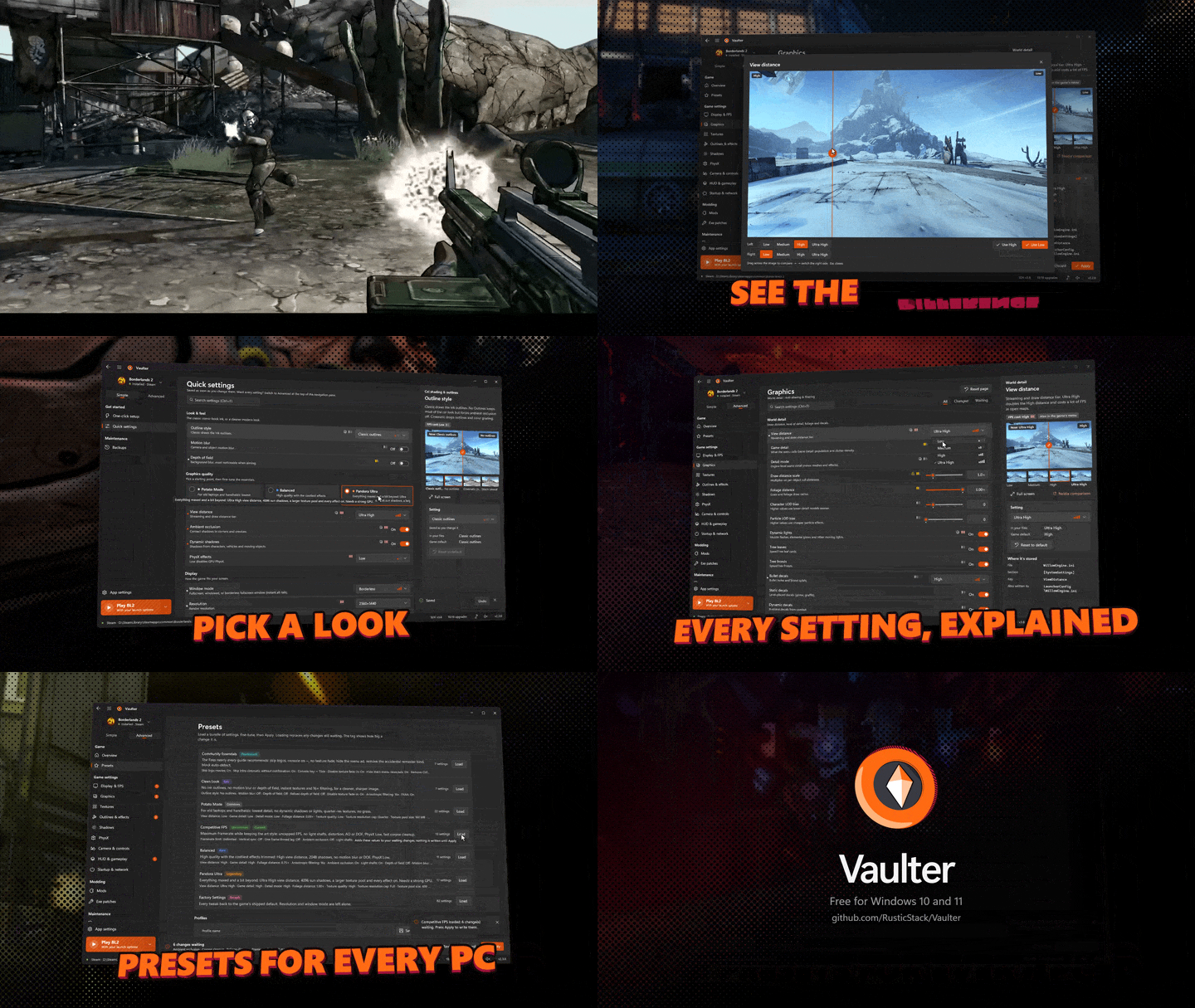
Download
Grab Vaulter.exe below and run it: one self-contained file for Windows 10/11, no installer and nothing else to install. Put it over your old copy; your settings, backups and installed upgrades carry over.
The exe isn't code-signed yet, so Windows SmartScreen may warn on first launch: choose More info → Run anyway. You can check the download against
SHA256SUMS.txt.
The Pre-Sequel: out of preview
One-click setup now has a bundle made for TPS:
- Vaulter Community Patch for TPS, built on your PC from the Pre-Sequel Community Patch's bug fixes only: chests at the Denial Subroutine you can loot again, Maliwan cryo pistols that actually spawn, and fast-travel stations that work both ways. Plus Moonstones picked up automatically and Apocalyptech's alphabetical fast travel list. None of the patch's weapon, skill, loot or difficulty changes are included, and Gearbox's official hotfixes are built in, so it works offline.
- Mega TimeSaver XL for TPS (opt-in): containers, doors, lifts, oxygen generators, the Grinder and fast travel about 5x faster.
- Text Mod Loader, Automatic Reload Fix and a Bomber Oz Kit fix so the Bomber kit's free grenade works again.
- Quick Catch-A-Ride (opt-in): deploy a vehicle in one press.
- The top quality preset is now Elpis Ultra, and settings that only exist in Borderlands 2 are hidden.
Borderlands GOTY Enhanced
- Luma HDR and crash fix (opt-in): HDR, sharper anti-aliasing, better ambient occlusion, and a fix for the remaster's memory leak that crashes the game on area changes and cutscenes. Luma and DXVK both need
dxgi.dll, so ticking one unticks the other, and neither ever overwrites the other. - New mods: Use Key Won't Reload and Sell Value (on by default), plus Auto Loot, Auto-Open Chests, Gear Score, Loot Radar and Objective Distance to switch on if you like.
- Clearer descriptions for Skill Tree Details and Boss Health Bars.
Notes
- Close the game before applying changes (Vaulter refuses while it's running).
- Every mod is downloaded from its author's own page on your PC; credit goes to their authors.
- Licensed under GPL-3.0-or-later. Not affiliated with Gearbox Software or 2K.
Vaulter v2.3.0
Vault Patcher is now Vaulter. Same app with a new name, a new logo and a new home at RusticStack, plus fixes that keep memory in check the longer you use it.
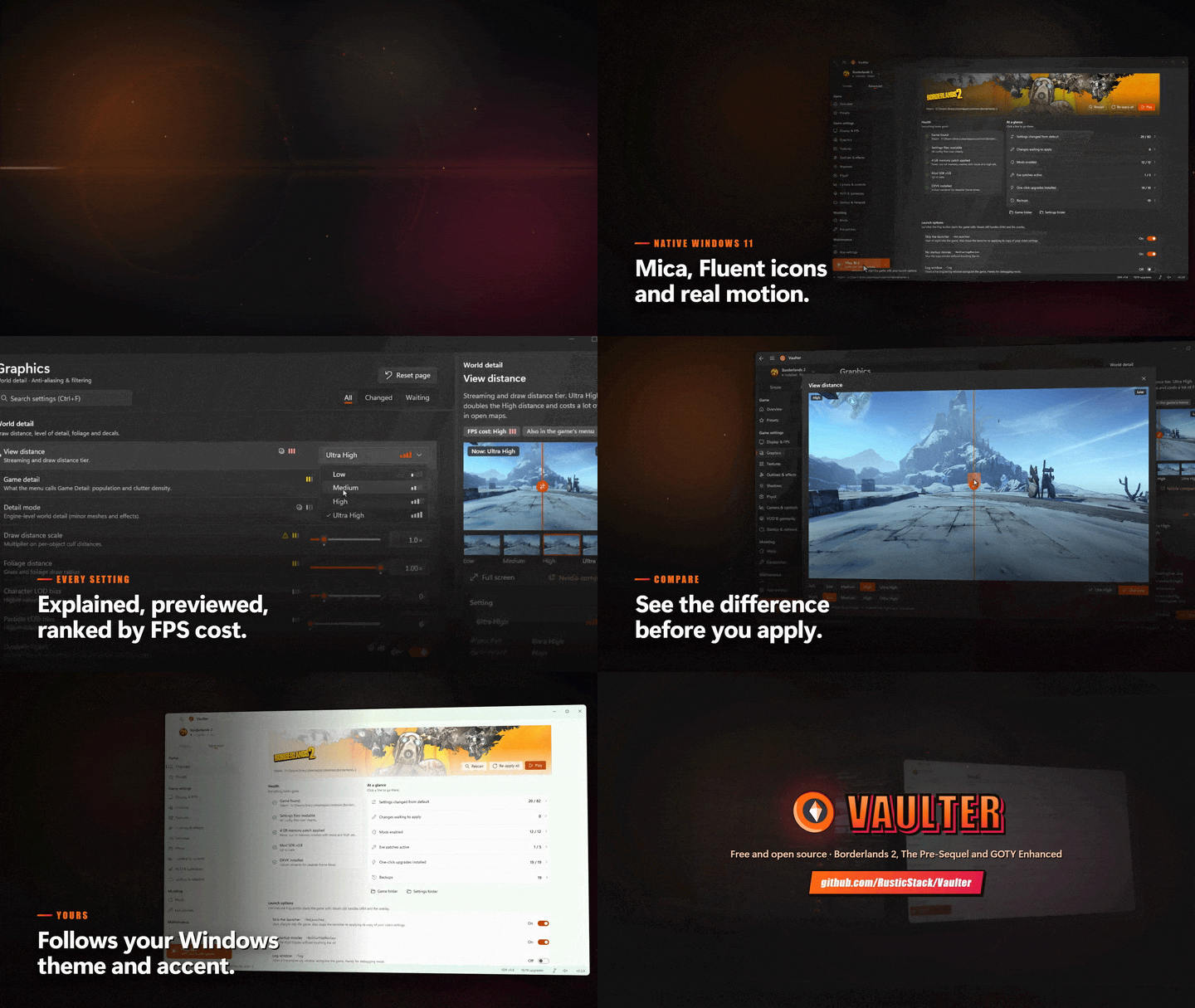
Download
Grab Vaulter.exe below and run it: one self-contained file for Windows 10/11, no installer and nothing else to install.
Coming from Vault Patcher? Put Vaulter.exe in the same folder and run it. Your settings, backups and profiles move over automatically on first launch (from the VaultPatcher Data folder, or from %APPDATA%\VaultPatcher for older versions). Upgrades you already installed stay recognised.
The exe isn't code-signed yet, so Windows SmartScreen may warn on first launch: choose More info → Run anyway. You can check the download against
SHA256SUMS.txt.
New name, new look
- Vaulter, with a new cel-shaded vault door logo in the title bar, the taskbar and the exe icon.
- The title bar's logo now lines up with the Back and Menu buttons, and the app name is easier to read.
- The project moved to github.com/RusticStack/Vaulter.
Memory that stays down
- Leaving a page now frees everything it held: its images and its number boxes, which used to stay in memory for every setting you had ever opened. Browsing through every page repeatedly no longer adds up.
- The comparison viewer keeps only the pair of shots on screen.
- A couple of seconds after you switch to another app, Vaulter hands the memory it isn't using back to Windows.
Notes
- Close the game before applying changes (Vaulter refuses while it's running).
- Licensed under GPL-3.0-or-later. Not affiliated with Gearbox Software or 2K.
Comparison images: Borderlands 2
Setting comparison screenshots downloaded by Vault Patcher on first run (not bundled in the app). Captured with the built-in capture tool: Windshear Waste, HUD/weapon/subtitles hidden, 2560x1440 downscaled to 1600px JPEG.
Borderlands 2 (c) Gearbox Software / 2K. Fan-made, non-commercial.