Repository navigation
Quick Start Guide For Linux
- Download the repository
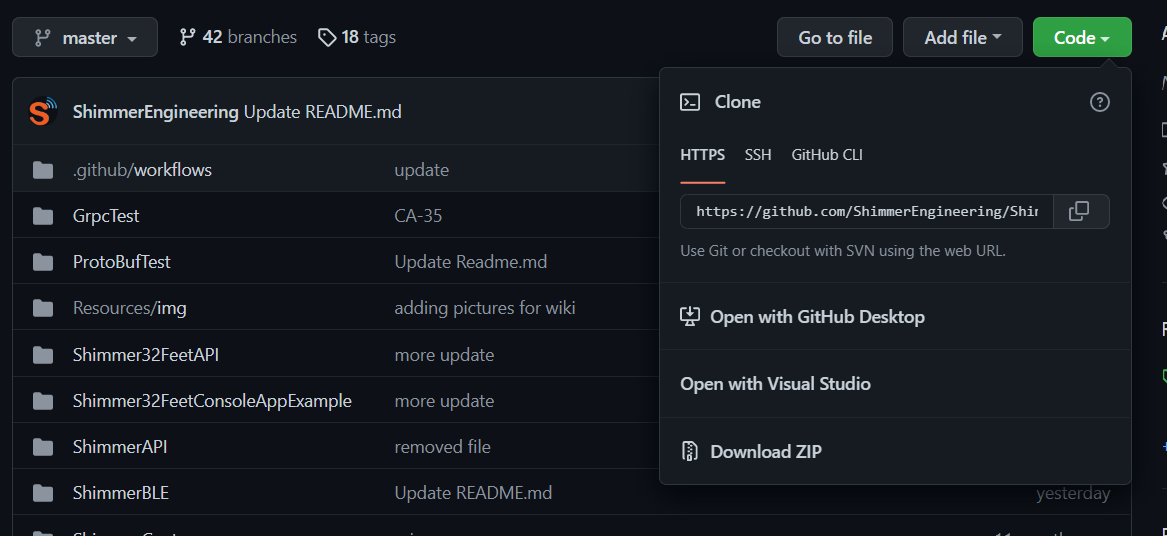
-
Install .NET if not installed yet
-
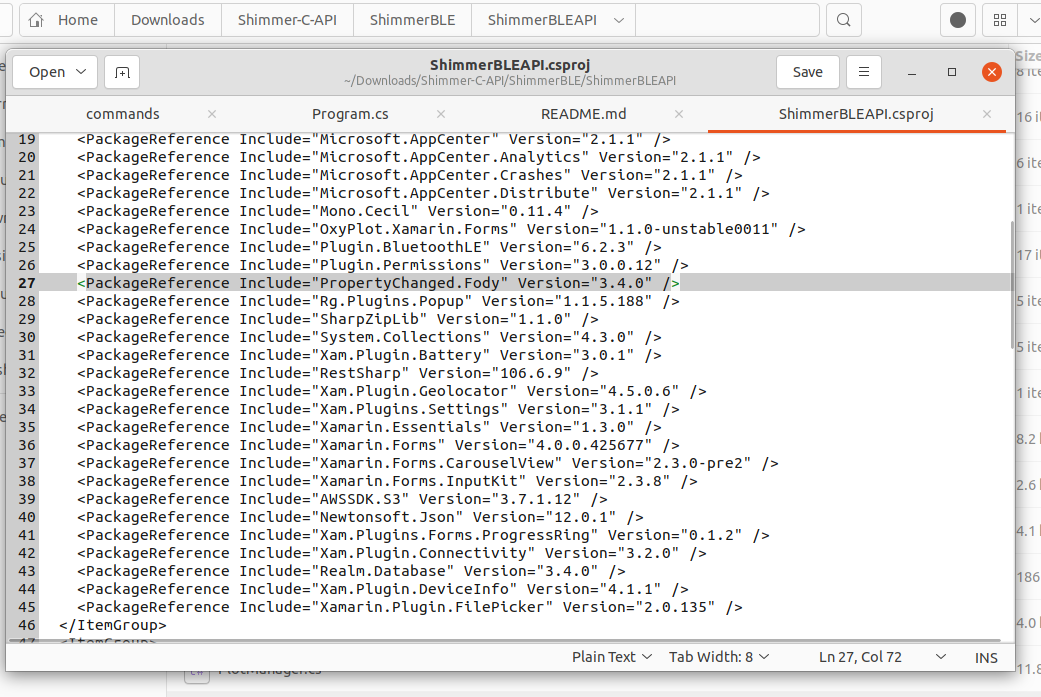
Open ShimmerBLE/ShimmerBLEAPI/ShimmerBLEAPI.csproj and update PropertyChanged.Fody version from 2.6.0 to 3.4.0
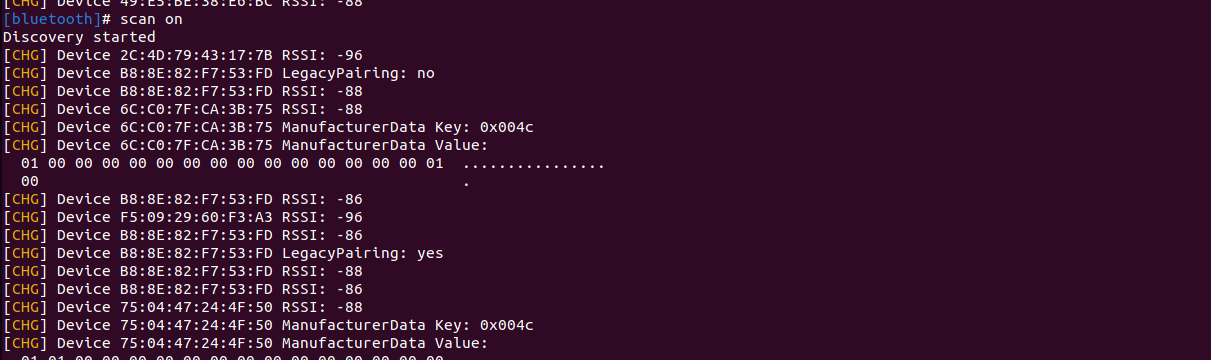
- Pair the Verisense device using command
bluetoothctl pair <Mac Address>(the default pairing key is 123456). Note that you can runbluetoothctl scan onto scan and get the mac address.

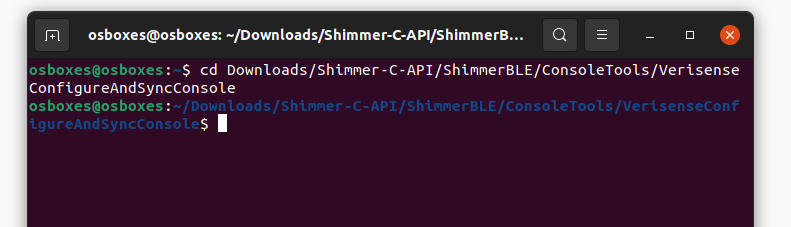
- Navigate to ShimmerBLE/ConsoleTools/VerisenseConfigureAndSyncConsole in the terminal
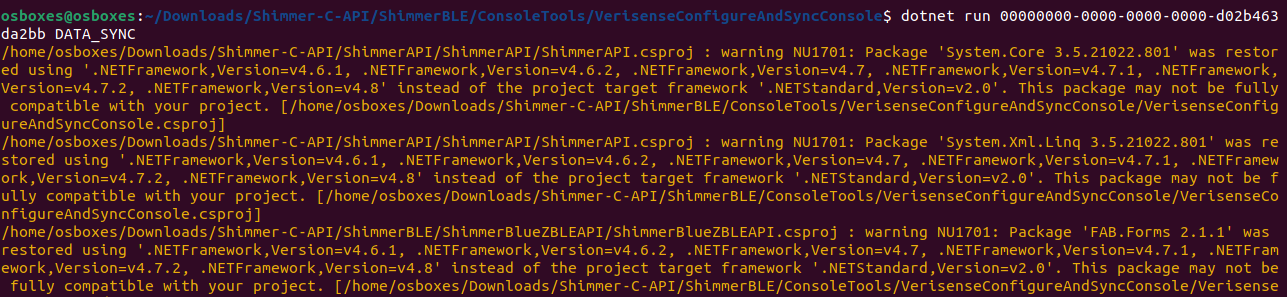
- Run
dotnet run <uuid> DATA_SYNCto sync the Verisense device
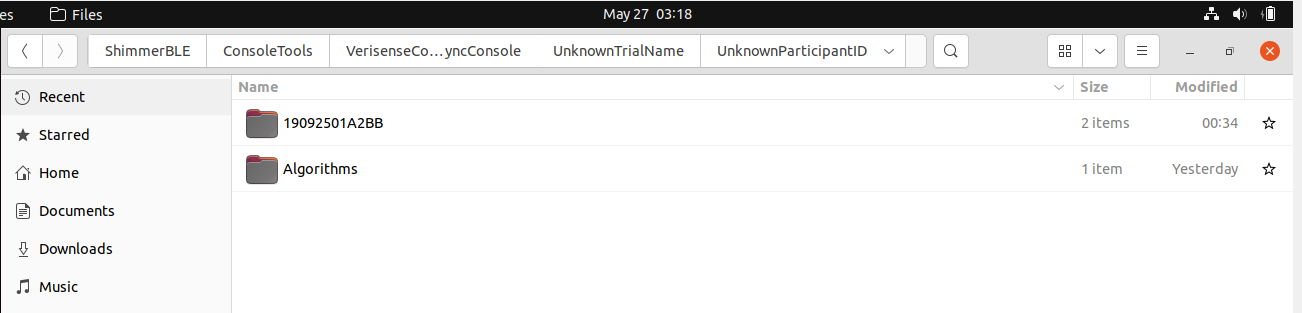
- After the data sync is completed, a bin file directory is being created
- Navigate to the directory where the VerisenseFileParserPC.jar is located (Shimmer-C-API > ShimmerBLE > FileParser)

- Run
java -jar VerisenseFileParserPC.jar <path> <optional arguments>in the command prompt
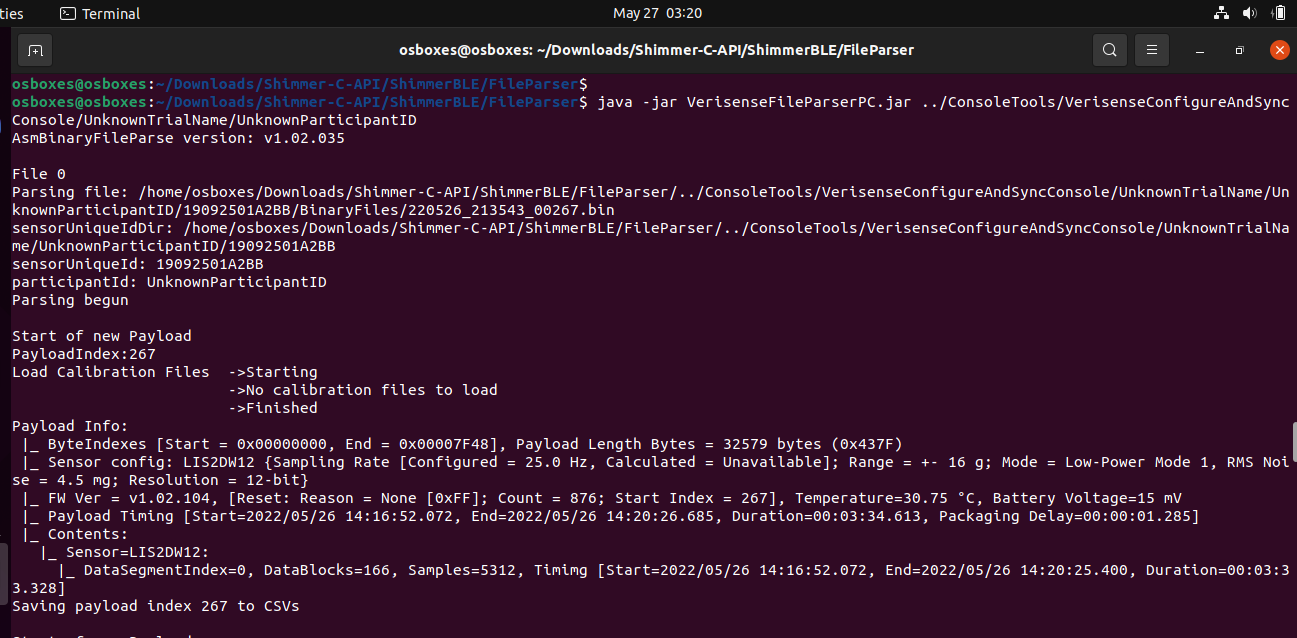
- After the parsing is completed, a new folder containing the parsed files is added

- For more details regarding the file parser and parsed file, can see file parser