Run Sintrop with Docker
Clone the Repository
git clone git@github.com:Sintrop/core-contracts.git
Result

-
First enter to the project
cd core-contracts/ -
Build the project
docker-compose up -d --build- This process will install automatically:
- Truffle
- Ganache
Response
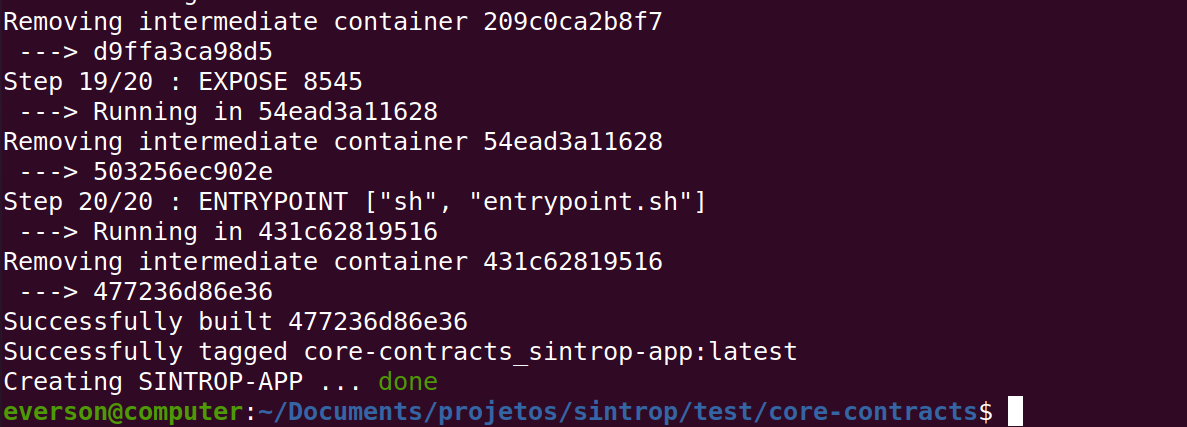
- This process will install automatically:
-
Now you have the project running! Check it with
docker-compose ps
- To the to the container run
docker exec -it SINTROP-APP bash - Run
npm install
- To run the specs run
truffle test- Is expected to run spec with success

- Is expected to run spec with success