中文文档 | Read this document in Chinese


🏆 Showcase your open source achievements and make every merged PR a badge of honor.
Transform your scattered GitHub PR contributions into beautiful, shareable statistics. Perfect for resumes, portfolios, and technical recruiting.
Note: The following demos use public GitHub data accessible via the GitHub API for demonstration purposes only.
Using Linux creator Linus Torvalds' public PR data for technical demonstration
For detailed setup instructions, see 📚 Documentation → 🚀 Deployment Guide
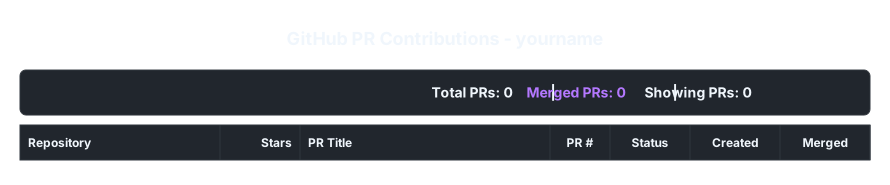
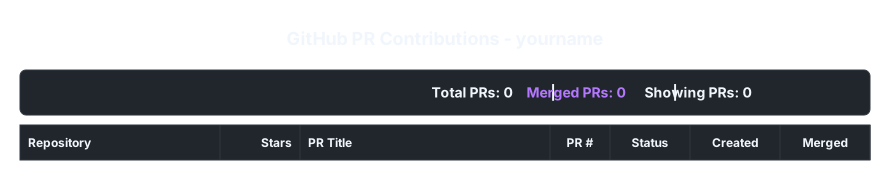# Show only merged PRs from high-star projects
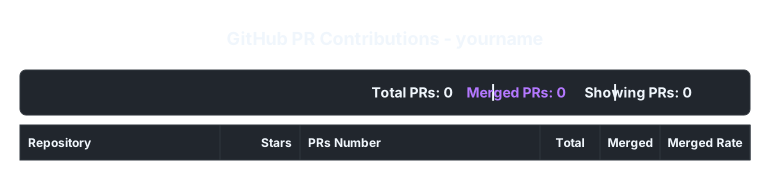
# Repository overview with merge rates
| Feature | Benefit |
|---|---|
| 🎨 Two Display Modes | PR timeline or repository overview - choose what fits your story |
| ⚡ Smart Caching | Fast loading with Redis - your visitors won't wait |
| 🎮 Visual Interface | No code needed - configure everything with our web UI |
| 🌟 Quality Focus | Filter by stars to highlight your high-impact contributions |
| 📱 Works Everywhere | SVG output works in GitHub, websites, presentations, anywhere |
| 🔒 Privacy First | Your tokens stay secure on the server |
- 🎓 Developers: Show your open source impact on LinkedIn, resume, or personal website
- 🏢 Companies: Quickly assess candidates' real-world contribution quality and consistency
- 📈 Project Maintainers: Visualize contributor engagement and project health metrics
- 🌟 Open Source Stars: Celebrate your contributions to major projects like Linux, React, TensorFlow

Visit your deployed instance to use our visual parameter debugger:
- Real-time Preview: See changes instantly as you adjust parameters
- Smart Defaults: Interface adapts when you switch between PR list and repository modes
- One-Click Copy: Generate and copy the perfect URL for your use case
- Mobile Friendly: Configure on any device
- 📖 API Reference - Complete parameter guide and examples
- 🚀 Deployment Guide - Setup instructions and configuration
- 👥 User Guide - Tips, use cases, and best practices
Use this action from any repository to auto-update a markdown region.
name: Update My PR Stats

on:
  schedule:
    - cron: '15 2 * * *'
  workflow_dispatch:

permissions:
  contents: write

jobs:
  update-pr-stats:
    runs-on: ubuntu-latest
    steps:
      - name: Checkout
        uses: actions/checkout@v4

      - name: Update markdown region
        id: update
        uses: f14XuanLv/github-pr-stats@main
        with:
          username: ${{ github.repository_owner }}
          file: README.md
          commit_changes: true
          commit_message: 'docs: refresh PR stats'
          github_token: ${{ secrets.GITHUB_TOKEN }}
          mode: pr-list
          theme: dark
          status: all
          min_stars: 0
          limit: 10
          sort: status,stars_desc
          stats: total_pr,merged_pr,display_pr
          fields: repo,stars,pr_title,pr_number,status,created_date,merged_date

      - name: Show update result
        run: echo "changed=${{ steps.update.outputs.changed }}"
Add this region to your markdown file before running the workflow:
<!-- region github-pr-stats -->
<!-- endregion -->Choose from multiple themes and customize every aspect:
- 🌙 Dark Theme - Perfect for developer portfolios
- ☀️ Light Theme - Great for professional websites
- 🎯 Custom Fields - Show exactly what matters for your audience
- 📊 Smart Stats - Highlight your contribution metrics automatically
Pull Requests or Issues are welcome.
MIT License - Completely free, contributions welcome
🌟 If this project helps you, please give it a Star!