
Constructs a file tree for a Flask app using MVC design pattern (Models, Controllers and Templates as Views):

pip install flaskconstructicon
- Navigate to your new directory's project
- Run FlaskConstructicon
>> python -m flaskconstructicon [system arguments] - FlaskConstructicon takes several arguments
| Argument | Options | Description | Examples |
|---|---|---|---|
| -md | test, help | Run mode, test or help | python FlaskConstructicon.py -md test |
| -a | Any | Specifies app name | python FlaskConstructicon.py -a my_app |
| -db | mysql | Add file for database API | python FlaskConstructicon.py -db mysql |
| test | N/A | Same as -md test (first argument only) | python FlaskConstructicon.py test |
| help | N/A | Same as -md help (first argument only) | python FlaskConstructicon.py help |
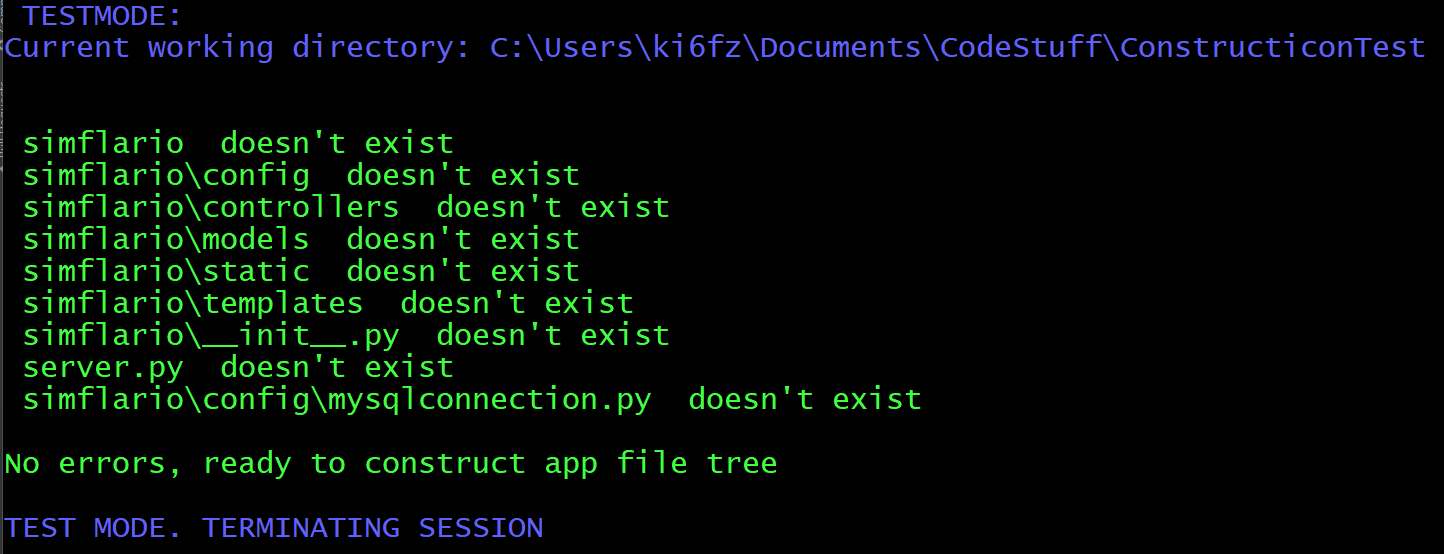

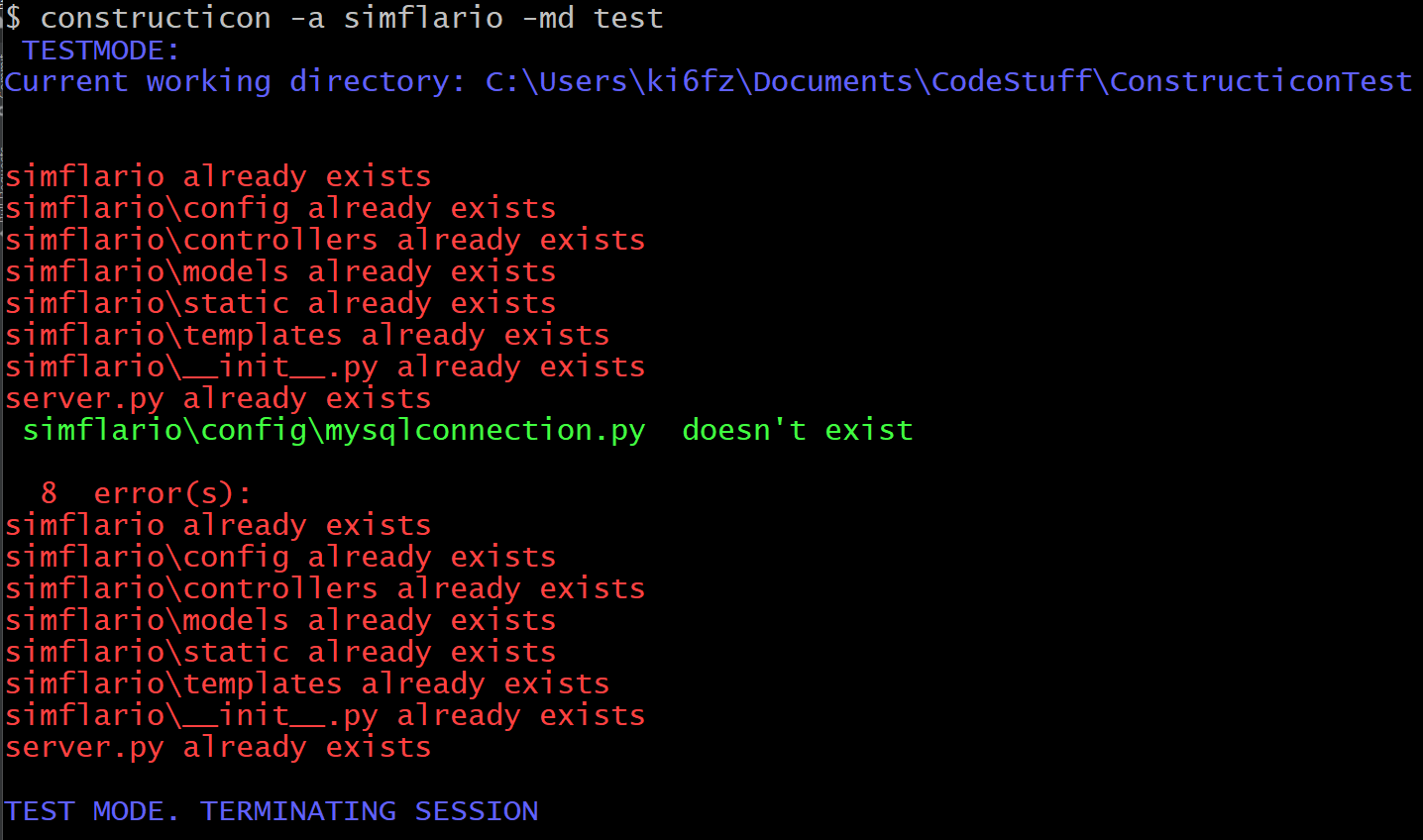
Example alias using git bash:
alias constructicon='winpty python C:/Path/To/FlaskConstructicon/FlaskConstructicon.py'
-Add source files for other db connections and/or APIs
-create models files and models option
-create "Django Style" option
-create option
dbuafor user model and authentication based on db config