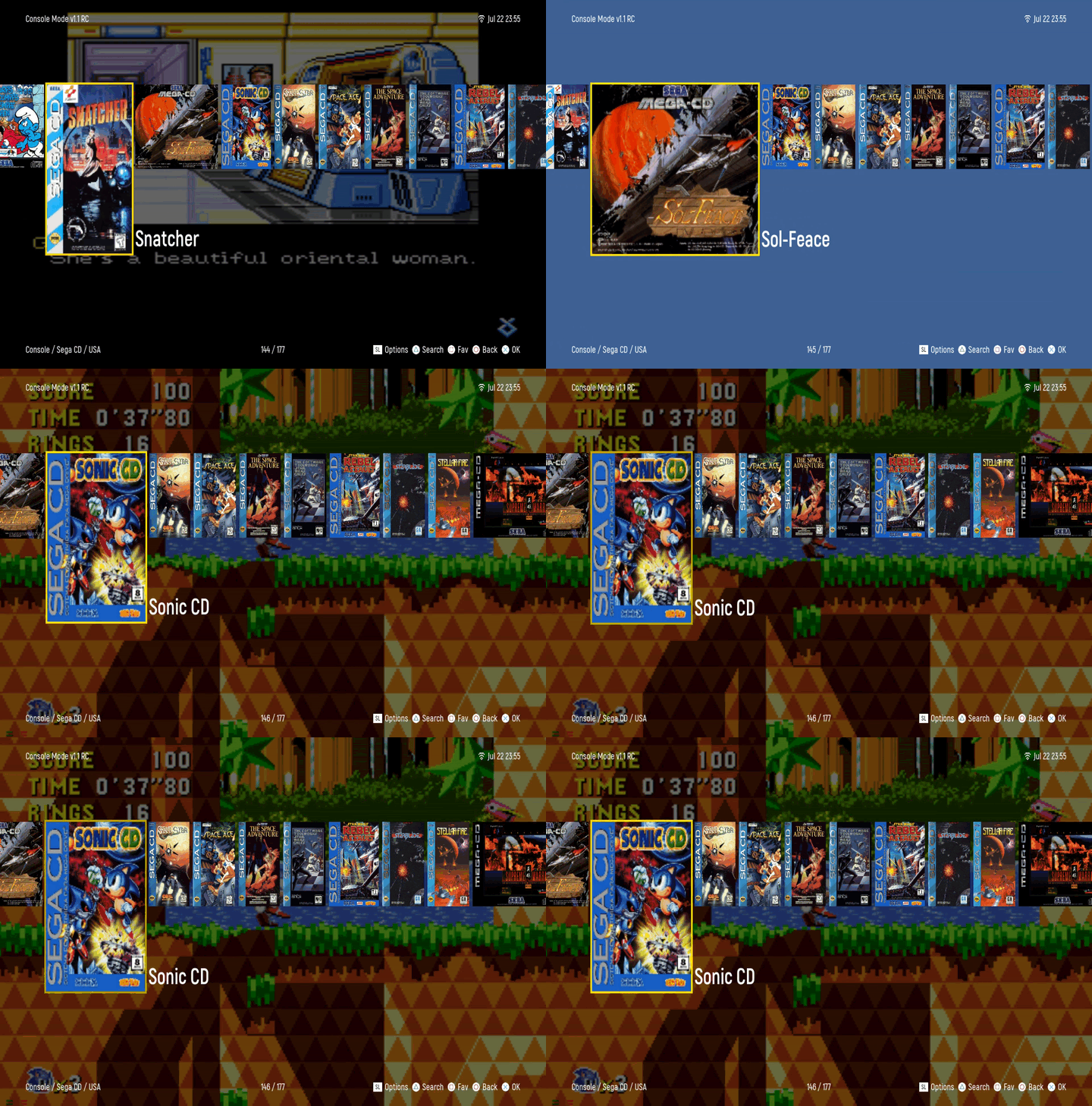
Console Mode
Plug in a supported USB or BT controller and get going!
BT RECONNECT OPTIONS
- Balanced
- Aggressive
- Passive
- Off
BT REPAIR OPTIONS
- auto accept
- menu only
Console Mode supports PS1 over SNAC inherently.
- Buttons work as expected per the Glyphs on the bottom right.
- To bring up the OSD Mister Menu, Press START + SELECT at the same time.
If using a keyboard, here are your keys: **General Navigation **
- Y is ADD TO FAVORITES
- X is KEYBOARD (Type to find the term within the directory you're in)
- ESC is BACK
- ENTER is OK/SELECT
- SPACE is OPTIONS (Options vary from screen to screen)
- ARROW KEYS allow you to Navigate
On Favorites Screen Only
- X is DELETE FAVORITE
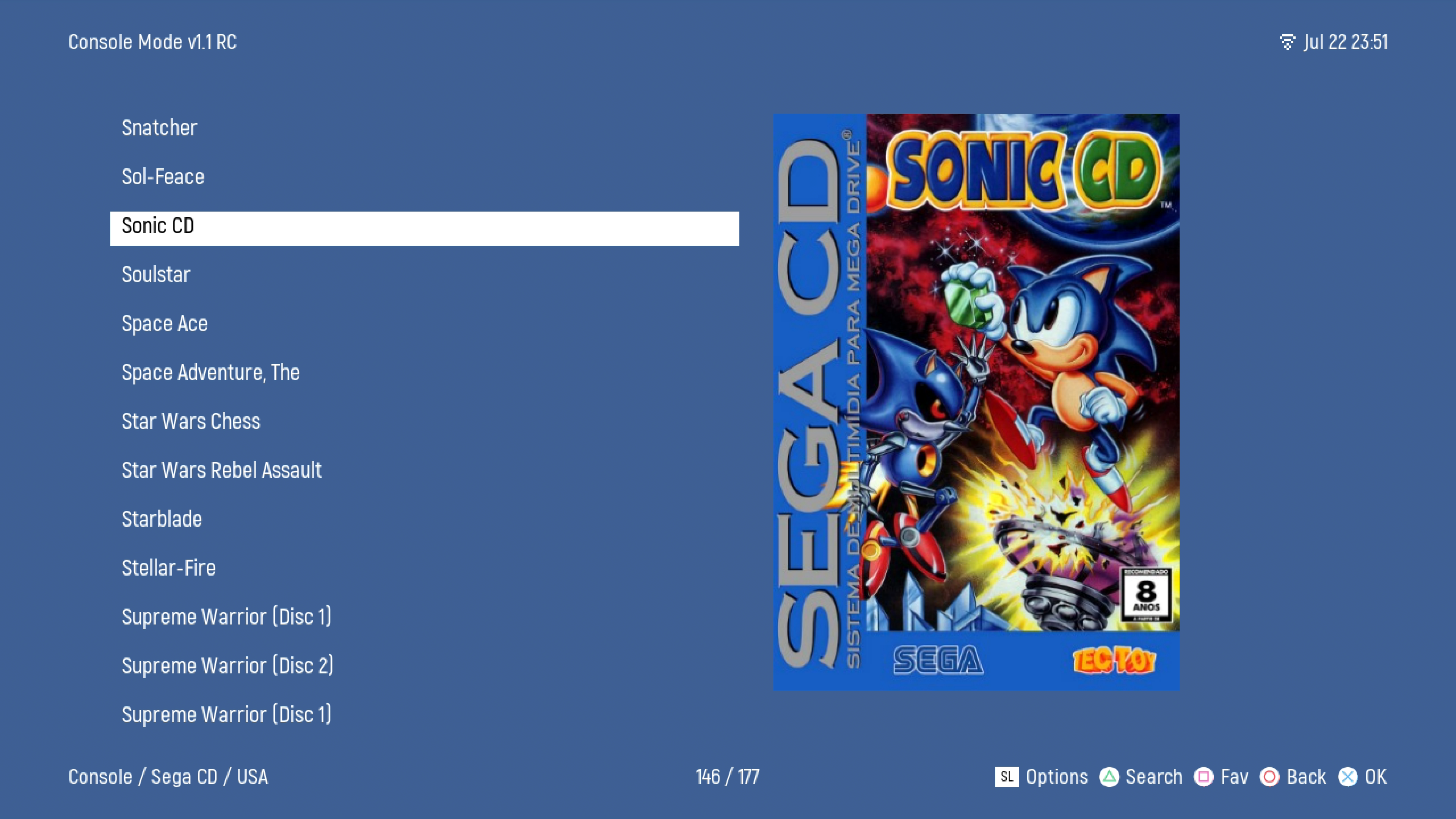
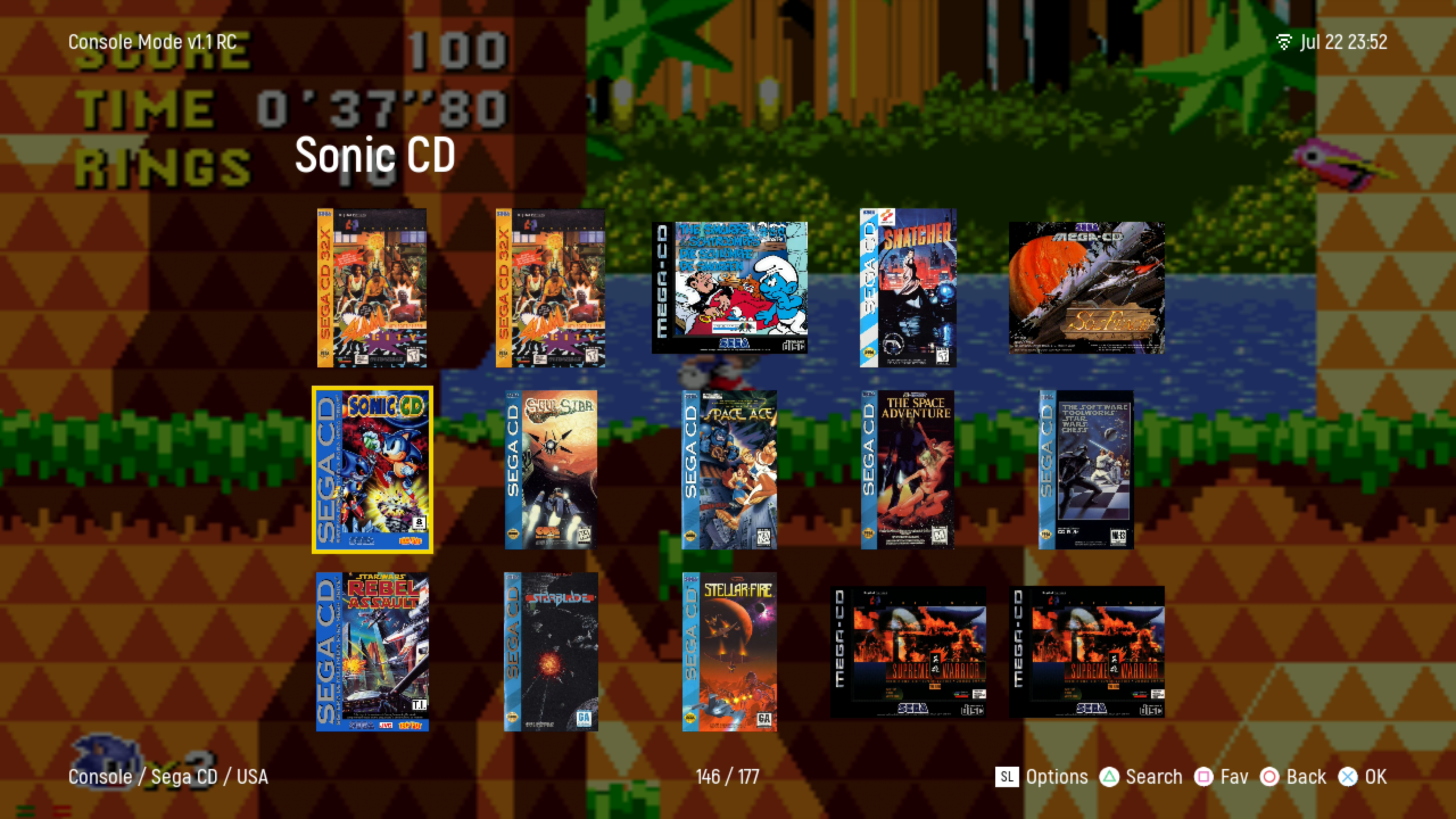
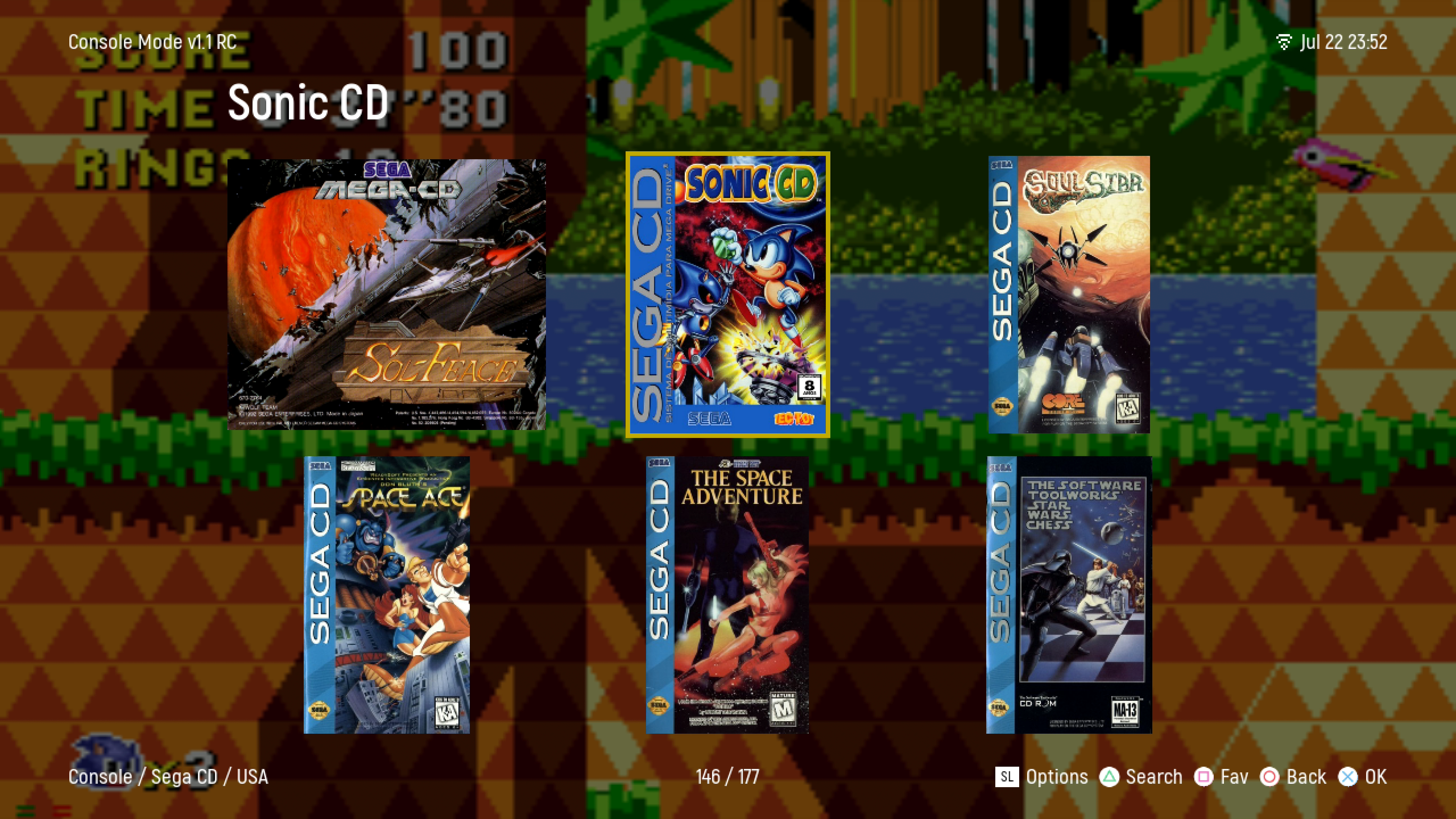
Available Games Style Display
- List view
- Grid view
- Big Grid view
- NX view
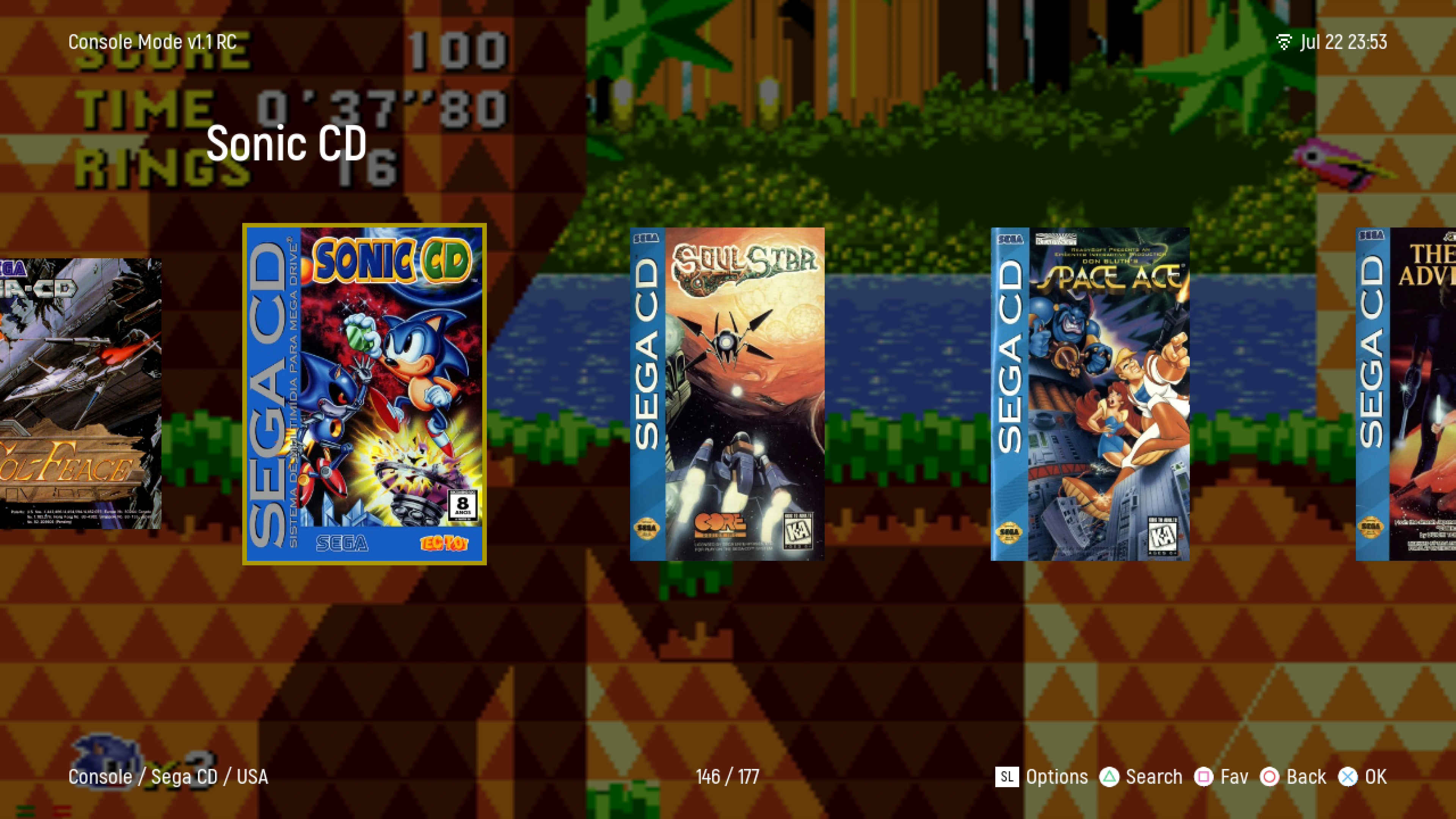
- SS4