Anime4K Upscaling
🌐 English · Deutsch
The app can upscale episodes with the Anime4K GLSL shaders (e.g. 720p/1080p → 1080p/1440p/4K). The shaders ship with the app or are downloaded automatically when needed.
| Mode | Description |
|---|---|
disabled |
No upscaling (default) |
after_download |
After a download finishes, all episodes of the job are added to the upscale queue as one entry (only if "Upscale" was checked on the job) |
during_download |
Upscaling within the download process |
Independently of the mode, files can always be queued manually from the Library (single episodes, seasons or entire titles).
| Setting | Values | Default |
|---|---|---|
| Engine |
auto, mpv, libplacebo
|
auto |
| Shader preset |
A, B, C, D
|
B |
| Shader quality |
high, low
|
high |
| Target resolution |
1080p, 1440p, 4k, source
|
1080p |
| Replace original | on/off | on |
| Output codec |
libx264, libx265, copy
|
libx264 |
| CRF | 0–51 | 18 |
| Encoder preset |
ultrafast … veryslow
|
medium |
About the Anime4K presets: A (restore, for heavily compressed sources), B (balanced, default), C (fast/lightweight), D (maximum quality). The quality level switches between the high-end and low-end shader variants.
- mpv: uses mpv in encoding mode with GLSL shaders. The UI checks whether the installed mpv supports encoding (on Windows mpv is downloaded automatically).
-
libplacebo: FFmpeg's
libplacebofilter with the same shaders. - auto: picks an available engine automatically. The "Check engines" button shows what works on your system.
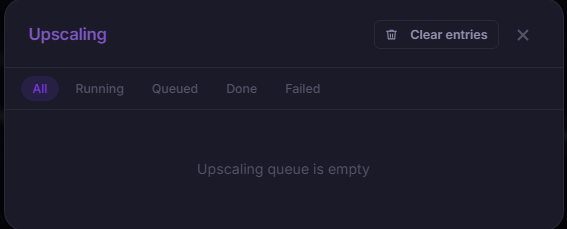
- Dedicated worker, one upscale job at a time, with live progress (proportional per file for multi-file jobs).
- Jobs can be cancelled, deleted and reordered; interrupted jobs are reset after a restart.
- With "replace original", rendering goes to a temp file first (
.upscale_tmp.mkv) and only replaces the original on success — a cancel never corrupts the original. - If only some files fail, the job is marked completed with an error note.
Note: Upscaling is compute-intensive. CRF 18 with preset
mediumgives very good quality; on weaker systems setout_presettofast/veryfast.