Steno 1.0

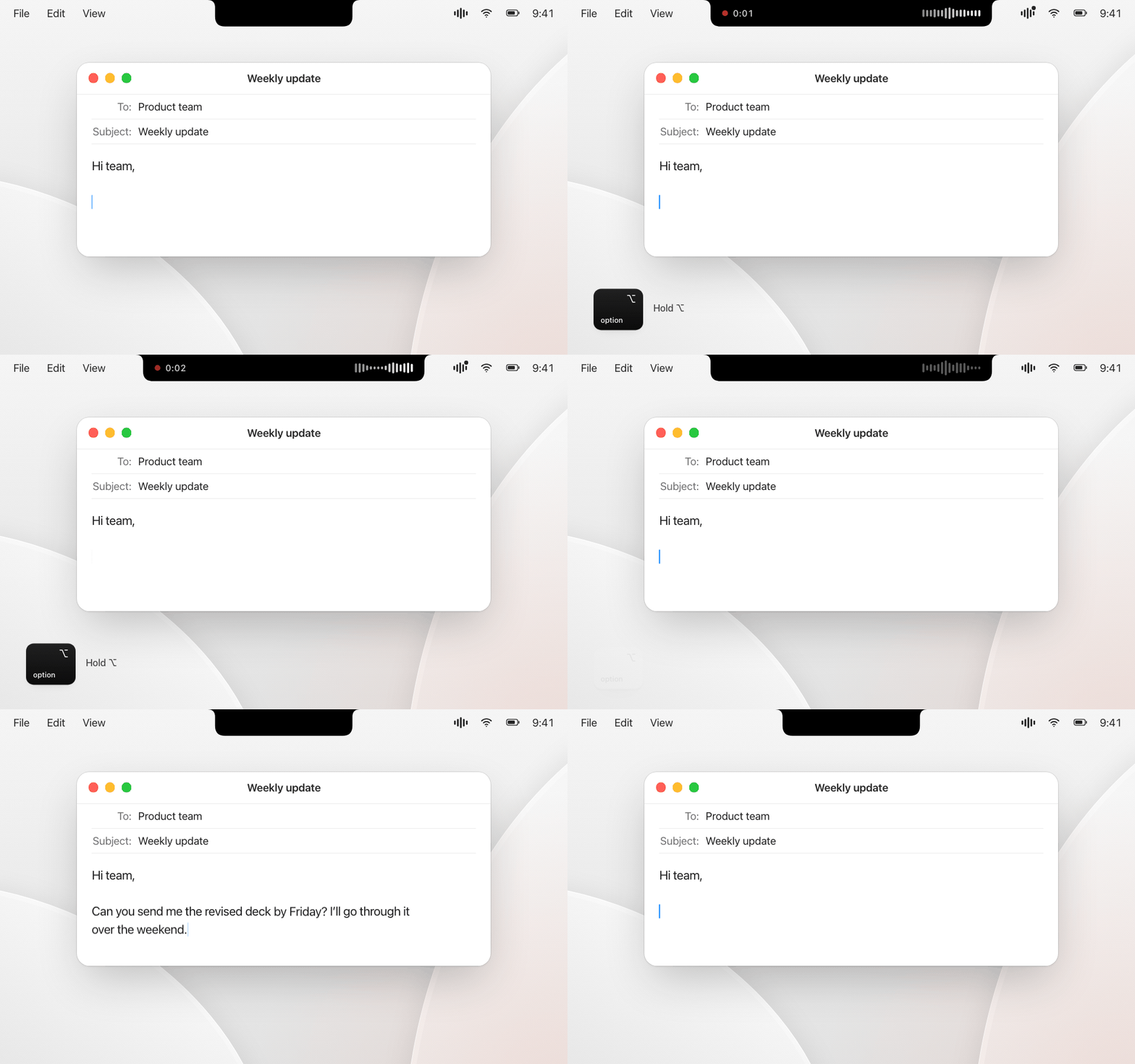
Steno 1.0 – free, open-source dictation for macOS. Hold a key, speak, and your words appear wherever you type. Transcribed on your Mac by OpenAI Whisper: no cloud, no account, no subscription.
Highlights
- Hold ⌥ (or another key of your choice) to dictate, double-tap for hands-free mode
- Whisper Large v3 Turbo on the Apple GPU – a sentence is usually ready in under a second; long dictations of several minutes work too
- Personal dictionary that corrects names and terms automatically
- Notch overlay, or a floating bubble on Macs without a notch
- German, English, French, Italian, Spanish, Swiss German or automatic
- Searchable history (optional), clipboard is restored after pasting, nothing leaves your Mac
Install
- Download Steno.dmg below and drag Steno to Applications.
- Open Steno. macOS blocks the first launch because Steno is not distributed with a paid Apple Developer ID. Close the message, then click Open Anyway in System Settings › Privacy & Security.
- The setup assistant handles the microphone, Accessibility and the model download.
Requires macOS 14 or later on Apple silicon. Every release is signed with the same certificate, so permissions survive updates.