Repository navigation
Docker
- Configuration is achieved through a convenient re-scaleable docker that allows you to see your changes instantly on the canvas. No need to navigate through complex menus to make quick changes.
-
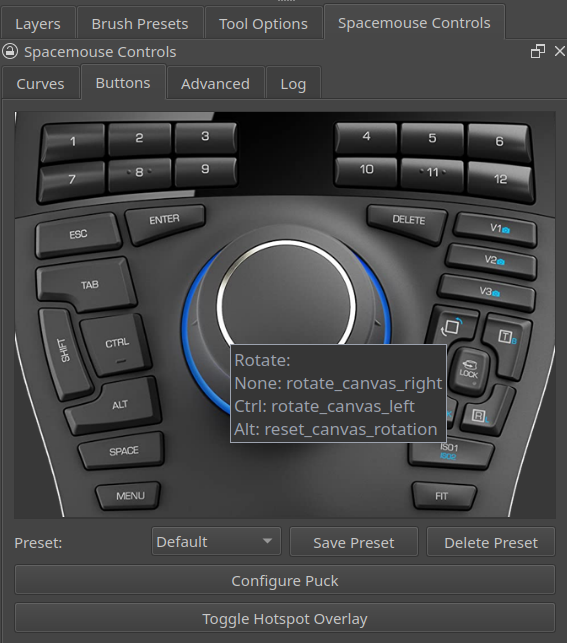
The Buttons Tab provides an interactive view of the SpaceMouse's control console. Clicking on the Puck (the SpaceMouse's center motion joystick) will launch the Puck Configurator. Likewise, clicking a button will bring up the Button Configurator.
-
In addition to the Default Button Presets users can create, save, and quickly switch between preset button layouts.
-
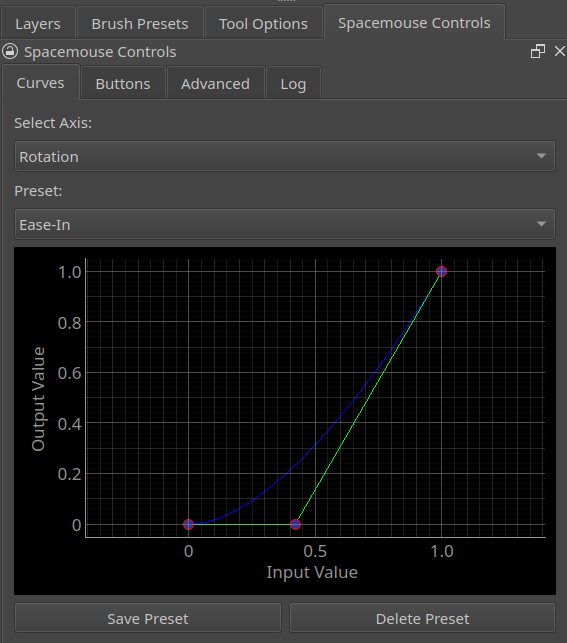
Each of the canvas' 4 axes of motion can be independently tweaked to feel just as you would like. Allow quick jumps around the canvas while maintaining precise control near center stick, or opt for a linear response from center to edge.
-
Bundled with 8 predefined presets (Linear, Ease-In, Ease-Out, Ease-In-Out, Steep, Slow Center, Fast Edges, and Controlled), and providing saveable user definable profiles, the perfect feel for canvas navigation is always at your fingertips. Settings persist across sessions, allowing you to jump right back into your work after restarting Krita.
-
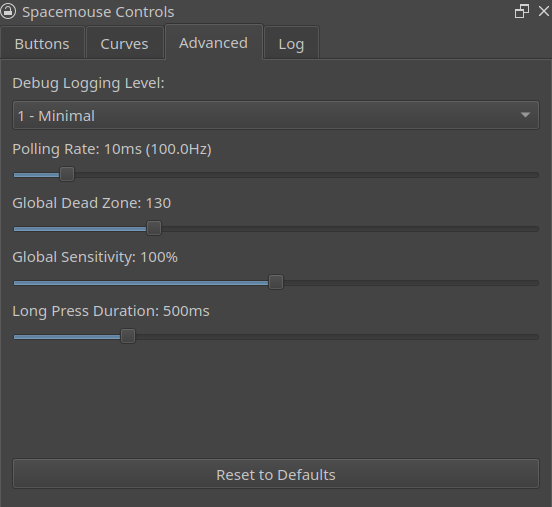
User-definable polling rate allows you to strike your own balance between performance and resource usage. A lower polling rate increases the precision of input at the cost of system resource consumption.
-
Variable logging feedback allows for targeted troubleshooting by controlling the verbosity of the Log Tab.
-
Global Sensitivity and Dead Zone settings allow for quick adjustment to match your current workflow needs.
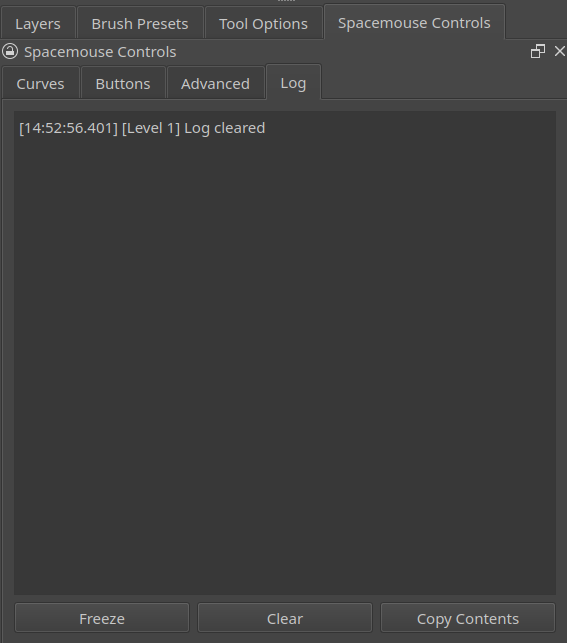
- Useful for debugging troublesome behavior, the Log Tab gives you insight into the health of the plugin. Freeze the output for easy reading, copy the log contents to assist others in helping you troubleshoot, or clear the contents to start anew.
- Quick-View button feature (buttons V1-V3 by default) allows for quickly storing and retrieving up to 3 canvas views. Save your current view (including canvas Location, Rotation and Zoom level) and return at the touch of a button. Jump between your current point of focus and your reference image, or bounce between details and full face or character views instantly.