The open skill stack for agentic video editing.
Cut-as-code turns video editing into an inspectable, code-driven workflow you can drive with AI coding agents like Claude Code, Codex, and OpenClaw. The agent proposes and records editing decisions as readable files; you review them in browser pages and template galleries, approve the work, and then render the final videos — all free, open source (MIT), and with nothing uploaded to a cloud service.
- ✂️ Cut — reviewed keep/drop decisions and a compact first cut.
- 🎨 Color grade — candidate looks to review, then a baked LUT.
- 💬 Captions — word-timed, preset styles with optional karaoke.
- 🃏 Graphic motion cards — titles, lower thirds, stats, quotes, and calls to action.
- 📱 To TikTok/YouTube shorts — extract moments and reframe them for 9:16 vertical.
Prompt: For [video-path], use /video-understand, /video-to-shorts, /video-add-captions, and /video-add-content-cards.
Agent: Proposes short-form candidates, and displays captions and content cards with graphic motion for your review, and delivers the final edit.
| Short 01 | Short 02 | Short 03 | Short 04 |
|---|---|---|---|
short-01.mp4short-01.mp4
|
short-02.mp4short-02.mp4
|
short-03.mp4short-03.mp4
|
short-04.mp4short-04.mp4
|
Original video: Jensen Huang: NVIDIA GTC Taipei 2026 Keynote
Prompt: For [video-path], use /video-understand, /video-cut, /video-add-captions, and /video-add-content-cards.
Agent: Displays a few captions and content cards candidates for your review, then delivers the final edit.
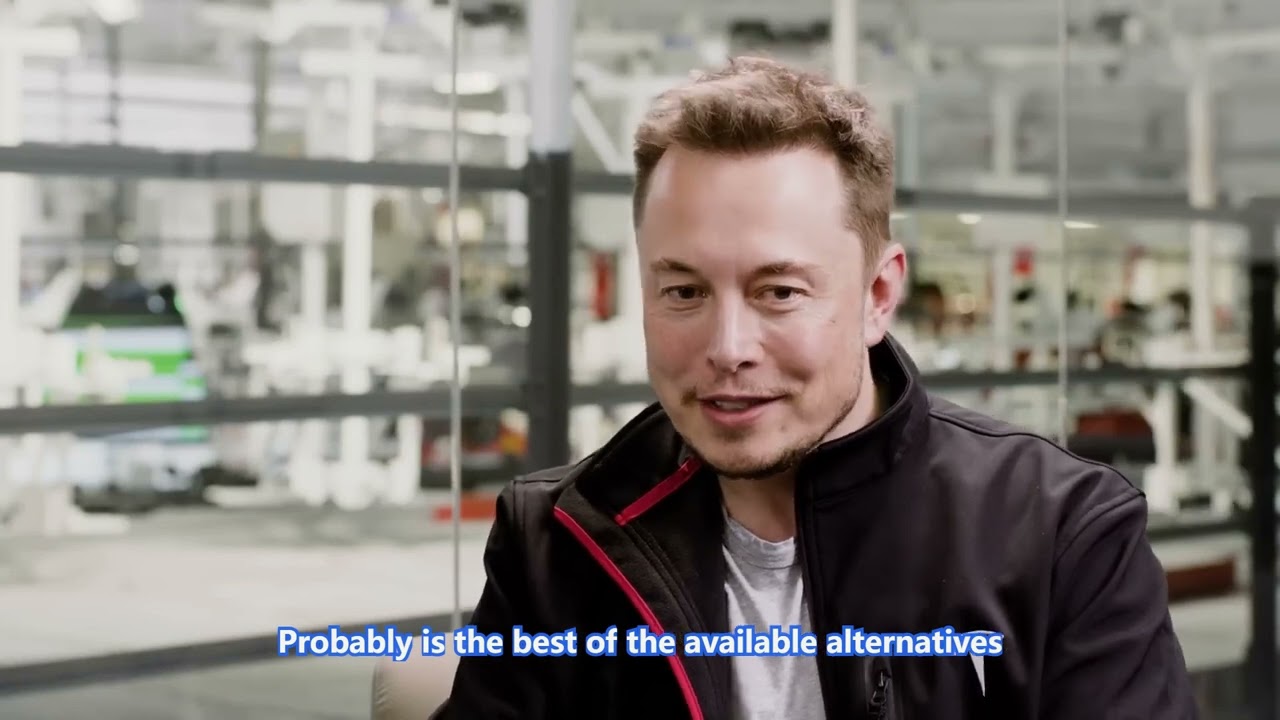

Original video: Elon Musk : How to Build the Future
Prompt: For [video-path], use /video-color-grade, and /video-edit-compare.
Agent: Displays a few candidate grading options for your review, then do the final grading.
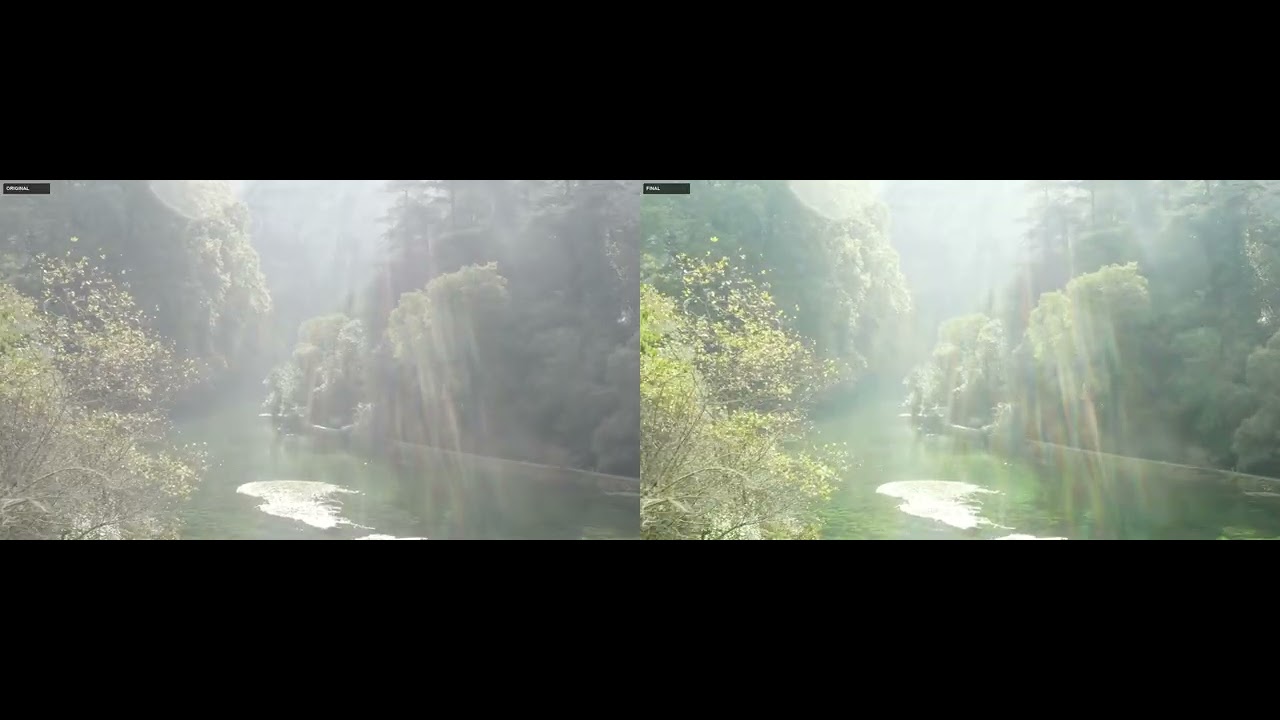
Original video: DJI MAVIC PRO 2 Ungraded Footage to practice grading
Each directory under skills/ is a self-contained agent skill. Its SKILL.md is both the agent playbook and the specification for that skill.
| Skill | Purpose |
|---|---|
/video-understand |
Probe media, generate a word-level transcript, analyze speech, and build reusable evidence for downstream skills. |
/video-cut |
Create reviewed keep/drop decisions, generate the canonical timeline, render a compact first cut, and verify its boundaries. |
/video-color-grade |
Assess footage, generate named looks, review the alternatives, record a selection, and bake or apply a portable LUT. |
/video-add-captions |
Render preset-driven, word-timed captions with optional karaoke highlighting. |
/video-add-content-cards |
Add selective transcript-timed titles, lower thirds, statistics, lists, quotes, chapter cards, and calls to action. |
/video-to-shorts |
Find and extract approved horizontal shorts, then optionally create reviewed 9:16 vertical deliveries. |
/video-edit-compare |
Compare the original source with the actual final delivery on the original source clock. |
Install the skills into your agent:
npx skills add WhiteTowerAI/cut-as-codeOr install them individually from ClawHub:
npm install -g clawhub
clawhub install @whitetowerai/<skill-name>
Then point your agent at a video with prompts such as:
For [video-path], use /video-understand, /video-cut, /video-add-captions, and then /video-add-content-cards.
Note: /video-understand is a prerequisite for /video-cut, /video-to-shorts,
/video-add-captions, and /video-add-content-cards. Run it first so downstream
skills share the same media metadata, transcript, analysis, and timeline.
my-video-project/
|-- START-HERE.md
|-- input/                        # original user-provided media
|   `-- original-video.mp4
|-- review/                       # summaries, stills, contact sheets, previews
|   |-- 00-video-understanding/
|   |-- 01-cut/
|   |-- 02-color-grade/
|   |-- 03-content-cards/
|   |-- 04-edit-compare/
|   |-- 05-captions/
|   `-- 06-shorts/
|-- final/                        # main delivery and derivative shorts
|   |-- final-video.mp4
|   `-- shorts/
|       |-- short-001-horizontal.mp4
|       `-- short-001-vertical.mp4
`-- work/                         # intermediate files for the agents themselves
    |-- project.json
    |-- timeline.json
    |-- understand/
    |-- cut/
    |-- color-grade/
    |-- content-cards/
    |-- edit-compare/
    |-- captions/
    |-- shorts/
    |-- render/
    `-- cache/                    # disposable, regenerable files
Durable editing decisions and approval records must never live only in work/cache/.
work/project.jsonis the shared manifest: available sequences, active operations and dependencies, operation status, integer revision numbers,based_onrevision checks, review outputs, render contributions, and the final render path and status. Revision checks prevent an operation from silently rendering against stale upstream decisions.work/timeline.jsonis the canonical source-to-program mapping. Time values are in seconds and ranges are half-open[start_s, end_s). The V1 model stays small and inspectable — chronological clips from one source with linear positive speed, no OpenTimelineIO required.
Planned work — these items are not yet available.
- Make skills easier to install and update.
- Improve UI & UX design.
- Continue expanding the collection of composable video-editing skills.