Repository navigation
History and Statistics
Every run is recorded, including the ones that never started (Missed, Skipped). Filter by job at the top right. Click a run to open its details.
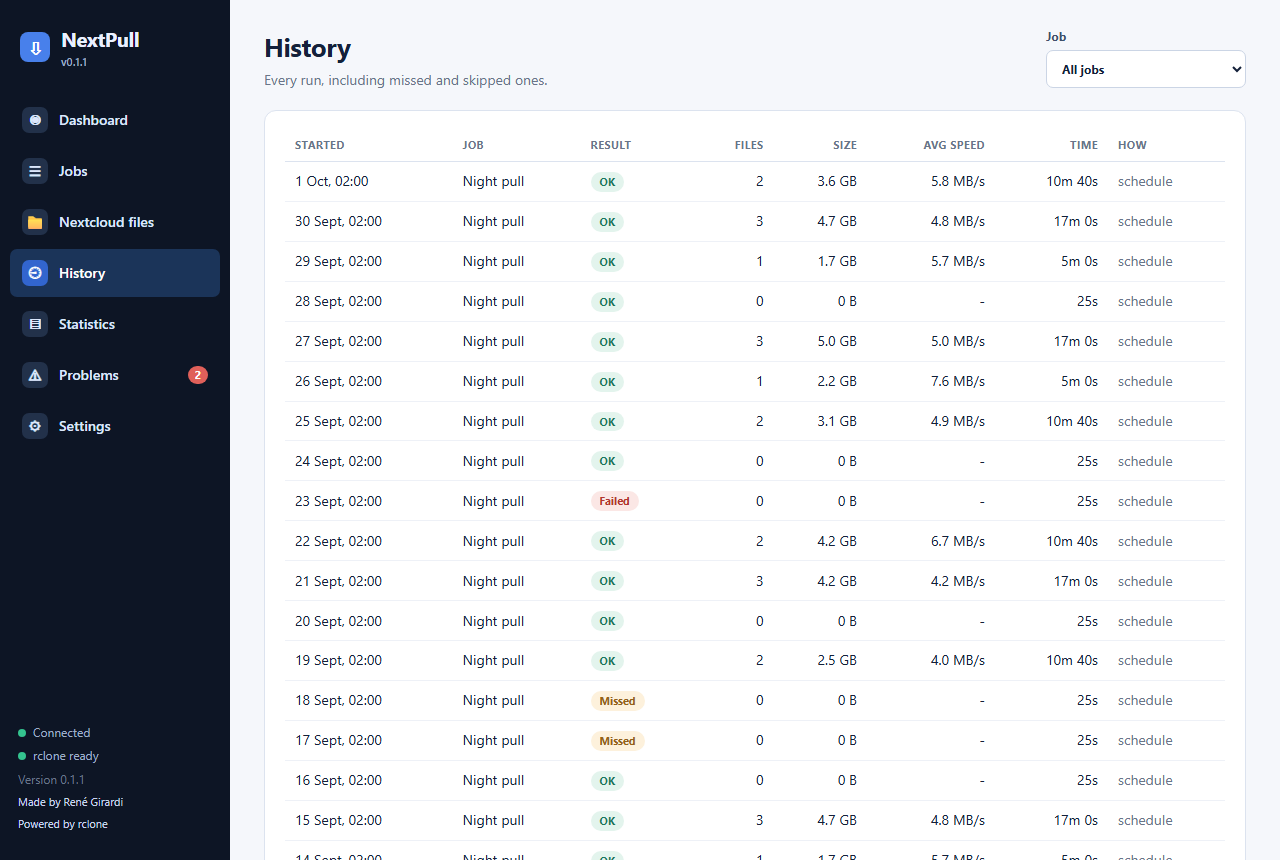
A run can end as:
| State | Meaning |
|---|---|
| OK | Everything finished. |
| Needs attention | Mostly worked, but some files had a problem (for example downloaded but not deleted on Nextcloud). |
| Failed | The run could not do its job. The message gives the reason. |
| Cancelled / Stopped | You cancelled it / it reached its Stop by time. |
| Missed | The PC or NextPull was not running at the start time. |
| Skipped | The previous run of the same job was still going. |
| Interrupted | NextPull was closed or the PC shut down in the middle of the run. |
Inside a run you see each file with its size, result and speed, and the log (all messages, or only warnings and errors). Per-file results: OK, Already had (downloaded earlier), Would transfer (dry run), Failed, Skipped.
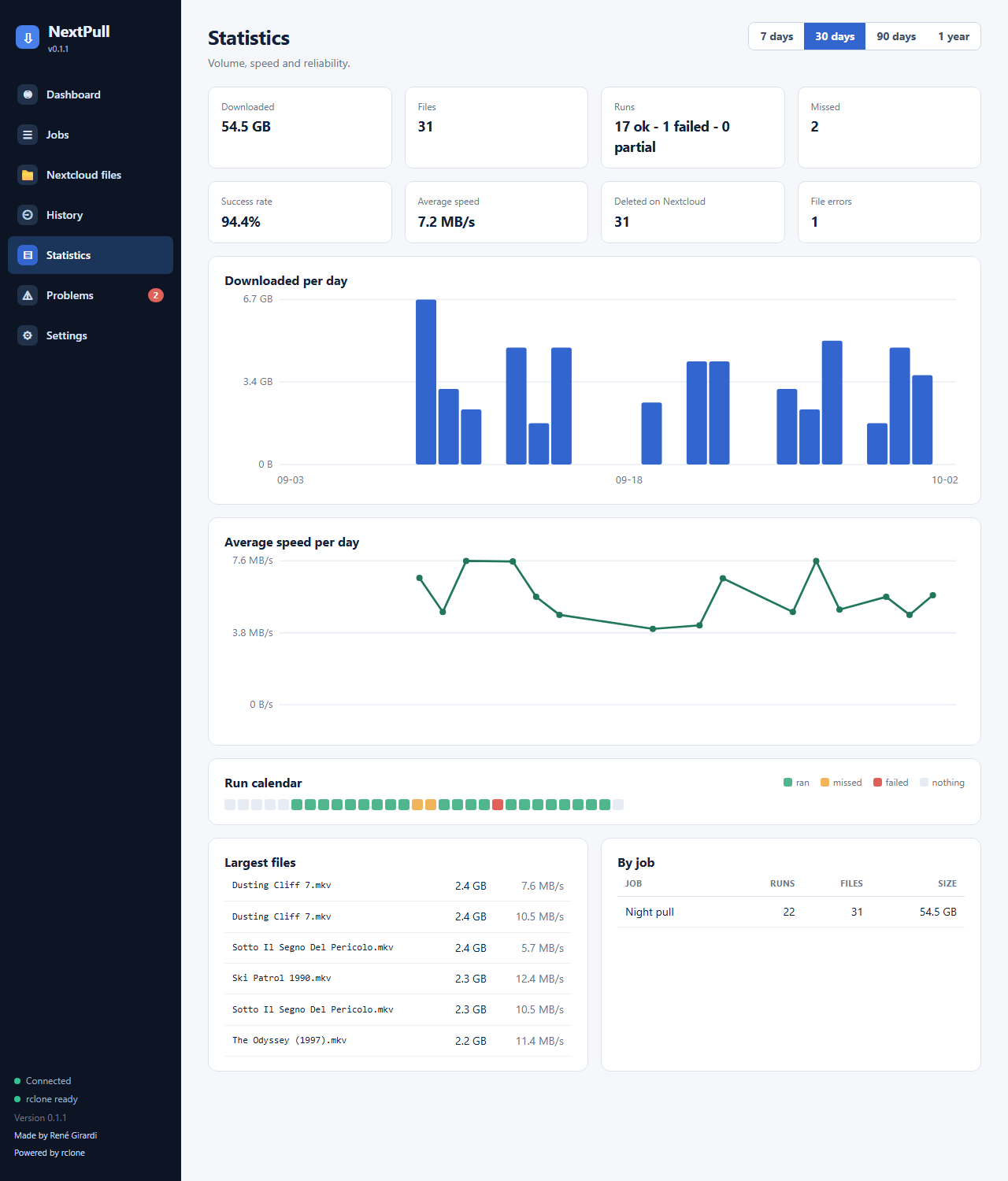
Totals for 7 days to 1 year: data downloaded, files, runs ok/failed/partial, missed runs, success rate, average speed, files deleted on Nextcloud, file errors; plus a chart per day, speed per day, a calendar of runs (green ran, orange missed, red failed), the largest files and a per-job table.
History and logs are kept for the number of days set in Settings -> Data and pruned once a day.