Repository navigation
Scheduling and Speed
NextPull checks the clock every 10 seconds. For each enabled job it looks at the start times that passed since the last check:
| Situation | What happens | History shows |
|---|---|---|
| The start time just arrived | The job runs | Scheduled run |
| The PC was off or asleep, catch-up is on, and the delay is within the limit | The job runs as soon as possible | Catch-up run |
| The PC was off and catch-up is off (or it is too late) | Nothing runs | A Missed row, so you can see the hole |
| The previous run of the same job is still going | Not started twice | A Skipped row |
| Another job is running | The job waits in a queue | Starts when the other one ends |
If the system clock goes backwards (manual change, daylight saving) NextPull never replays the future.
Stop by: a scheduled run is ended at that time. Files not finished are resumed on the next run (rclone writes .partial files and renames them only when complete).
Settings -> Keep the PC awake during a download prevents sleep only while a run is active. It does not wake a sleeping PC: for a night job, leave the PC on (it is meant for an always-on PC) or turn off sleep in Windows.
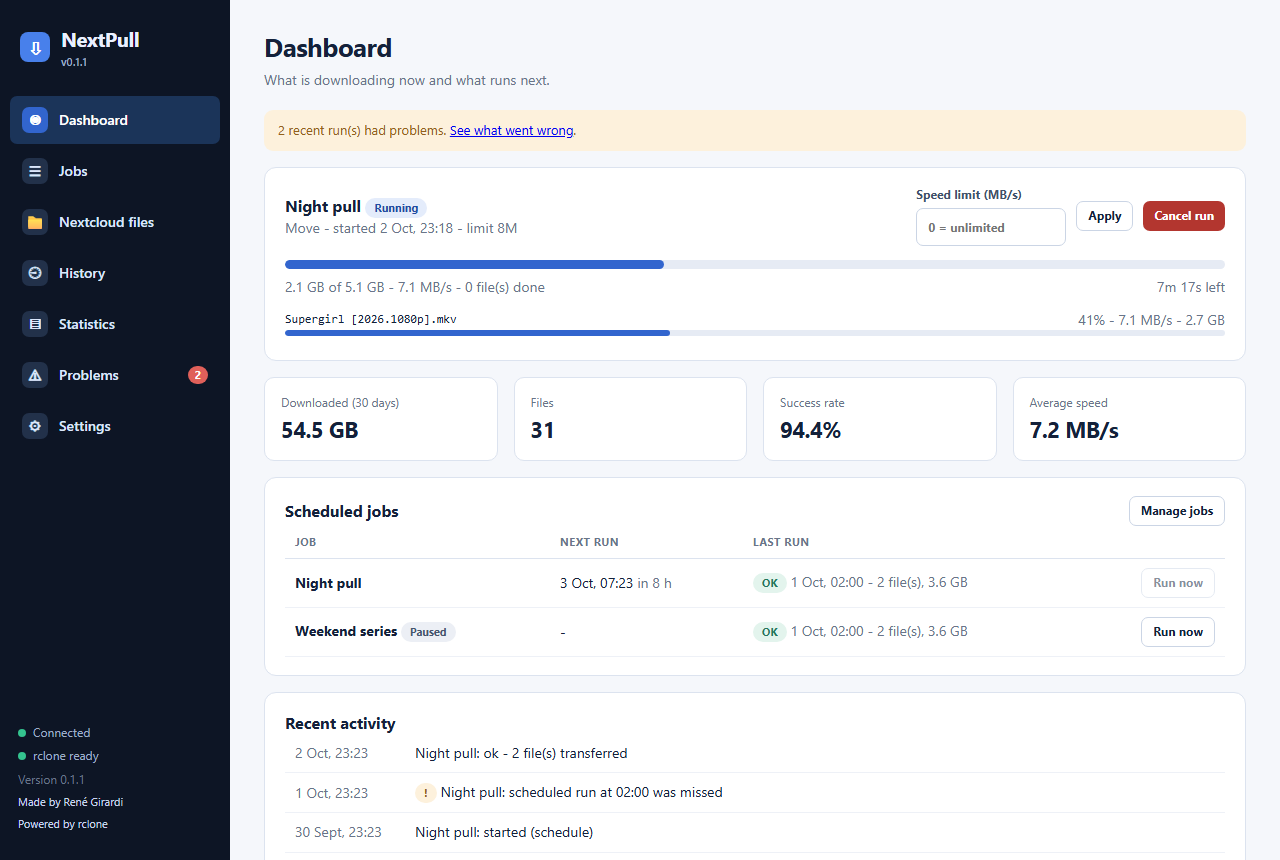
The limit uses rclone's own bandwidth limiter (--bwlimit) and applies to the total of all parallel files.
-
Flat limit: a number of MB/s in the job (
0= unlimited). -
Timetable:
08:00,2M 23:00,offmeans 2 MB/s from 08:00, unlimited from 23:00. Other units work:512k,10M. - While a run is going: use the Speed limit box on the Dashboard and press Apply. It changes the running transfer immediately and is not saved into the job.