Repository navigation
Installation
NextPull runs on Windows 10/11 (it uses the Edge WebView2 runtime, already present on current Windows).
- Get the
NextPullfolder (a build ofdist\NextPull, about 80 MB; see Building and development). - Copy it somewhere permanent, for example
C:\NextPull. - Double-click
NextPull.exe.
rclone.exe lives inside the folder at tools\rclone\rclone.exe. If it is missing, see "rclone" below.
- Install Python 3.13 (tick Add python.exe to PATH).
- Download or clone the repository.
- Double-click
Launch-NextPull.bat. On the first run it installs the three packages fromrequirements.txtand starts the app without a console window.
Launch-NextPull.bat --background starts it hidden in the tray.
NextPull needs the official rclone program. The packaged build already contains it. For a source checkout, run once:
powershell -ExecutionPolicy Bypass -File tools\Fetch-rclone.ps1It downloads the official release from downloads.rclone.org, verifies its SHA-256 checksum and installs it to tools\rclone\.
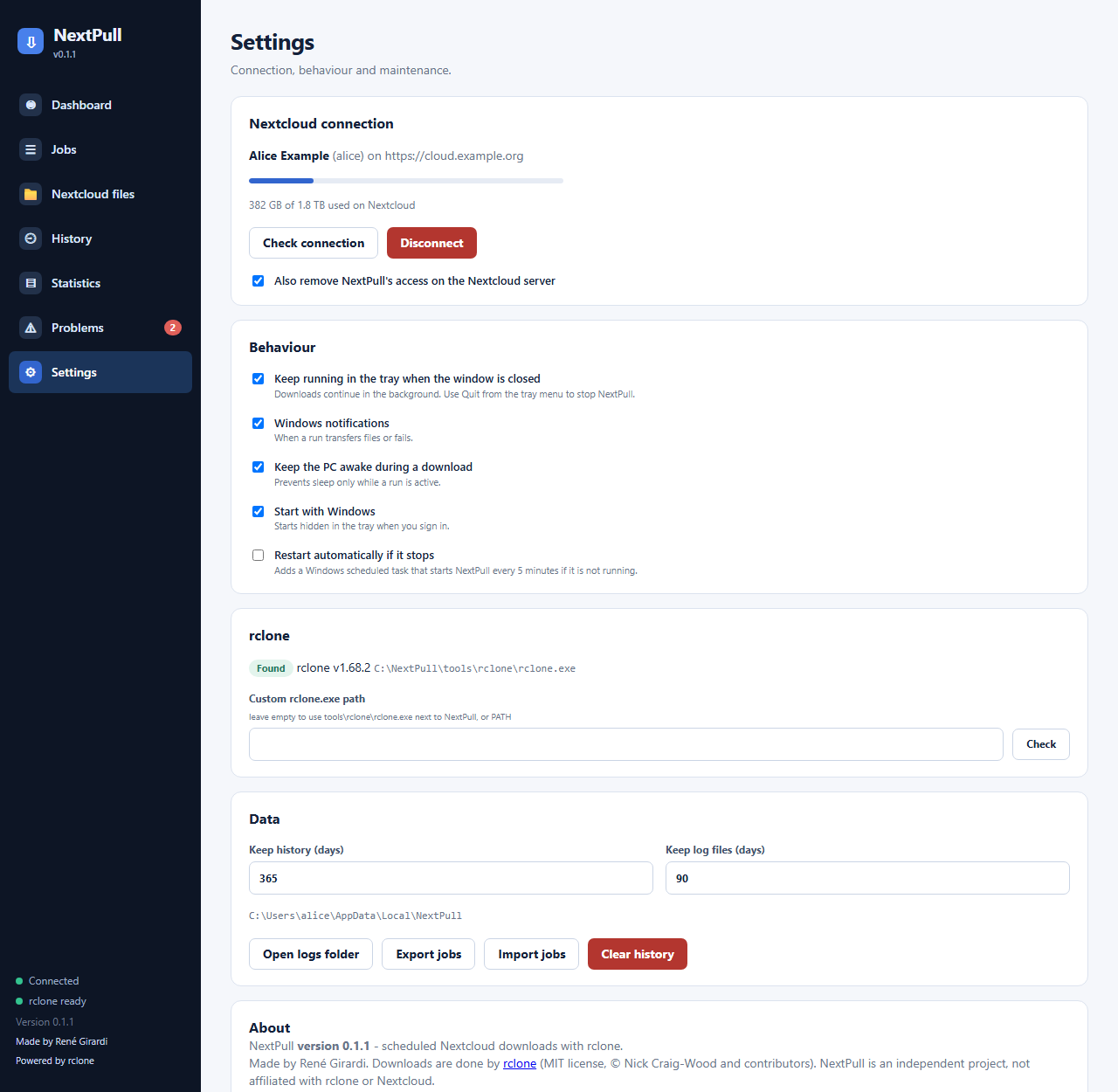
You can also point NextPull to your own rclone.exe in Settings -> rclone -> Custom path.
%LOCALAPPDATA%\NextPull holds your jobs, settings, the history database, the encrypted login, app.log and the per-run logs.
Uninstalling is deleting the program folder (and, optionally, that data folder). Details and backup advice: Data and backup.
On the PC that does the nightly download open Settings and turn on:
- Start with Windows: NextPull starts hidden in the tray when you sign in.
- Restart automatically if it stops: adds a Windows scheduled task that starts NextPull every 5 minutes if it is not running (useful on a PC that is never switched off).
Next: Getting started.