Sensors
| 😅 (difficulty) | ⌛ (time-Box) | 🔗 (related to) |
|---|---|---|
| 2️⃣ / 5️⃣ | 30 - 60 mn | Sensors |
#Warning : it is strongly advise to have a working mobile kit available to proceed with this topic #
 Peace of cake
- display the raw readings of a sensor
 Easy
Easy- list the available sensors
 Normal
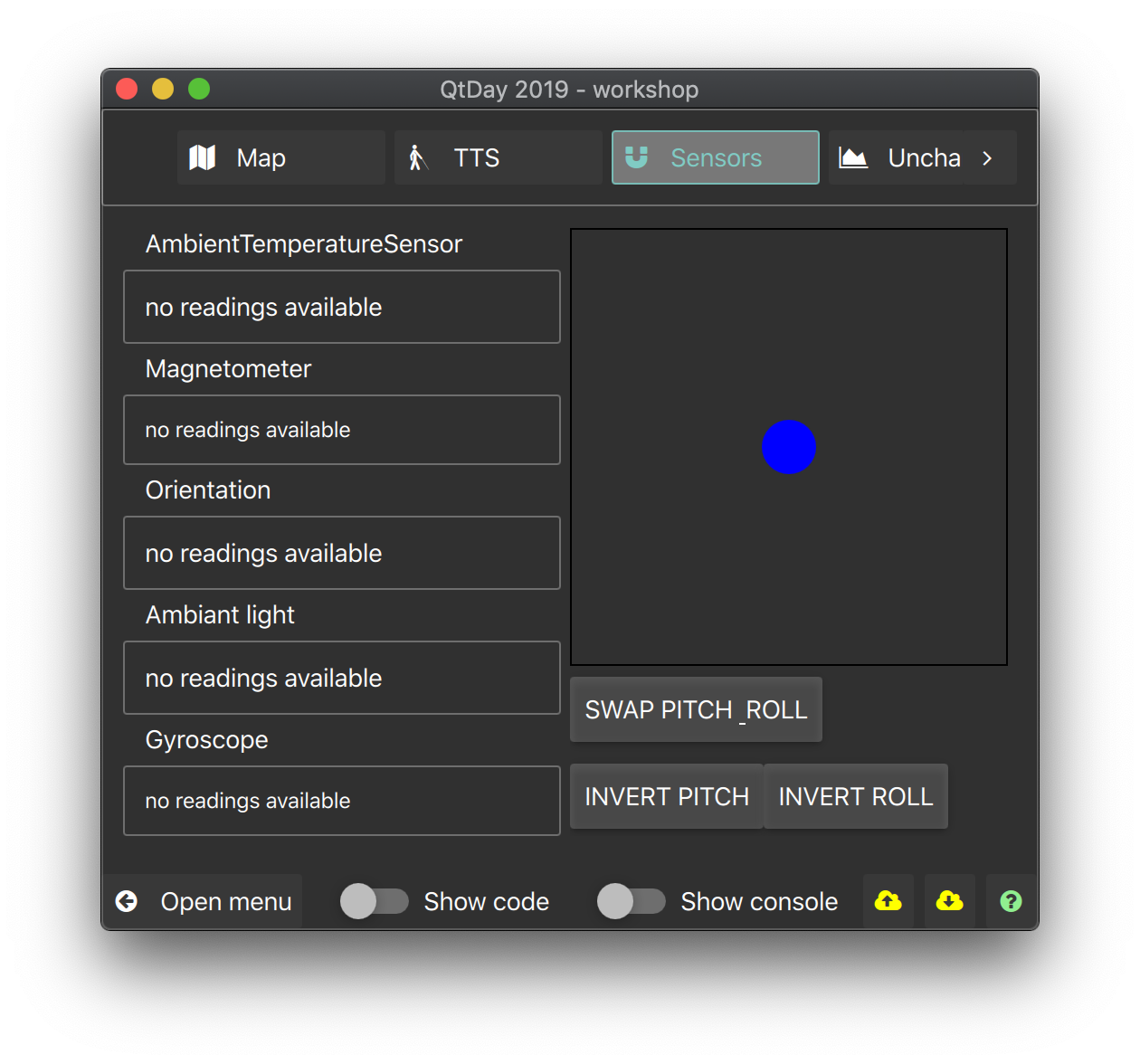
- Create an ADI (Electronic Attitude Director Indicator)
- N/A
Warning : Spoilers !!!
| QML types | Module | Useful for... |
|---|---|---|
| Magnetometer | QtSensors | knowing the magnetometer field vector components with reading.x, reading.y and reading.z |
| Gyroscope | QtSensors | knowing the rotation vector components with reading.x, reading.y and reading.z |
| OrientationSensor | QtSensors | knowing the device orientation with reading.orientation which could be either OrientationReading.TopUp, OrientationReading.TopDown, OrientationReading.LeftUp, OrientationReading.RightUp, OrientationReading.FaceUp or OrientationReading.FaceDown |
| TiltSensor | QtSensors | determining the euler angle (pitch, bank, heading) |
- Magnetomer can bear to the north or your nearest speaker !
N/A
 very difficult
- Create a maze game where the ball can be controled using the magnetometer
 Nightmare
 God mode