Warmup
| 😅 (difficulty) | ⌛ (time-Box) | 🔗 (related to) |
|---|---|---|
| 1️⃣ / 5️⃣ | 15 - 45 mn | QtQuick |
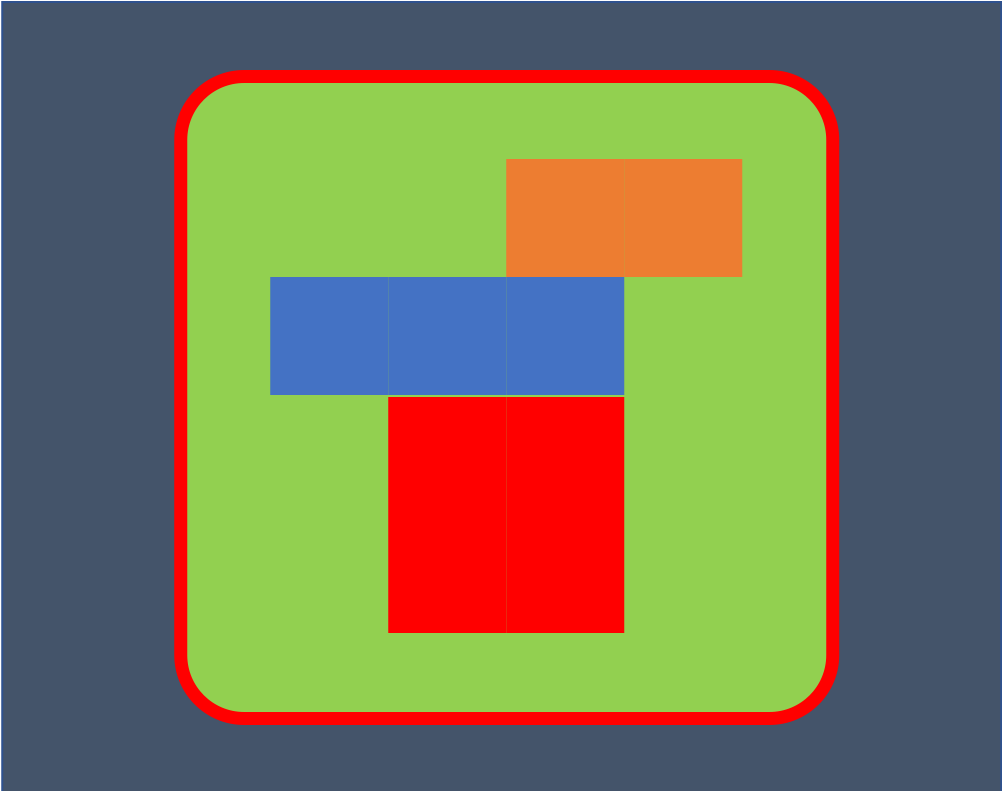
For every steps, reproduce the image
<img width:"30%" src="https://user-images.githubusercontent.com/9682519/53922634-6e74a400-4075-11e9-996d-4c2e324af56b.png">

- use a rectangle
- fill the rectangle with a gradient
<img width:"30%" src="https://user-images.githubusercontent.com/9682519/53922635-6e74a400-4075-11e9-8c2e-8e93846be0ad.png">

- using binding on x,y properties
- using anchors
- using a positionner
<img width:"30%" src="https://user-images.githubusercontent.com/9682519/53922636-6e74a400-4075-11e9-9d1d-f9bb825c0e3b.png">

<img width:"30%" src="https://user-images.githubusercontent.com/9682519/53922637-6e74a400-4075-11e9-96d6-1f6ea7056f20.png">

- using layout
- using a grid and a repeater
- using a view
Warning : Spoilers !!!
| QML types | Module | Description | useful properties |
|---|---|---|---|
| Item | QtQuick | basic visual element | x, y, z, width, height, anchors, visible, opacity, rotation... |
| Rectangle | QtQuick | an Item that can be seen... | color, border, radius... |
| Row, Column | QtQuick | to position children in row or column | spacing |
| RowLayout, ColumLayout | QtQuick.Layout | to position and dimension children in row or column | |
| MouseArea | QtQuick | provide mouse interaction | onClicked |