
Educational Database v1.0.0
Initial public release of Educational Database, a Qt/C++ Windows desktop application for managing educational records through a clean graphical interface.
This release includes both a Windows installer for normal installation and a portable Windows x64 package for users who prefer running the application directly from a folder.
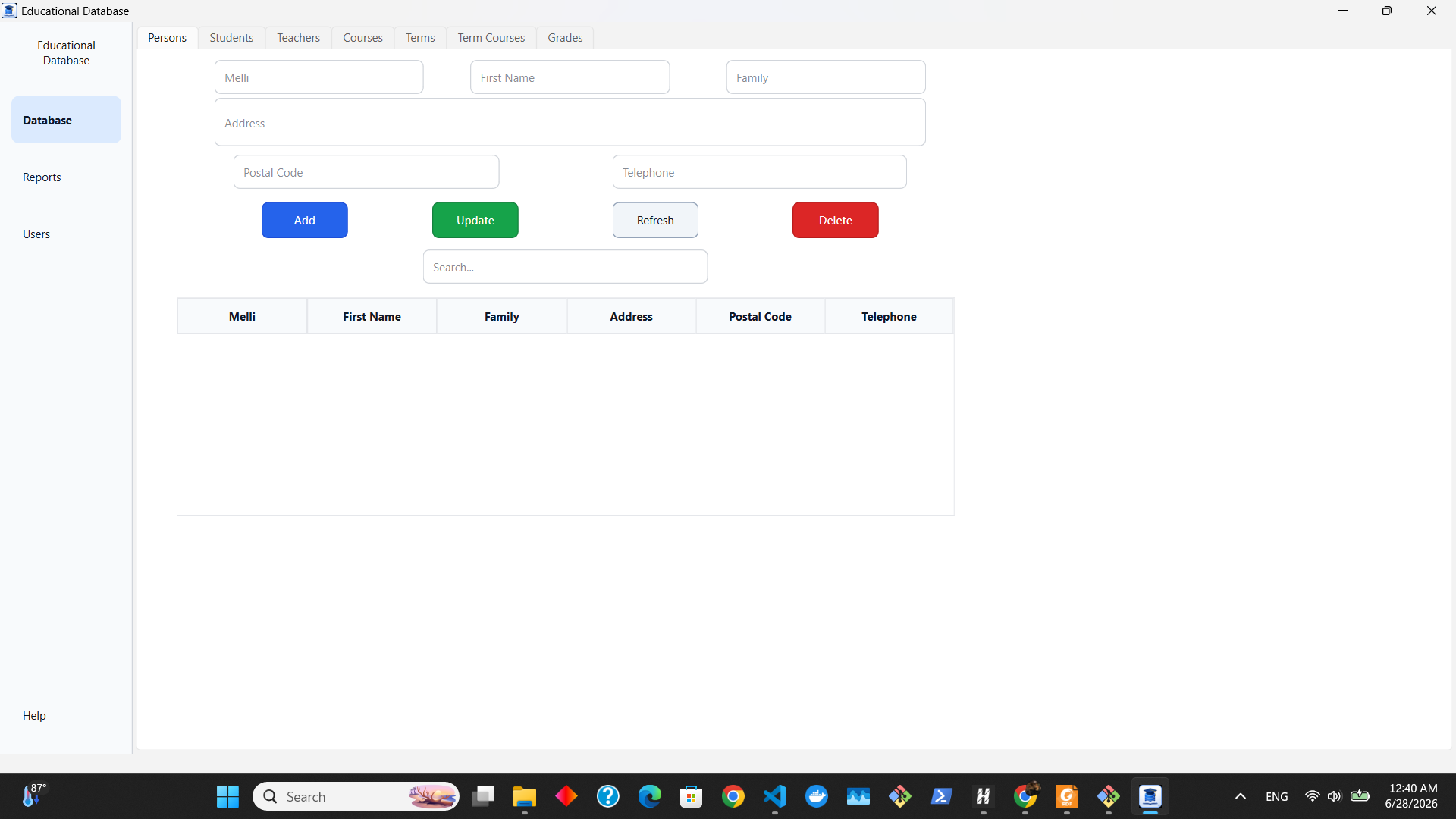
Highlights
- Student, teacher, course, term, and grade management
- Person/national information management
- User authentication with first-admin setup
- User-management section for system administration
- Academic report generation
- Local file-based storage without requiring an external database server
- Windows installer for easier setup and Start Menu access
- Portable Windows x64 package built from a Qt Release build
Installation
Recommended: Windows Installer
- Download
EducationalDatabase-Setup-v1.0.0.exefrom the assets below. - Run the installer.
- Follow the installation steps.
- Launch Educational Database from the Start Menu or the optional desktop shortcut.
Portable Version
- Download
EducationalDatabase-v1.0.0-Windows-x64.zipfrom the assets below. - Extract the ZIP file.
- Open the extracted folder.
- Double-click
educational-database.exe.
Important Notes
- The installer version is recommended for most users.
- The portable version must stay inside its extracted folder to run correctly.
- Do not move the
.exefile outside the portable folder. - Keep all
.dllfiles, plugin folders, and local data files together in the portable version. - The application stores data locally using text files.
- On first launch, the application may ask you to create the first administrator account.
Included in This Release
- Windows installer package
- Windows x64 portable application package
- Required Qt runtime libraries and plugins
- Local text-file storage files
- README and license files
Download
Use one of the files below:
EducationalDatabase-Setup-v1.0.0.exe— recommended installer versionEducationalDatabase-v1.0.0-Windows-x64.zip— portable version
For source code, documentation, and build instructions, see the main repository README.