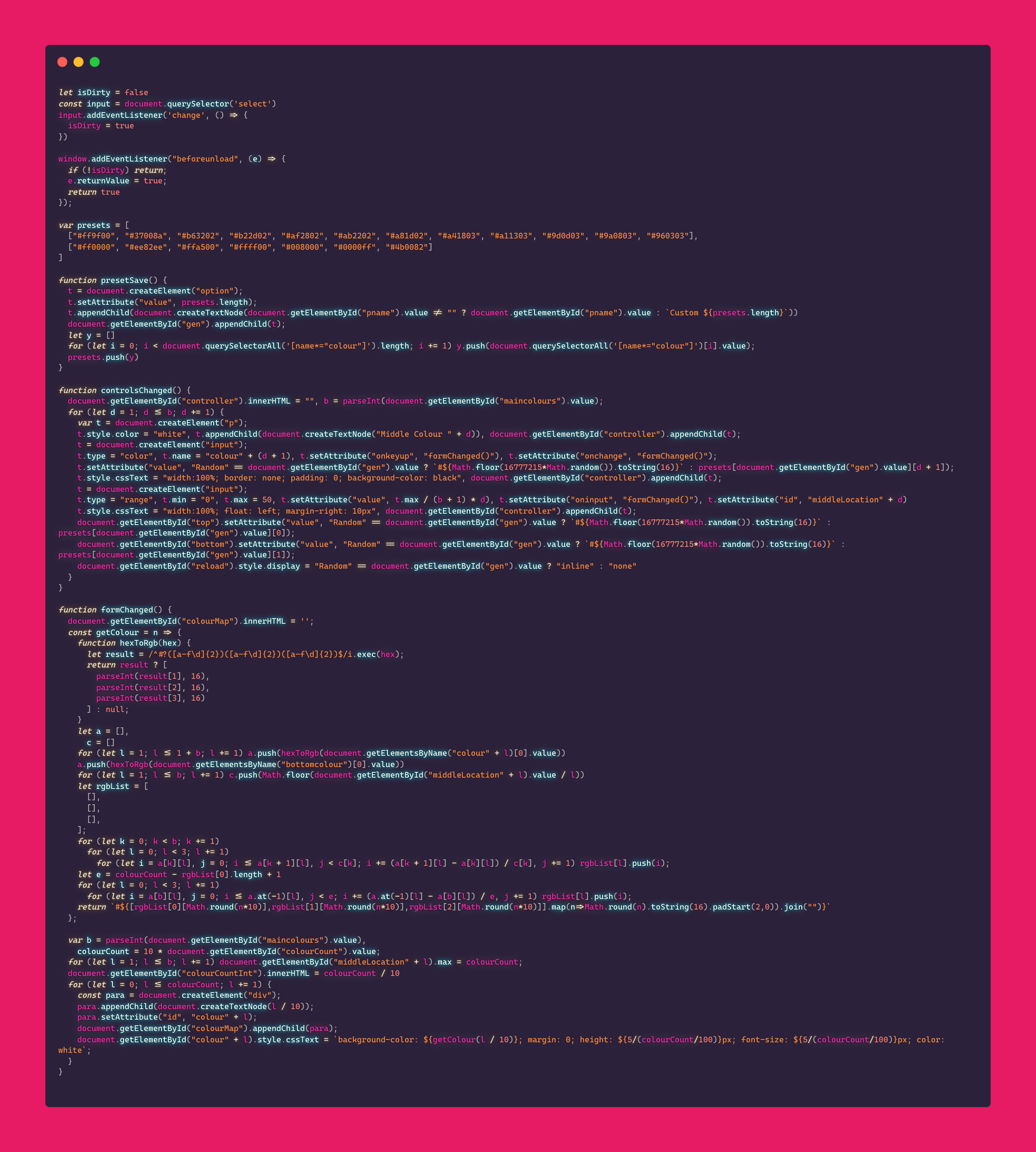
A client had a system on there website where a table would display numbers from 0 to 10 and assign a colour to the background (gradient being gold/white/blue) with 10 if statements. Problem was that the numbers were to 1 decimal place, so numbers in the same whole number (i.e 7 and 7.9) would use the same colour, and if you wanted to add more colours, you'd have to make 100 if statements. I decided to rewrite the whole system to do the following:
- convert the two hexcodes to rgb
- create a list which would hold
- 50 generated colours between the first colour and white
- 50 generated colours between white and the second colour
- convert the colours back to hexcodes to be selected by the number * 10 (e.g if the number is 7.9 it would select the 79th colour) and return the hexcode
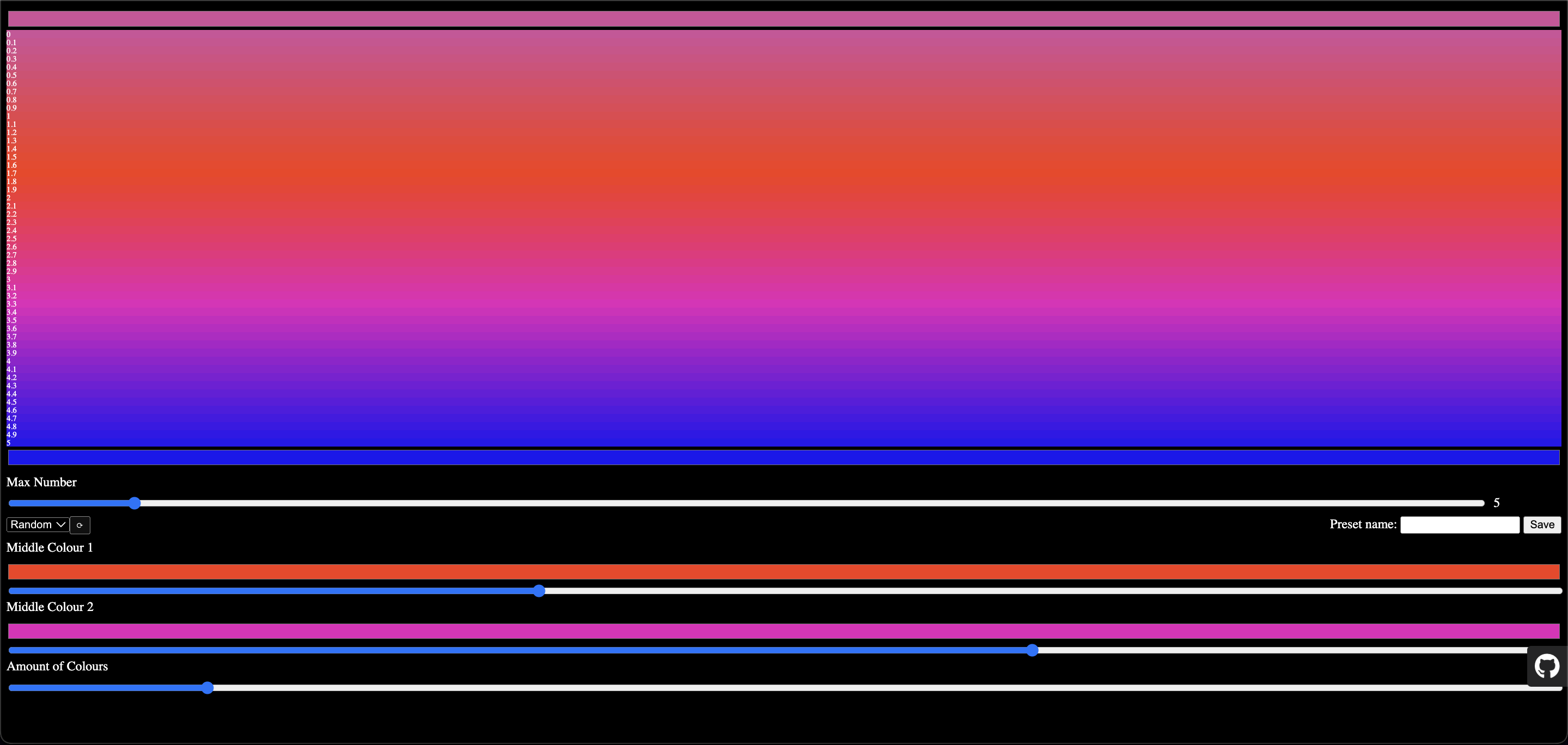
This project is a HTML Colour Tester, where the user selects the desired colours and program outputs a gradient of divs using the above system.
New Features:
- You can now add more colours in the middle and move them (semi) freely. It is capped at 10 as is get a bit weird beyond there
- Presets! You can now save you colour presets so you can easily get back to your old colours.
- This only saves the colours, not the positions of them.
- If you save a preset with less than 10 middle colours, all new middle colours will be black.
- You can name the presets, or leave them to get a default "Custom" name.
- If you add more colours in the "Random" preset, it will create new colours. Use with caution.
- The website will warn you when leaving/reloading as it does not save outside of the instance.
Content should fit on screen fully.
You can now adjust position of the middle colour and adjust the max number in the gradient.
Now allows control of all three colours.