Repository navigation
Releases: ahmad9059/devgauge
Release list
DevGauge 1.0.0

DevGauge's first public release brings coding-agent usage into a single local-first Android dashboard.
Screenshots
Real Android app captures with illustrative sample data. The dashboard shows all six providers and their usage windows. Select any image to view the full-size 1080 by 1920 asset.
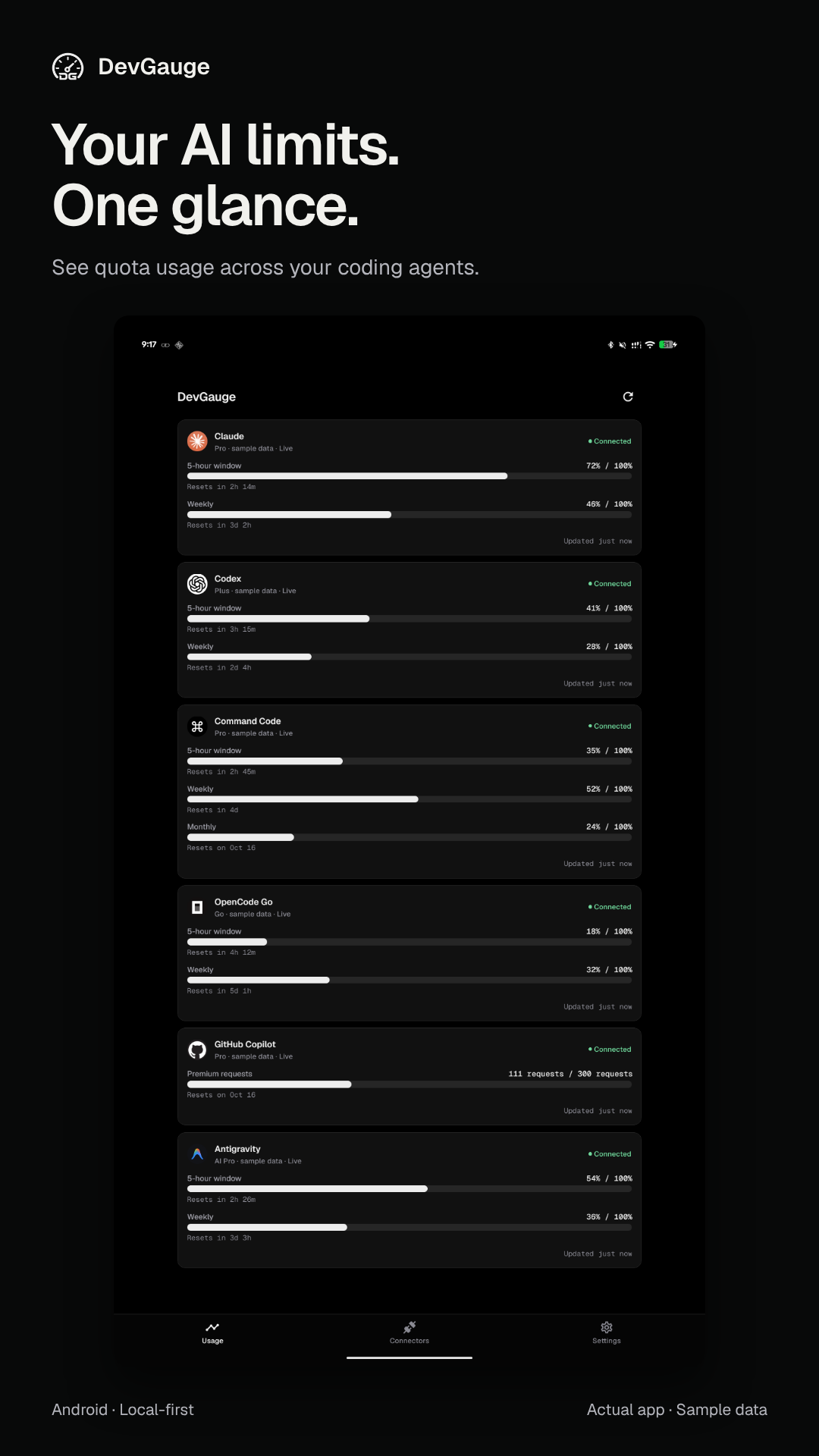
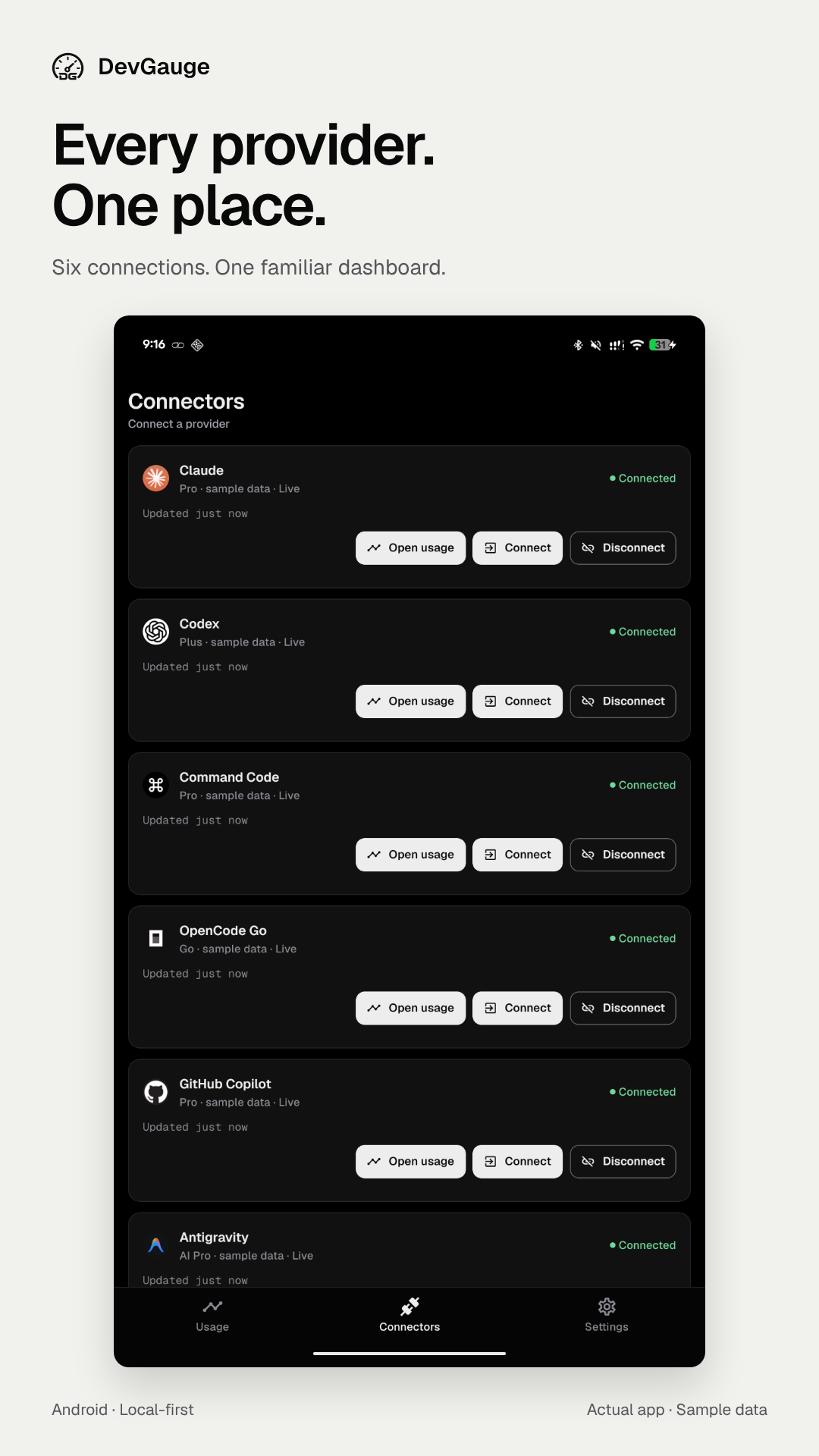
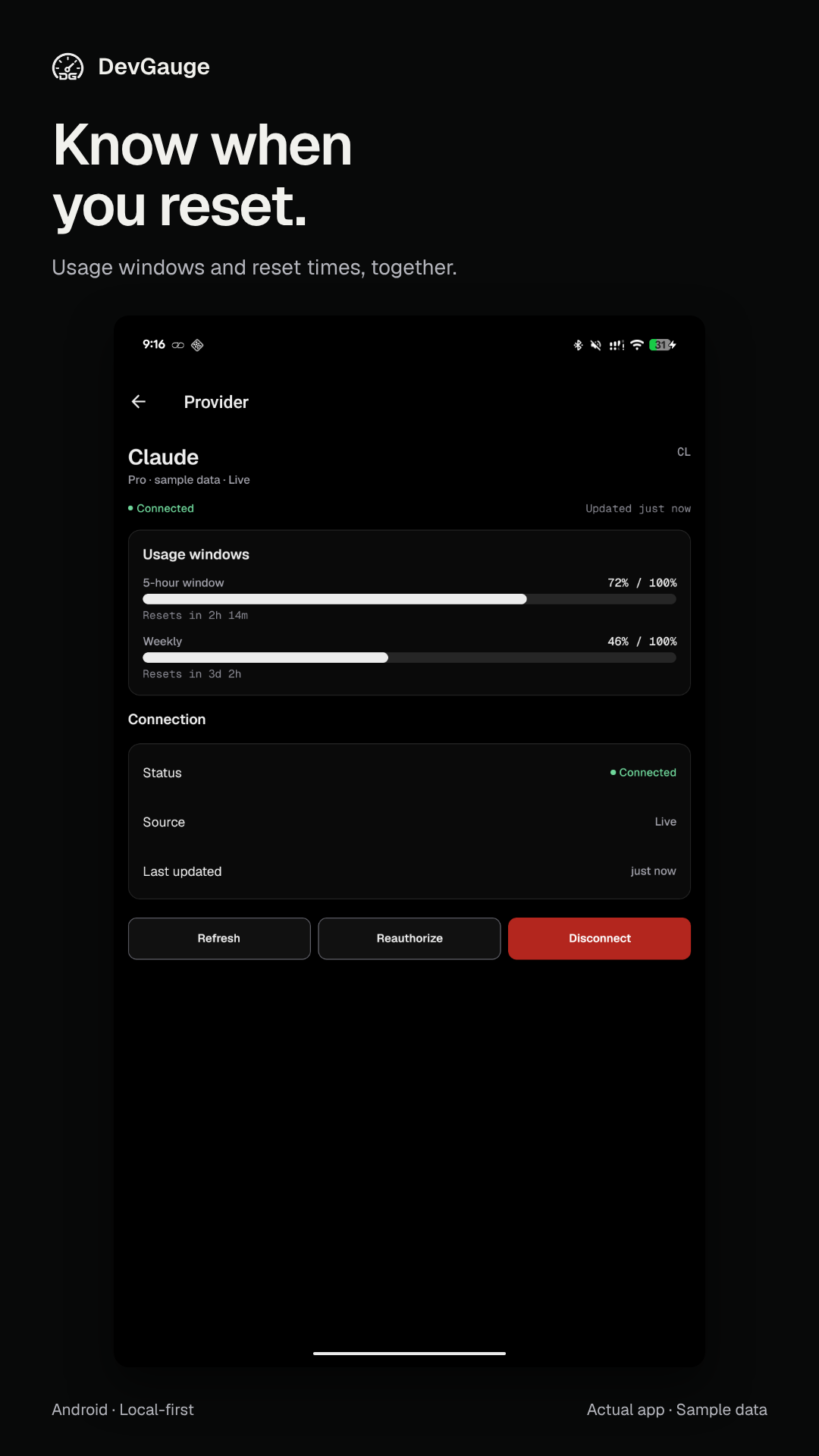
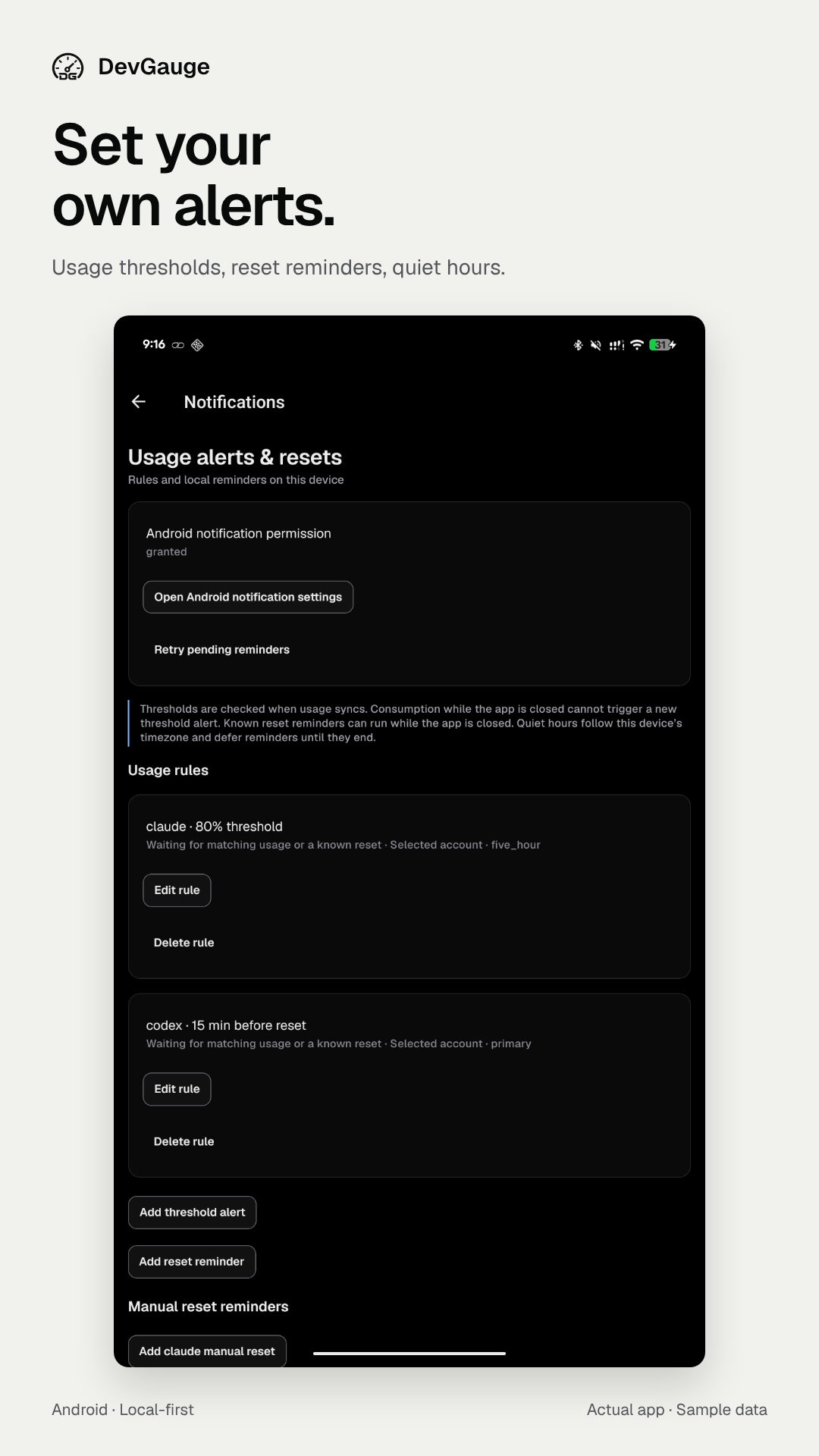
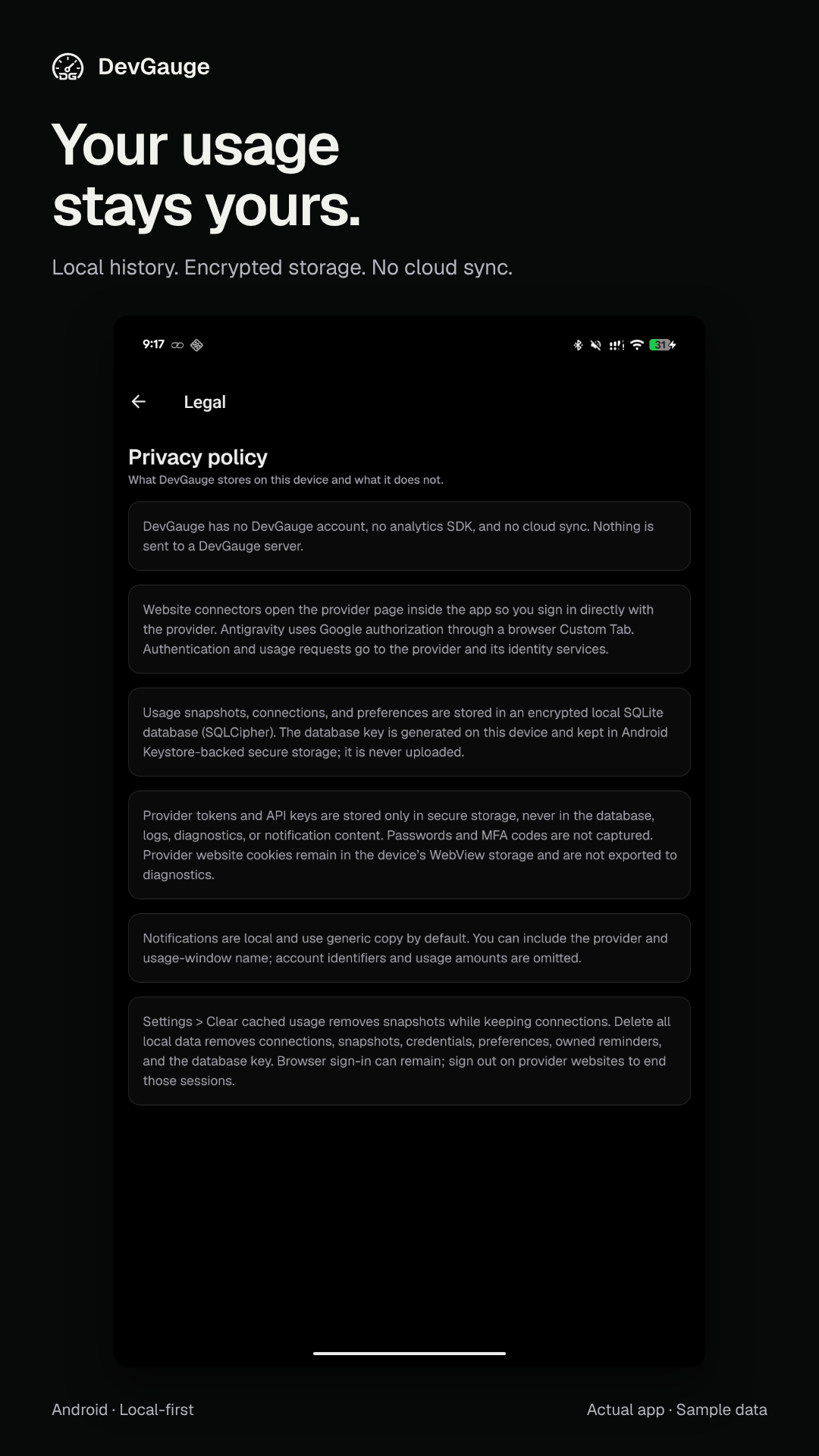
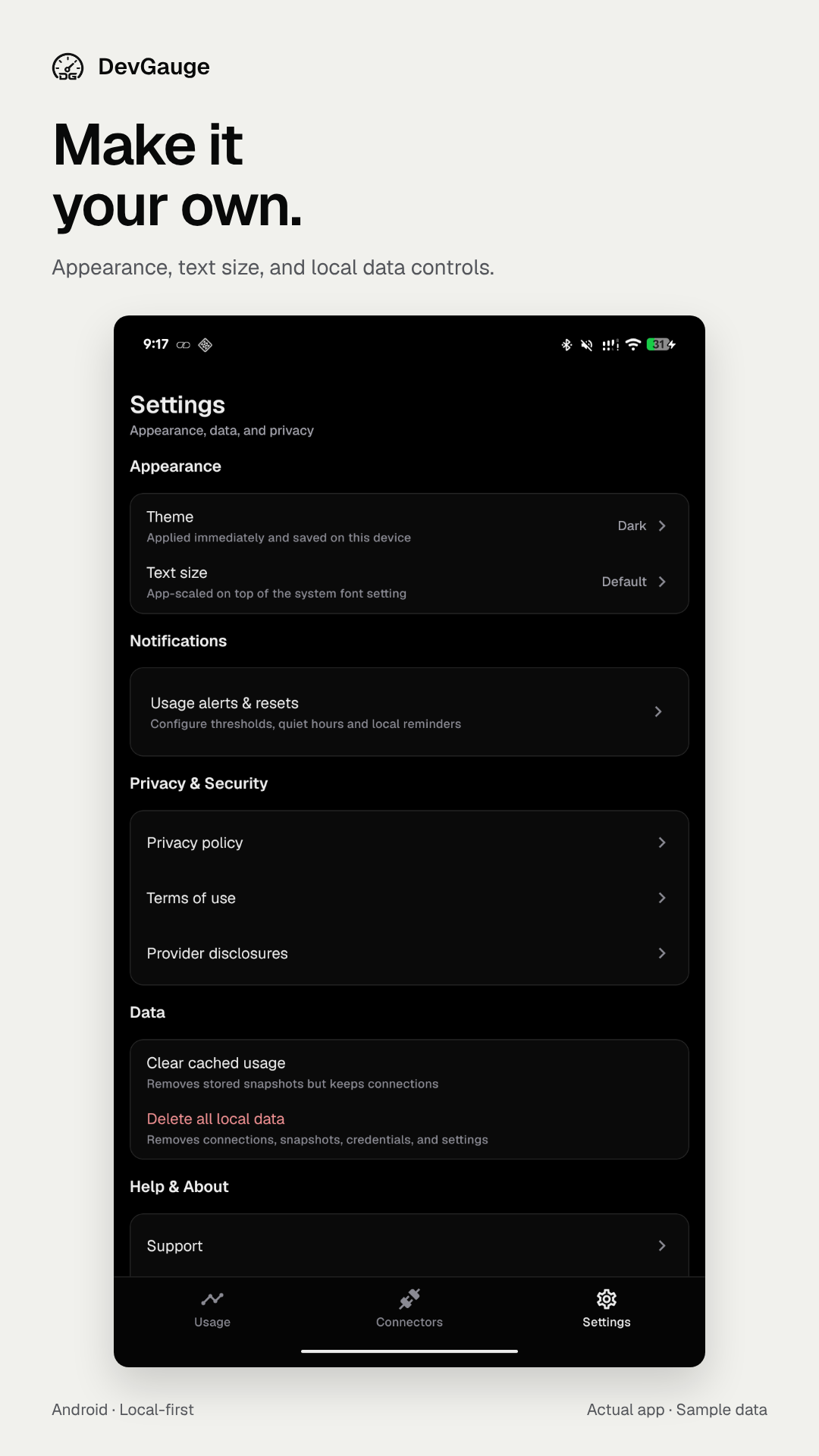
View all six full-size screenshots.
Highlights
- Connect Claude, Codex, Command Code, OpenCode Go, GitHub Copilot, and Antigravity.
- View quota consumption, usage windows, reset times, and provider details.
- Refresh manually, on foreground return, or through Android background scheduling.
- Configure local usage alerts, reset reminders, and quiet hours.
- Keep usage history in encrypted local storage with secure credential handling.
- Choose light or dark appearance and adjust text size.
Installation
Download devgauge-1.0.0-arm64.apk below and open it on your Android device. Allow installation from your browser or file manager if prompted.
Requirements: Android 7.0 or later and an ARM64 device. The application package is app.devgauge.
Preview and development installations are separate. Connect your providers again after installing the release app.
Verify the download
Download the APK and its .sha256 file into the same directory, then run:
sha256sum -c devgauge-1.0.0-arm64.apk.sha256Usage notes
Provider windows depend on your account plan and the data returned by first-party services. Android background refresh has a six-hour minimum interval and may be deferred by battery or network conditions. Website sign-in sessions can remain after local disconnection or data deletion.
Read the documentation, report an issue, or follow the security policy for private vulnerability reports.