This starter is a part of Schema UI project, a comprehensive page builder that provides production-ready React components with pre-built Sanity schemas and GROQ queries, enabling rapid development of content-driven websites with Sanity CMS and Next.js.
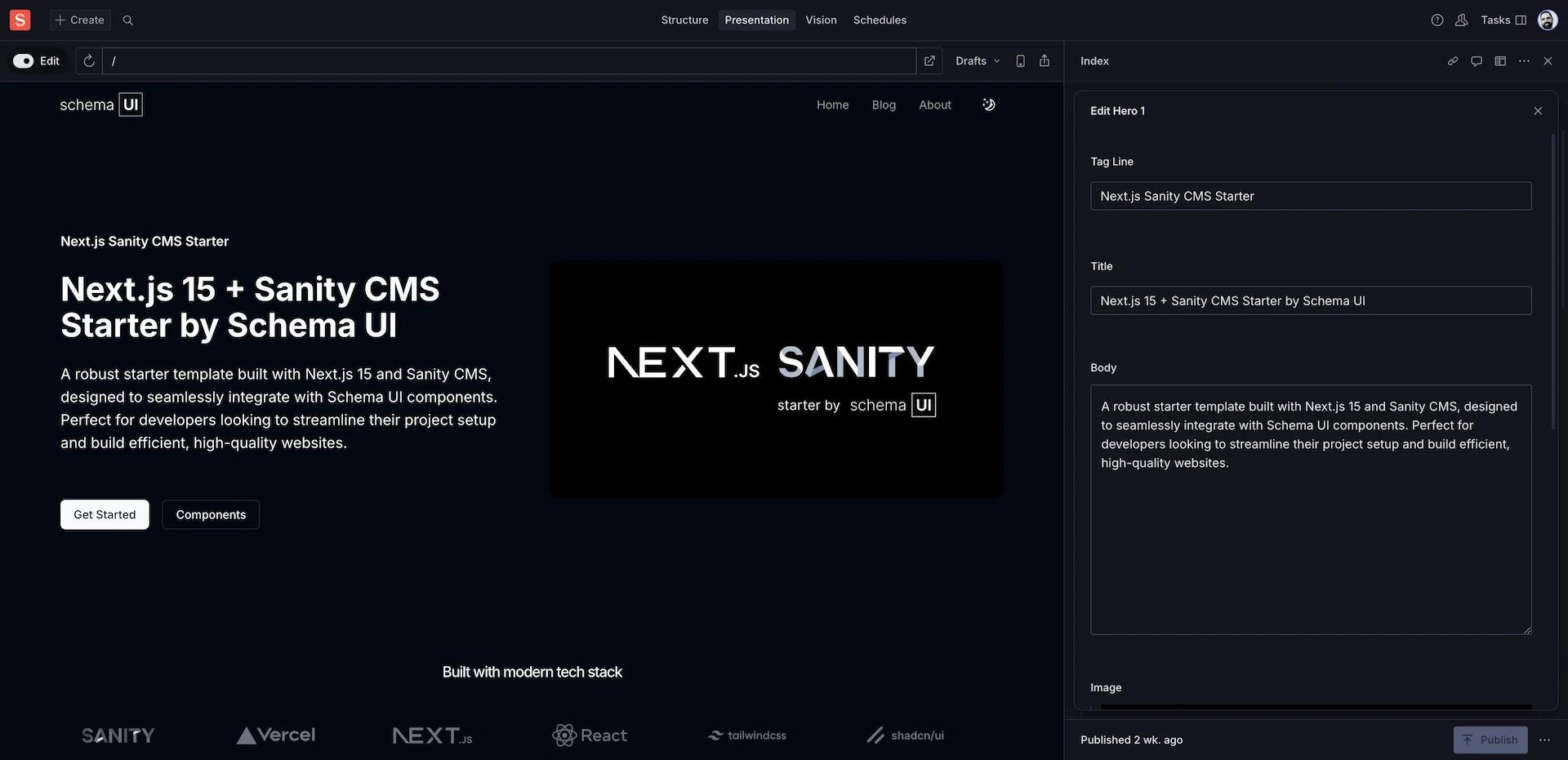





Docs | Components | Demo
Run the command in your Terminal to initialize this template on your local computer:
npm create sanity@latest -- --template serge-0v/next-js-sanity-starterSee the documentation if you are having issues with the CLI.
This command will:
- Create a new Sanity project
- Add API Read Token
- Configure CORS origin for http://localhost:3000
- Set up environment variables
- Clone the repository
- Install dependencies
Start the development servers:
pnpm dev- Open the Next.js app at http://localhost:3000
- Open the Studio running locally in your browser on http://localhost:3000/studio. You should now see a screen prompting you to log in to the Studio. Use the same service (Google, GitHub, or email) that you used when you logged in to the CLI.
Import the demo dataset to get started with sample content:
npx sanity dataset import sample-data.tar.gz production --replaceThe template comes pre-defined with a schema containing Author, Category, FAQ, Page, Post, and Testimonial document types.
From the Studio, click "+ Create" and select the Page document type. Go ahead and create and publish the document.
Your content should now appear in your Next.js app (http://localhost:3000)
The schema for the Page document type is defined in the sanity/schemas/document/page.ts file. You can add more document types to the schema to suit your needs.
This template includes all components from the Schema UI library. Visit Schema UI Docs to learn how to add new components.
Add your production URL to the CORS Origins in your Sanity project settings to allow your deployed site to communicate with Sanity.
Deploy your website to Vercel:
- Create a new repository on GitHub.
- Push your code to GitHub
- Create a new Vercel project
- Connect your GitHub repository and import the project
- Copy the environment variables from the
.env.localfile and paste them to your Vercel project settings. Vercel supports pasting all variables at once. - Deploy
Now that you've deployed your Next.js application and Sanity Studio, you can optionally invite a collaborator to your Studio. Open up Manage, select your project and click "Invite project members"
They will be able to access the deployed Studio, where you can collaborate together on creating content.
To use the newsletter form, you need to configure Resend.
- Create a new Resend account
- Create a new API key
- Copy the audience id
- Set the API key and audience ID in the Vercel project settings or in the
.env.localfile
To generate the types, run the following command:
npx sanity schema extractThis will generate schema.json file in the root of the project.
To generate the types, run the following command:
npx sanity typegen generateThis will generate the types in the sanity.types.ts file in the root of the project.
All environment variables and their descriptions:
NEXT_PUBLIC_SITE_URL- your website url. For example,https://yourwebsite.comwithout trailing slash.NEXT_PUBLIC_SITE_ENV- specifies the environment type (development/production) and affects metadata configuration. Setting this to "development" prevents search engine indexing, which is useful for staging environments (e.g.,dev.yourwebsite.com).NEXT_PUBLIC_SANITY_API_VERSION- your Sanity API version. You don't have to use specific dates, any past or present date is valid, and today's date will always give you the latest version - no need to check release history. For example: YYYY-MM-DD.NEXT_PUBLIC_SANITY_PROJECT_ID- your Sanity project ID. For example, abc12345.NEXT_PUBLIC_SANITY_DATASET- your Sanity dataset name. For example, production.SANITY_API_READ_TOKEN- your Sanity read token for Next.js to fetch data.RESEND_API_KEY- your RESEND api key for the newsletter form.RESEND_AUDIENCE_ID- your RESEND audience id for the newsletter form to store contacts.GOOGLE_PLACES_API_KEY- server-side Google Places API key with the Places API enabled. Needed to fetch live reviews.GOOGLE_PLACES_PLACE_ID- default Google Place ID for your location (can be overridden per block in Sanity).GOOGLE_PLACES_LANGUAGE- optional fallback locale (e.g.en-GB) used when a block does not specify a language code.NEXT_PUBLIC_GOOGLE_MAPS_API_KEY- browser-restricted key used by the contact map block to render the embedded Google Map.
New i18n example added as separate branch at example/i18n. Example is fully integrated with the template.