
Think Different :)
Everyone's Ratings: Click Here
If you would like to write a Review, you must install the app, then go to App's settings > Rate and Review
GitHub: Download ⬇️
🌐 Cool Apps Recommending Channel:
Join Now
📢 Everlasting Support Group:
Join Now
🔭 To contact me through Telegram: @hariprabhu1008
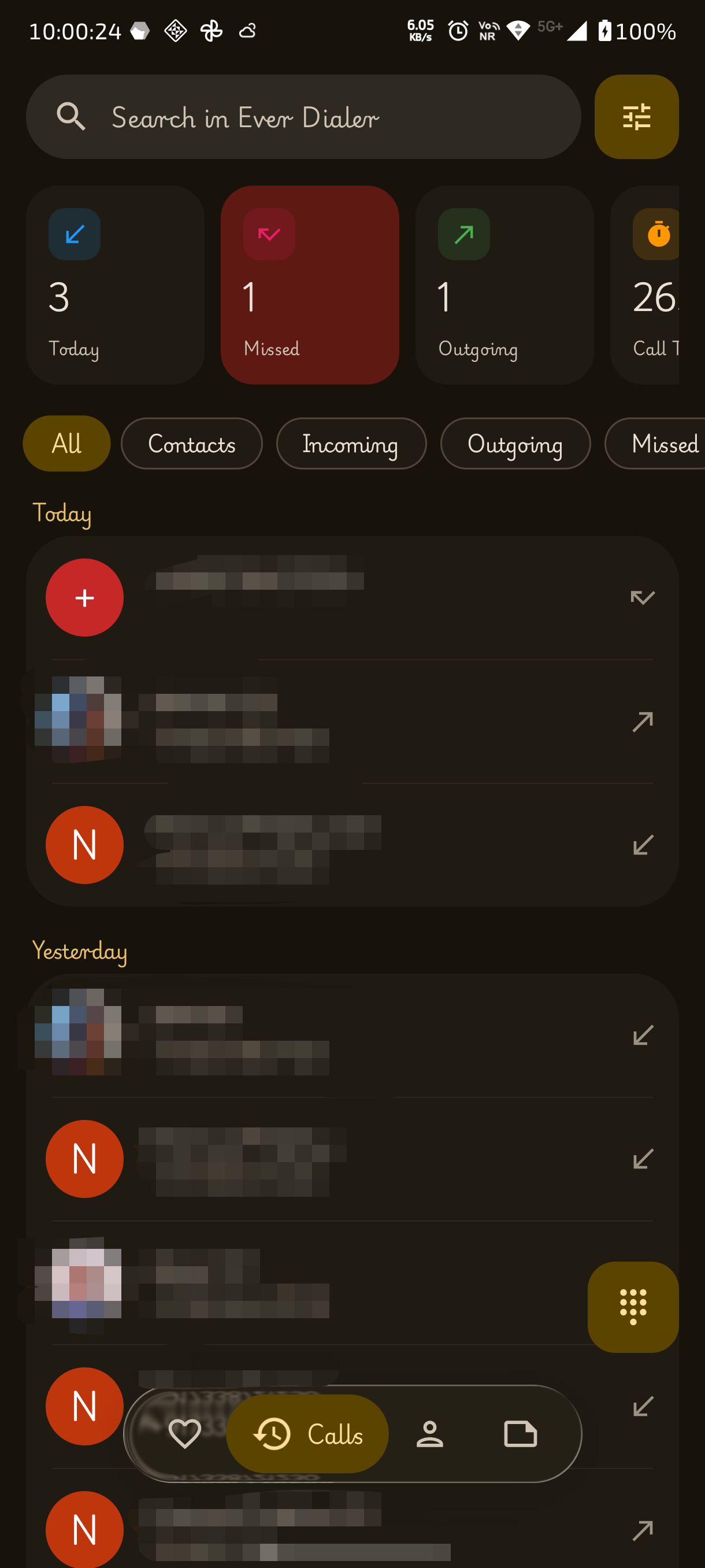
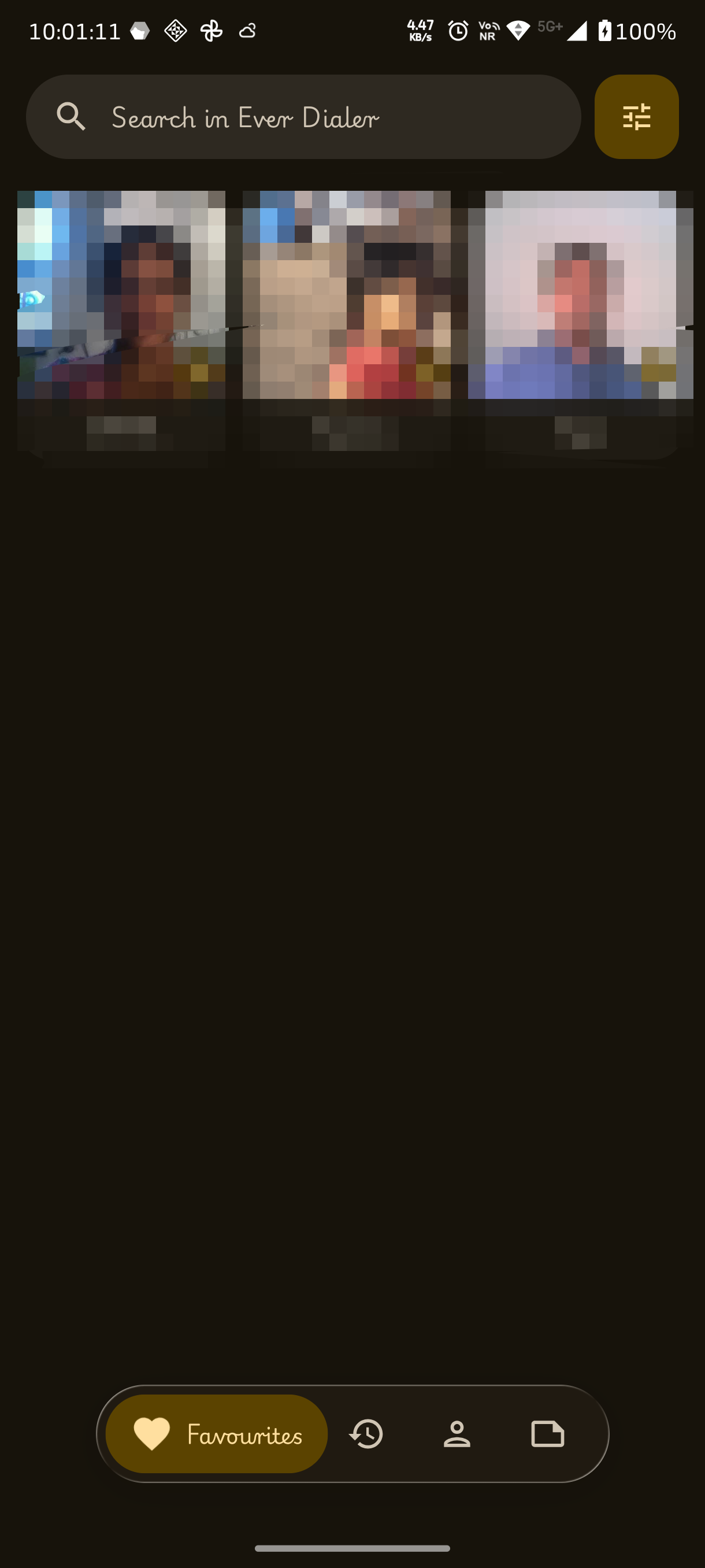
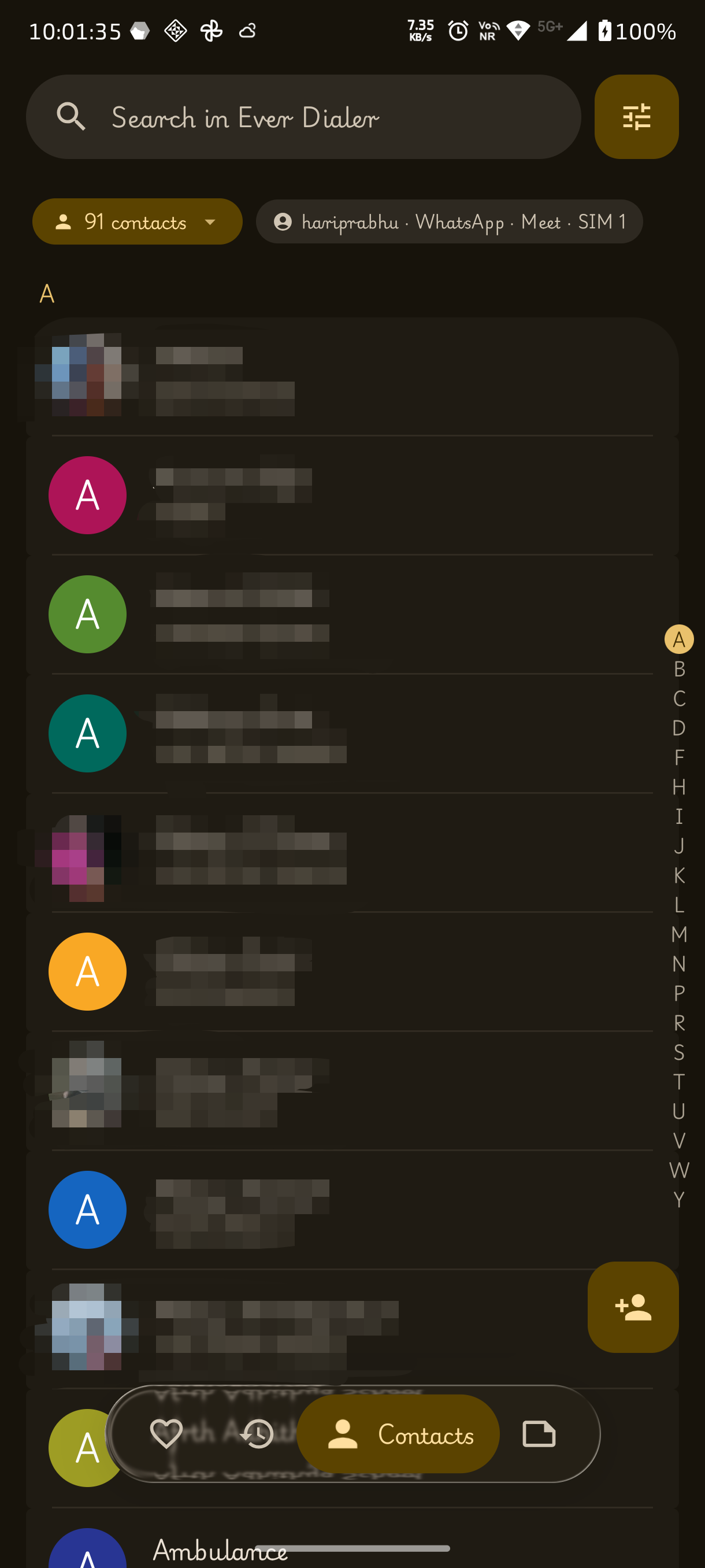
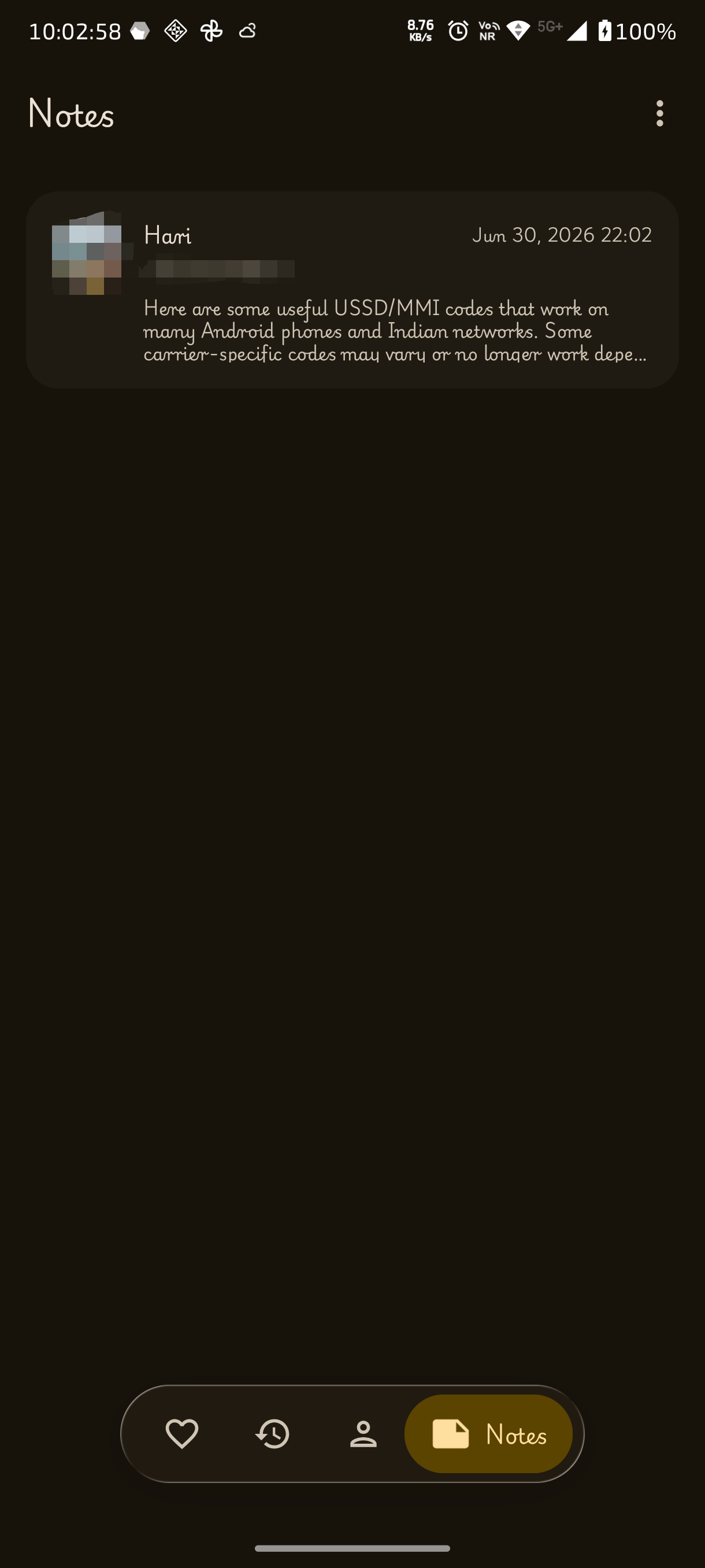
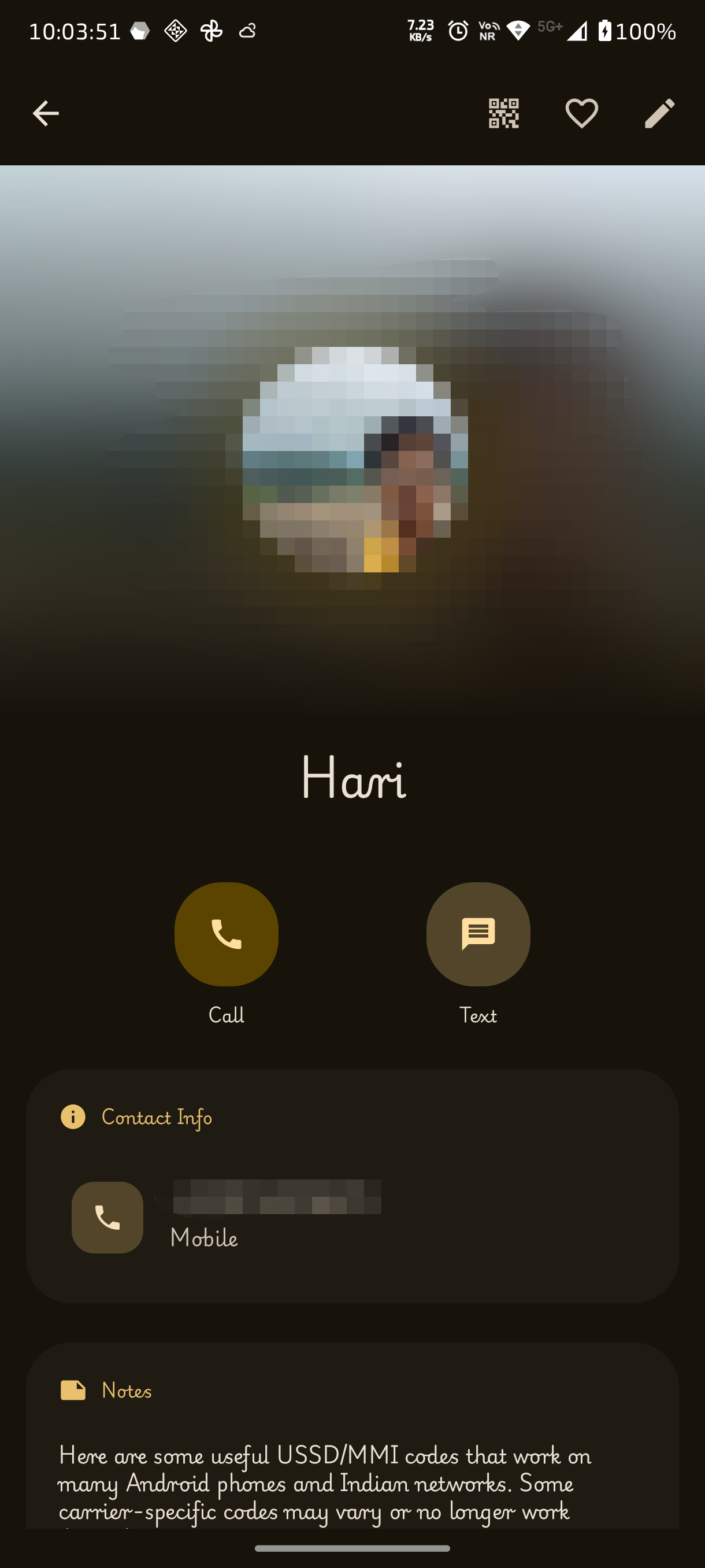
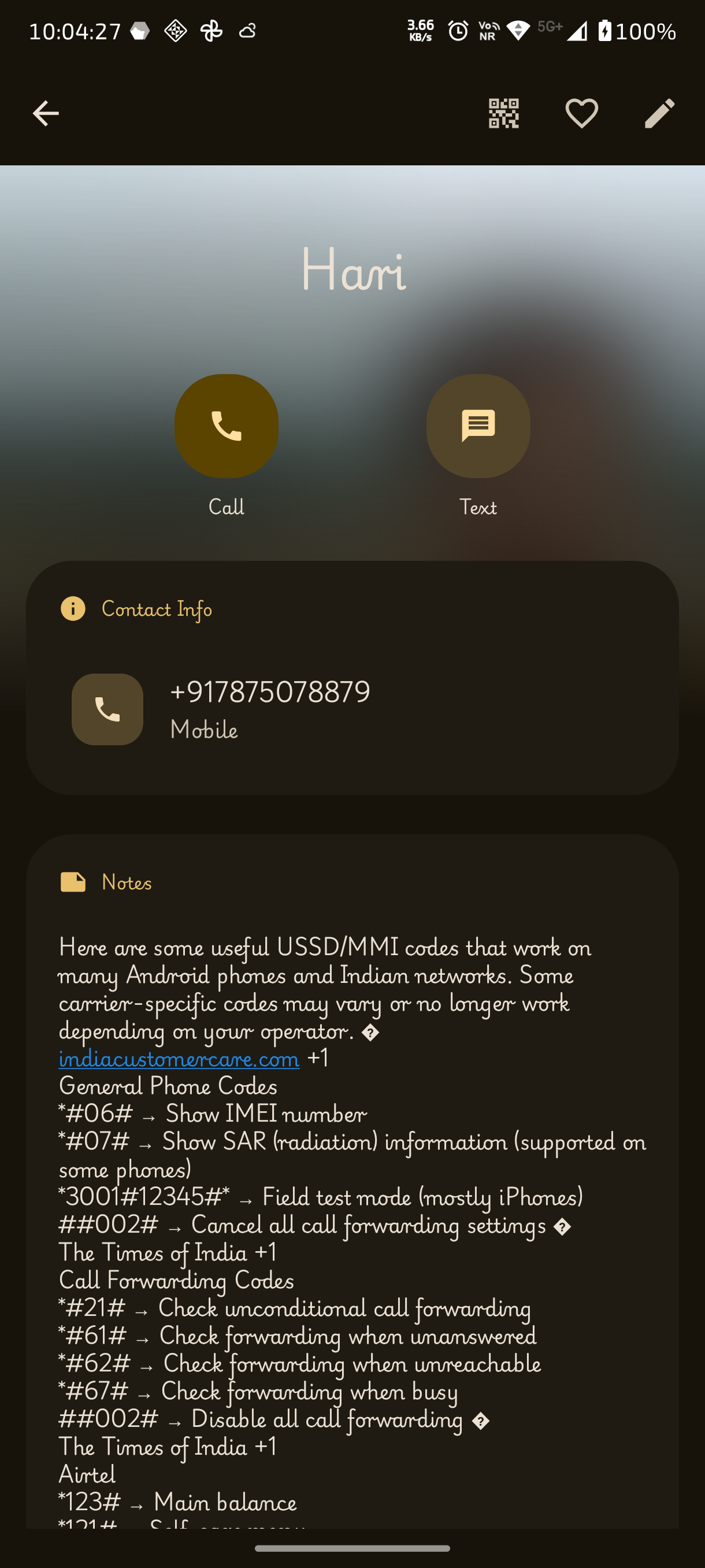
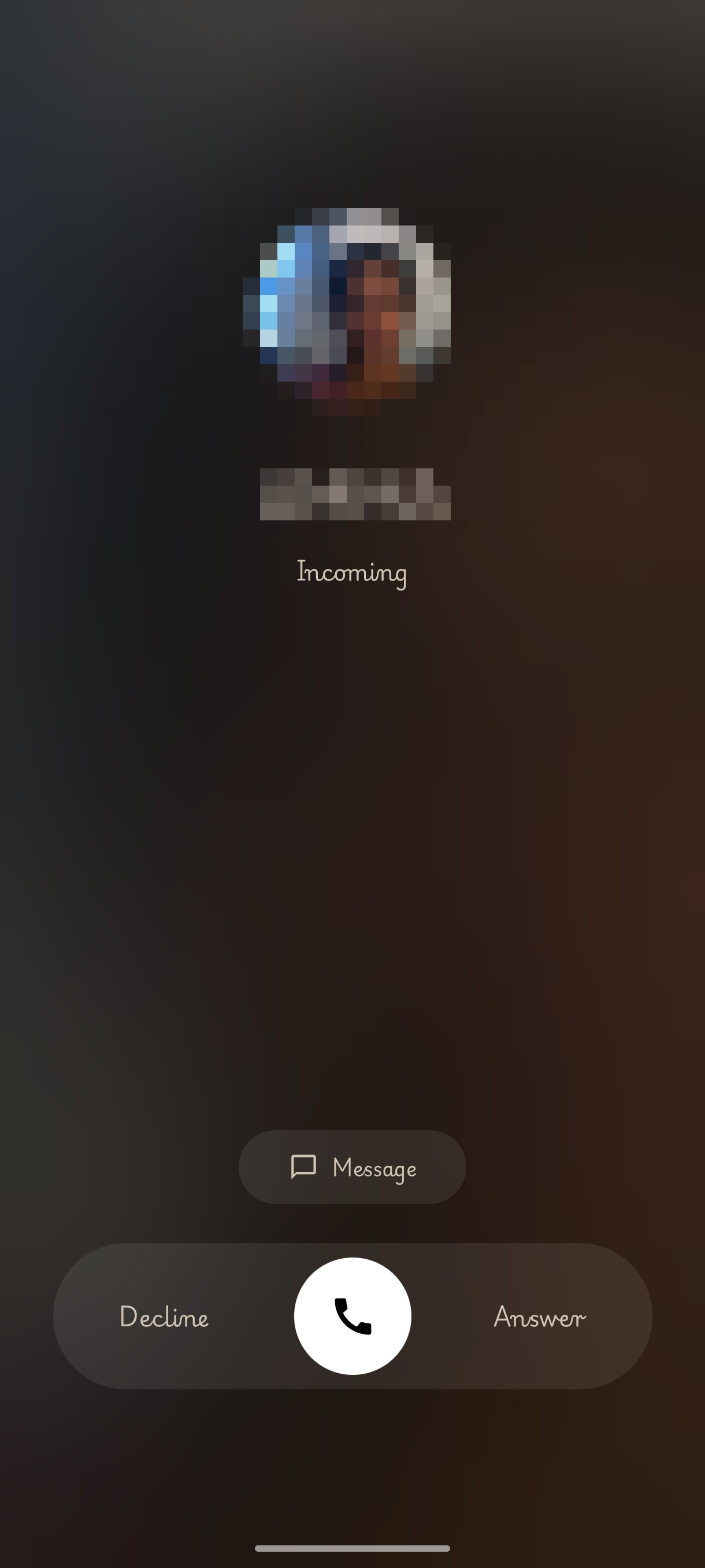
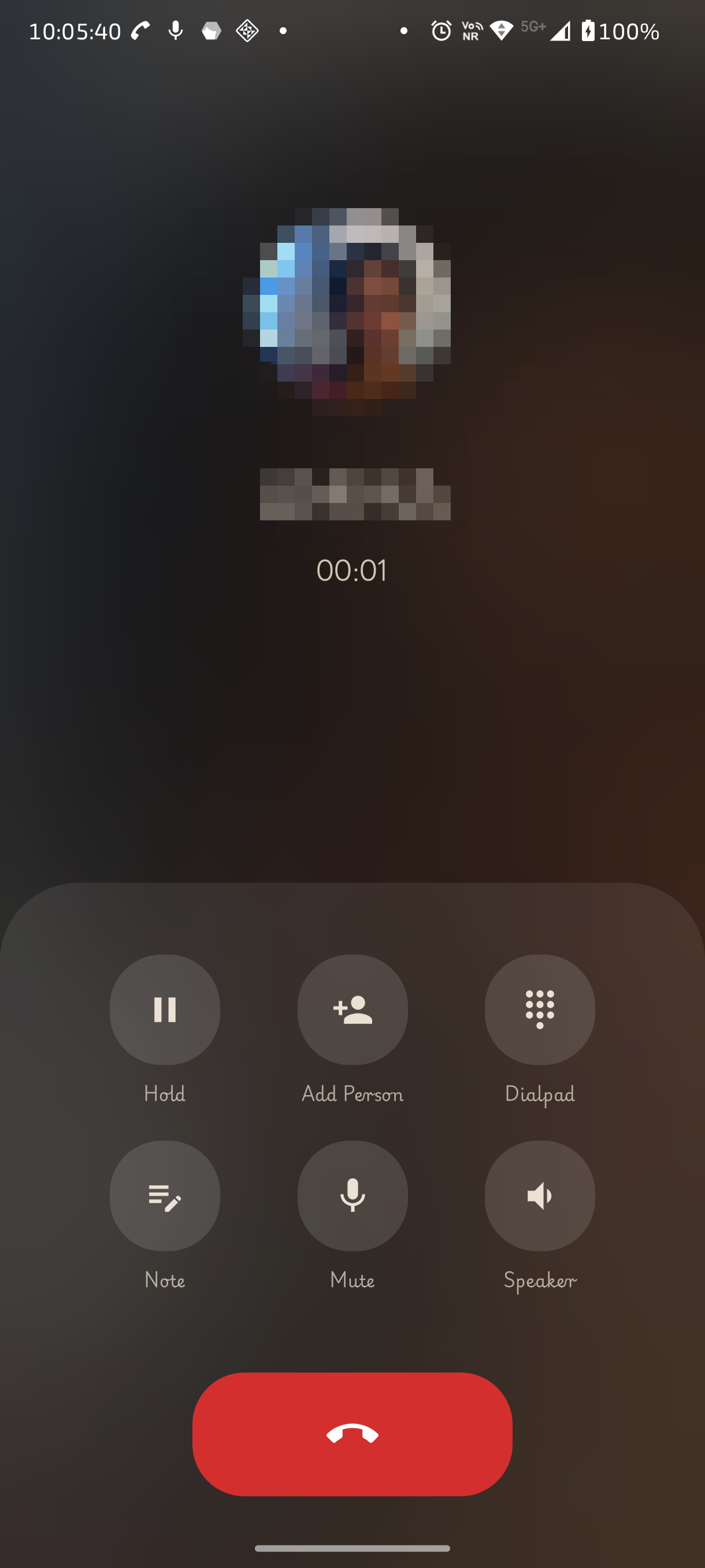
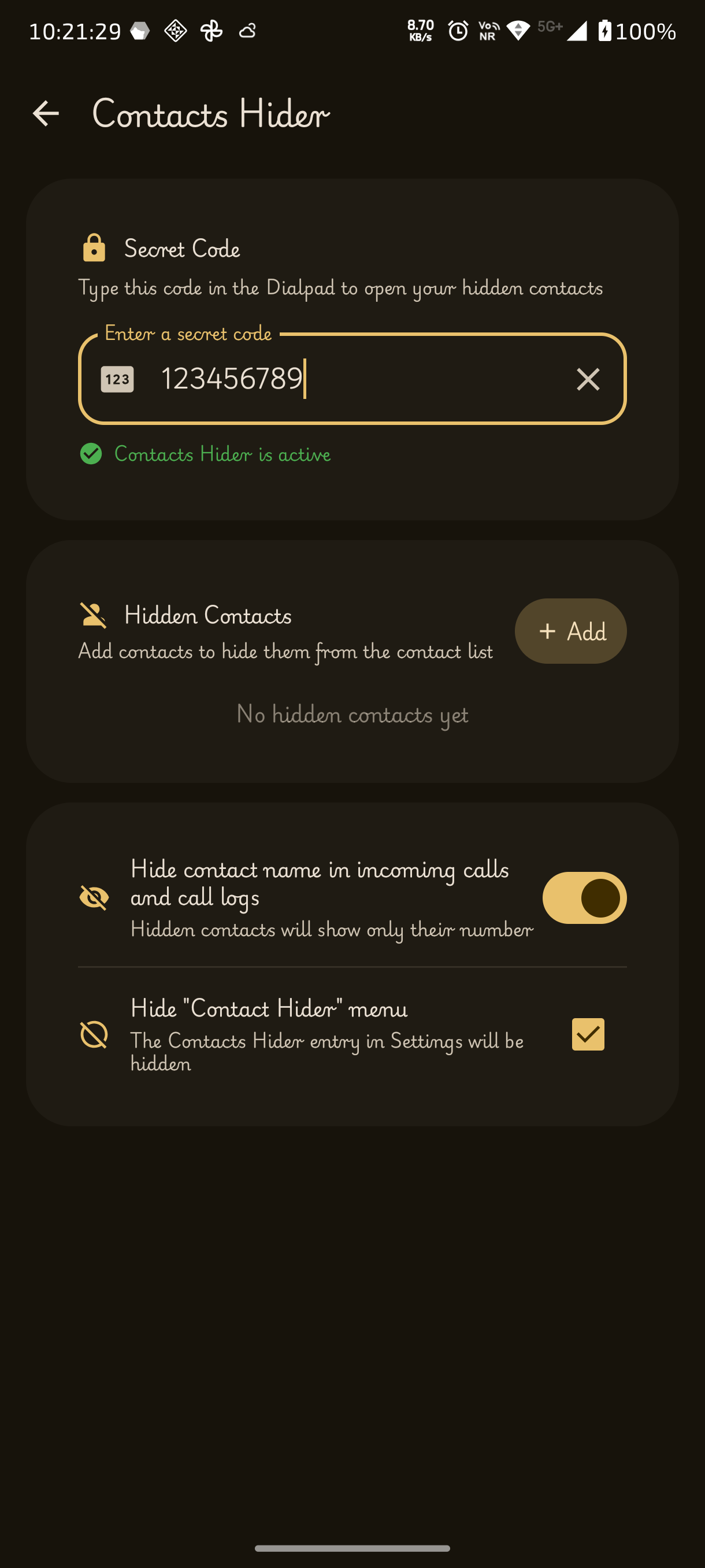
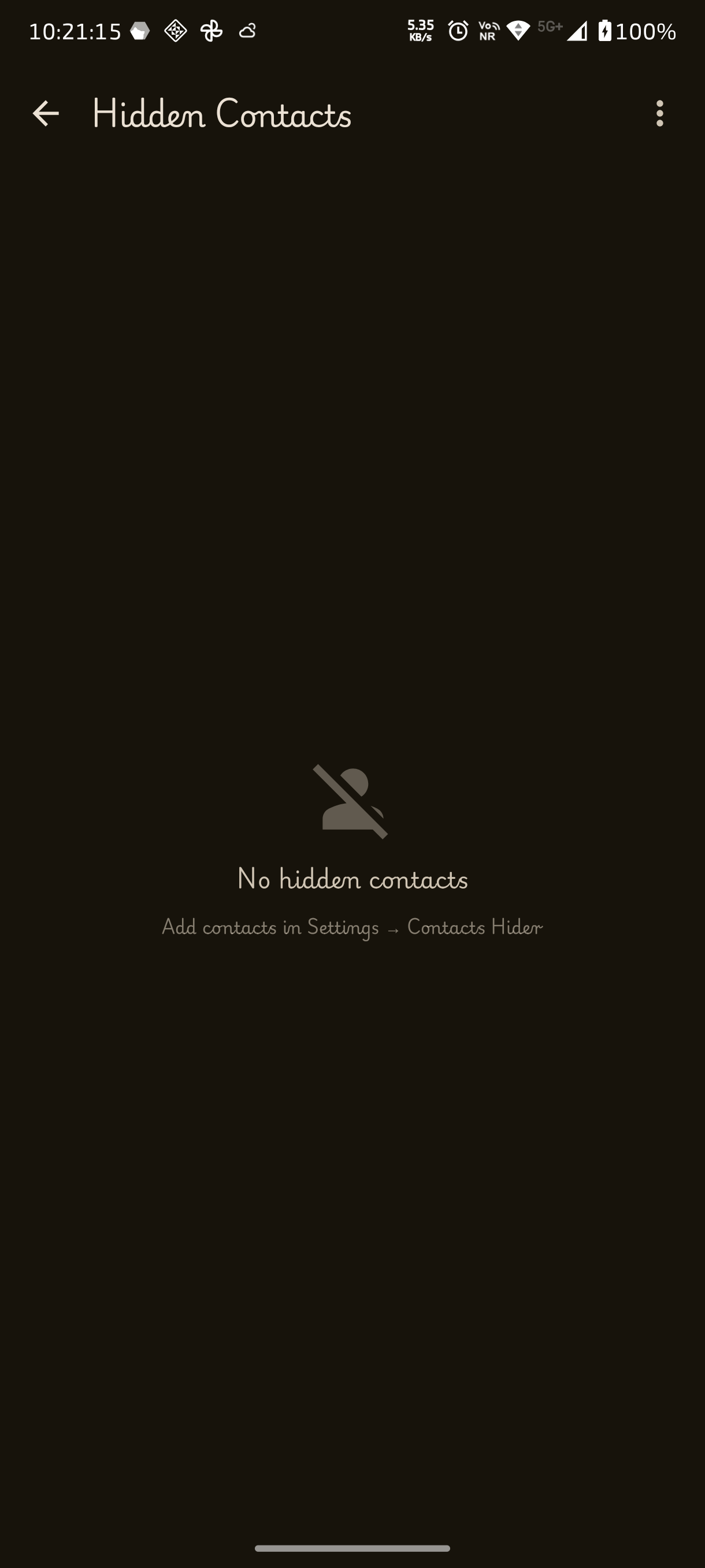
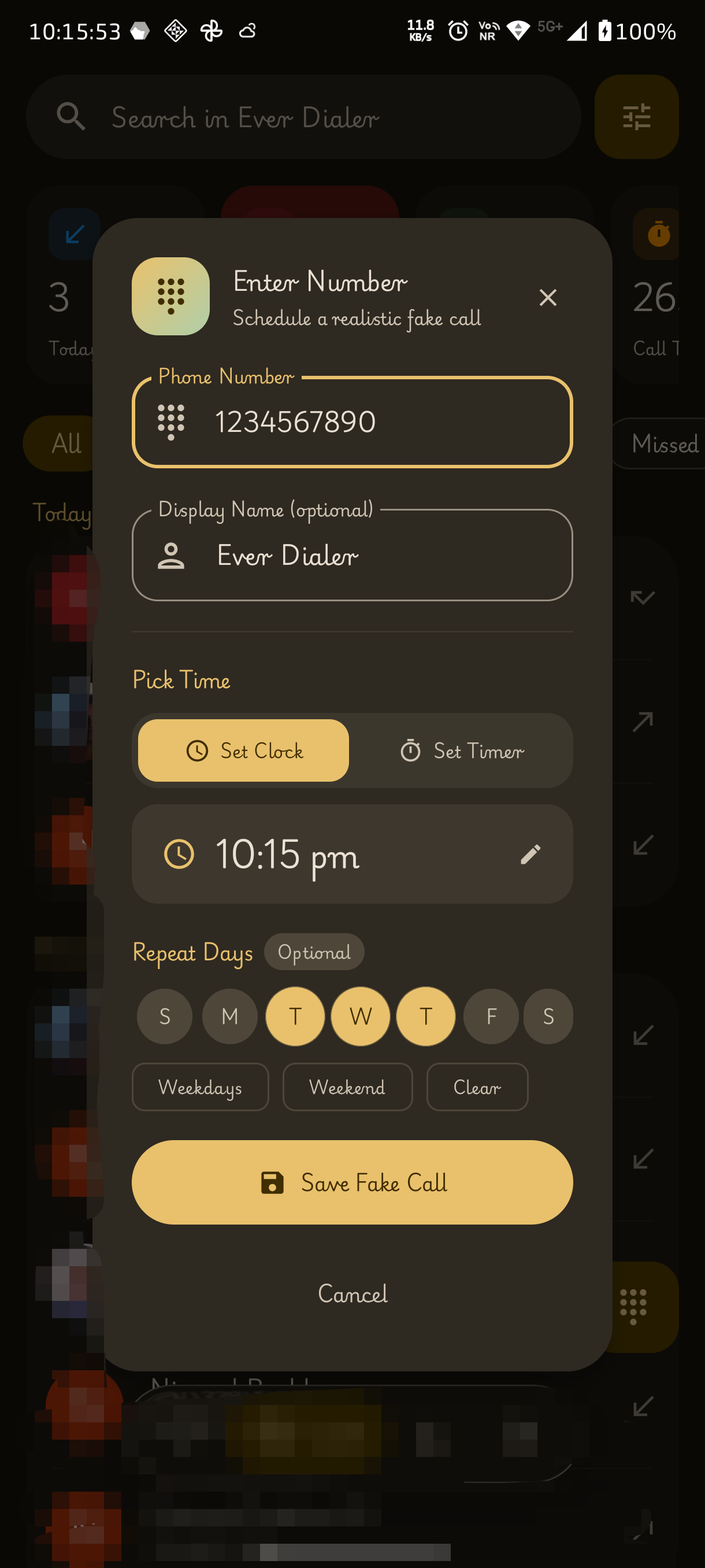
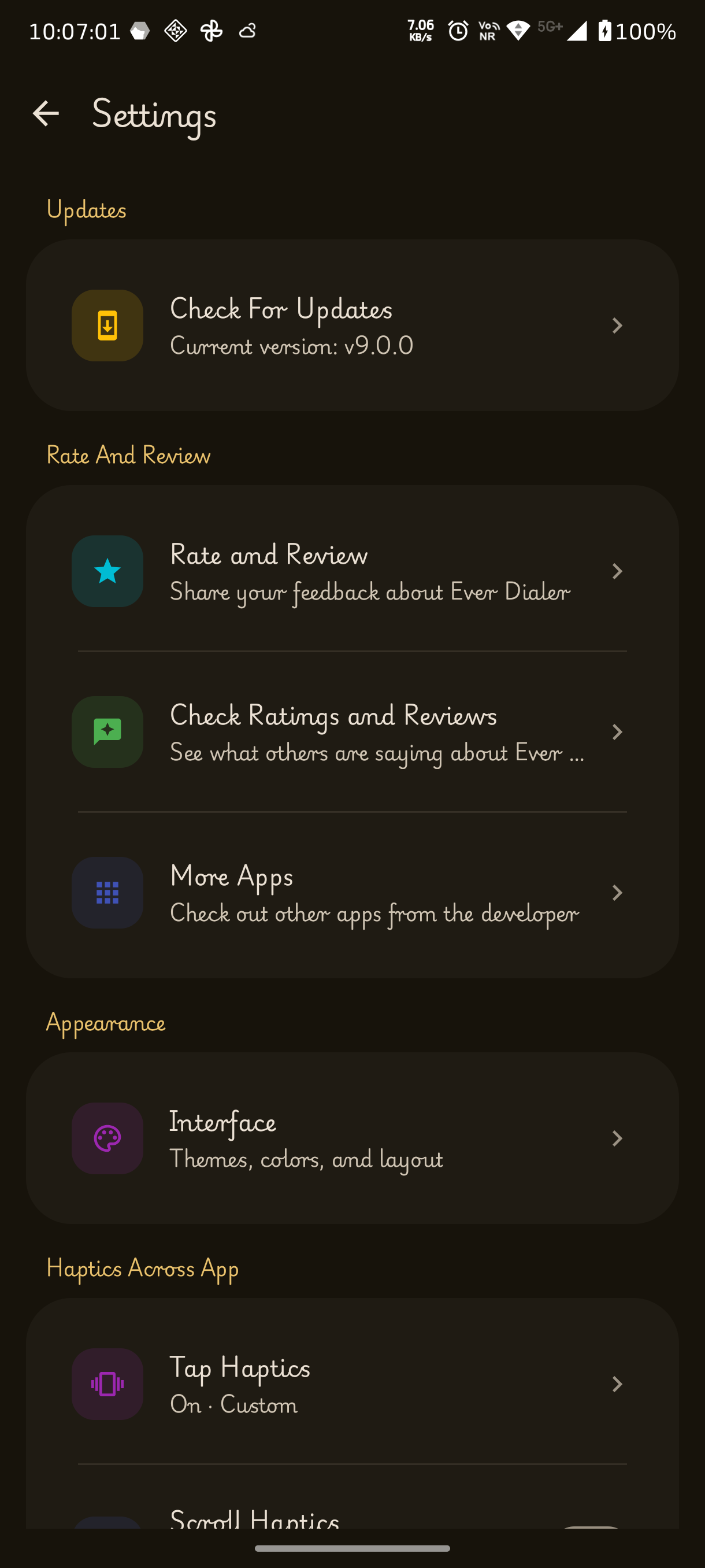
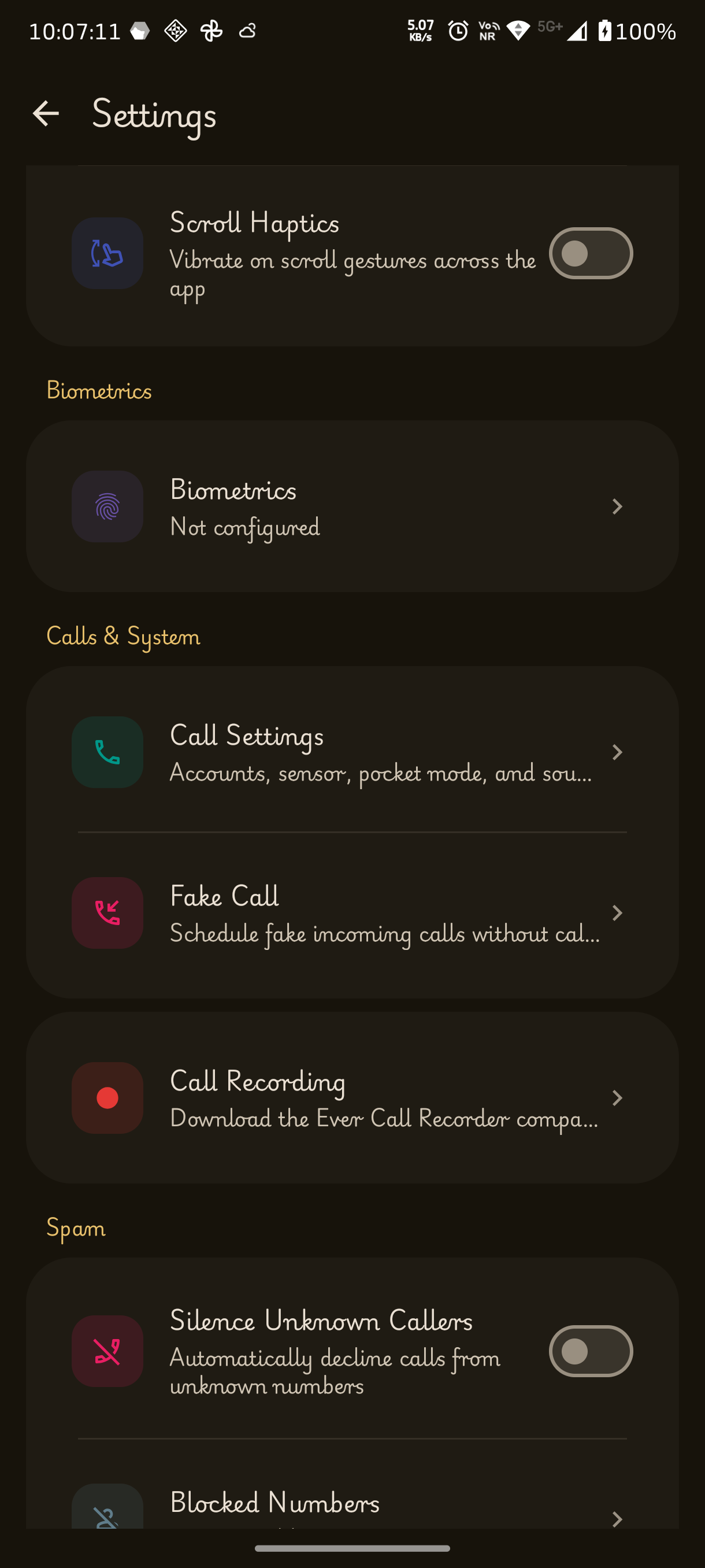
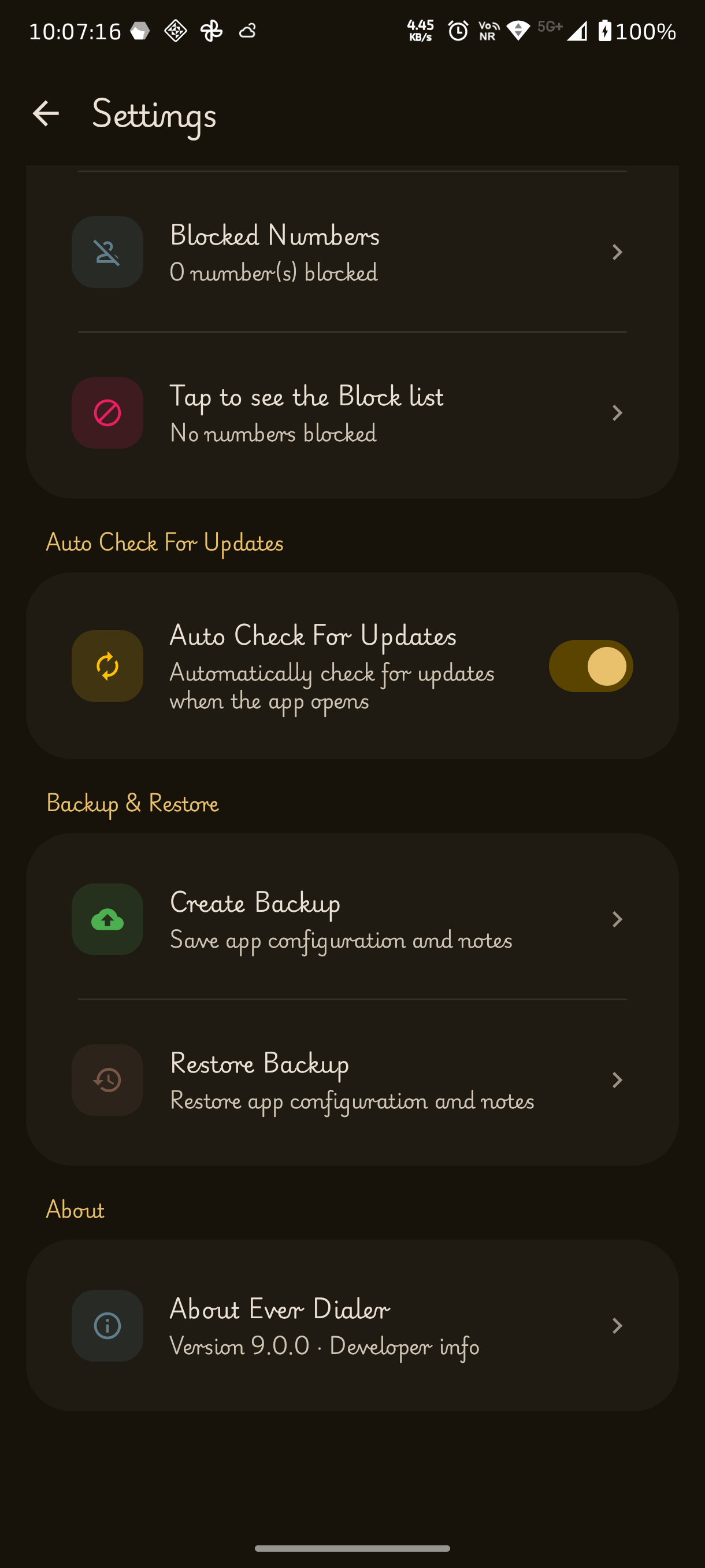
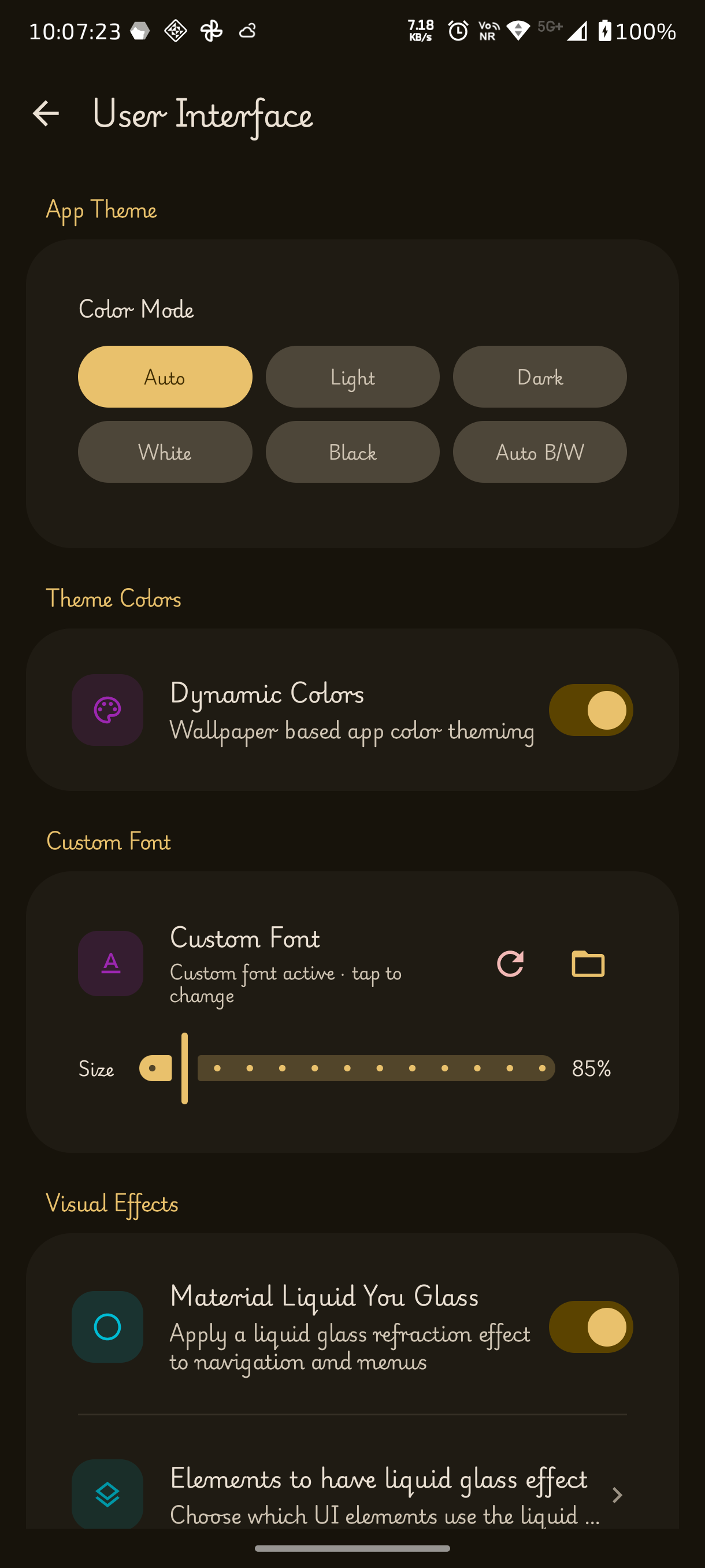
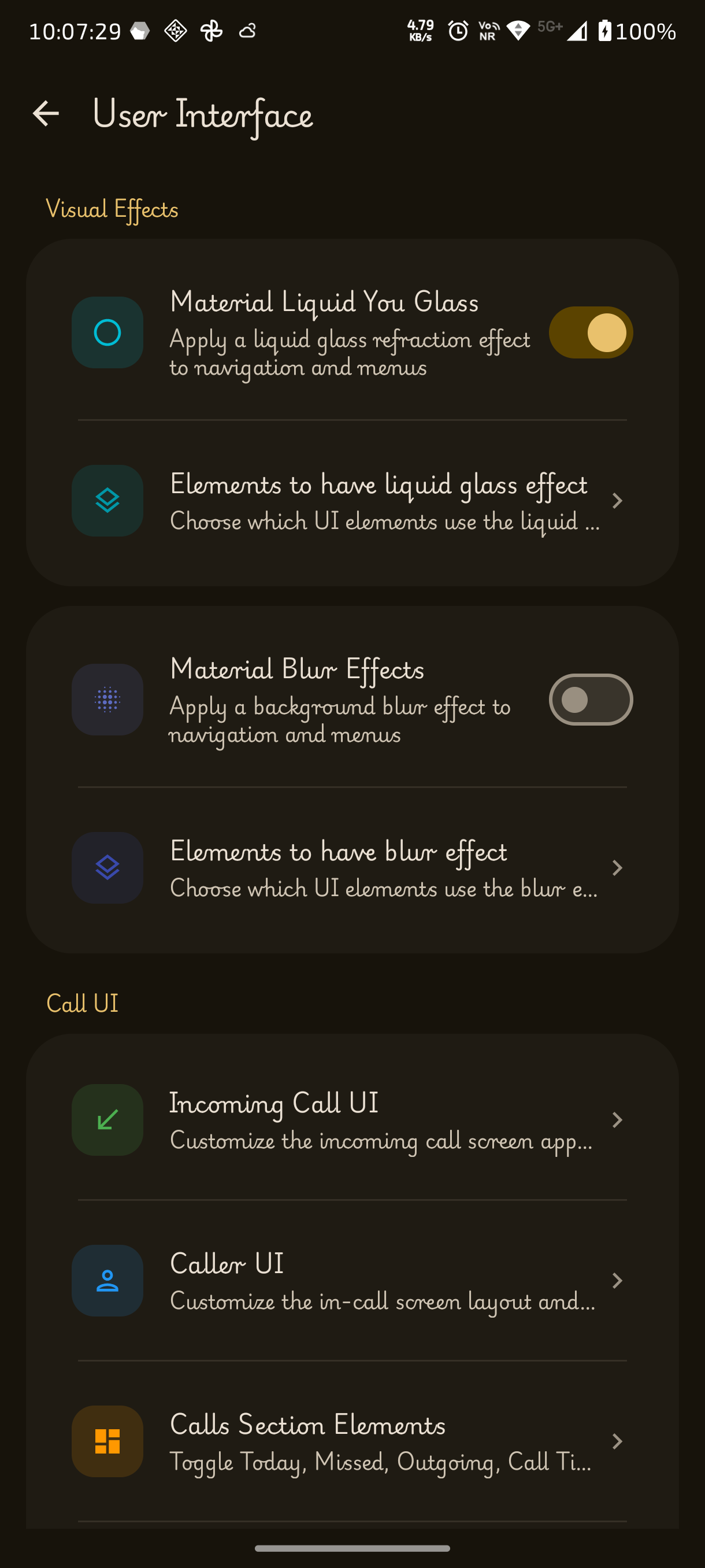
┈➤ Calling Features
• 📞 Make & Receive Calls – Complete phone calling functionality
• 📲 Receive Incoming Calls – Reliable incoming call handling
• 🔢 Smart Dialpad – Quickly dial numbers and contacts
• 🔍 T9 Contact Search – Search contacts directly from keypad
• ⚡ Speed Dial – Assign contacts for one-tap calling
• 🌍 International Dialing – Easy support for country codes
• 📱 Multiple SIM Support – Choose preferred SIM for calls
• 📞 Call Accounts Support – Manage available calling accounts
┈➤ Contacts Management
• 👤 Contact Management – Create, edit and organize contacts
• ➕ Add New Contacts – Save numbers instantly
• ✏️ Edit Existing Contacts – Update contact information anytime
• 🗑️ Delete Contacts – Remove unwanted contacts
• ⭐ Favorites Section – Pin important contacts for quick access
• 🖼️ Contact Photos – Assign profile images to contacts
• 📧 Email Fields – Store email addresses for contacts
• 🏠 Address Fields – Save addresses and additional details
• 📷 Contact QR Sharing – Share contacts using QR codes
• 📤 Contact Sharing – Share contacts with other apps
• 🔗 Merge Contacts – Combine duplicate entries
┈➤ Call History & Logs
• 🕘 Recent Calls – View incoming, outgoing and missed calls
• 📊 Detailed Call Information – Call duration and timestamps
• ❌ Missed Call Tracking – Quickly identify missed calls
• 📋 Call History Management – Browse and organize call logs
┈➤ Notes & Productivity
• 📝 Contact Notes – Save notes linked to contacts
• ⚡ Quick Call Notes – Take notes during calls
• ✏️ Edit Notes – Modify saved notes anytime
• 🗑️ Bulk Note Deletion – Remove multiple notes together
• 💬 Quick SMS – Send messages directly from contacts and call logs
┈➤ Call Controls & In-Call Features
• 📞 Modern Caller Interface – Redesigned incoming and ongoing call UI
• ✅ Answer Controls – Quick call answering actions
• ❌ Decline Controls – Easy call rejection options
• 🔀 Merge Calls – Conference calling support
• 🔊 Speaker Controls – Toggle loudspeaker during calls
• 🎤 Mute Controls – Mute microphone instantly
• 🎧 Bluetooth Support – Works with Bluetooth headsets and cars
• 📳 Call Waiting Support – Handle multiple calls smoothly
• 🎙️ Call Recording Integration – Supports Ever Call Recorder
┈➤ Privacy & Security
• 🚫 Call Blocking – Block unwanted callers
• 📋 Block List Manager – Manage blocked numbers
• ➕ Manual Number Blocking – Block specific numbers directly
• 🔓 Unblock Numbers – Restore blocked callers anytime
┈➤ Personalization & Theming
• 🎨 Material You Design – Dynamic wallpaper-based theming
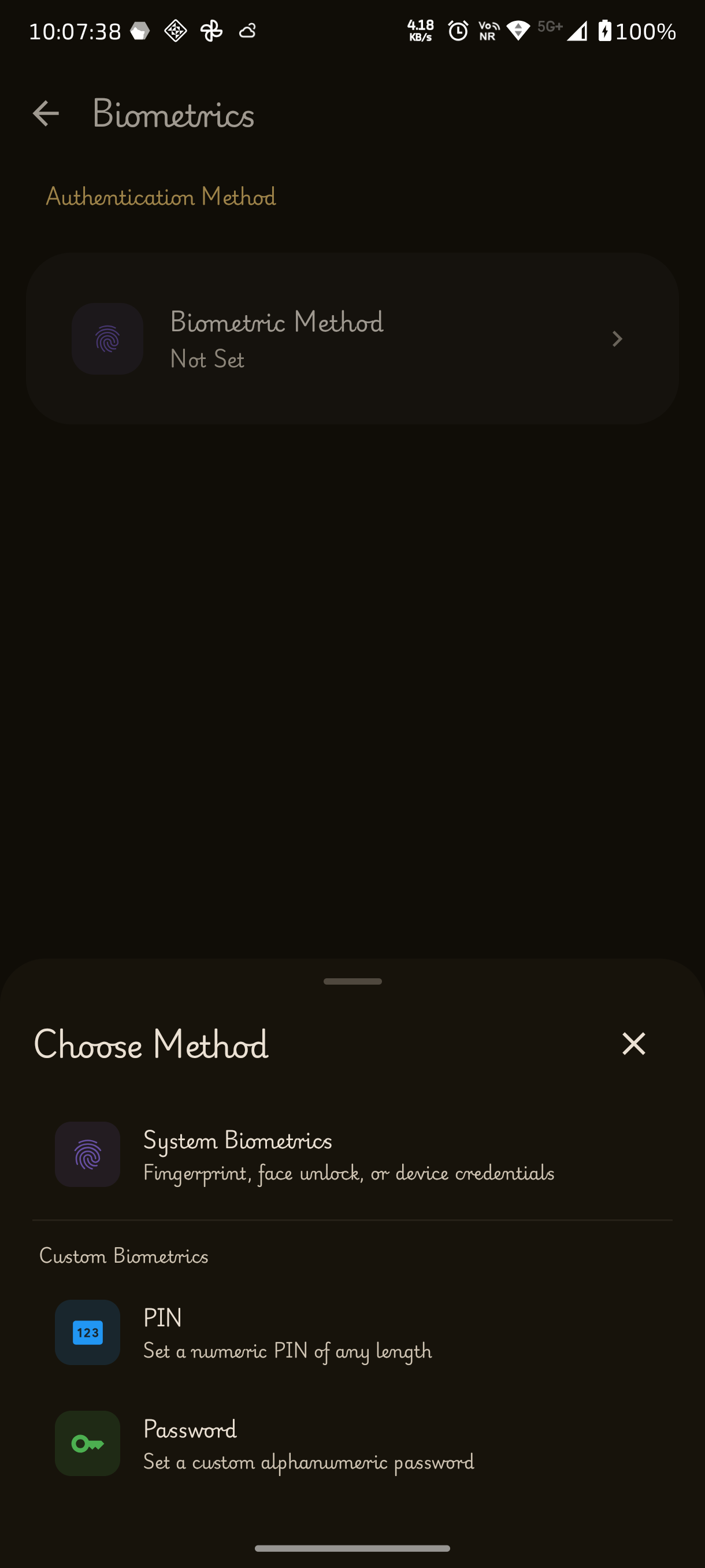
• ✨ Material 3 Expressive UI – Modern Android design language
• 🌈 Dynamic Color Theming – Adaptive colors throughout the app
• 🎯 Custom Accent Colors – Personalize app appearance
• 🔢 HEX Color Picker – Enter custom color codes manually
• 🌙 Appearance Modes – Customize visual style preferences
• 🖌️ Theme Engine – Consistent theming across screens
• 💎 Modern UI Components – Refined visual experience
• 🔤 Custom Font Support – Personalize typography
• 🖼️ Avatar Support – Enhanced contact profile visuals
• 🎨 App Icon Customization – Change launcher icon appearance
• 📱 Multiple App Icon Variants – Choose from different icon styles
┈➤ Visual Effects
• 💧 Liquid Glass Effects – Beautiful translucent UI effects
• 🌫️ Blur Effects – Modern background blur enhancements
• ✨ Animation Controls – Customize interface animations
• 🎞️ Visual Effects Settings – Fine-tune UI appearance
┈➤ Navigation & User Experience
• 🧭 Navigation Customization – Control navigation behavior
• 💊 Pill Style Navigation Bar – Modern navigation design
• 📂 Default Tab Selection – Choose startup tab
• ☎️ Open Dialpad on Launch – Launch directly into dialing
• 🏷️ Expanding Active Tab Labels – Better navigation visibility
• 🎯 Highlighted Active Tabs – Easier tab identification
•
• 🛡️ Improved Swipe Detection – Prevent accidental gestures
• 👋 First Launch Welcome Screen – Guided onboarding experience
┈➤ Haptics & Feedback
• 📳 Haptic Feedback – Vibration feedback for interactions
• 🎚️ Haptic Strength Controls – Adjust vibration intensity
• 👆 Haptic Preview – Test vibration settings instantly
• 🔊 Sound & Feedback Settings – Dedicated feedback controls
┈➤ Backup & Restore
• 💾 Backup Creation – Create local backups of app data
• ♻️ Backup Restoration – Restore previous backups easily
• 📂 Backup File Management – Organize backup files
• 🔄 Data Recovery Support – Recover saved information when needed
┈➤ Updates & Maintenance
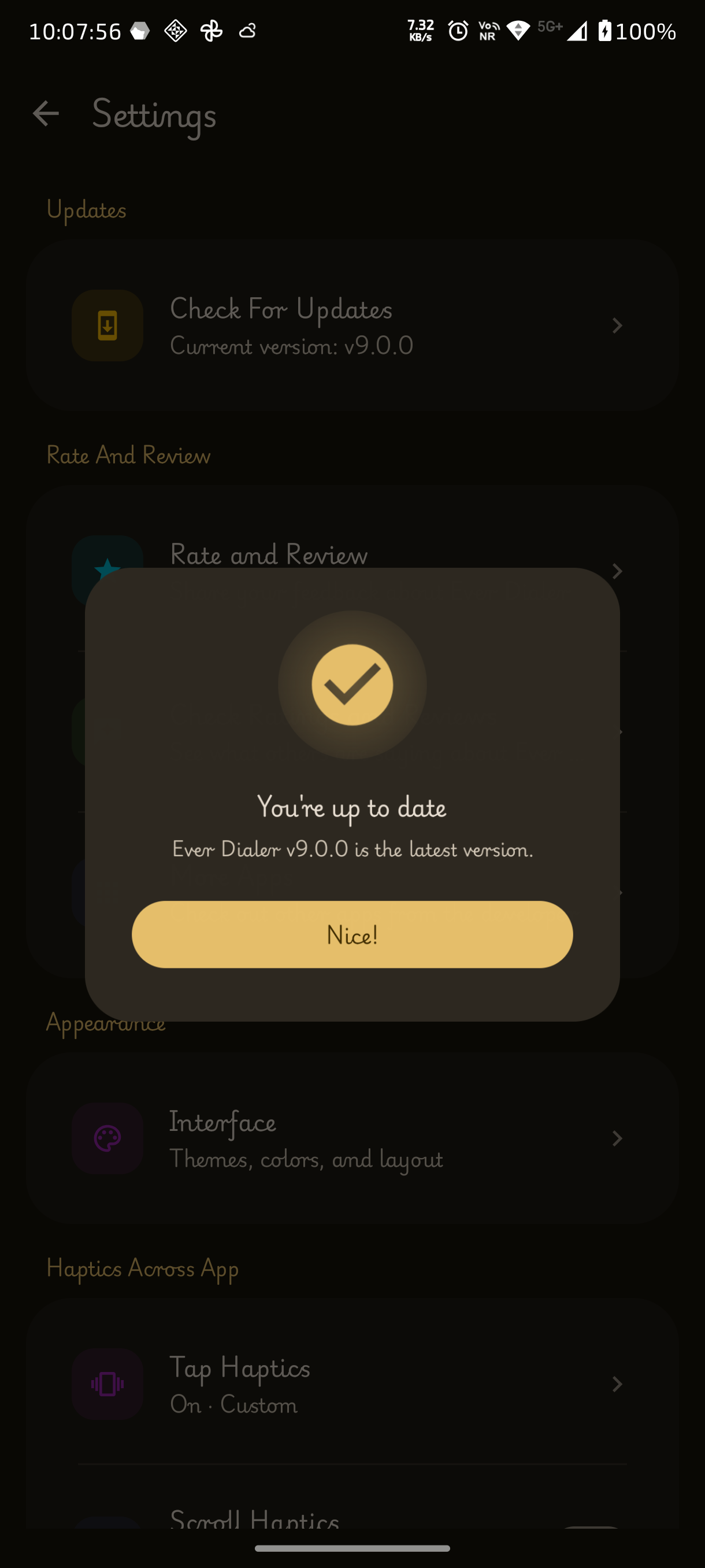
• 🔄 In-App Update Checker – Check for available updates
• ⬇️ Direct Update Downloads – Download releases easily
• 🚀 APK Installation Support – Install downloaded updates
• 📢 Update Notifications – Stay informed about new versions
┈➤ Additional Features
• 📱 Recent Calls Widget – Access recent calls from the home screen
• 🔄 Contact Synchronization – Works with device contact accounts
• ⚡ Fast Search Performance – Instant contact lookups
• 🚀 Optimized User Experience – Smooth and responsive performance
• 📱 Default Dialer Setup Assistance – Easy setup guidance
• 🔔 Modern Call Notifications – Improved call alerts
• ⚙️ Call Screen Customization – Configure call interface elements
• 👥 Contact Display Filters – Control visible contacts
• ⚙️ UI Element Configuration – Customize interface components
• 🧩 Settings Customization – Fine-tune app behavior
┈➤ Open Source & Community
• 🌟 Contributors Section – View project contributors
• 🐙 GitHub Repository Access – Quick project links
• ℹ️ About Page – App and version information
• 🔓 Open Source – Transparent and community-driven development
- Create a Google form (with sign in required - to prevent multiple reviews and easily editable)
- Link the Google form with sheets (Name it as Original form)
- Create another Google form and name it as Website and link all the columns except the gmail column with the Original form (This is because the original form contains G-mail, which is not supposed to be exposed)
- Linking is easy, just make the original form to be visible to everyone temperorarly, share the link to AI and ask AI to give the code to link it in the another sheet (This will make the Website form to be automatically updated based on the changes in the original form)
- It will give you the code, and paste it there
- Then in the website form, click file > share > publish it on web > publish it as CSV > Publish.
- Now the Link form the website works a backend raw data
- If you want to have replies to your website, create a new column in the Website form as replies and type your replies to the respective people who you wanted to.
The source code of Rate and Review are open, Check it out: Click Here
┈➤ P Dialer
┈➤ ShizuCallRecorder
┈➤ Raise To Answer