Repository navigation

Install in a minute: open FBI on your 3DS, choose Remote Install → Scan QR Code, and scan the code on ankush.one/3dsDL. Or download 3dsDL.cia / 3dsDL.3dsx below. Installing the CIA over 0.3.0 updates it in place and keeps your settings and history.
What's new
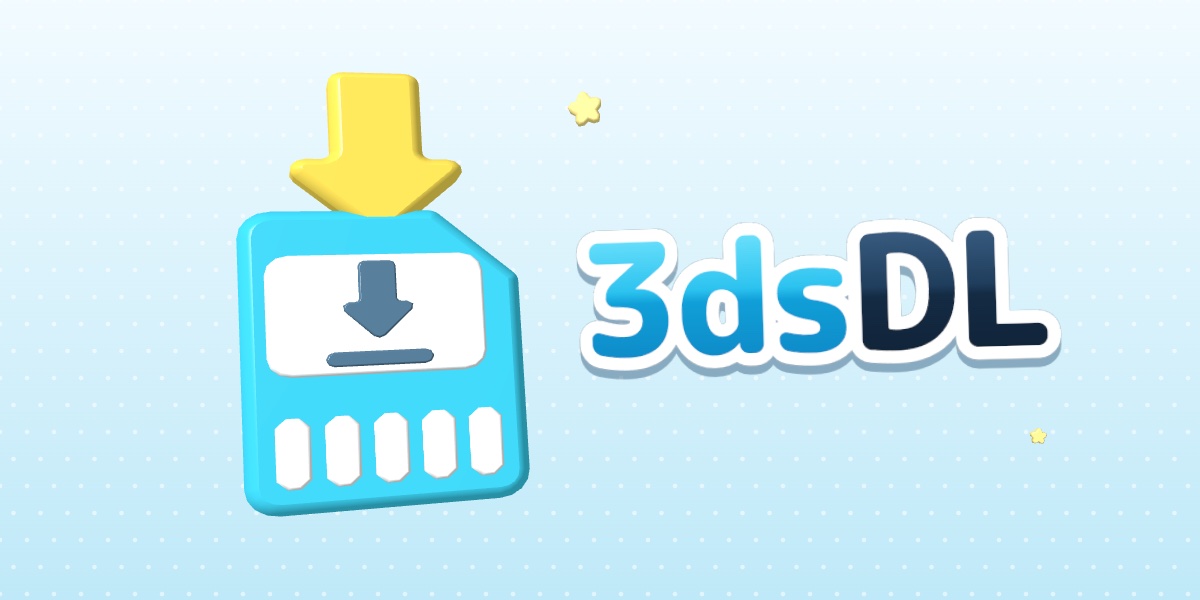
- A 3D HOME Menu banner. Select 3dsDL on the HOME Menu and the top screen now shows an animated 3D scene, like an official game's: a glossy SD card catches a download arrow that drops in from above, squashes happily and bursts sparkles, while the 3dsDL wordmark floats in front. Push the 3D slider up and it stands out of the screen.
- A jingle. A short original tune plays with the banner, timed to the arrow landing.
- A new icon. The card catching the arrow, rendered from the same model, on the HOME Menu and in the Homebrew Launcher.
The app itself is unchanged from 0.3.0.
Under the hood
- The banner is built as code in
resources/banner/: the model, the wordmark texture and the jingle are generated, then converted with pycgfx in a pinned container. - Getting a homemade 3D banner past the HOME Menu took five test builds on a console. The fixes are documented in the banner README, and
build-cgfx.pynow checks that every name the HOME Menu looks up in the model resolves before it writes one. Thanks to CBC for YANBF, whose notes pointed at two of them. - Built by GitHub Actions from the
v0.3.1tag with toolchain images pinned by digest.THREEDSDL_FLAT_BANNER=1 ./scripts/build.shstill builds with a flat banner picture.
Hardware testing
Confirmed on a console: the 3D banner, its jingle and the icon, along with 0.3.0's downloads over the internet, installing with FBI and ZIP extraction. The rest of the checklist is in docs/HARDWARE.md; reports from Old 3DS and 2DS are especially welcome in Issues.
Checksums (SHA-256)
14fb6d185cfcf4279caa913e3010980280cda1eb2251cfa20fb2fd10f059fb83  3dsDL.3dsx
c6434875b5a4d3442519b44030635cf9e2d32cf8fb134db190eae0c524f667ea  3dsDL.cia