REST API Security Documentation
Attention: We have migrated our documentation to our new platform, Ant Media Resources. Please follow this link for the latest and up-to-date documentation.
This guide explains how to Control REST API Security on Ant Media Server. You could secure your REST Services with IP Filter feature.
If you want only some IP addresses to be able to access REST APIs, you should add IP’s or IP Ranges in Dashboard > {Application} > Settings > IP Filtering Settings in panel.
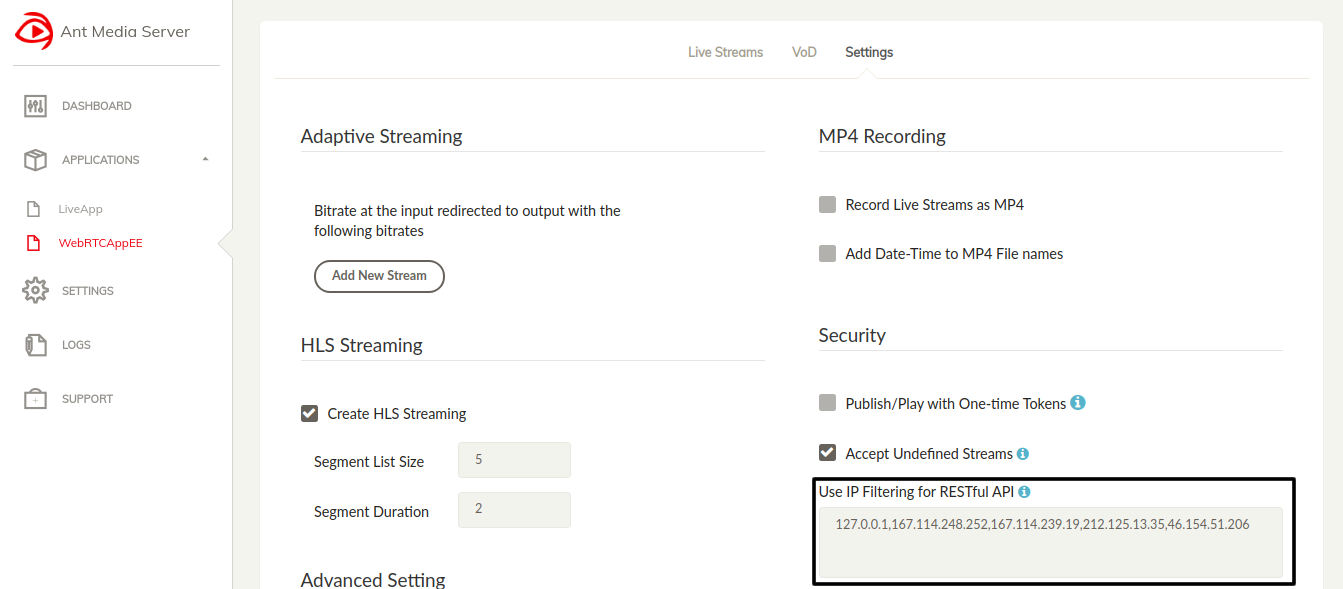
If 127.0.0.1 is deleted, requests in the server(localhost) is disabled. Devices in the same network can access but other devices that are not cannot access the REST API when 127.0.0.1 is on the list.
If you want to remove REST Filter in AMS, you should delete below codes in SERVER_FOLDER/webapp/Application(LiveApp or etc.)/WEB-INF/web.xml
<filter>
<filter-name>AuthenticationFilter</filter-name>
<filter-class>io.antmedia.console.rest.AuthenticationFilter</filter-class>
</filter>

<filter-mapping>
<filter-name>AuthenticationFilter</filter-name>`
<url-pattern>/rest/*</url-pattern>
</filter-mapping>
If you delete AuthenticationFilter code block in Application, every one can access your REST API.
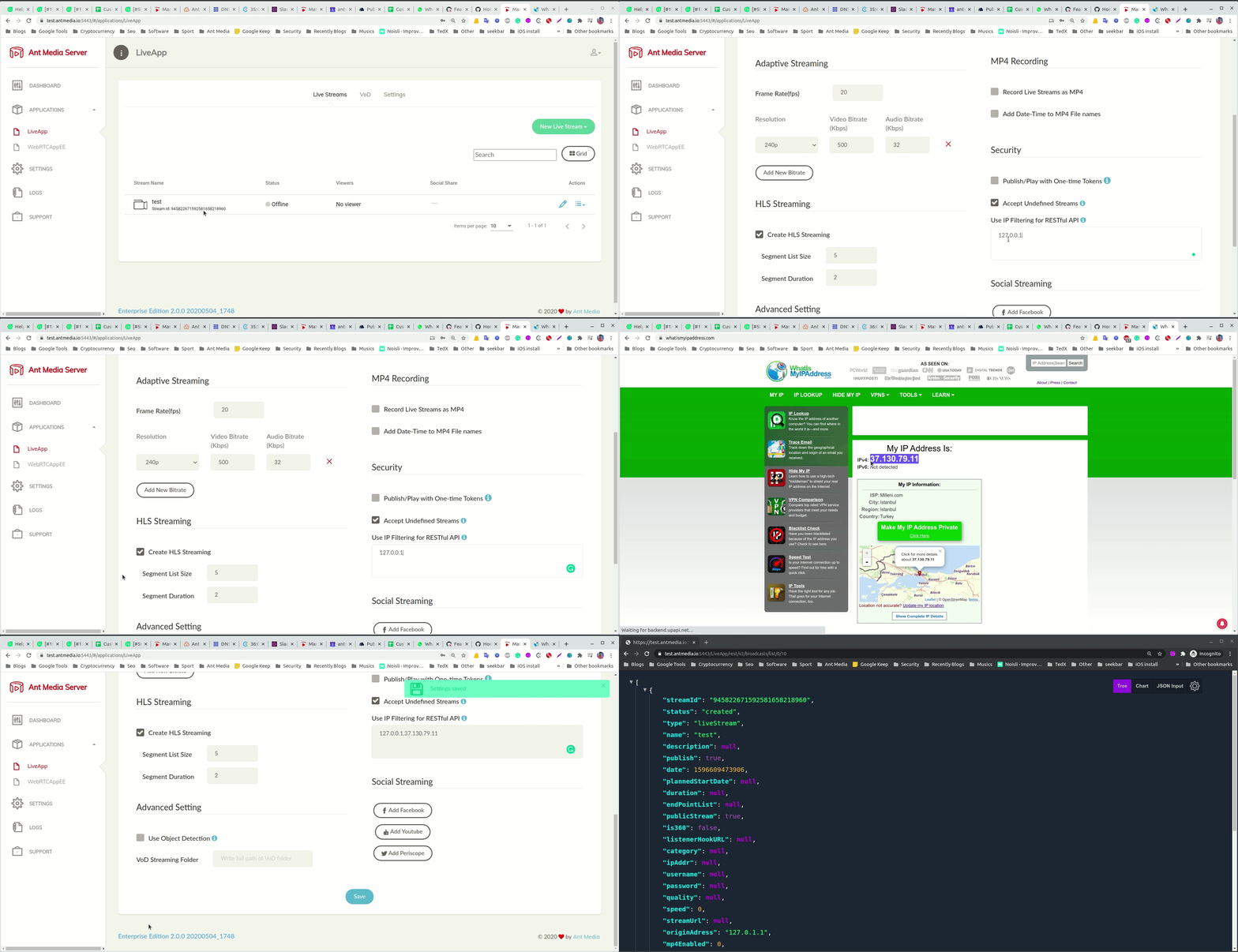
Here is the IP Filter Demo:
 For more details, you can check this link -> IP Filter Gif