Node Add To Mesh Component (v5.5)
Warning
This page is for Mutable v5.5. A newer version is available — see the v5.8 version of this page.
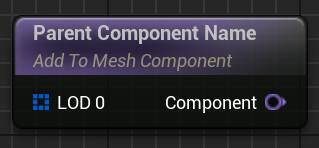
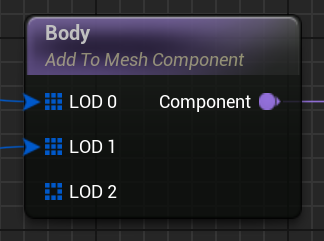
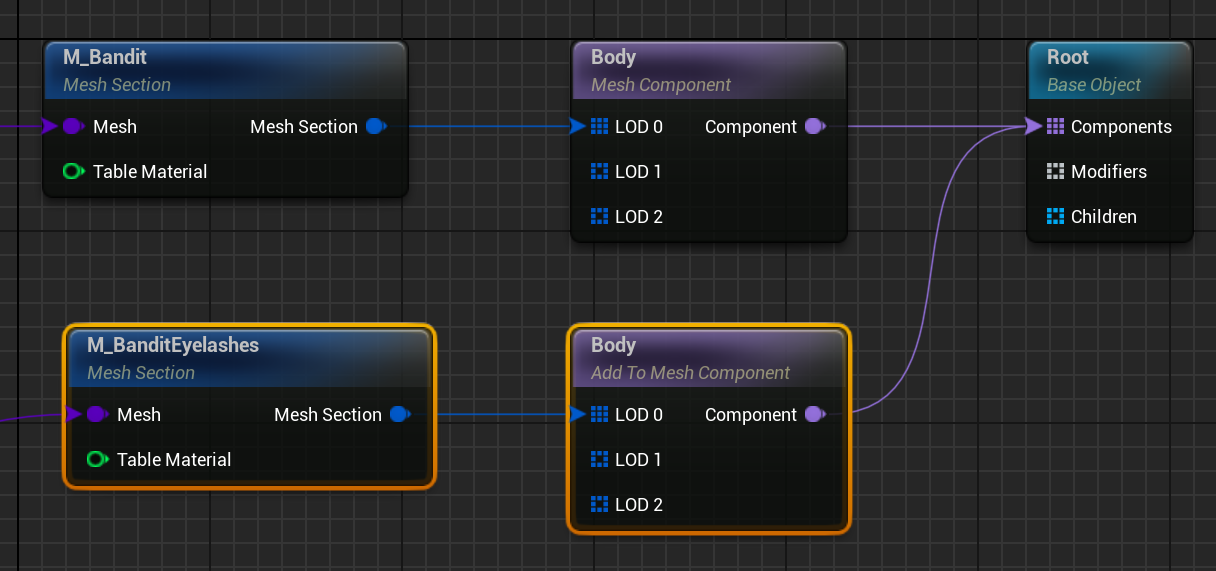
Adds additional Mesh Sections to an already existing Mesh Component node.
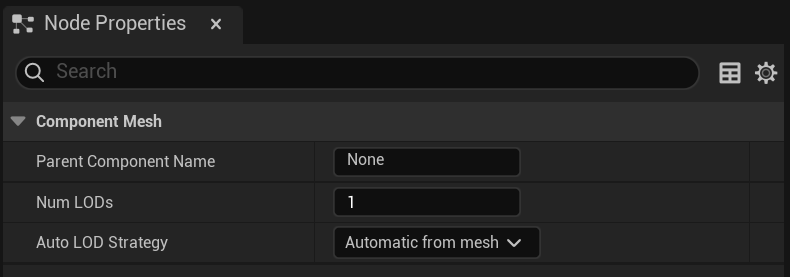
- Parent Component Name: Name of the parent Mesh Component.
- Num LODs: How many LODs the generated Skeletal Mesh will have. See Auto LOD Strategy below.
-
Auto LOD Strategy:
- Only manually created LODs: Only LOD with connections will appear in the generated Skeletal Mesh.
- Automatic from mesh: See Automatic from mesh section.
- Inherit from parent component: Use parent Mesh Component node strategy.
- LOD n: Adds all connected Mesh Sections to the component's n LOD.
- Component: If connected, activate this node. The activation can be conditionally using Switch, Variation, and Group nodes.