
Full Linux desktop on ARM64 Android — not a terminal app, not an emulator. Native kernel access, embedded X11, and an optional Android home launcher so boot and Home open the desktop directly.
ServalDesk (com.servaldesk.app) is a branded fork of DroidDesk with phone-first UX: home routing, a touch-oriented XFCE layout, floating controls, and safer session start. Repository path may still be named DroidDeskLauncher.
Important
ServalDesk is based on DroidDesk, an independent GPL-3.0 open-source project that incorporates modified Termux:X11 components. It is not affiliated with or endorsed by Termux, Termux:X11, TUR, Canonical, Ubuntu, or Serval Inc. (ITSM / helpdesk).
- This product (ServalDesk): https://github.com/anugotta/DroidDeskLauncher
- Upstream DroidDesk: https://github.com/orailnoor/DroidDesk
- Termux:X11 upstream: https://github.com/termux/termux-x11

Linux desktop (XFCE) in landscape — Unsplash wallpaper, bottom dock, floating bar, trackpad mode


Portrait desktop · Flutter dashboard (return, stop, set as default launcher)

Share VNC — live session on port 5901; switches to 1920×1080 for Mac / Pi / laptop viewers
Compared with the original DroidDesk app experience, ServalDesk focuses on using Linux as a phone home screen and fixing rough edges on real devices (tested on Samsung Galaxy A70 / One UI).
| Behavior | Detail |
|---|---|
| Boot / Home | Routes to the Linux desktop when setup is complete |
| Incomplete setup / failure | Falls back to the Flutter dashboard with a clear error path |
| Overlay Dashboard | Returns to Flutter (apps, terminal, settings, stop server) |
| Overlay Android | Leaves Linux for the stock Android home (not just settings) |
| Long-press Android / Dashboard | Opens the system default-home / role picker |
Set ServalDesk as the default home app from the dashboard (Set as Default Launcher). For casual use, leave the stock launcher as default and open ServalDesk from the app drawer.
- Bottom dock — Applications menu, Terminal, Files, Browser, VNC (submenu: Share / Connect / Stop / Show IP)
- Applications menu — same VNC helpers plus Fit Windows to Screen
- Top tasklist + clock — Window list and readable clock on the dark panel
- Panel / menu contrast — Light text and symbolic icons so menus stay readable on light popovers
- Wallpapers — Bundled Unsplash desktop backgrounds (see
CREDITS.txtin assets) - Safe-area letterboxing — Black borders so rounded corners / notches don’t clip the desktop
- Orientation — Desktop resizes on rotate; windows rematch to the new viewport
- Direct touch / Trackpad / Touchscreen — Floating bar cycles modes; Trackpad is the default
- Soft keyboard — Floating Keyboard button (true text-field auto-IME isn’t available over X11)
Phones without USB-C DisplayPort Alt Mode can share the live desktop over Wi‑Fi or USB tethering:
- On the dock, open VNC → Share VNC.
- The X display switches to 1920×1080 so viewers get a normal desktop (not a tiny phone-scaled frame).
- Connect from a VNC client (e.g. TigerVNC) to
PHONE_IP:5901— use Show IP if needed. - Stop VNC Share restores the phone-scaled layout.
Expect some lag over VNC — the phone encodes a 1080p framebuffer. USB tethering is usually snappier than Wi‑Fi. Wired USB-C HDMI / DeX on DP Alt Mode phones is the lag-free path when the hardware supports it.
- Foreground service starts before the desktop session where needed
- X11 / Lorie surface starts without waiting only on focus (reduces black screens on Home / boot)
- XFCE mobile profile installs atomically (marker written only after configs succeed)
- Dock helper scripts use a real bash shebang (avoids Termux
#!/bin/shpermission errors) - Avoids panel restart paths that triggered GDBus “Failed to restart the panel” dialogs
Tip
On Samsung / One UI, set ServalDesk battery usage to Unrestricted so the X11 session is less likely to be killed in the background.
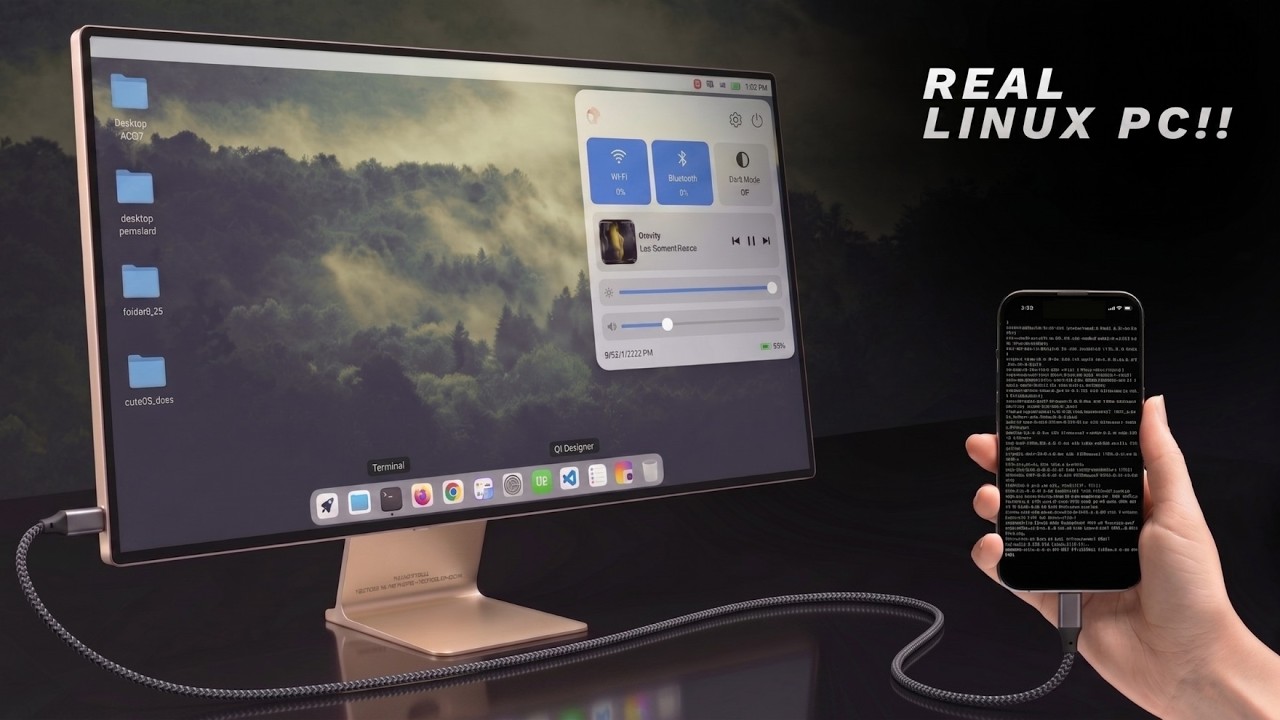
Tested and confirmed working on the DroidDesk / ServalDesk stack:
- LibreOffice — documents, spreadsheets, presentations
- VS Code — full editor with extensions
- Claude Code — AI coding agent in the terminal
- Blender — installs and opens (heavy on mobile GPUs)
- Wireshark / Metasploit — via Proot / apt where needed
- Local AI — offline LLM inference on-device
If it runs on Ubuntu/Termux GUI packages, it can run here.
- Standalone APK (recommended): Embedded Termux:X11 (
libXlorie.so) in a dedicated process; Linux onDISPLAY=:0. No separate Termux:X11 app required.- Non-root: App-private Termux userspace + X11/TUR packages (main desktop path does not use PRoot).
- Root: Ubuntu filesystem via
chroot. - GPU: Adreno → Turnip/Zink when available; otherwise Mesa software rendering.
- Classic Termux scripts: Still available for users who prefer a Termux + Termux:X11 install (see below).
- Proot: Optional Ubuntu/Debian/Kali container for packages not in TUR; menu sync can surface those apps on the desktop.
- Android phone (ARM64)
- For standalone APK: nothing else — X11 is embedded
- For classic script path: Termux (F-Droid) + Termux-X11 nightly
| Path | When to use |
|---|---|
| USB-C HDMI / DeX | Phones with DisplayPort Alt Mode — local scanout, essentially lag-free |
| VNC (dock Share VNC) | Mac / laptop / any VNC viewer on the same network — some lag expected |
| Raspberry Pi VNC bridge | Headless Pi tether + viewer — see Pi bridge |
-
Download a release APK or build:
cd app
flutter pub get
flutter build apk --release
Output:
app/build/app/outputs/flutter-apk/app-release.apk
Package id:com.servaldesk.app -
Sideload and open ServalDesk.
-
Finish the setup wizard.
-
Optionally: Set as Default Launcher on the dashboard.
-
Use the floating bar: Keyboard · input mode · Dashboard · Android.
Termux + setup script (upstream-compatible)
-
Install Termux from F-Droid (not Play Store).
-
Install Termux-X11 nightly.
-
In Termux:
curl -sL https://raw.githubusercontent.com/orailnoor/DroidDesk/main/termux-linux-setup.sh -o setup.sh
bash setup.sh
-
Start desktop:
bash ~/start-x11.sh, then open Termux-X11.
| Command | Purpose |
|---|---|
bash ~/start-x11.sh |
Desktop via Termux-X11 |
bash ~/start-vnc.sh |
Desktop via VNC |
bash ~/start-proot.sh |
Proot Linux shell |
bash ~/proot-menu-sync.sh |
Sync Proot apps to the menu |
bash ~/stop-linux.sh |
Stop sessions |
For phones without USB-C display output, a Pi Zero 2W can tether over USB and show the phone desktop with a VNC viewer. Scripts: pi-launch_phone.sh (see upstream docs for flash / auto-boot notes). Prefer on-phone X11 when you are not using an external monitor. The dock Share VNC path (1920×1080) works the same for a Pi viewer on the LAN.
Warning
Disable child-process restrictions in Developer Options on ROMs that kill background processes (MIUI, One UI, stock Android 13+). Otherwise long-running X11 sessions may die without warning.
- On-phone X11 and USB-C external display are faster than VNC; use VNC for remote access or phones without wired video out.
- GPU acceleration is strongest on Adreno (Snapdragon); other GPUs fall back to software rendering.
- Electron/Chromium apps as root may need
--no-sandbox— see APP_TROUBLESHOOTING.md.
Created by orailnoor as DroidDesk. ServalDesk home-launcher mode and phone UX maintained in this fork (anugotta/DroidDeskLauncher).
Bundled wallpapers: Unsplash contributors — see app/android/app/src/main/assets/droiddesk/wallpapers/CREDITS.txt.
ServalDesk redistributes DroidDesk-derived code under GNU GPL version 3 only. It is not affiliated with or endorsed by Termux, Termux:X11, TUR, Canonical, Ubuntu, Serval Inc., or other upstream projects.
See:
The compliance checklist may still list unresolved provenance / reproducible-build items. Do not describe a binary release as fully compliant until those items are complete.