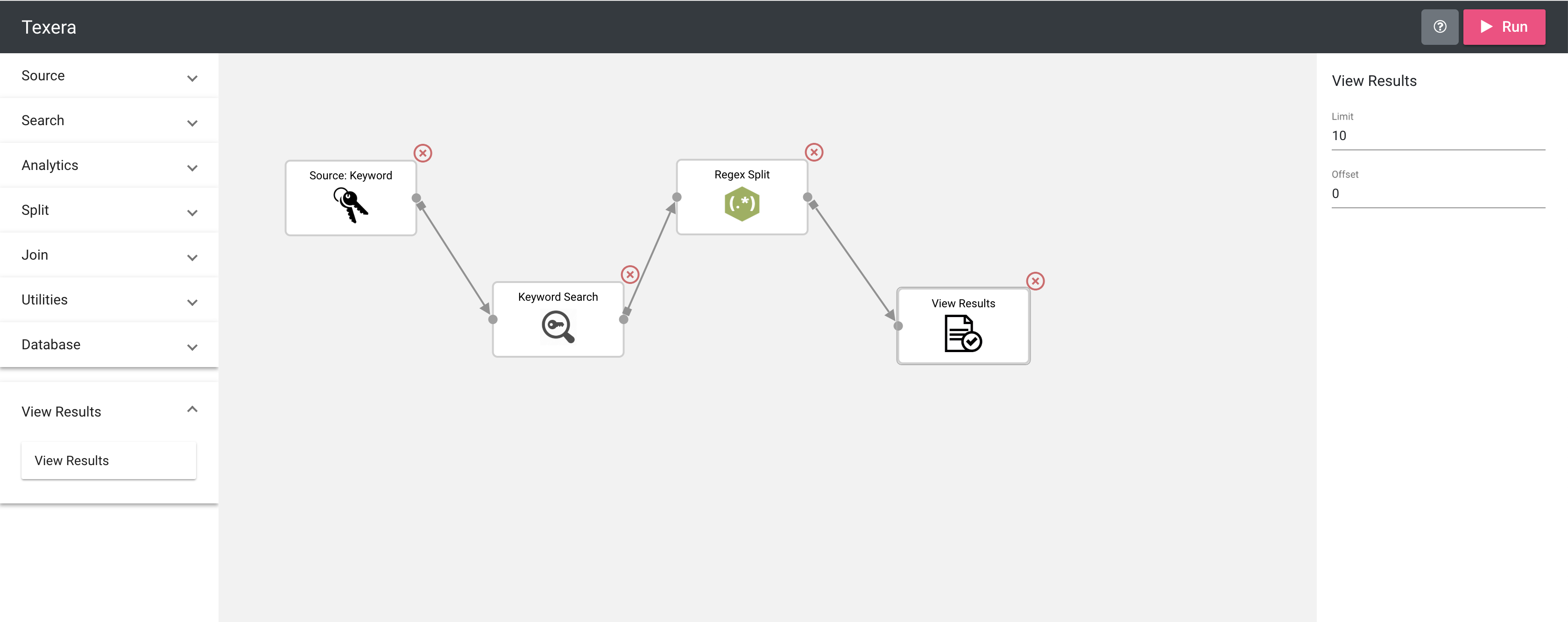
Display an image in the operator panel#679
Conversation


Currently, images are stored in the front end folder.


|
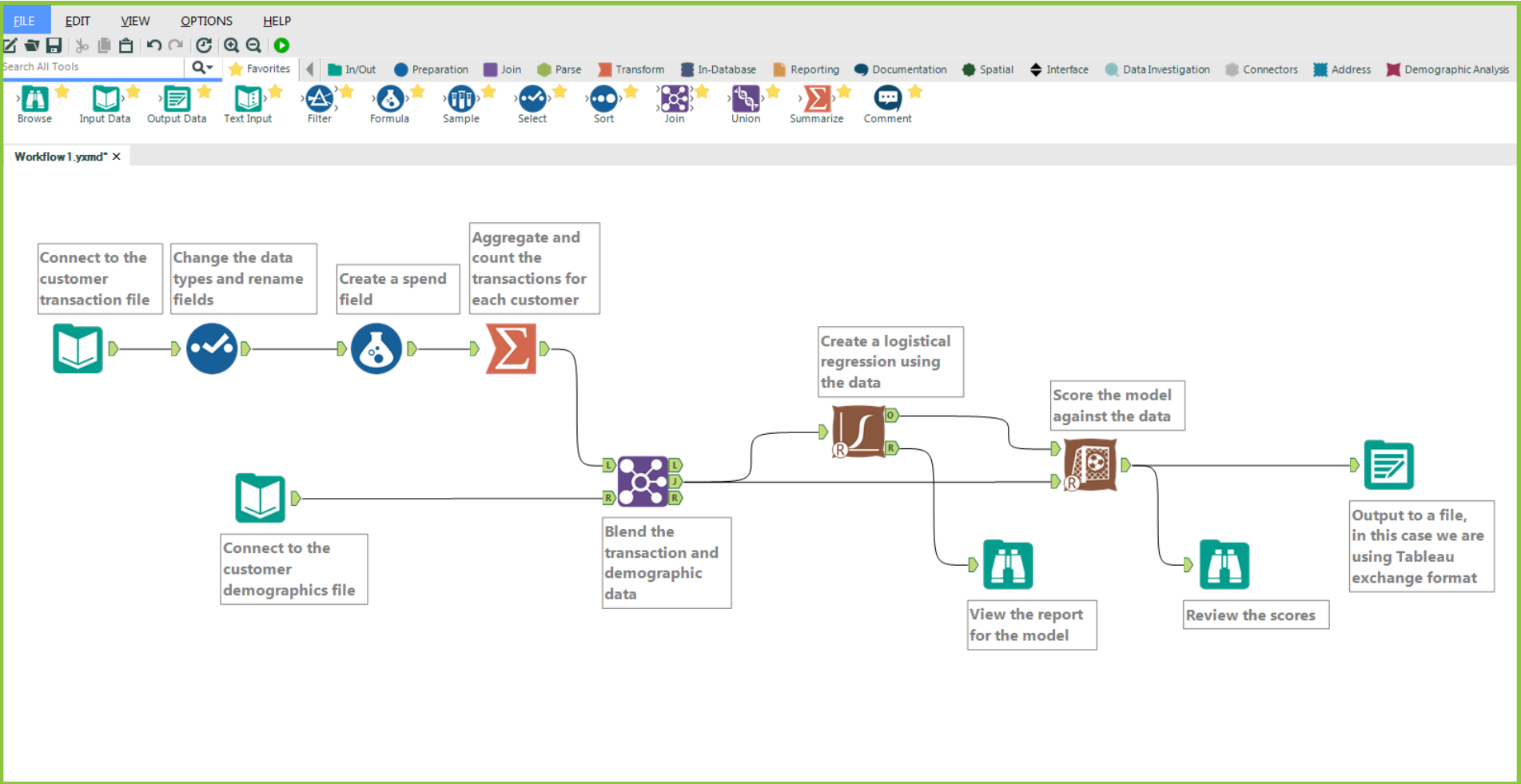
I have 2 proposals for the operator design: The first proposal is to include the image at the operator bar and display only the image (not including the operator name) when the operator is displayed in jointjs. This proposal follows the design of alteryx.
Here is a prototype I made that requires further modifications:
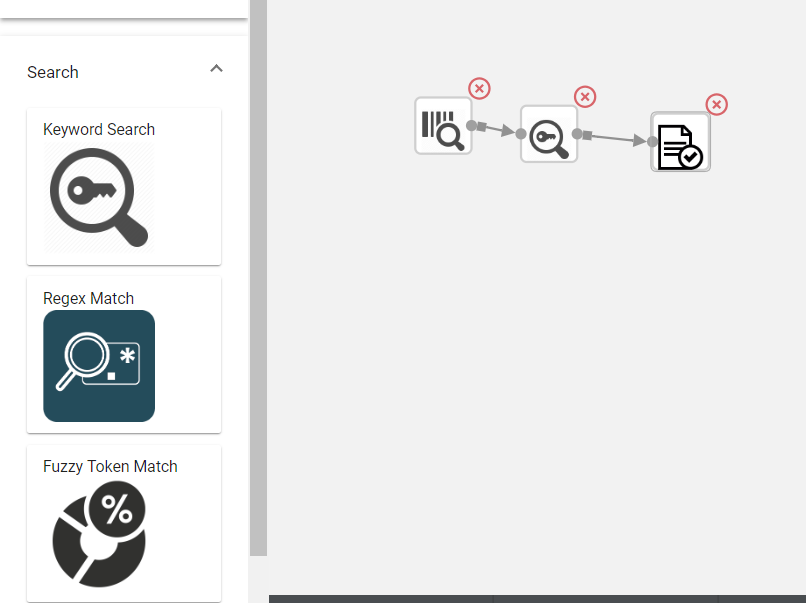
The second proposal is to keep the current design of the operator and improve the operator appearance based on the current design. Here is a prototype I made for this proposal:
@zuozhiw and @avinash0161 any suggestions or preferences? |

|
The first design can show a bigger icon, making it easier to see and understand by the user. |

|
I prefer the second approach. Assume a workflow containing many operators. If we use the second approach, It will be easier for the user to get an overall picture and do a mental dry run. If we use the first approach, he will have to hover over each operator to see what it means. If there are many operators, it will be very difficult for him to get the whole idea just by glancing at the workflow. |
 zuozhiw
changed the title
zuozhiw
changed the title

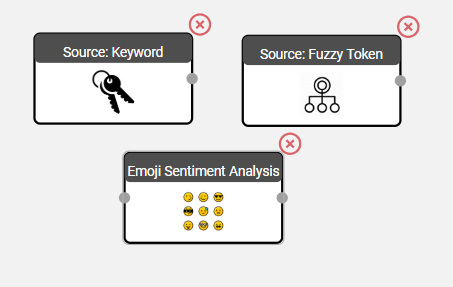
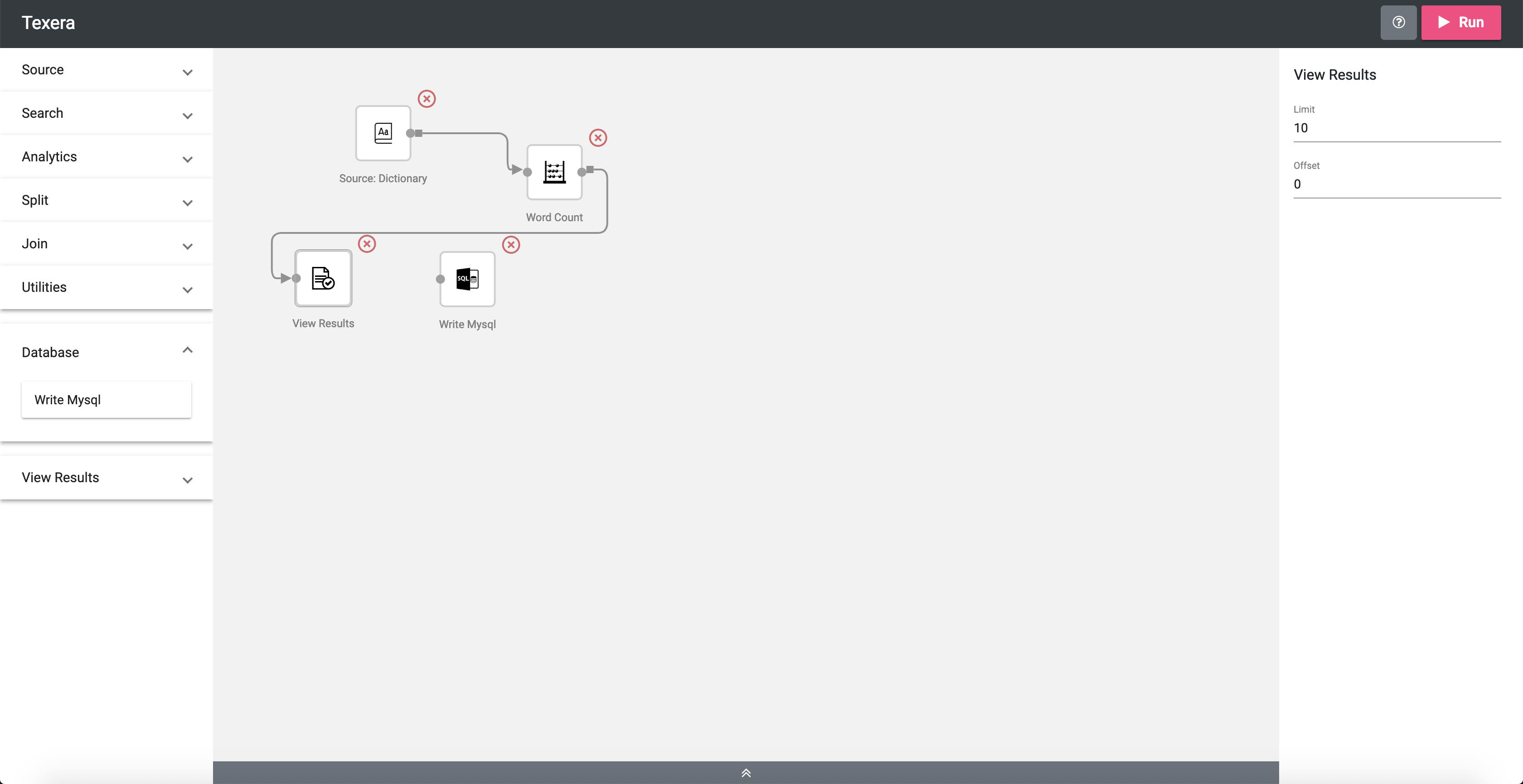
I updated the design of the opertor in the workflow panal and also changed the straight link to "smart" curve link.

|
I redesigned the appearance of operators in the workflow panel. |


5 participants


This PR implements the #5 issue in GUI improvement ideas, displaying an image in the operator box. We want to store the pictures in the backend folder, but currently they are stored in the front end folder under the new_gui/src/assets/ folder.
The majority of code changes are within the following 1 file:
joint-ui.service.ts
Following images show the operator box with images in the workflow panel: