Apollo brings warm, high-contrast dark and light palettes to Xcode 26 for readable source, markup, debugger output, and status feedback.


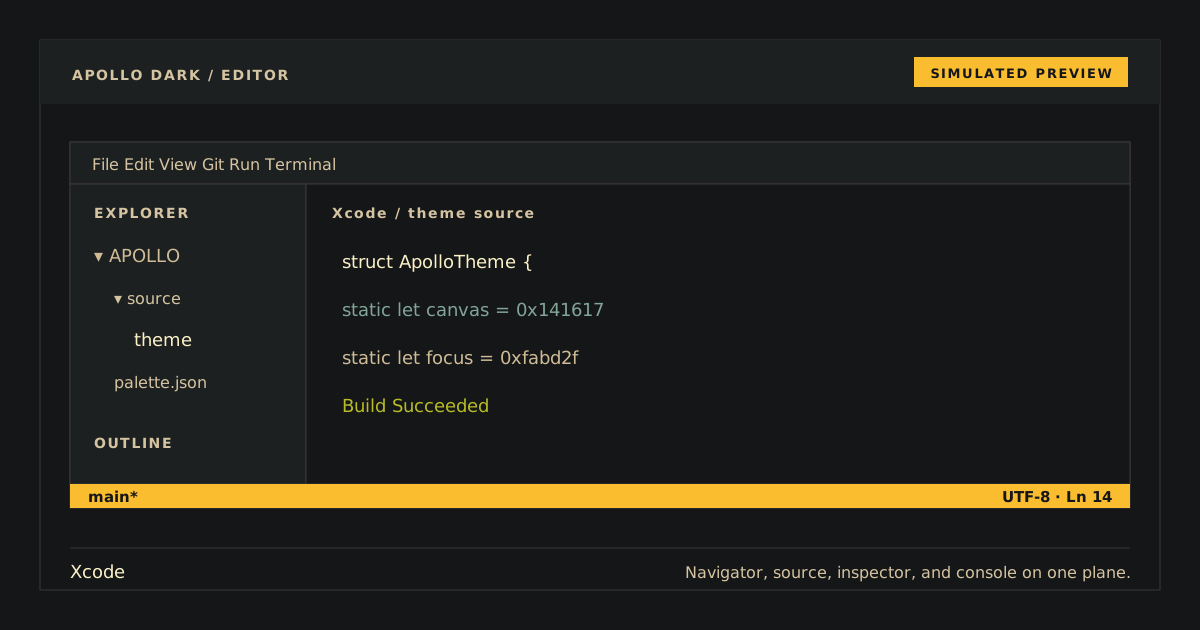
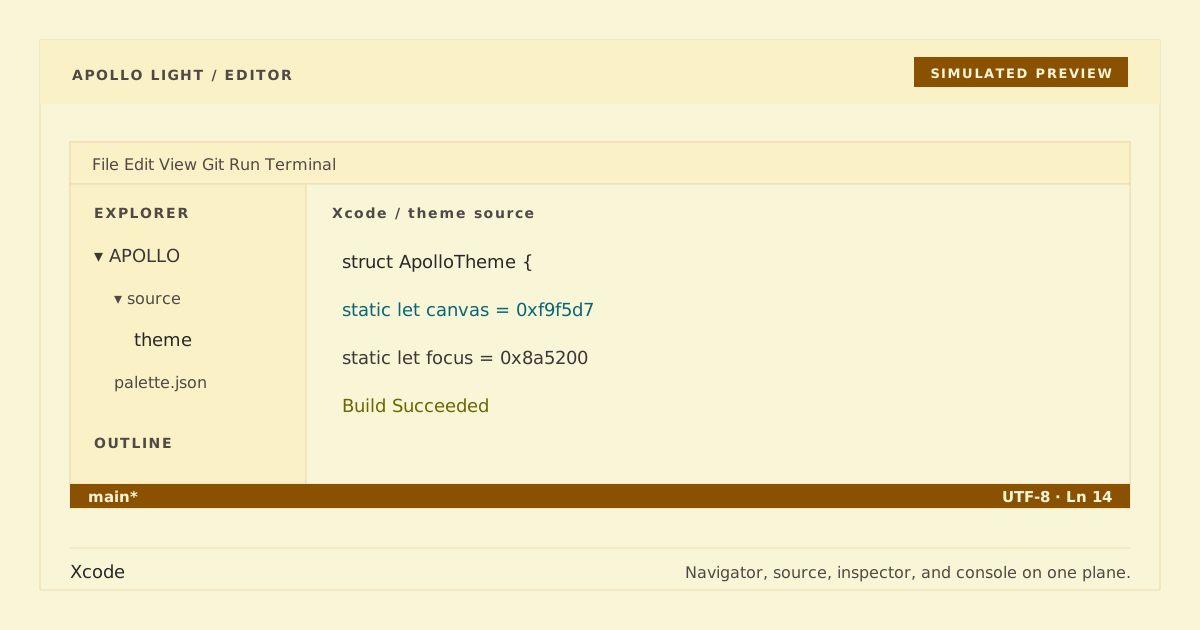
Simulated preview. Xcode chrome and typography may vary; inspect the installed native theme using the checks below.
The public Apollo Dark variant keeps the existing unsuffixed identity in Apollo.xccolortheme; Apollo Light keeps its existing light identity in Apollo Light.xccolortheme.
- Xcode 26 source, markup, and debugger-console surfaces.
- Selection, current line, insertion point, warnings, errors, and runtime issues.
- Twenty-eight syntax roles following the installed Xcode 26 theme schema.
- A generated native color-theme plist that does not edit Xcode preferences.
Quit Xcode, then install the theme:
mkdir -p ~/Library/Developer/Xcode/UserData/FontAndColorThemes
cp Apollo.xccolortheme "Apollo Light.xccolortheme" ~/Library/Developer/Xcode/UserData/FontAndColorThemes/
Open Xcode and select Settings → Themes → Apollo or Apollo Light. The file adds a color theme only; it does not edit Xcode preferences.
Inspect Swift, Objective-C/C, strings, numbers, comments, documentation comments, types, functions, macros, and URLs. Also inspect the debugger console, selection, current line, insertion point, warnings, errors, and runtime issues. Apollo source should be #cfbc97 on #141617; Apollo Light should be #3c3836 on #f9f5d7. In both, verify comments, warnings/errors, markup, and debugger colors remain readable and semantically distinct.
Quit Xcode and remove the theme file:
rm ~/Library/Developer/Xcode/UserData/FontAndColorThemes/Apollo.xccolortheme \
  ~/Library/Developer/Xcode/UserData/FontAndColorThemes/'Apollo Light.xccolortheme'
Reopen Xcode and choose another theme if needed.
Both committed themes are generated from their matching palette snapshots using only Python's standard library. Their 28 syntax roles mirror the installed Xcode 26 theme schema.
python3 scripts/generate.py
python3 scripts/generate.py --check
python3 scripts/check.py
python3 -m unittest tests.test_theme.XcodeThemeTests.test_xcode_26_syntax_role_map -v
plutil -lint Apollo.xccolortheme "Apollo Light.xccolortheme"MIT. Copyright (c) 2026 D0n9X1n.