


If swapi-pilot helps you, consider supporting its development:

swapi-pilot gives AI agents accurate, up-to-date SolidWorks API documentation, reducing errors and improving automation precision — think of it as dedicated context for SolidWorks coding.
Still searching the web for VBA Macros? Asking SolidWorks experts online to write them for you? Just install swapi-pilot MCP and build whatever Macro you need yourself — no more waiting for help!
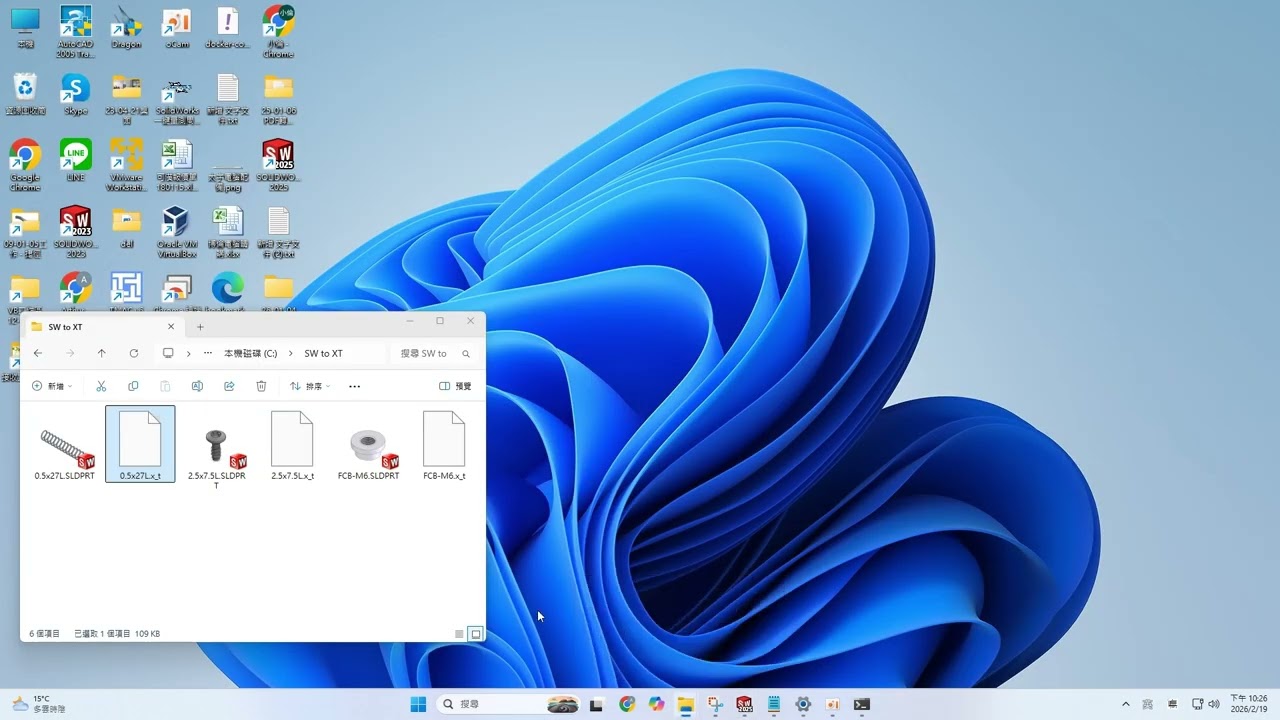
Scenario: A folder contains multiple SolidWorks part files (.SLDPRT) that need to be batch-exported to Parasolid (.XT) format for use in other CAD systems.
One instruction is all it takes. Claude Code with swapi-pilot MCP automatically finds the correct SolidWorks API, generates a C# automation script, and runs it to complete the batch export. No manual doc searching. No coding required.
Keywords: SolidWorks batch export, SLDPRT to XT, Parasolid export, SolidWorks automation, AI-assisted SolidWorks, Claude Code MCP
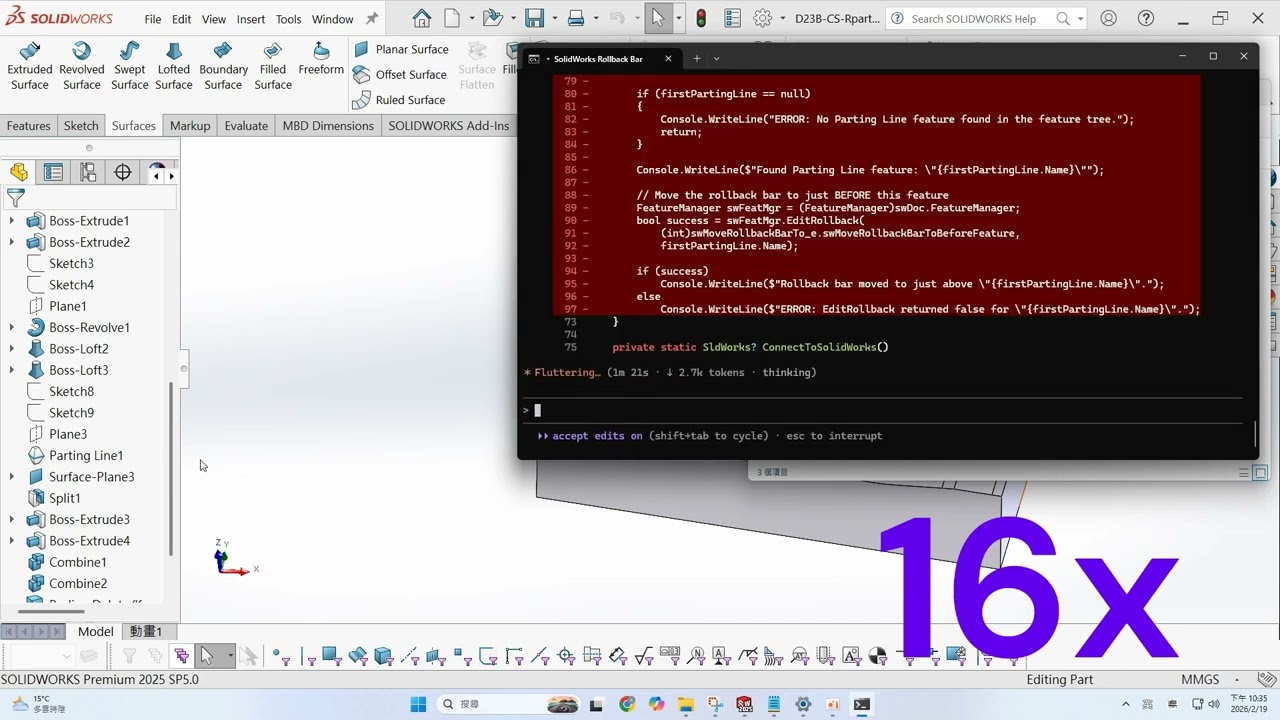
Scenario: Editing a SolidWorks mold part and need to move the FeatureManager Rollback Bar to just above the first Parting Line feature in order to edit earlier features.
One instruction. Claude Code with swapi-pilot MCP instantly looks up the API, identifies the correct method and parameters, and executes — no manual dragging, no digging through SolidWorks API documentation.
Keywords: SolidWorks FeatureManager, Rollback Bar automation, Parting Line feature, mold design automation, SolidWorks API Claude, AI-assisted engineering
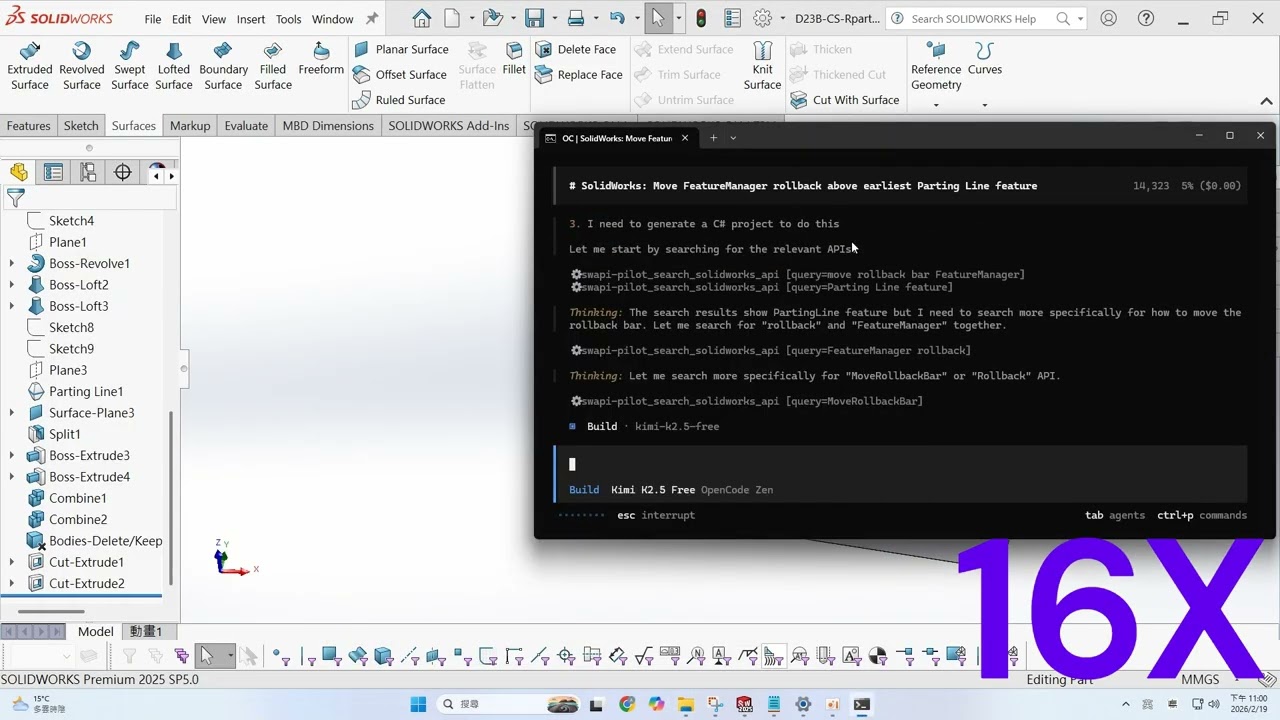
Scenario: The same task — moving the FeatureManager Rollback Bar above the first (earliest) Parting Line feature — this time using the free Kimi 2.5 model.
Without swapi-pilot, this kind of task is extremely difficult for any LLM. SolidWorks API documentation is massive, and LLMs almost never have the right methods and parameters in their training data. swapi-pilot closes that gap: it delivers precise, real-time API context at the moment of the call, enabling even free LLMs to complete tasks that would otherwise be out of reach.
swapi-pilot is not tied to any AI platform. Any MCP-compatible tool can use it.
Keywords: Kimi 2.5, free LLM SolidWorks, universal MCP, SolidWorks API automation, AI-assisted CAD, swapi-pilot MCP
Claude Code:
claude mcp add swapi-pilot --transport http https://swapi-pilot.com/mcp "mcpServers": {
"swapi-pilot": {
"type": "http",
"url": "https://swapi-pilot.com/mcp"
}
}Codex CLI:
[mcp_servers.swapi-pilot]
url = "https://swapi-pilot.com/mcp"
Opencode:
{
  "$schema": "https://opencode.ai/config.json",
  "mcp": {
    "swapi-pilot": {
      "type": "remote",
      "url": "https://swapi-pilot.com/mcp",
      "enabled": true
    }
  }
}After installing the MCP, place the following file in the root of your working directory so the AI knows how to use swapi-pilot correctly:
| File | Tool |
|---|---|
CLAUDE.md |
Claude Code |
AGENTS.md |
Codex CLI, Opencode |
Once in place, the AI will automatically read the template and look up API documentation before writing any SolidWorks code — significantly reducing errors.
Both files have identical content — just use whichever matches your tool. This is a reference template that you can modify to fit your own needs. Even without it, swapi-pilot MCP works fine — you'll just need to manually remind the AI to look up the API docs each time.
To use generate_project to generate and run C# projects, install .NET SDK 8.0 first:
Once installed, you can run projects directly with dotnet run.
| Tool | Description |
|---|---|
search_solidworks_api |
Search API by keyword, interface name, or method name |
get_api_detail |
Get full details of a specific API (syntax, remarks, examples) |
list_interface_members |
List all members of an interface |
get_example_code |
Search and retrieve example code |
get_enum |
Look up enum/constant values |
generate_project |
Generate a C# console project template |