Repository navigation
reader
Open the seeded Getting Started story from the sidebar.

Click the book button in the navigation bar (Reader view). The story is shown as a clean, read-only document.
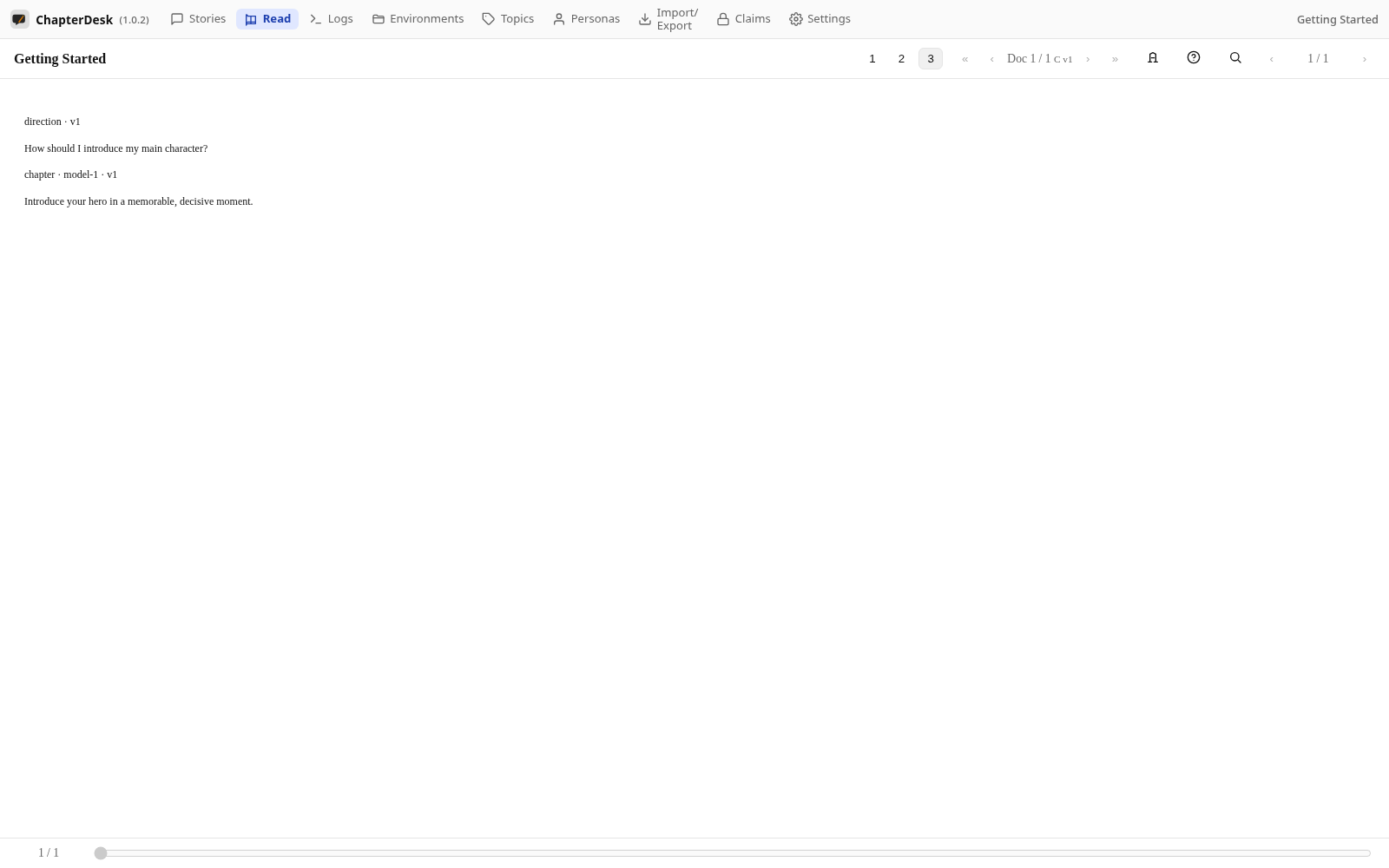
The Reader renders directions and chapters as book sections. The progress bar at the bottom tracks where you are.

Press Escape (or use the back navigation) to return to the editable tree.
