
This is a significant release, with a new keystroke overlay and major improvements to recording playback.
Notable changes:
- New optional keystroke overlay, toggled with the
kkey - New
cursorModeoption:"blinking","steady"or"hidden" - TypeScript definitions included in the npm package
- More reliable loading, playback, seeking, stepping and looping
- Recording load failures are now emitted via the
errorevent - Audio loading failures no longer prevent recording playback
- Improved rendering of Powerline and box-drawing symbols
- Improved accessibility of control bar buttons
- Standalone bundle is now compatible with LibreJS
Keystroke overlay
The new keystrokeOverlay option displays keys pressed during a recording:
AsciinemaPlayer.create("/demo.cast", document.getElementById("demo"), {
  keystrokeOverlay: true
});
Recent keystrokes are shown in the lower-right corner. Consecutive text input is grouped, while repeated special keys use a counter, such as Ret × 3.
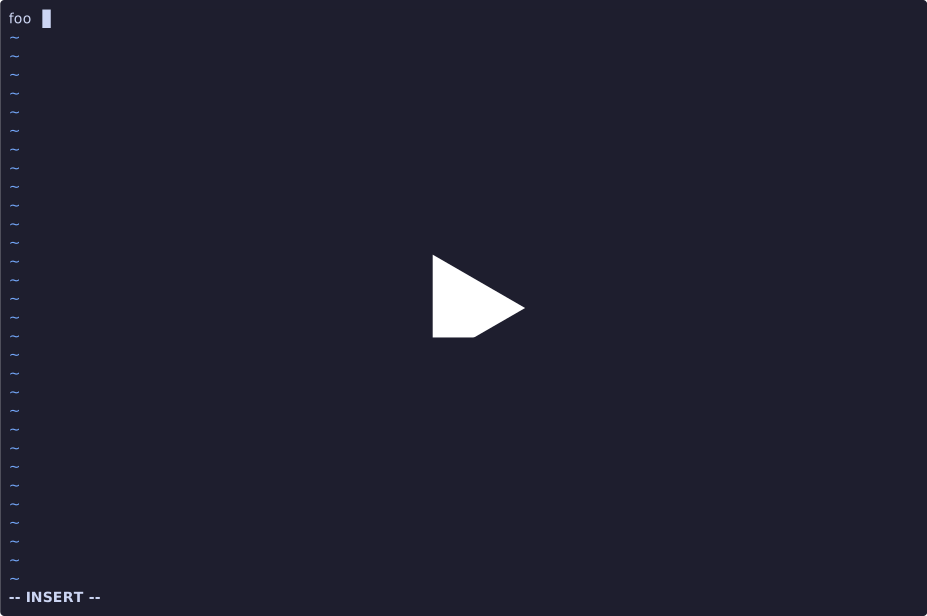
The overlay is disabled by default and can be toggled during playback with the k key. It requires a recording containing input events (asciinema rec --capture-input ...).
Demo:
Cursor mode
The new cursorMode option controls cursor visibility:
AsciinemaPlayer.create("/demo.cast", document.getElementById("demo"), {
  cursorMode: "steady"
});
Supported modes are "blinking" (the default), "steady" and "hidden".
Playback improvements
The recording playback engine has been significantly reworked. This fixes several edge cases involving reverse stepping, marker pauses, looping, seeking, posters and audio playback.
Missing or invalid audio now falls back to terminal-only playback. Fatal recording load errors are emitted through the new error event.
getCurrentTime() and getDuration() now return their values directly, as documented.
TypeScript support
The npm package now includes TypeScript definitions for the player API, options, recording sources, parsers and events.