
This is a small script that can be run directly from the command line. Supports macOS 26 (earlier versions may work as well).
It converts compatible images formats (JPG, JPEG, TIF, PNG) into HEIF format (.heic), whilst retaining date-related metadata. It then puts the original file into the recycle bin. This script is RECURSIVE, meaning it will convert files from ALL subfolders!
Requirements : exiftool, trash. Install using brew.
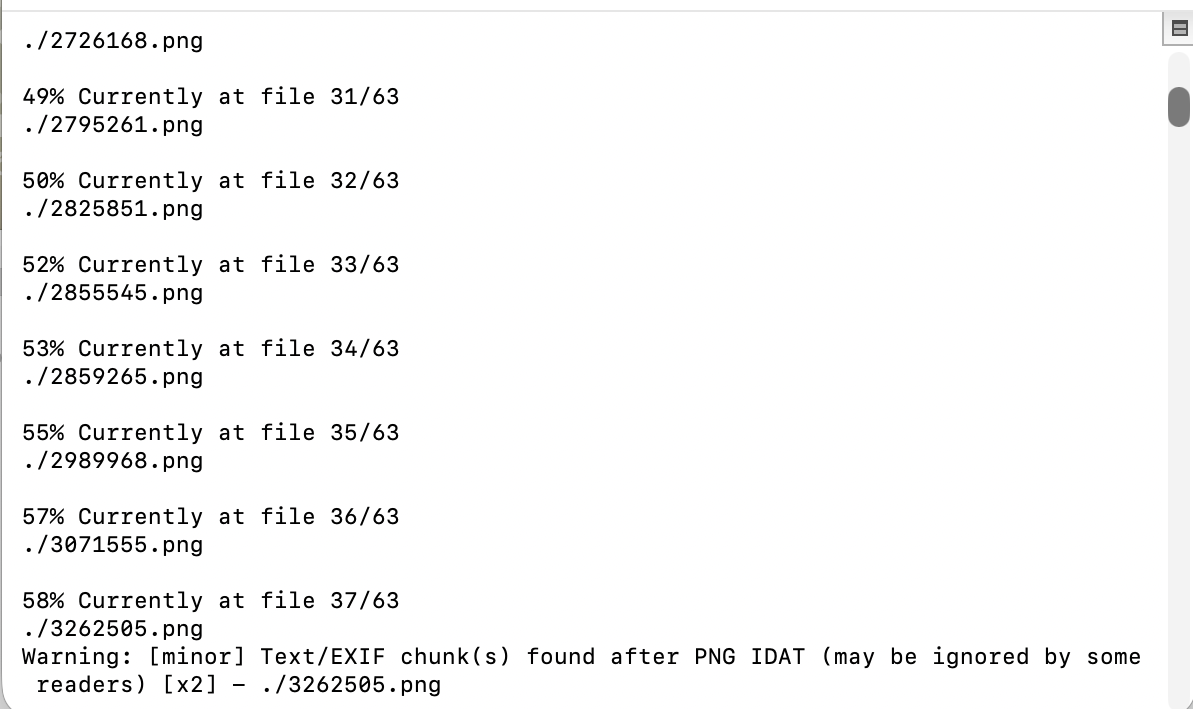
Open Terminal, cd to where your files are located. DO NOT RUN THE SCRIPT IN ~ YOU FOOL!!!
Open main.sh, copy everything, paste in your Terminal window, run the script.
Done!
The High Efficiency Image Format (HEIF) allows for extremely effective storage management.
Depending on the dimensions and complexity, HEIF can drop the weight of an average image file by a significant amount, without any quality loss. My 18 megapixel photos were usually 10 or 15 times lightier than the original .JPEGs.