


A stamp and art saving mod for for WEBFISHING using GDWeave
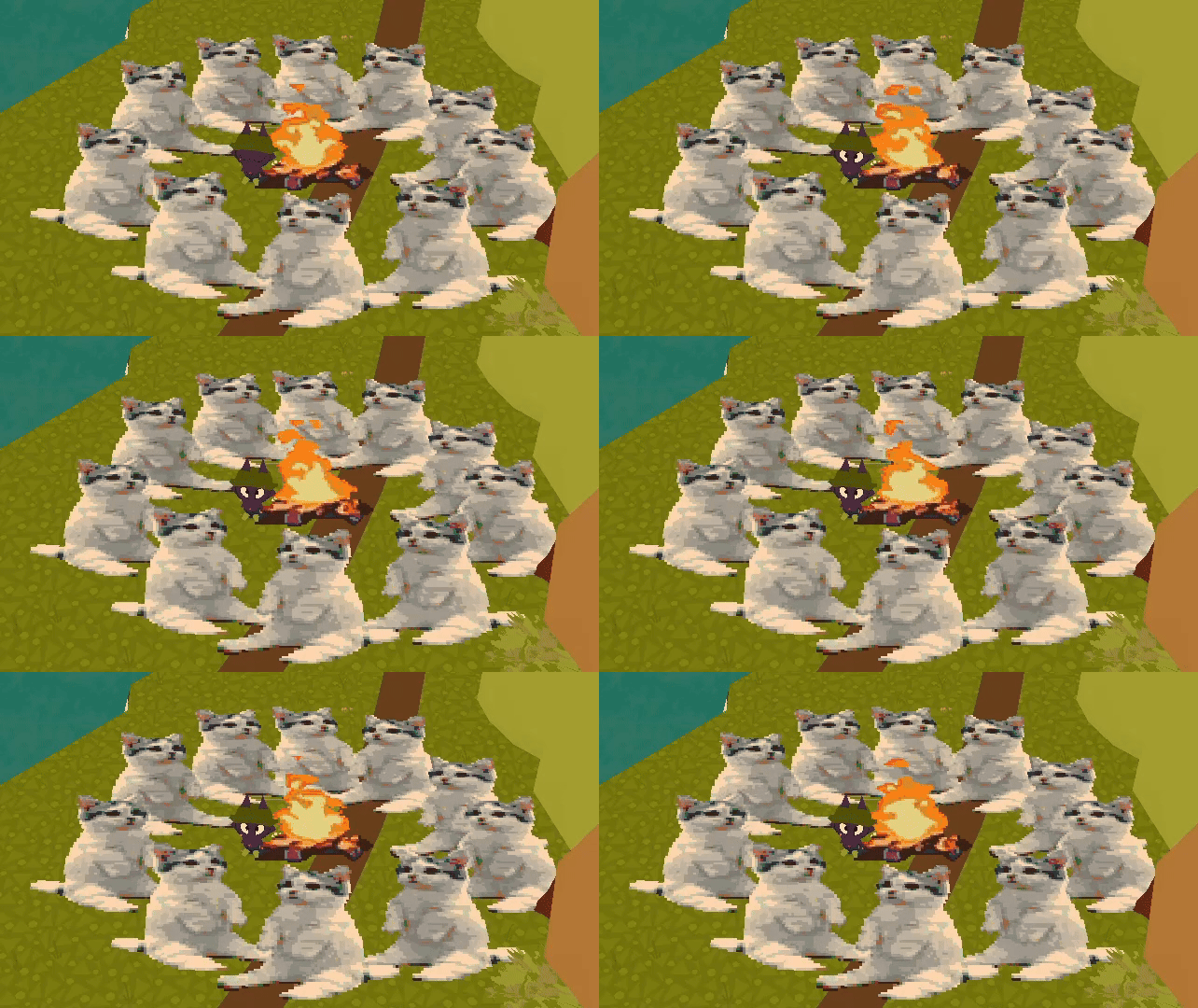
Keybinds are fully customizable using the game's built in controls settings, courtesy BlueberryWolfiAPIs
-
F4Key- Opens my stamp menu executable or brings it to the front.
-
PLUSKey (+)- Spawns a stamp at the cursor position.
- Spawns a stamp at the player position if
SHIFTis held. - Spawns a stamp at the dock if
CTRLis held. - Spawns a stamp on Canvas 1, Canvas 2, Canvas 3, or Canvas 4 if combined with
1,2,3, or4, respectively.
-
MINUSKey (-)- Toggles multiframe playback if a GIF/Video has been placed down.
- When
SHIFTis held, toggles playback speed instead. - When
CTRLis held, resets GIF/Video to play from frame one.
-
CTRL + ZKeys- Works as Ctrl+Z, undoing the last placed stamps in order.
- If this keybind is changed, CTRL will not need to be held.
- If this isn't working, try the
BACKSPACEkey.
- You can paste images into the menu directly or select a file
- Supports art saving and image generation if using chalks by the wonderful hostileonion
- Stamps are automatically adjusted to be upright relative to the player camera
- you might get temporarily kicked for spawning canvases in cove servers (they are considered an illegal actor)
- In-game canvases have a 200x200 resolution. I recommend keeping stamps below this size
- Off-canvas: a maximum of two chalk canvases (200*200) can be placed
- Saved stamps are located at
/home/user/.local/share/webfishing_stamps_modon Linux or%localappdata%/webfishing_stamps_modon Windows - DONT move when placing gifs down
- Be mindful of performance and lag, especially if playing GIFs. This is a server side mod, and people play on potatoes
- I recommend installing the Calico mod!
- Please dont use Thunderstore Mod Manager, I suggest Gale or r2modman
Here’s a quick overview of how to process your images:
-
Color Match
A simple, reliable option that maps each pixel to the closest chalk color. If you're unsure where to start, pick this for clean, predictable results. -
K-Means Mapping
Groups similar colors into clusters. Great for noise reduction and simplifying complex images. Adjust the number of clusters to control how stylized the result looks. -
Dithering
If your image has colors that don’t neatly match the available chalk palette, dithering can help fill those gaps. It creates patterns or “noise” to transition between colors smoothly. There are many dithering methods (Atkinson, Floyd, Jarvis, etc.)—each one handles color transitions differently. Generally:- Hybrid Dither automatically switches between methods for mixed textures.
- Pattern Dither creates a retro, pixel-art style.
- Random Dither adds noise for a more natural, hand-drawn look.
Ultimately, you should experiment with different methods to find the style that best fits your image!
Choose what chalk colors to use by enabling or disabling them.
- Use RGB to map an image’s colors to RGB chalk.
- Use Blank to make certain colors fully transparent.
- Use Placing on Canvas or Placing on Grass to add that color to available colors for increased color accuracy.
LAB is a color space that better reflects how humans perceive color, improving the accuracy of color matching compared to RGB.
- Turn LAB On: For images with subtle gradients or color shifts where precise matching matters.
- Turn LAB Off: For bold, flat colors... I think? If the blues are looking a little too red...
Basically, if you aren't happy with a result, try turning it off! It's on by default but not always better :3
If you wish to know the location of a specific canvas, please refer to the below map.

Follow these steps to get it running:
-
Open Terminal
-
Navigate to the directory:
/GDWeave/mods/PurplePuppy-Stamps_Linux/imagePawcessor -
Make the file executable by running:
chmod +x imagePawcess
-
Run the file with:
./imagePawcess
Alternatively, use your File Manager:
- Go to
/GDWeave/mods/PurplePuppy-Stamps_Linux/imagePawcessor. - Right-click
imagePawcessand select Properties. - Enable Allow executing as a program.
- Double-click the file to run it.
- Go to
-
If issues persist, please report them on my GitHub, including:
- Your specific Linux distro
- How you're running the game (Wine, Proton, etc.)
Ensure to not accidentally download from Code
- Ensure GDWeave is installed and working properly.
- Download for Windows or for Linux
- Extract to
PurplePuppy-Stamps(PurplePuppy-Stamps_Linuxfor linux) and be careful to not rename it. - Download BlueberryWolfi.API for keybinds and extract to
BlueberryWolfi.APIs - Place folders in
WEBFISHING/GDWeave/Mods/