This repository contains written instructions, links to code, and data used for the (virtual) Machine Learning/Normative Modeling Practical at the Computational Psychiatry Course 2025 in Zurich, also presented at the Computational Psychiatry Conference 2025 in Tübingen. We encourage anyone who wants to apply or teach about normative modeling to use these tutorials freely for educational purposes.
In this tutorial you will learn:
- To create your own normative models using brain imaging data.
- Interpret and visualize the outputs of the normative models.
- Use the deviation scores to predict schizophrenia.
This repository is a group effort by Saige Rutherford, Thomas Wolfers and has been updated and edited by Barbora Rehák Bučková, Hannah Savage and Charlotte Fraza and in general is maintained by the Predictive Clinical Neuroscience Lab.
We will be running all of our code in Google Colab Python notebooks. These are essentially Jupyter notebooks run in the ☁️ cloud ☁️. Running our code using Colab will save us from dealing with Python library installation and virtual environment setup. It also ensures that we are all working on the same operating system which makes troubleshooting much easier (since there are only 2 instructors and lots of students)!
In general, it is assumed that you have some basic experience with Python programming, for an in-depth introduction you can look at the free Python data science handbook. Furthermore, the neuromatch academy has some great resources.
If you have never used Google Colab before, you can check out an introduction notebook with helpful links here:

We will also be using the Pandas library for a lot of our code. There is a great intro to Pandas Colab notebook here:
Other helpful pandas:panda_face:/plotting:bar_chart: links (not required to do during the practical, just added for those who might need extra Python help):
You can open the Python notebook that we will use in this practical directly from this Github account (the links to the notebook are at the bottom of this Read Me file). Before you open the notebook, make sure you are logged into a Google account. All of the code has been tested using Google Chrome web browser. When you are ready to begin, you will click on the different Tasks with a Google Colab button below. This will launch a new browser tab with the Google Colab notebook.
Once you are in the Colab notebook tab, in the top right corner you will see a Connect (or Reconnect) button. Click on this, and a dropdown menu will appear as shown below. Click on Connect to hosted runtime this will allow you to run the notebook using Google’s cloud resources, which are likely much faster than your computer. If you would prefer to use your own computer’s resources (this is not recommended and instructors will not be able to help you troubleshoot if you are not running the notebook in the cloud), select Connect to local runtime.
Reconnect instead of Connect. You will also need to re-run all code blocks.
➡️ In the Colab python notebook, there are 2 types of cells: text cells & code cells. The text cells have plain text in them, that the notebook will not interpret as code. These are the cells that contain the background story & task instructions. The code cells have a code cell, you can either click on the play button
Before clicking on the collab button below, make sure you are logged into a Google account and using Chrome or Firefox internet browser (hopefully a current version)
Task 1: Fitting normative models from scratch
Task 2: Applying pre-trained normative models
Task 3: Interpreting and visualizing the outputs of normative models
Task 4: Using the outputs (Z-scores) as features in predictive model
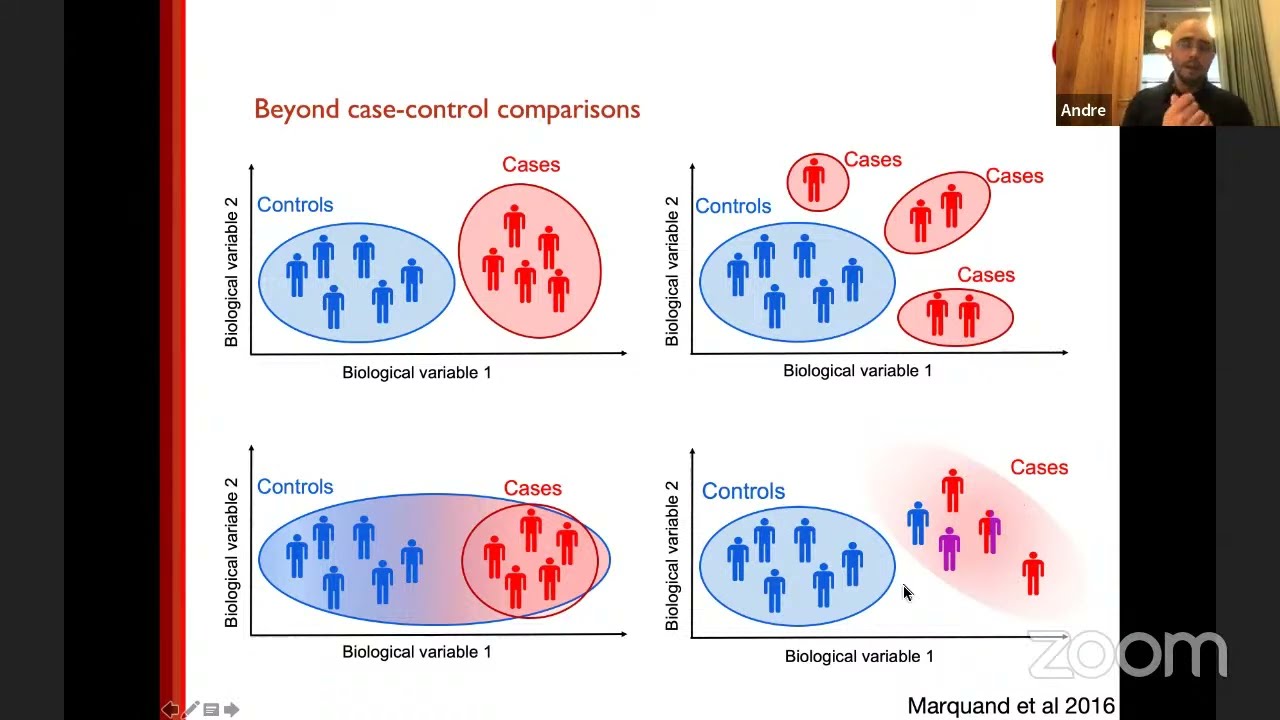
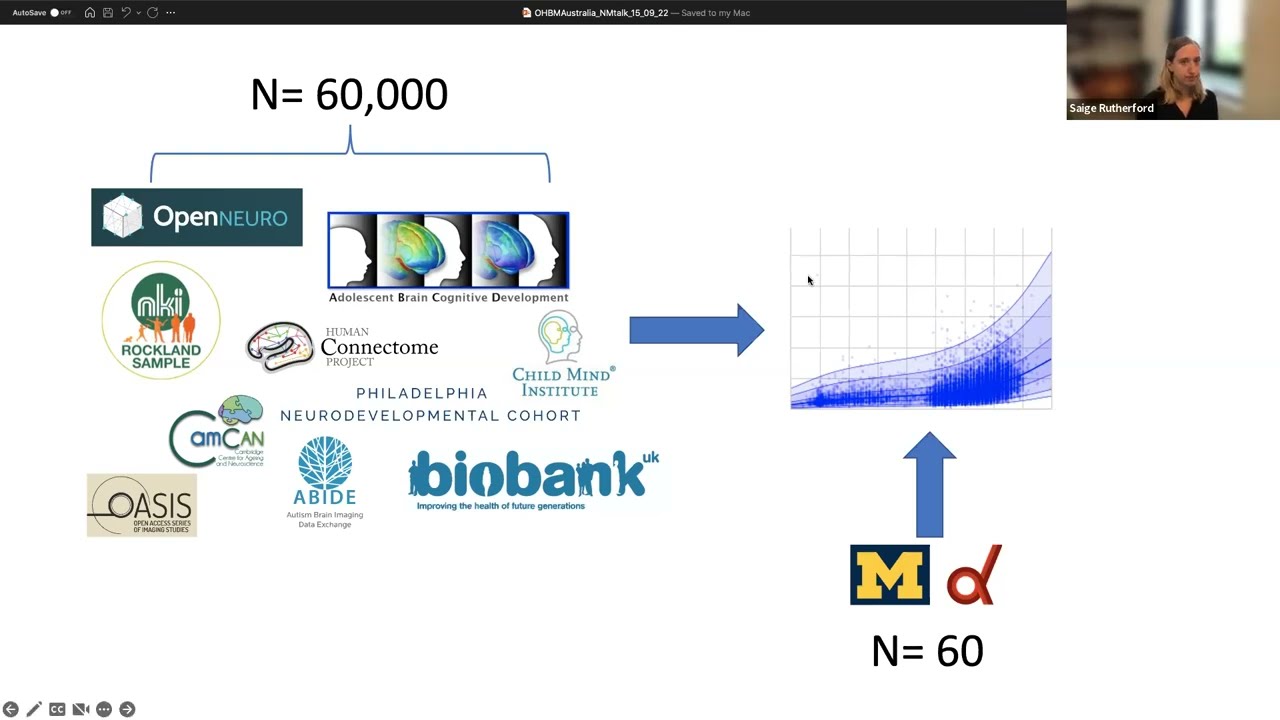
If you did not have the chance to follow the lecture live at the CPC course here is an alternative presentation given by Andre Marquand or Saige Rutherford on Normative modelling:
Here we provide a non-exhaustive list of papers to help you with your understanding of the normative framework.
- Evidence for embracing normative modeling
- The normative modeling framework for computational psychiatry
- Charting brain growth and aging at high spatial precision
- Brain Charts for the Human Lifespan
- Unpacking the functional heterogeneity of the Emotional Face Matching Task: a normative modelling approach.
- Understanding Heterogeneity in Clinical Cohorts Using Normative Models: Beyond Case-Control Studies.
- Hierarchical Bayesian Regression for Multi-site Normative Modeling of Neuroimaging Data.
- Individual differences v. the average patient: mapping the heterogeneity in ADHD using normative models.
- Dissecting the Heterogeneous Cortical Anatomy of Autism Spectrum Disorder Using Normative Models.
- Using normative modelling to detect disease progression in mild cognitive impairment and Alzheimer’s disease in a cross-sectional multi-cohort study.
- Evaluation of Brain-Body Health in Individuals With Common Neuropsychiatric Disorders.
If you are curious about performing longitudinal normative modeling, HBR normative modeling, or other methods developed by the Predictive clinical neuroscience lab, see the extended tutorials here 🧠.