Visual Studio 2022

To download Visual Studio 2022, click on the link below: https://visualstudio.microsoft.com/fr/
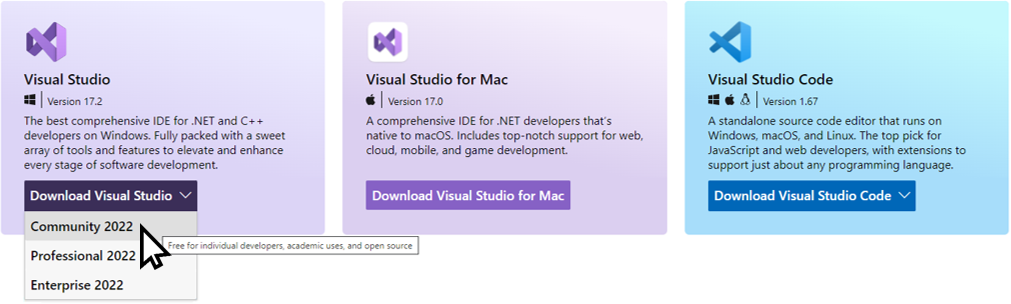
Choose Download Visual Studio > Community 2022
Click on VisualStudioSetup.exe file (in Download folder by default).
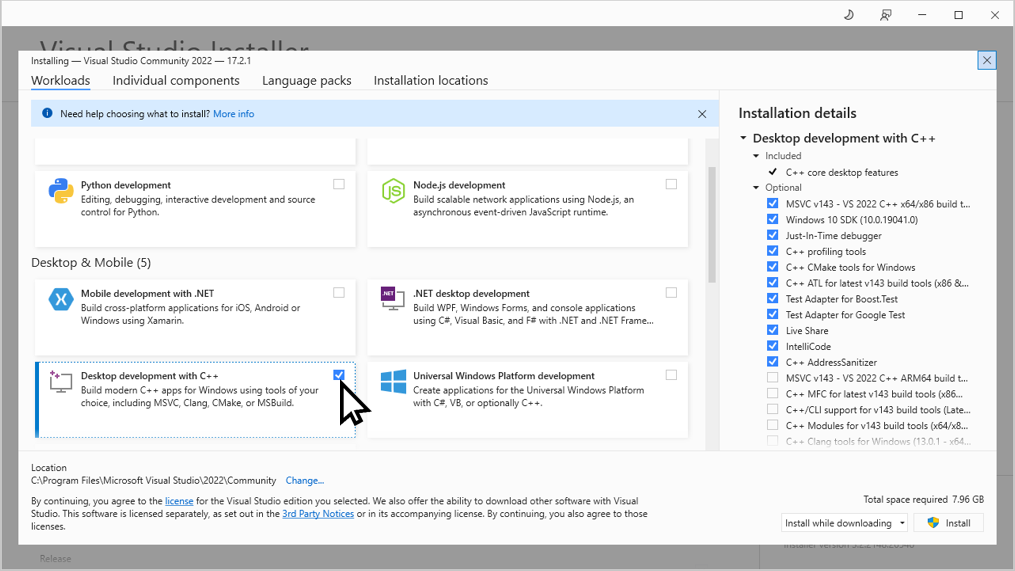
During installation, check “Desktop development with C++”
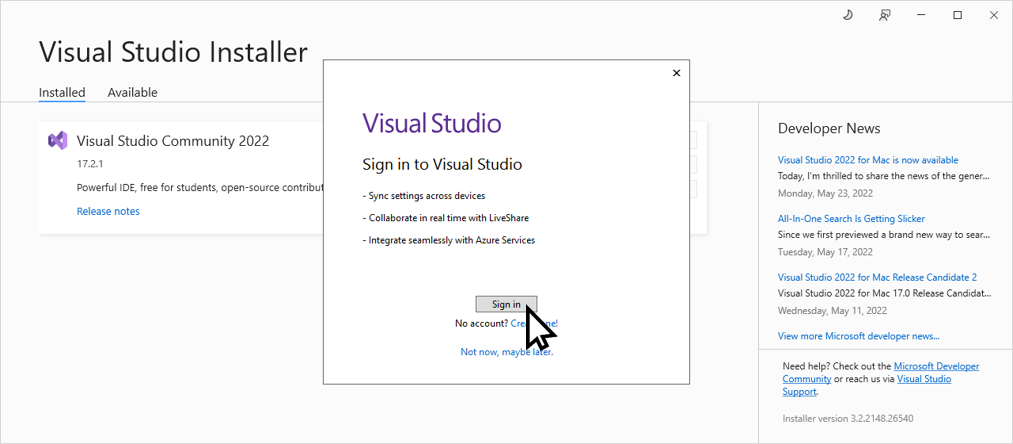
When the installation is done, sign in to Visual Studio with a free Microsoft account (if you don’t have one, click on “Create one!”)
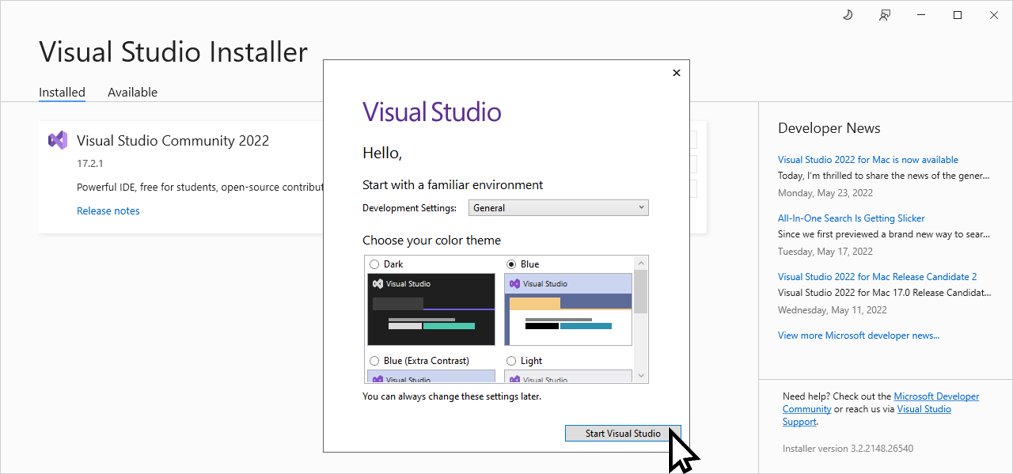
Visual Studio is ready for the following steps (ITK, VTK & clITK compilation). Click on Start Visual Studio and close this one.