Repository navigation
Get Started
Download gpt-notebook.html from the repository. Save the file, then open it in a recent desktop Chrome or Edge. No installation, account or API key is required.
If you do not have an archive yet, export your chats from ChatGPT. The illustrated guide covers requesting the export, checking email and downloading the ZIP.
Choose Open folder or Open ZIP, or drag the archive into the window. Keep the original conversations.json / conversations-*.json and attachment folders together.
Try the fictional sample ZIP before opening your own export. On GitHub, download the ZIP file rather than saving its code-view page.
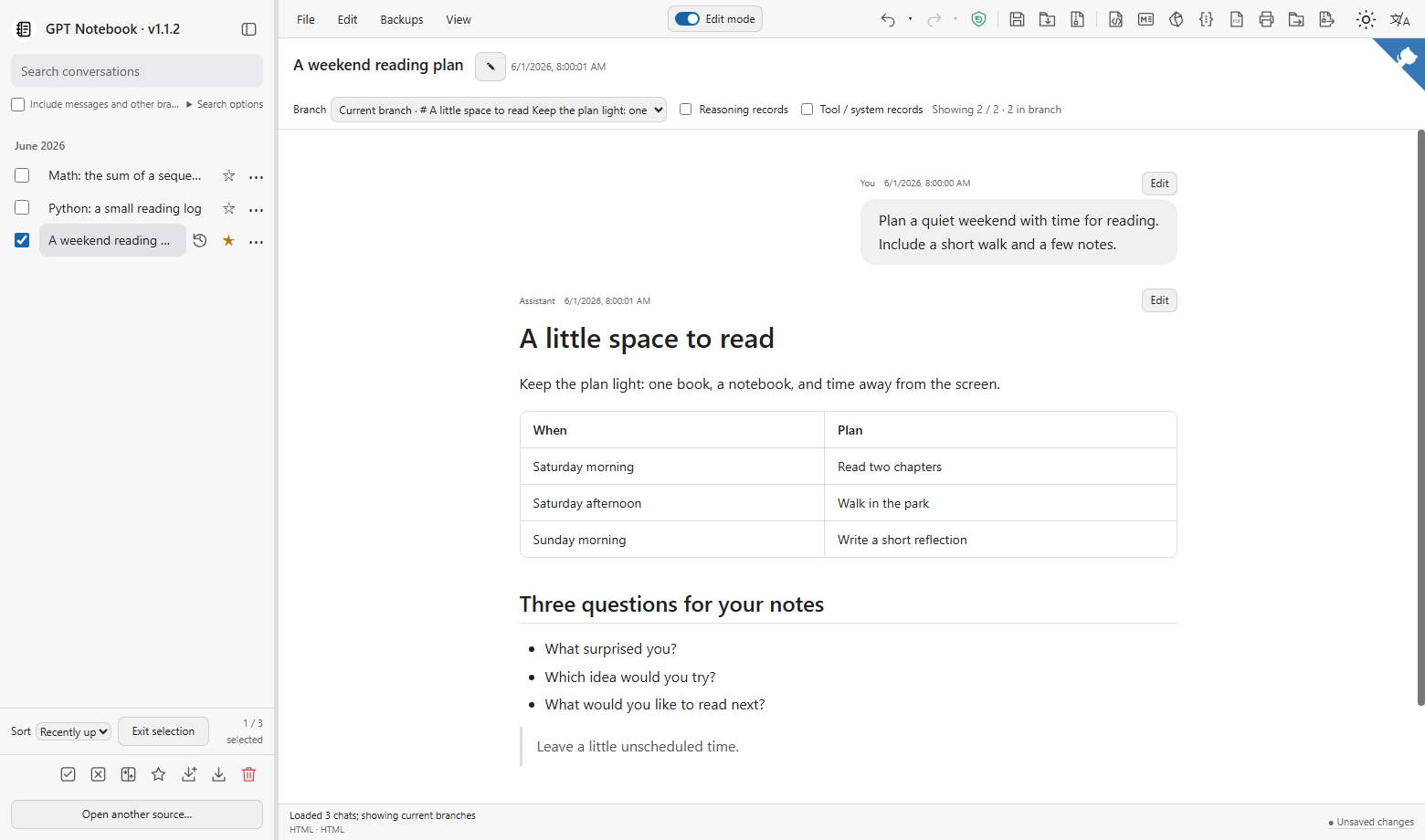
Select a conversation in the sidebar. Search finds titles; enable Include messages and other branches for full-text results. The branch selector switches between saved reply paths.
Before editing: work on a copy while learning the save controls. Saving can modify the archive you opened. Learn about saving.