Searchable {{FILE}} fields in one-page inputs (#1643)
File prompts were awkward in larger workflows: multi-file prompts opened separate modals after the one-page form, and long folders were difficult to navigate.
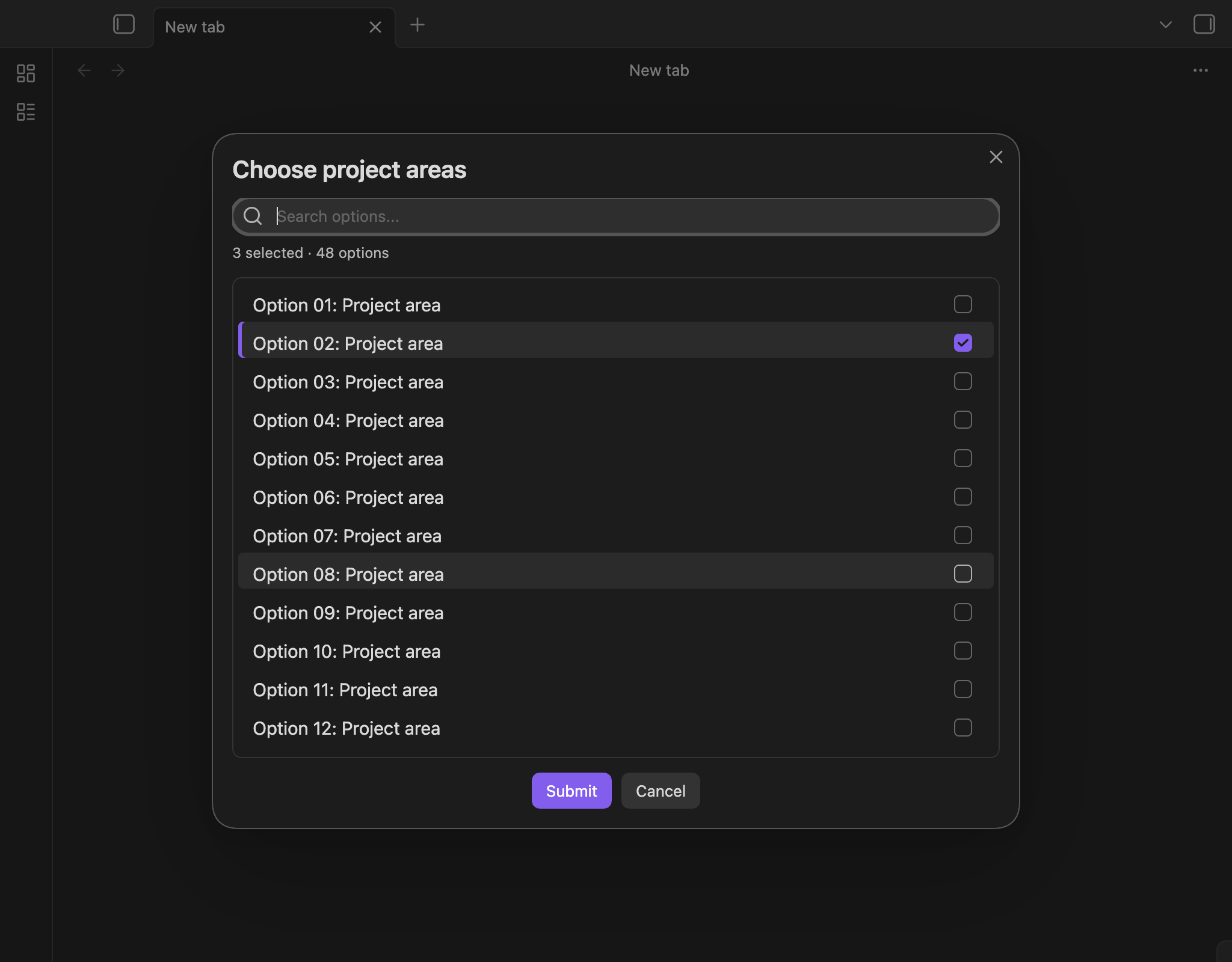
Single- and multi-file pickers now stay inside the one-page input form. Search by note title, file name, or full vault path, then select files with the keyboard.
For example, {{FILE:People|multi}} now appears alongside your other inputs instead of opening another modal after submission. Selected files remain visible and removable, and files with commas in their names are handled correctly.
Inline scripts can return typed values (#1647)
Inline scripts previously discarded non-string return values. This meant scripts had to convert numbers manually and construct YAML themselves when returning multiple values.
Inline js quickadd scripts can now return numbers, booleans, and arrays directly.
For example:
return ["alpha", "beta"];When used as the entire value of a property, that becomes a native YAML list:
items:
  - alpha
  - beta
Numbers and booleans become the corresponding Obsidian property values. Arrays used in ordinary text remain comma-separated. Strings keep their existing behavior, while null, undefined, and unsupported objects still insert nothing.

Better multi-select prompts (#1648)
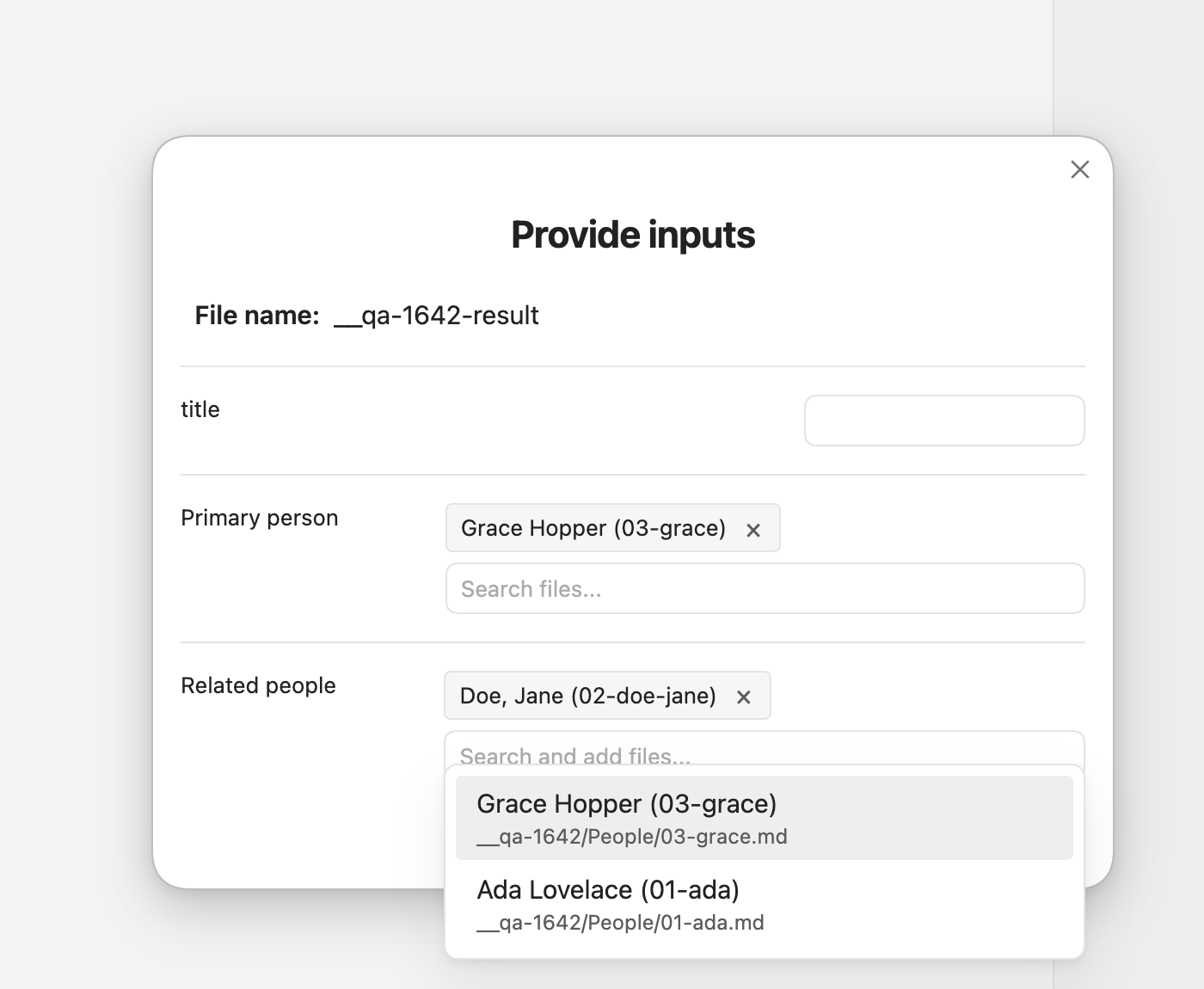
Multi-select prompts became cumbersome with more than a handful of options. There was no search, selecting an option required clicking its small checkbox, and the action buttons could disappear below a long list.
Multi-select prompts are now searchable and keyboard-friendly:
- Type to filter the list.
- Click anywhere on an option row to select it.
- Navigate with the arrow keys, Home, and End.
- Toggle options with Enter or Space.
- Press
/to return focus to search. - Keep existing selections while changing the filter.
The selected count stays visible, action buttons remain outside the scrolling list, and larger touch targets make the prompt easier to use on mobile.