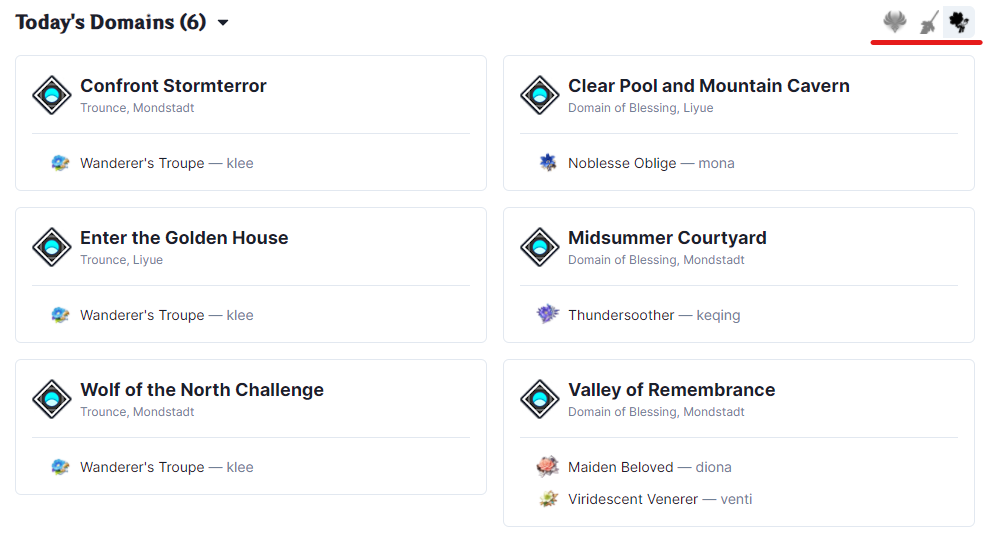
Using the Domain View
Domain View shows which domains can be cleared for the day for talent level-up materials, weapon ascension materials and artifacts. It is useful for determining which domains to farm at a glance without cycling through your characters and weapons.
Initially, no domains will be scheduled. To change this, click Customize at the top of the page.

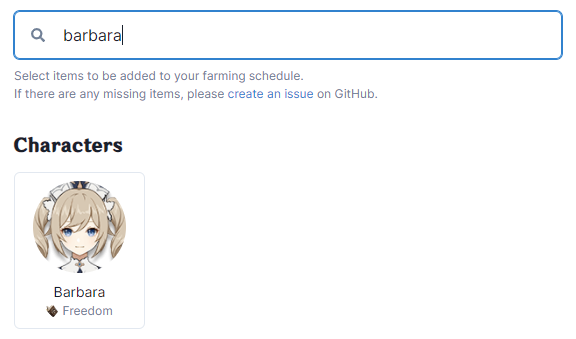
This will reveal a list of characters, weapons and artifacts. Assuming you need to farm the talent materials for Barbara, type "barbara" in the search.
Then check "Show on schedule" in order to add her talent material to the domain view.
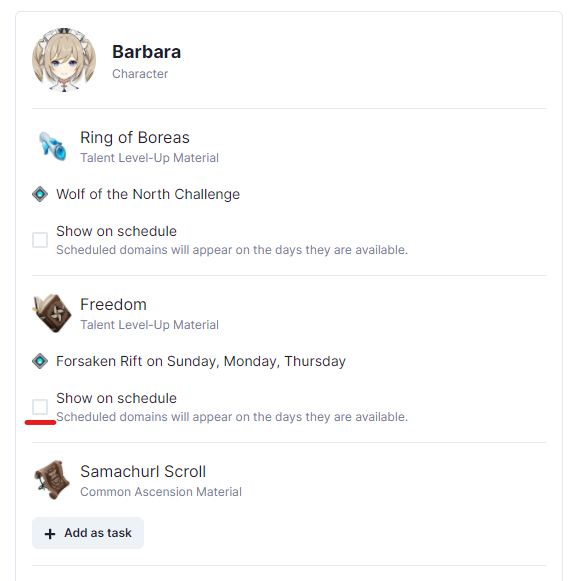
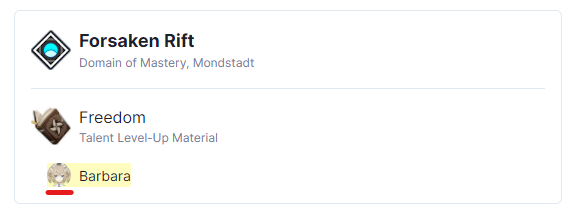
Talent domain for Barbara, "Forsaken Rift", will now appear in the domain view on Sundays, Mondays and Thursdays.
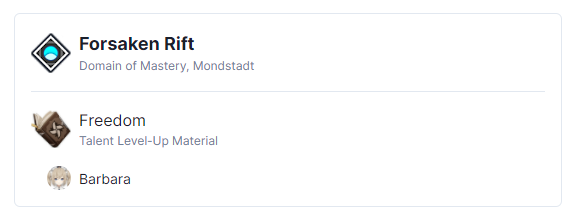
Once you add many characters, weapons and artifacts, this list can become helpful in determining what you can farm today at a glance, like this.
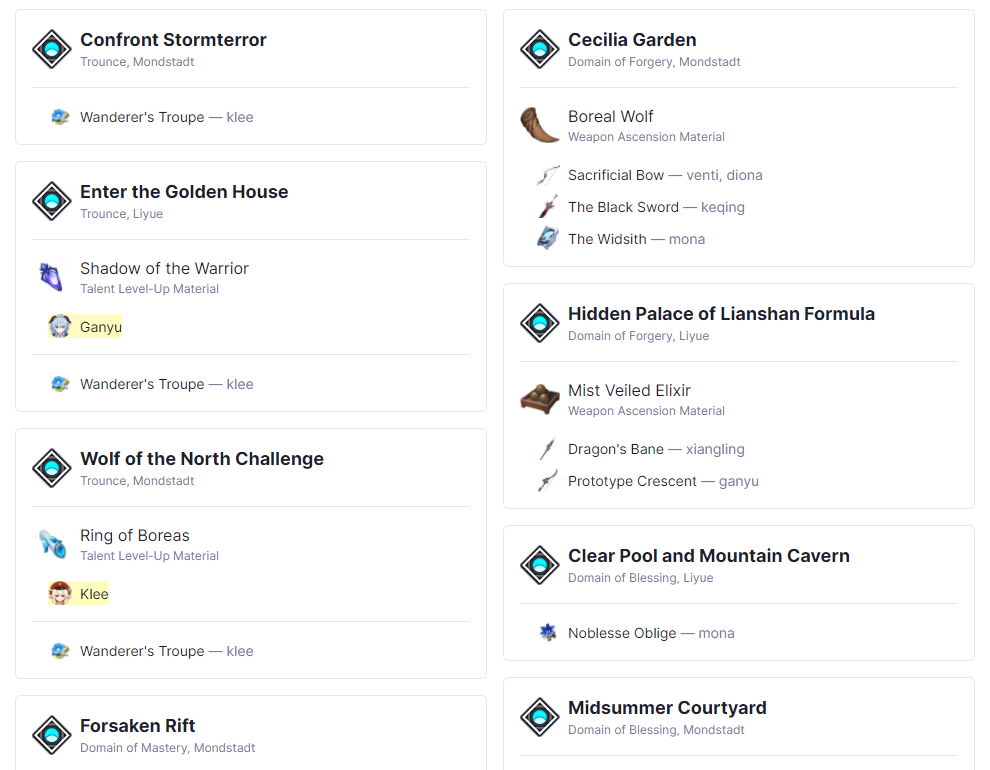
It is possible to highlight important items by clicking on their icon on the list.
If you have many scheduled items like the example above, you can filter domains that provide a specific type of item.