This repository was archived by the owner on Sep 23, 2022. It is now read-only.
Using the Server Clock
Server Clock displays the current server time, which is useful when your timezone differs from the server timezone.
Genshin server timezones:
- America -
GMT-5 - Europe -
GMT+1 - Asia -
GMT+8 - TW, HK, MO -
GMT+8
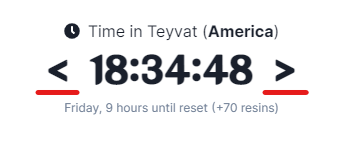
The clock looks like this.
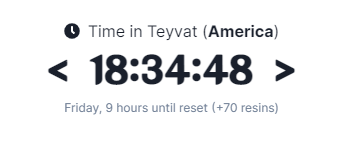
To switch to other servers, click on the server name.

To show the schedule for yesterday or tomorrow, click on the respective arrows.