A program that reads chess .tsv files and can browse them and search them
Disclaimer: The .tsv file provided is from https://github.com/lichess-org/chess-openings as Lichess majorly open source their work, this follows the same spirit as well, it is absolutely open sourced. I'd love to work on a front end later on, but this was just a quick project put together in ~2-3 hours
As of now, it uses command line flags to run any specific search or link to a .tsv file exactly... Syntax:
--path {filepath} → points to the specific path of the tsv file In Windows, it has to be the full filepath, and with forward slashes, not backward ones (though it can do with backwards in certain cases e.g. in CMD) e.g. C:/../../blahblahblah.tsv
--code {code} → searches for a specific code in the tsv file e.g. --code E00
--name {name} → searches for a specific name in the tsv file IS CASE SENSITIVE e.g. --name "Queen's Gambit Declined" TIP: You can search part of an opening as it
just checks if the name contains the string that you have entered to be searched
--seq {sequence} → searches for a specific order in the sequence e.g. --seq 1. e4 e5 2. Nf3 Nf6
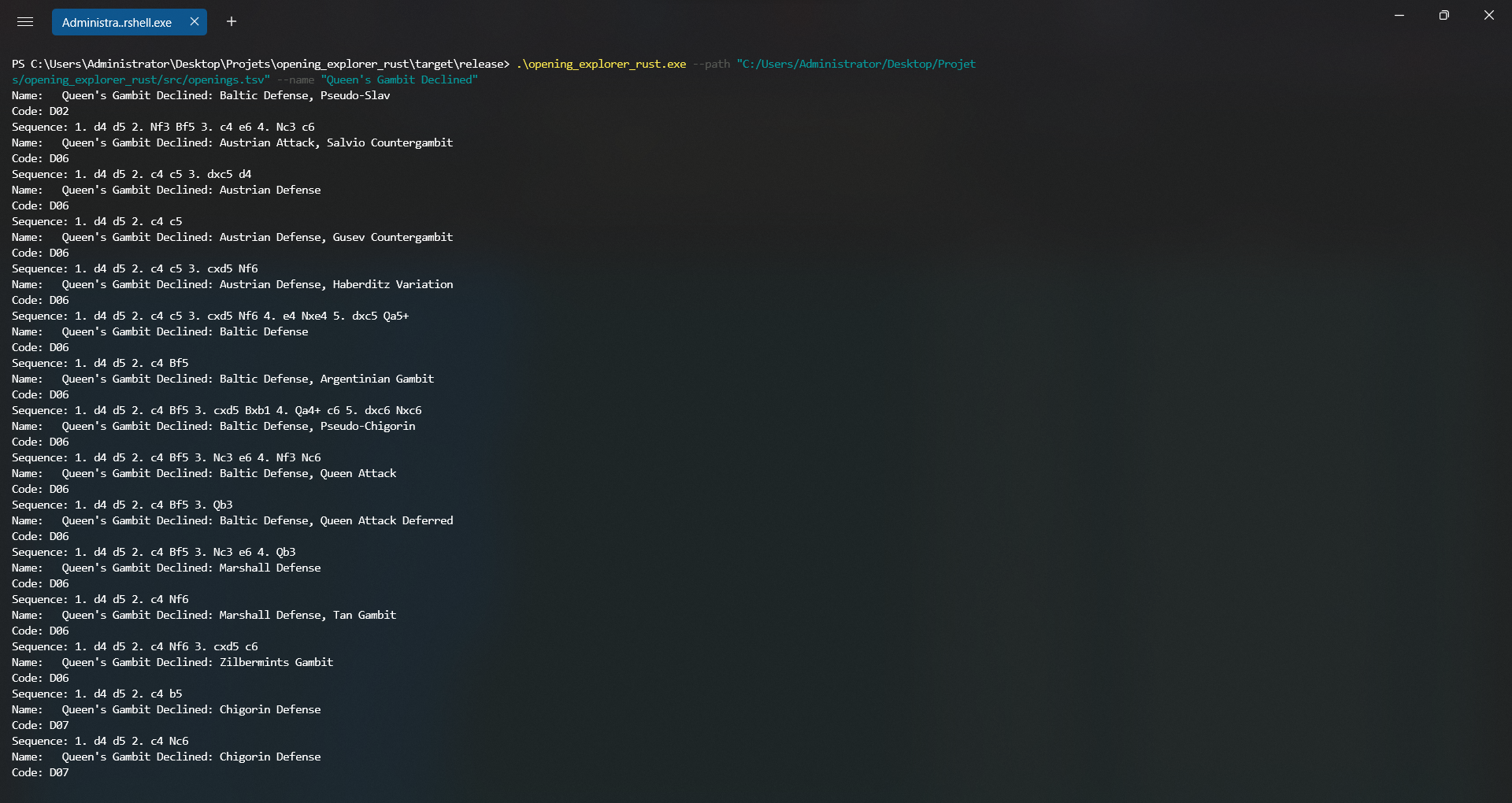
Let's say I want to search for a Queen's Gambit Declined, my syntax can be:
.\opening_explorer_rust.exe --path "C:/Users/Administrator/Desktop/Projets/opening_explorer_rust/src/openings.tsv" --name "Queen's Gambit Declined"
and I will have a long string of formatted output something like this:
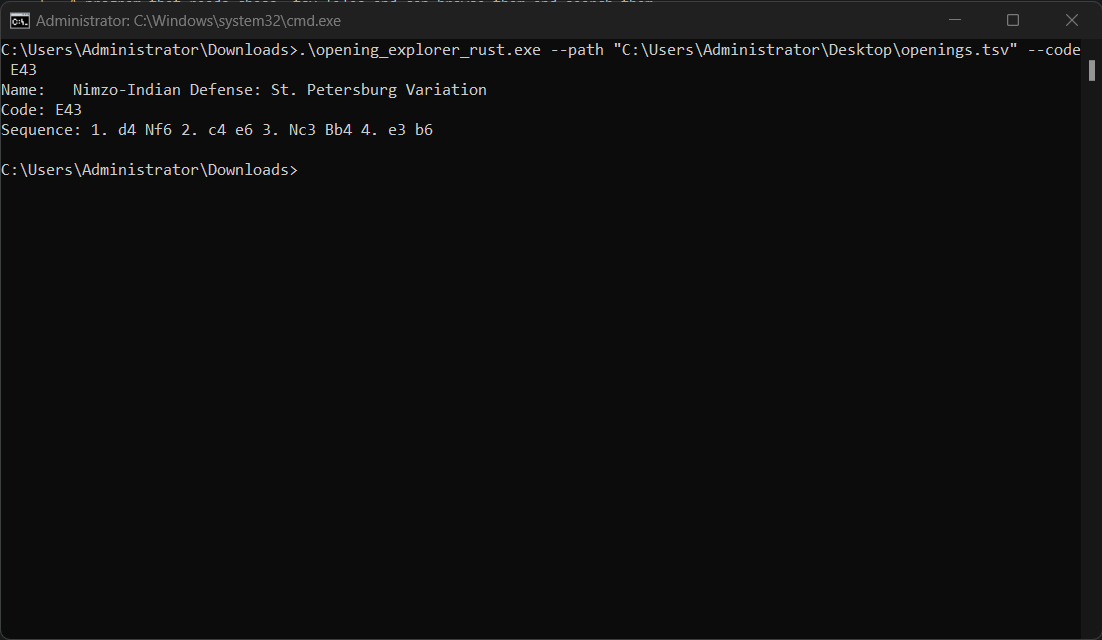
I could also serch using codes, so for example:
.\opening_explorer_rust.exe --path "C:\Users\Administrator\Desktop\openings.tsv" --code E43
and this will be my output:
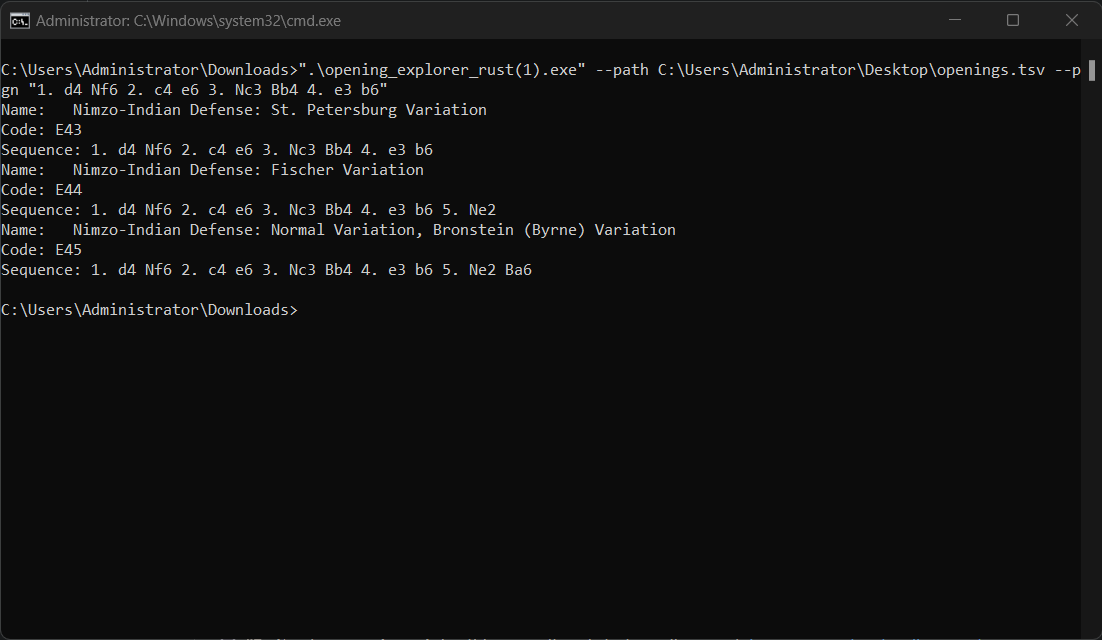
I could also search using PGN:
".\opening_explorer_rust(1).exe" --path C:\Users\Administrator\Desktop\openings.tsv --pgn "1. d4 Nf6 2. c4 e6 3. Nc3 Bb4 4. e3 b6"
so it will look like this:
There is definitely functionality to be extended such as multiple names, variable codes e.g. 30-40 e.t.c.
You can compile using cargo build and you can run using cargo run. You can also just use the binaries provided in Releases