0.4.0

Messenger
Breadboard: Making Stable Diffusion Realtime.
Notice: Feature-wise this release is equivalent to 0.3.0, but has fixed some of the critical bugs that made 0.3.0 unusable for many people. Please update, and if you experience any issues, please share in Discord: https://discord.gg/XahBUrbVwz
The core theme of this update is:
- Customizability: customize the cards as much as you want
- Efficiency: while making the rendering engine efficient
- Realtime: make breadboard work in realtime
Watch the overview video: https://youtu.be/DhzlmE-f8LQ
There are other useful features added as well.
Main update
1. Customizability
You can now customize the card size (previously it was just an "anything goes" approach).
- Aspect ratio: You can customize the aspect ratio for the cards. The card can be square or rectangle, with your own custom aspect ratio
- Image display mode: You can set the image display mode within the cards. contain (letterbox), cover (expand as much as possible and some cases may expand out of the frame), stretch (expand both width and height to fit the parent frame, may distort the image dimension)
- Expanded mode: You can set the width ratio when expanded
- Image width in expanded mode: You can set the image width (in proportion to the card width) when expanded
- LIVE Customization: You can make all these customizations in realtime. as you tweak the configs, you'll see the card sizes change in realtime, and therefore be able to customize them exactly as you please (without having to jump back and forth between the settings page and the home page)
2. Efficiency
Overhauled the rendering engine to:
- Make the image load faster and efficiently
- Save memory usage
If you use the recycled view (default), no matter how many images you have, the memory usage will not increase after certain point because the card elements get recycled instead of getting added
In some situations, recycled views may not be what you want. For example when you're trying to select multiple cards across multiple pages, recycled views won't let you do that because you can't select multiple cards across many pages without them getting recycled. (only a couple of pages around your viewport are active, and the rest of the cards that move out of this zone will keep getting recycled). In this case you can use non-recycled view. May be useful for loading hundreds of items and selecting them to bulk tag or delete them.
You can turn the "recycled view" option on and off in the "card customization" menu on the top navbar.
3. Messenger Mode
- Realtime update: Now breadboard works in realtime. Monitoring all your connected folders and sending them to you as notifications when there are new images
- Can toggle live update vs. manual update (via sync): Sync still works for both modes, and if something goes wrong with the realtime mode you can still click the sync button to synchronize to get them indexed
- Turn sound on/off: By default the notification sound is on, but you can turn it off
- Multiple windows: Now you can open multiple breadboard windows, just like any web browser.
ctrl-norcmd-nto open a new window- or press the
+button on the top navbar to open a new window - you can also
cmd+clickorctrl+clickon links to open them in new windows (for example when you're trying to open a new filter page, by default it will open the page in the same window, but when youcmd-clickorctrl-click, they will open up in a new window. - popup cards: now you can open every card in a new window. Click the top right button in each card, and they will open up in a new window. Clicking on the image in a popup will close them. This will let you keep multiple cards open and even compare them side by side
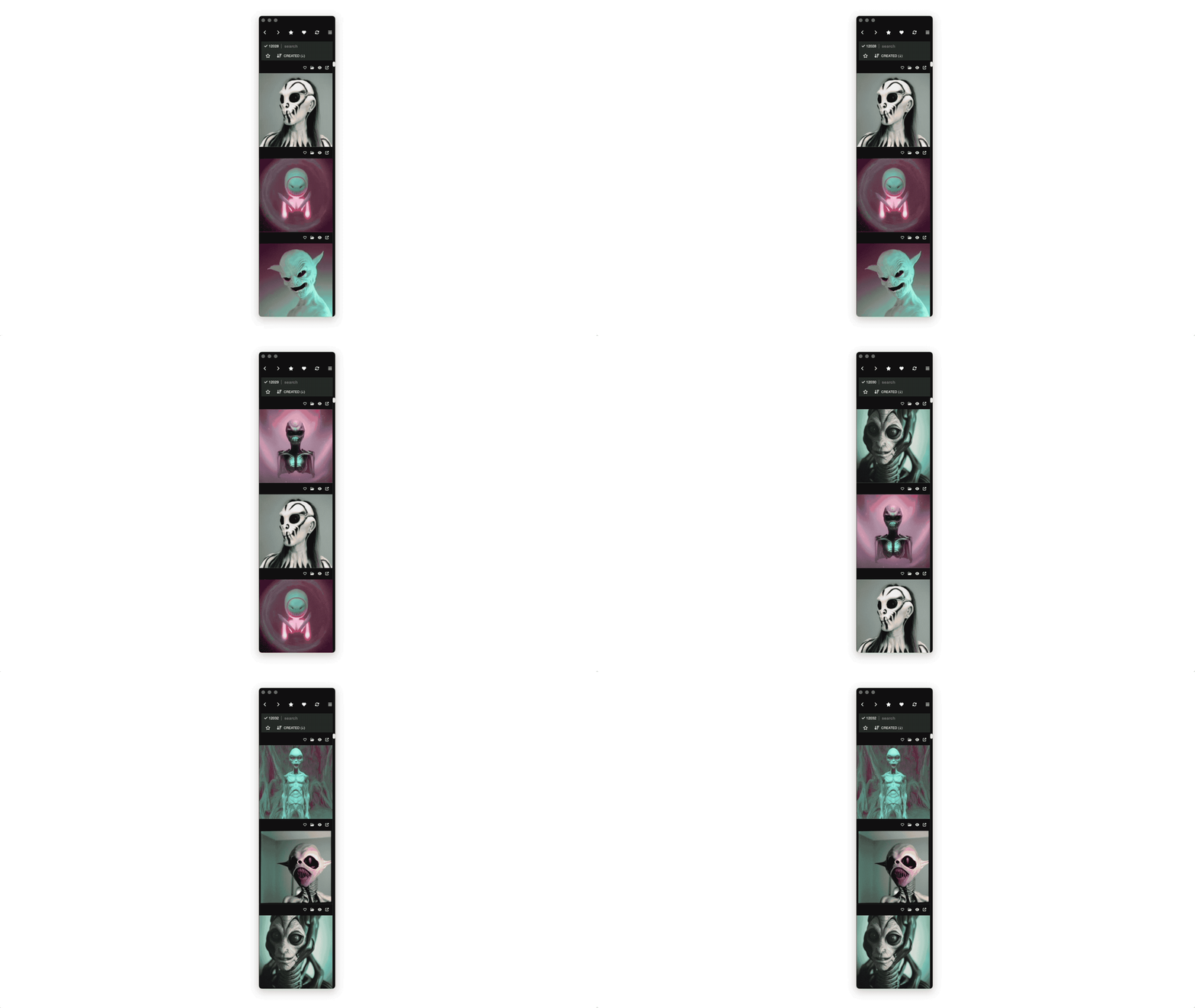
- Messenger mode view: Now breadboard has a fully responsive design that automatically adapts when you make the window narrower. This means you can use breadboard as you used to (grid mode) but also can use it as narrow column mode (one or two columns)
- Pin to top: Sometimes you may want to pin breadboard to the top level of your entire screen, so it's visible regardless of where you are. Click the "pin" button to achieve this
- Empty filters: Even if a query has no results, you can keep the window open, and it will fill itself and notify you when relevant images are generated. just open a window and start listening even if there are no results. they will stream in.
4. More features
- More metadata attributes: Now indexing more metadata attributes:
- cfg_scale (float)
- seed (integer)
- aesthetic_score (float)
- steps (integer)
- Truncate long prompts: often the prompt is too long, in these cases they are truncated, and you can show or hide them
- Horizontal card view: now the card displays in horizontal mode, in order to display as much information as possible when expanded
- Minimal card header: Hide the card headers and display only the images with "minimal" mode. The headers show up when you hover over each item.
5. Bug fixes
- Prompt parser fix: There were some issues when prompts had some XML-like syntax in them (such as Lora, textual inversion, etc.) Now they are parsed correctly. To fix this, re-index from scratch, and they will all show up correctly.
- Image viewer fix: The top of the image viewer used to be hidden behind the nav bar, and this was fixed.