Creator version?(版本号)
2.4.0
Affected platform?(受影响的平台)
Web (tested on Chrome & Firefox on Windows, Safari on iOS)
How to reproduce?(如何重现)
Rotation of a node around X and Y axes works in simulator but doesn't work in browser unless the node is being explicitly converted to 3D.
A scipt, that is attached to a regular node with a sprite, contains the following snippet:
let angle = 180;
let rotationVec = cc.v3(0, angle, 0);
cc.tween(this.node).by(1, {eulerAngles: rotationVec}).start();
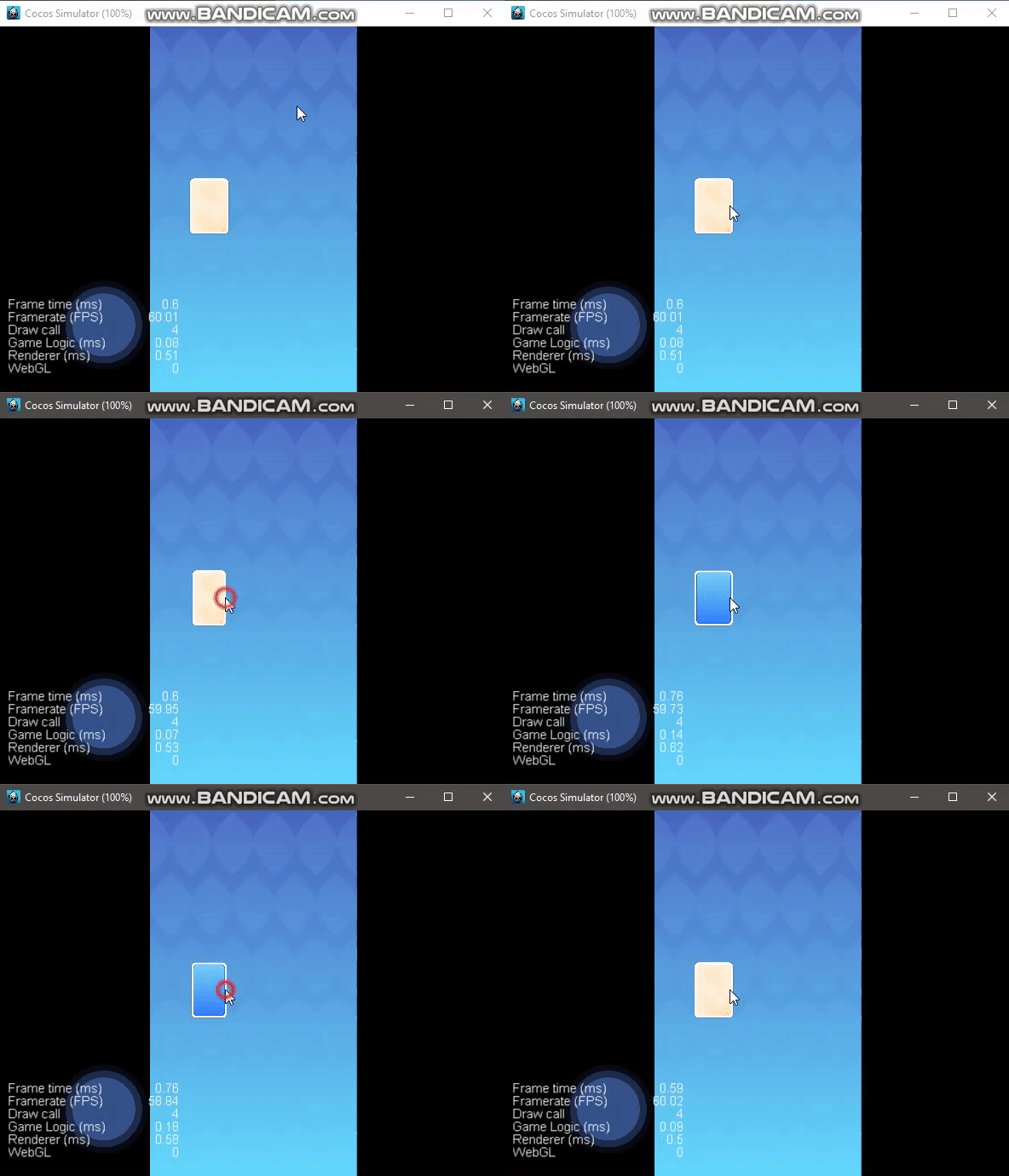
It works perfectly fine when being run in the simulator: the node smoothly rotates around the Y-axis:
But in bowser it doesn't work - no rotation is being performed:
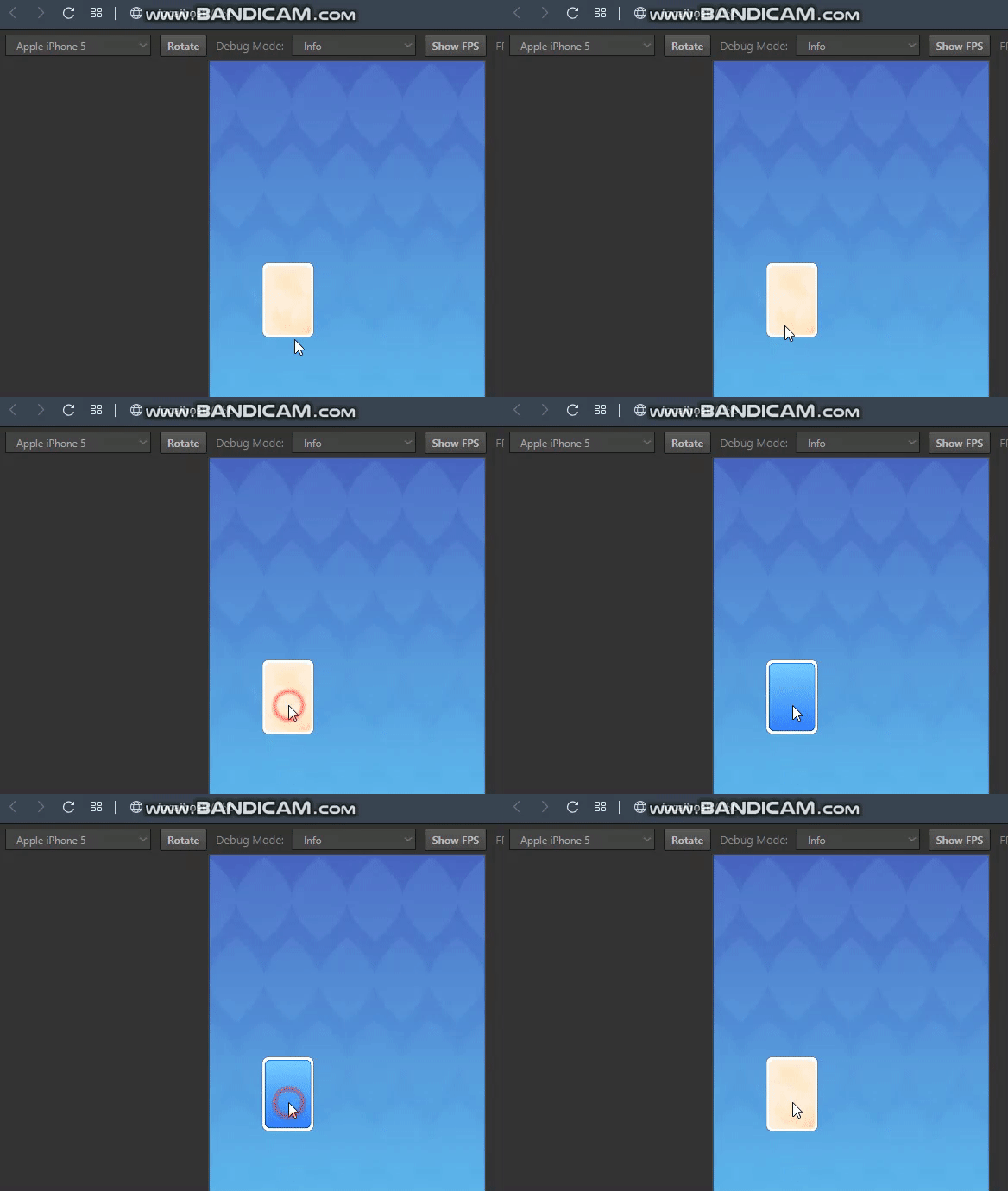
It doesn't rotate around X-axis as well, when the value of rotationVec is changed to cc.v3(angle, 0, 0).
If the value of rotationVec is changed to cc.v3(0, 0, angle), the node rotates around Z-axis, but without animation/easing.
Solution
The node must be explicitly converted to 3D:

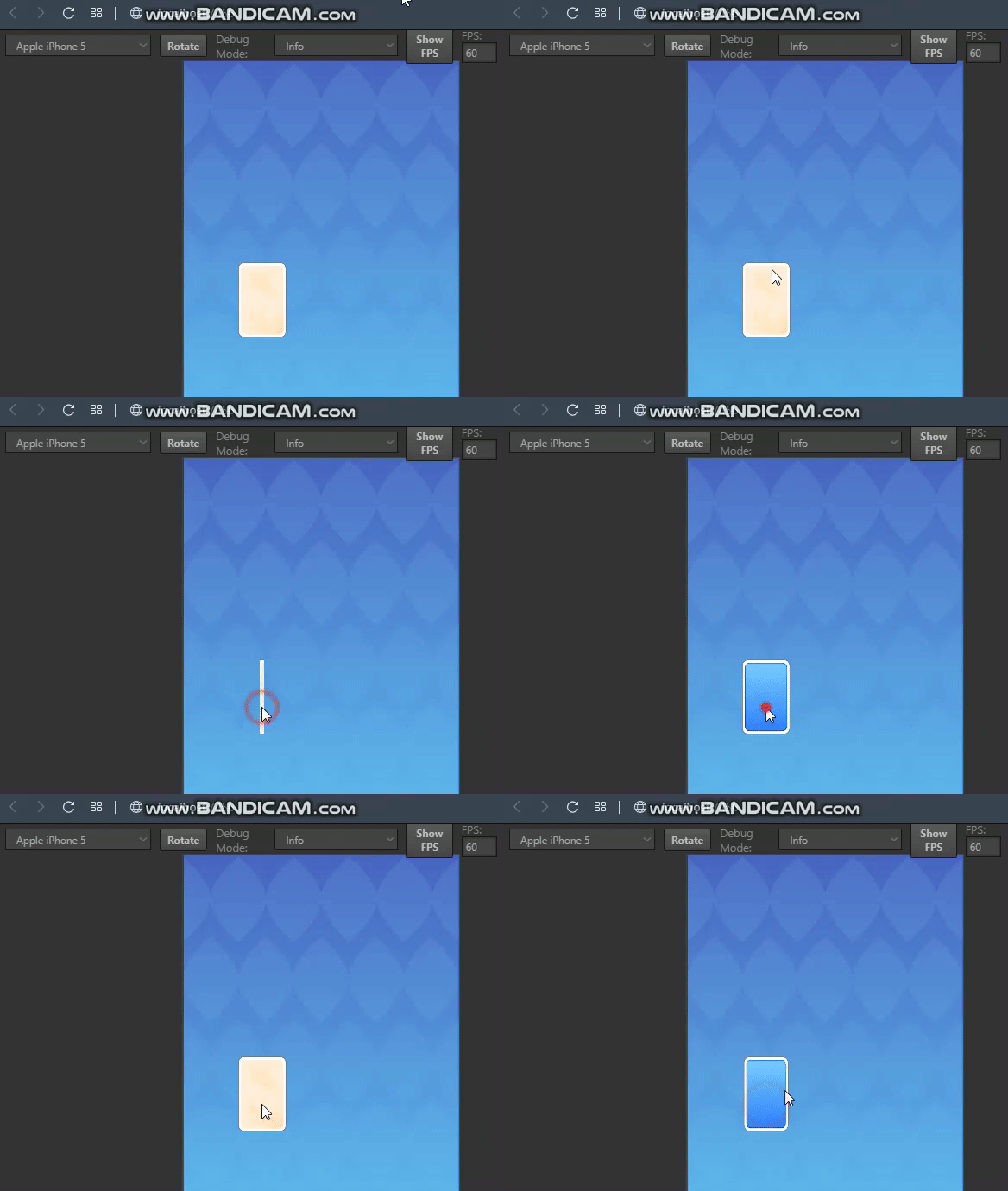
Now both the simulator and the browser behave identically:
Creator version?(版本号)
2.4.0
Affected platform?(受影响的平台)
Web (tested on Chrome & Firefox on Windows, Safari on iOS)
How to reproduce?(如何重现)
Rotation of a node around X and Y axes works in simulator but doesn't work in browser unless the node is being explicitly converted to 3D.
A scipt, that is attached to a regular node with a sprite, contains the following snippet:
It works perfectly fine when being run in the simulator: the node smoothly rotates around the Y-axis:
But in bowser it doesn't work - no rotation is being performed:
It doesn't rotate around X-axis as well, when the value of
rotationVecis changed tocc.v3(angle, 0, 0).If the value of
rotationVecis changed tocc.v3(0, 0, angle), the node rotates around Z-axis, but without animation/easing.Solution
The node must be explicitly converted to 3D:

Now both the simulator and the browser behave identically:
