Skills Learned: Active Directory, Powershell, Windows Server, Windows Networking, Virutalization
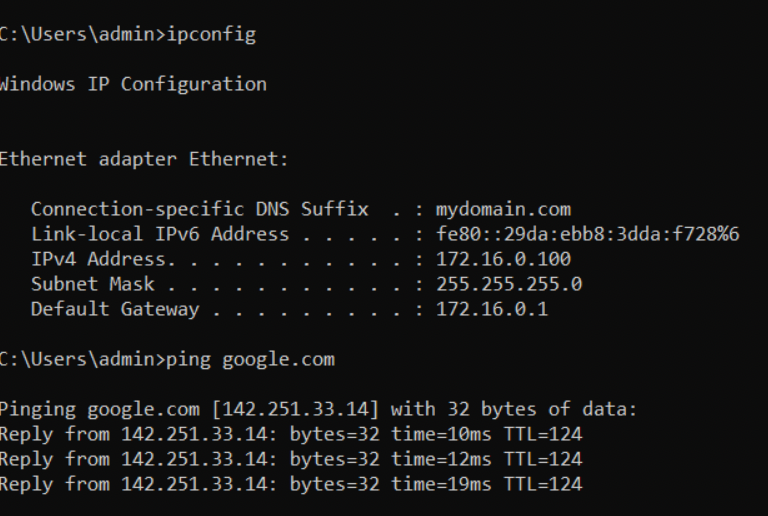
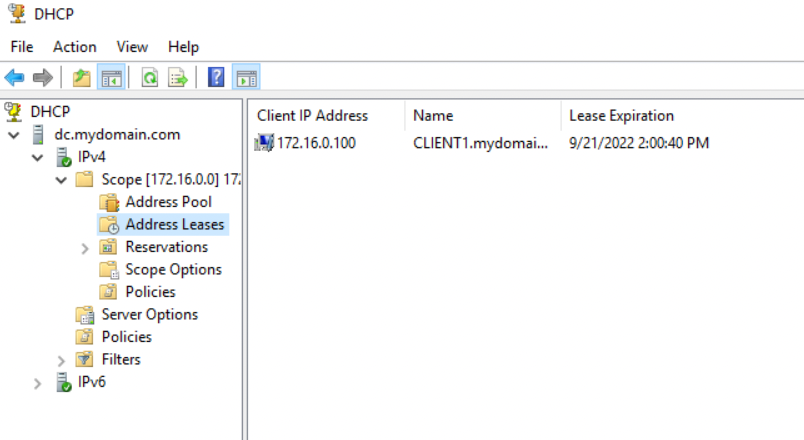
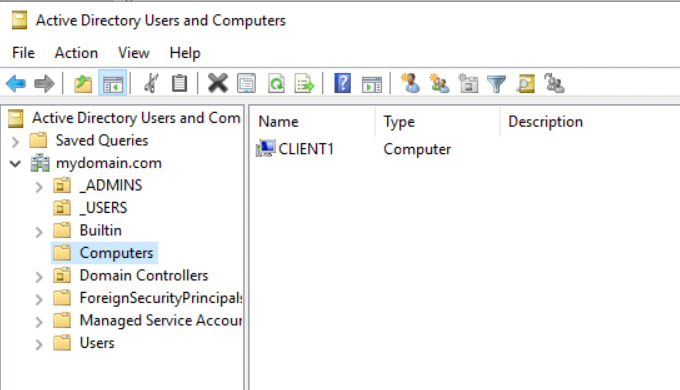
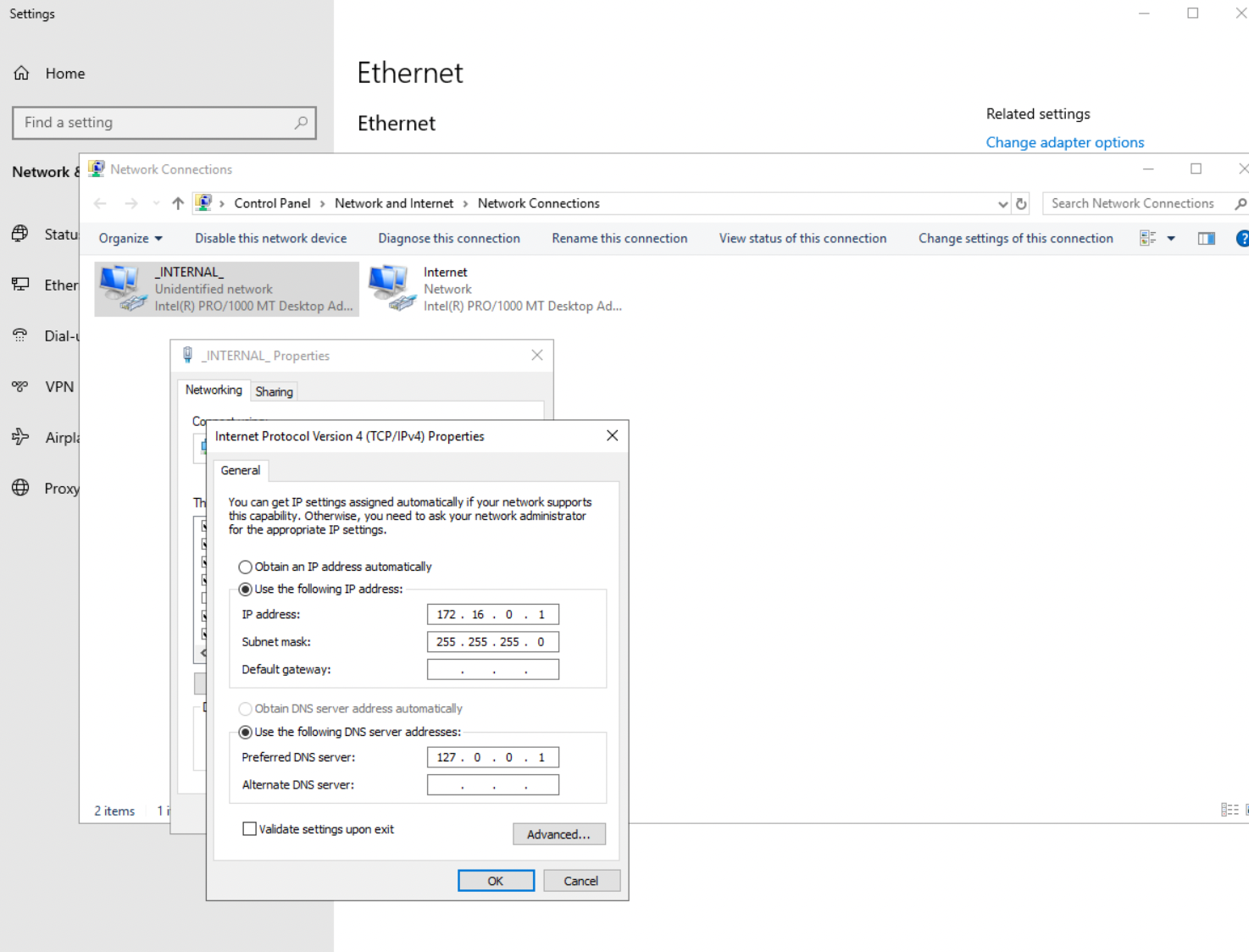
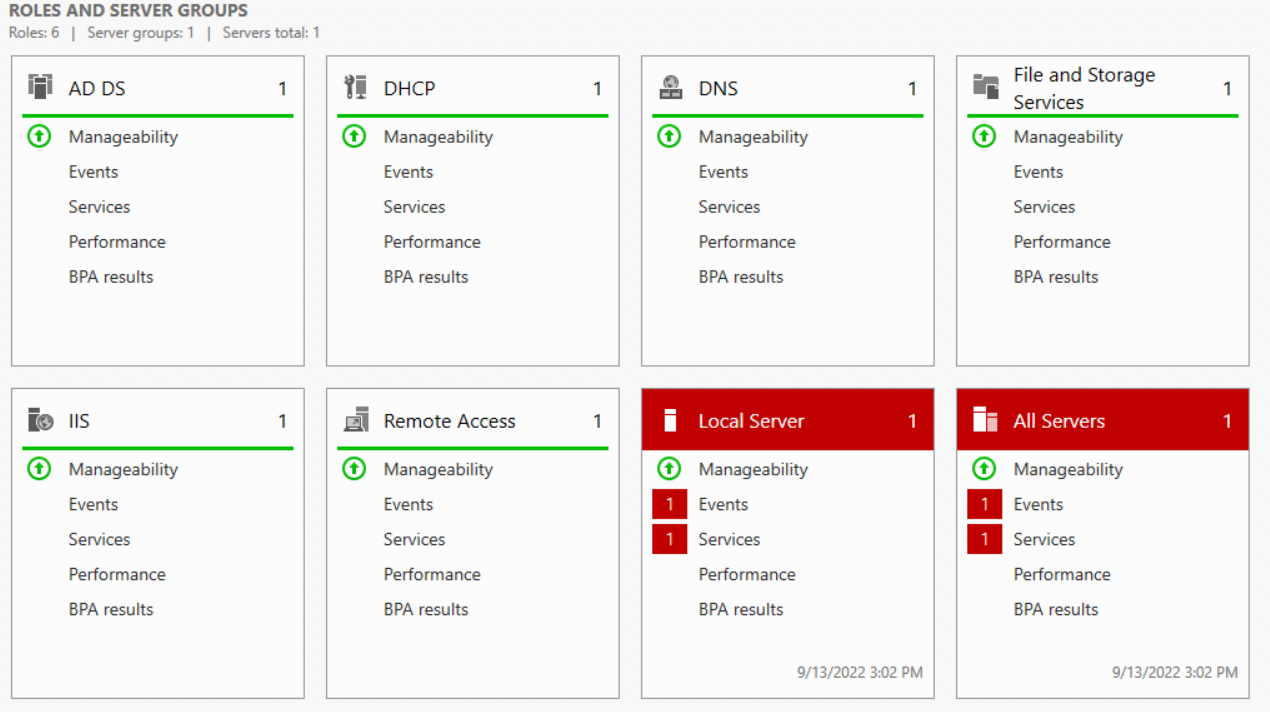
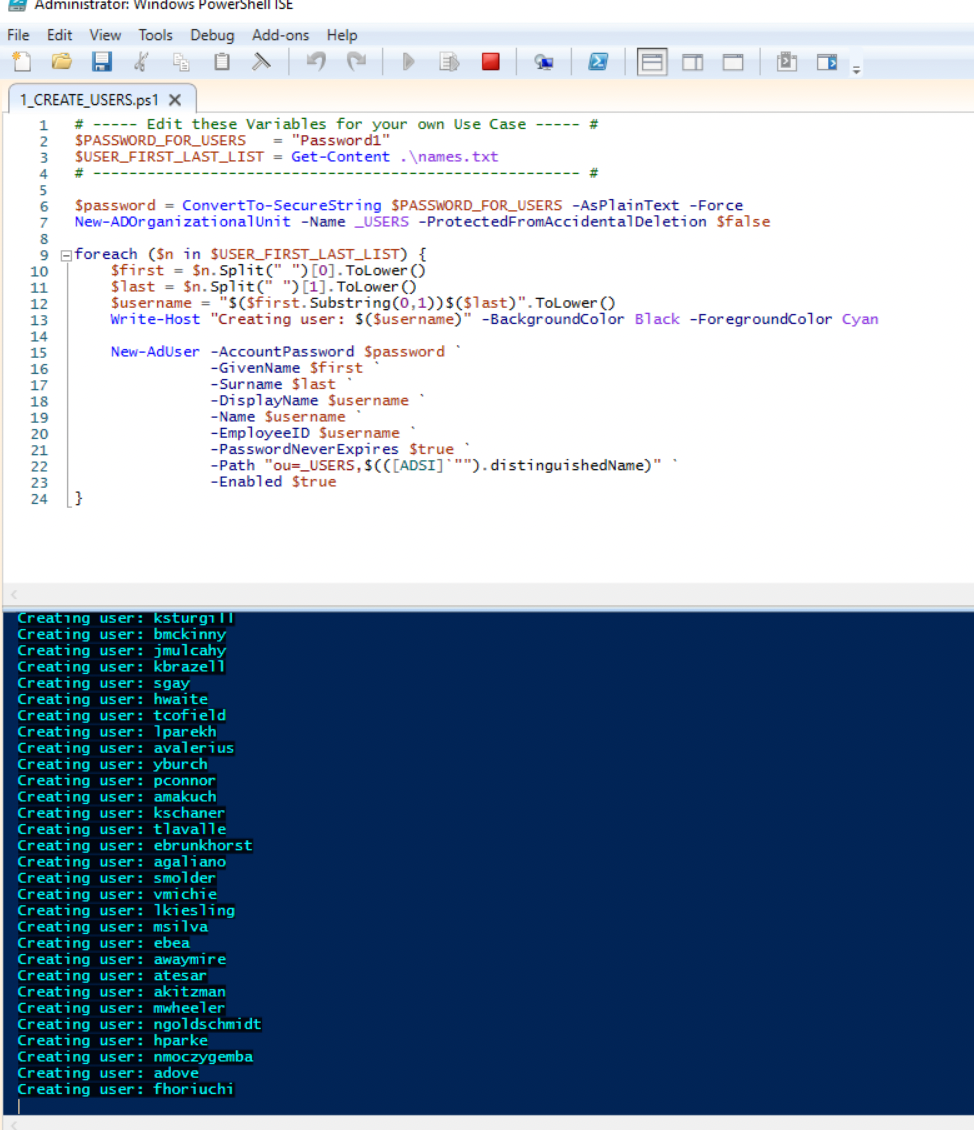
I am following a tutorial video found here.I created an Active Directory home lab environment using Oracle Virtual Box. I created 2 virtual machines, one running Windows Server 2019 and the other a Windows 10 client. The Server 2019 VM acted as the Domain Controller and had Active Directory Domain Services, RAS, NAT, and DHCP services installed on it. It has 2 network adapters, one connected to my home network and one connected to an internal network. I assigned the internal network adapter an IP address, renamed the server, and after installing and configuring Active Directory, I created a Domain Admin account that I used to install RAS and NAT so the client can connect to the internet and DHCP so the client will automatically be assined an IP address. Once the VM was set up I used a Powershell script to automate the creation of over 1,000 users in Active Directory. I then set up the Windows 10 VM, changing the network adapter to the internal network, checked for the IP address and internet connectivity provided by the domain controller, added it to the domain, and logged into it with one of the user credentials created from the Powershell script. This concluded the setup of the lab environment.
Server Manager showing installed services: Active Directory Domain Services, Remote Access with NAT, and DHCP
Windows 10 Client ipconfig showing DHCP assigned IP address and Internet connectivity through Routing and NAT